Website visitor tracking software that shows intent before the first message.
Chatdrill is website visitor tracking software that shows who is on your site right now — every page they have read, the campaign that sent them, how many times they have been back, and a lead score built from behaviour rather than guesswork.
- One script tag
- Live in minutes
- Works with your consent banner
12
visitor tracking signals attached to every live session
1
script tag to install — nothing else to deploy
0
forms a visitor has to fill in before you can see them
24/7
live visitor monitoring, including out of hours
Website visitor tracking that ends in a captured lead, not another anonymous bounce.
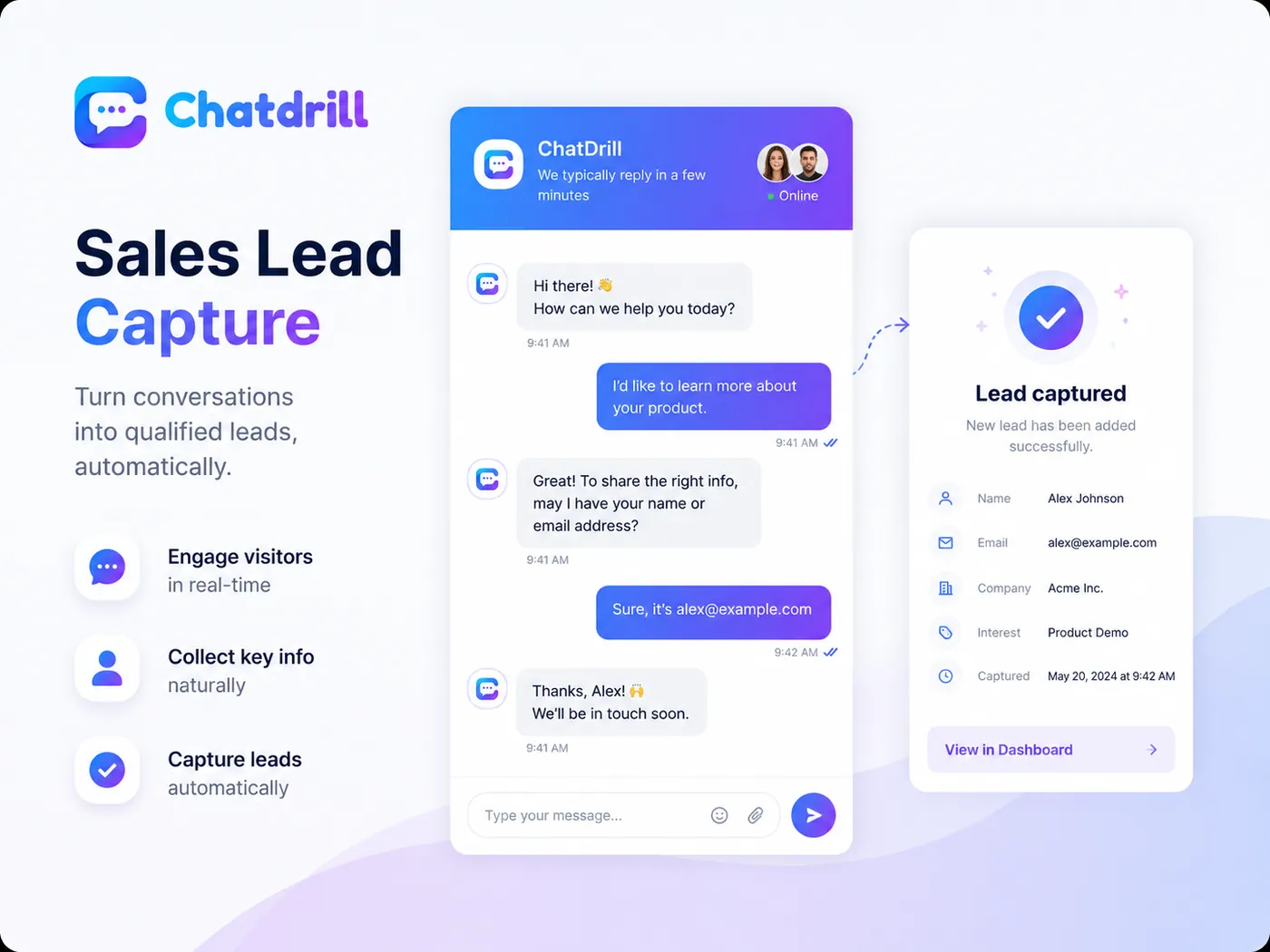
Most analytics tools tell you a session happened and stop there. Chatdrill keeps the session, the referrer and the UTM tags attached to a person, so the moment somebody gives you an email address the whole journey becomes a lead record your sales team can actually read.
- Qualify in the conversation rather than behind a form nobody wants to fill in — name, email, company and interest, asked in the order that suits the chat.
- Campaign attribution survives the handover. The utm_source that brought them in is still on the contact when the deal closes three weeks later.
- One record, not a spreadsheet row. The lead arrives with the pages read, the visit count and the transcript already attached.
- Push it where sales already work — HubSpot, Salesforce, Pipedrive or Zoho, created and updated as the conversation happens.
 Your brand
Live visitor monitoring shows who is on your website right now, not yesterday.
Traditional web analytics tells you what happened yesterday. Real-time visitor monitoring tells you what is happening while it is still happening — and now is the only moment you can still do something about it.
- Everyone, not just the people who message. Anonymous visitors appear the moment a page loads, with their session already building underneath them.
- Sorted by buyer intent so the queue starts with the person on the checkout page, not the person reading your careers page.
- One click to open a conversation — with the visitor journey, referrer and UTM tags already attached to the thread.
- Shared with the team. Everyone sees the same live list, and who is already talking to whom, so nobody gets messaged twice.
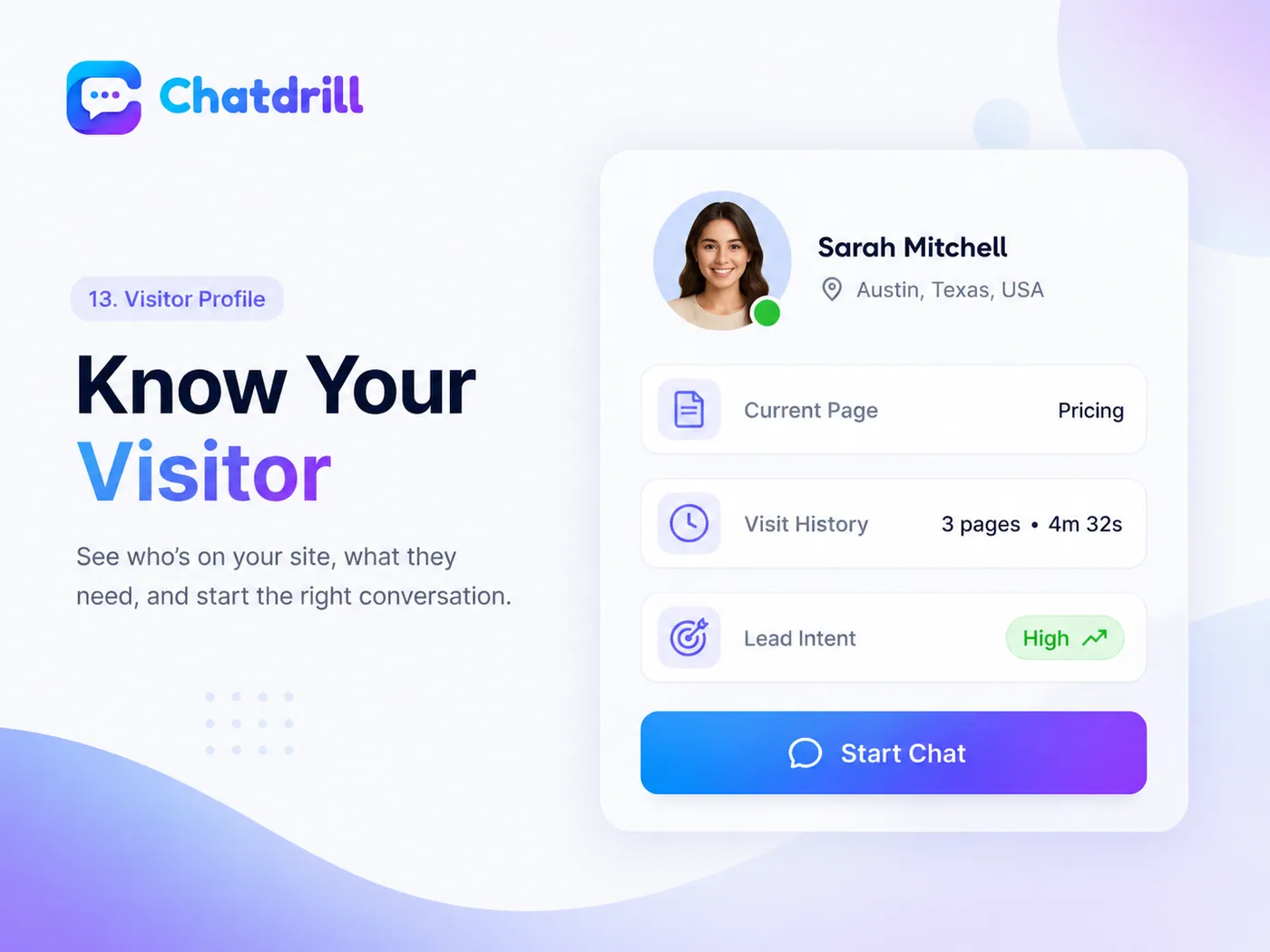
Twelve visitor tracking signals gathered before anyone says hello.
None of this asks the visitor to fill in a form. It is what your own website already knows about the session — collected in one place, written in plain language, and attached to a person rather than to a chart.
Who is on the site right now
A real-time visitor list that updates as people arrive, move between pages and leave — no refresh, no five-minute reporting delay.
The exact URL they are reading
Including query strings, so you can tell a plan comparison apart from a blog post about pricing, and act on the difference.
The whole path, in order
Visitor journey tracking records every page in the session with the time spent on each one, read top to bottom like a story.
Where they came from
The search engine, marketplace, newsletter or partner site that sent them, captured before the first click inside your site.
Source, medium, campaign
UTM and referrer tracking runs on arrival, and the campaign tags stay attached to the conversation, the contact and the report.
City, region and country
Derived from the IP address, so you know which timezone and which language you are answering into before you type.
Phone or desktop, and what they run
Useful the moment somebody says a page looks broken — you already know the screen and the browser they are looking at.
This session and every session
Thirty seconds and eleven minutes are different questions. The live list shows you which one you actually have.
Visit count and first seen
A returning visitor on their third visit in a week is a buying signal. It sits next to the name so nobody has to go looking for it.
Every conversation you have had
Past chats, tickets and internal notes are attached before you type the first word of the new conversation.
Your own events, your own names
Send trial_started, plan_viewed or cart_updated from your own application and they appear on the visitor timeline.
Buyer intent, as a number
One field built from the eleven above that answers the only question that matters: is this person worth saying hello to.
Proactive chat triggers that start the conversation at the right moment.
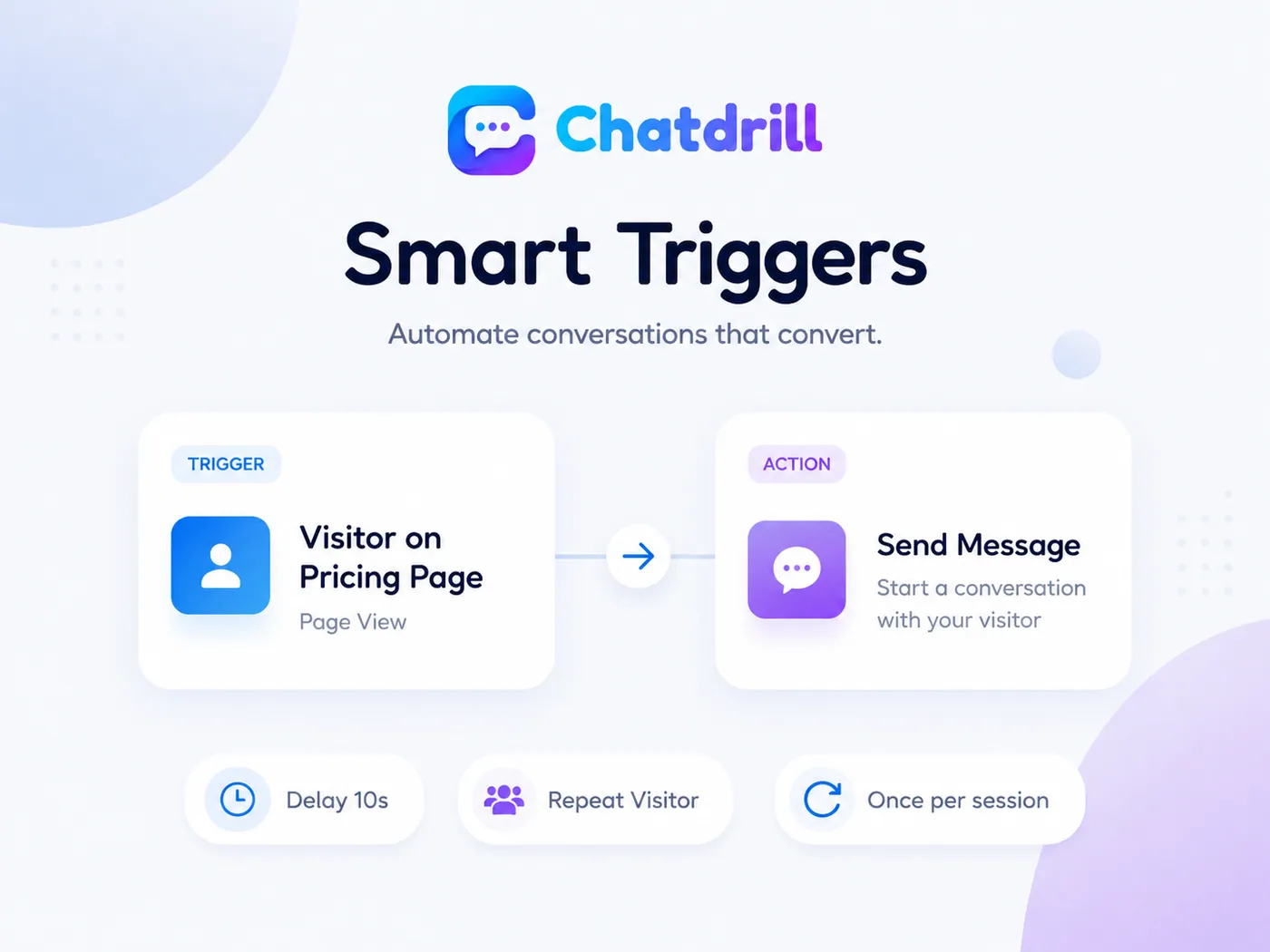
A pop-up on every page is an annoyance. A message that arrives on the third pricing visit, twenty-five seconds in, from somebody who came through a paid campaign, is a conversation. The difference is entirely in the conditions you put in front of it.
- Trigger on behaviour — page, time on page, scroll depth, exit intent, return visit or a custom event fired by your own application.
- Filter before you interrupt — only visitors from a campaign, only returning visitors, only people who have never spoken to you before.
- Send once, not every time. Frequency caps and once-per-session rules stop the same message following somebody around the site.
- Hand straight to a person when they reply, with the full visitor journey already in the thread so nobody starts from nothing.
Send a high-intent website visitor to the right person while they are still on the page.
Knowing that an enterprise evaluator is reading your pricing page is only useful if somebody who can answer them finds out in time. Visitor tracking feeds the same rules engine that routes conversations, so intent becomes an assignment rather than a notification nobody reads.
- Alert a team or a person in the inbox, on mobile or in Slack, with the visitor's pages, campaign and score in the alert itself.
- Round robin across whoever is online, so a high-intent visit does not land with somebody who logged off an hour ago.
- Let the AI open the conversation out of hours and hand over the transcript when your team comes back online.
Lead scoring turns buyer intent signals into a number you can act on
A live visitor list is only as useful as its ordering. Chatdrill scores every session from behaviour — pages, dwell time, return visits, traffic source and your own events — so the top of the list is where the next customer actually is.
- Every score is explainable. Open a visitor and you can see which signals fired and what each one contributed.
- Scores decay. A hot visit from six weeks ago should not outrank somebody reading your checkout page this minute.
- Usable everywhere — filter the live list by it, route on it, trigger on it and report on it alongside the rest of your support metrics.
What raises a website visitor's lead score and what quietly lowers it.
The score is behaviour arithmetic, not a black box. Here is what pushes a visitor up the live list, and what pushes them back down it — all of it editable, none of it hidden.
What raises a score
Buyer intent signals — somebody is deciding
- Opening the pricing page more than once in the same session
- Reaching checkout, a demo form or a plan comparison
- Coming back within seven days of the last visit
- Arriving from a branded search or a campaign you paid for
- Spending more than two minutes on a single product page
- Firing a custom event you have marked as high value
What lowers a score
Signals that this is not the moment
- One page, then gone again in under ten seconds
- Landing on a blog post and never leaving it
- Traffic that matches a known bot or crawler
- Referrers unrelated to anything you sell
- Returning only to the careers or status pages
- No activity at all for the last thirty days
You set the weights
Every signal has a weight you can change, and every scored visitor shows which signals fired. If your highest-intent page is a sizing guide rather than a pricing table, tell the score that and it will agree with you from the next session onwards.
Visitor tracking privacy: consent, retention and first-party data only.
Visitor tracking has a bad reputation because a lot of it is surveillance sold as insight. This is the opposite — your own data, on your own site, gathered with consent, kept for as long as you choose, and switchable off in one setting.
First-party data only
The tracker runs on your domain, collects on your behalf and stores against your workspace. Nothing is pooled with other customers, and nothing follows a visitor to somebody else's website.
It respects your consent banner
Point your cookie consent tool at the Chatdrill script. Until a visitor accepts, visitor tracking stays off and the widget still works as a plain chat box.
Retention you set
Choose how long visitor sessions and anonymous records are kept — days, months, or until you delete them. The setting applies to everything collected after you change it.
Anonymous until they tell you
A visitor is a session, a country and a path until they give you an email address or you identify them from your own app. We do not attach a name you never collected.
We do not sell your data
Visitor and conversation data is not sold, rented or used to build an advertising profile. It exists so you can answer the person in front of you, and for nothing else.
Export and delete on request
Export everything held about a contact, or delete the contact and every conversation attached to it, from the profile itself. No support ticket required.
Everything else this website visitor tracking software does for your team.
Live visitor list
Everyone on the site right now, sorted by intent, updating as they move between pages.
Filters and saved views
Narrow by page, country, campaign, device or lead score — then keep the view for the whole team.
Website visitor tracking questions people actually search for.
Straight answers about what is collected, what is not, and what you can do with it.
Install the Chatdrill script on your site and open the live visitors list. Everyone currently browsing appears within seconds, with the page they are reading, the referrer that sent them, their location, their visit count and a lead score. The list sorts itself by intent, so the person on your checkout page is above the person on your careers page.
Yes — that is most of the list. Anyone who loads a page with the widget installed appears as a live visitor, whether or not they ever click on it. Opening the chat is one thing a visitor can do, not the condition for being seen at all.
In most jurisdictions, yes, and Chatdrill is built to wait for it. Load the script through your consent manager and tracking only starts once the visitor accepts. You can also run the widget in a consent-free mode where it handles live chat but stores no session history.
Only when they tell you, or when your own systems already know. A visitor stays anonymous until they give you an email address in chat, or until your application calls identify() after they sign in. Chatdrill does not buy third-party identity data and will not guess a name onto a session.
From behaviour, not from a black box. Pages visited and how long each one held attention, how many times they have been back, where they came from, whether they reached a high-intent page, and any custom events you marked as valuable. Every weight is editable, and each scored visitor shows which signals fired.
Location comes from the IP address and is usually right at country level and often right at city level. VPNs, corporate networks and mobile carriers can push it a long way off. Treat it as a hint about timezone and language, not a fact about where somebody lives.
No. The widget and tracker load asynchronously and weigh a few kilobytes, so they never block rendering or delay your own scripts. If our service is unreachable, your page carries on exactly as if the script were not there.
Yes. Exclude by URL pattern so internal tools and staging pages are never tracked, and exclude your office IP ranges so your own team never appears in the live visitor list. Excluded traffic is dropped before it is stored, rather than hidden afterwards.
Want to see it on your own site? Book a 30-minute demo and we will install it live.
Start tracking website visitors and turn intent into conversations
Install one script tag, watch the live visitor list fill up, and start the conversations that were already happening in silence.
No credit card required.