
Live chat software pricing that starts at zero and scales with conversations.
Chatdrill's live chat software pricing starts at $0 a month. The live chat widget and shared inbox are on every plan; the AI Agent and extra channels — WhatsApp, Instagram, Slack and email — switch on from Essentials. You grow by volume and capability, not by paying for every login.
- Free plan, forever
- No credit card
- Cancel any time
$0
to start: the free live chat plan never expires
$35
a month for the first paid plan, billed monthly
20%
off Starter and Essentials when you pay annually
4
plans, from free to enterprise
Compare live chat and AI chatbot plans from free to enterprise.
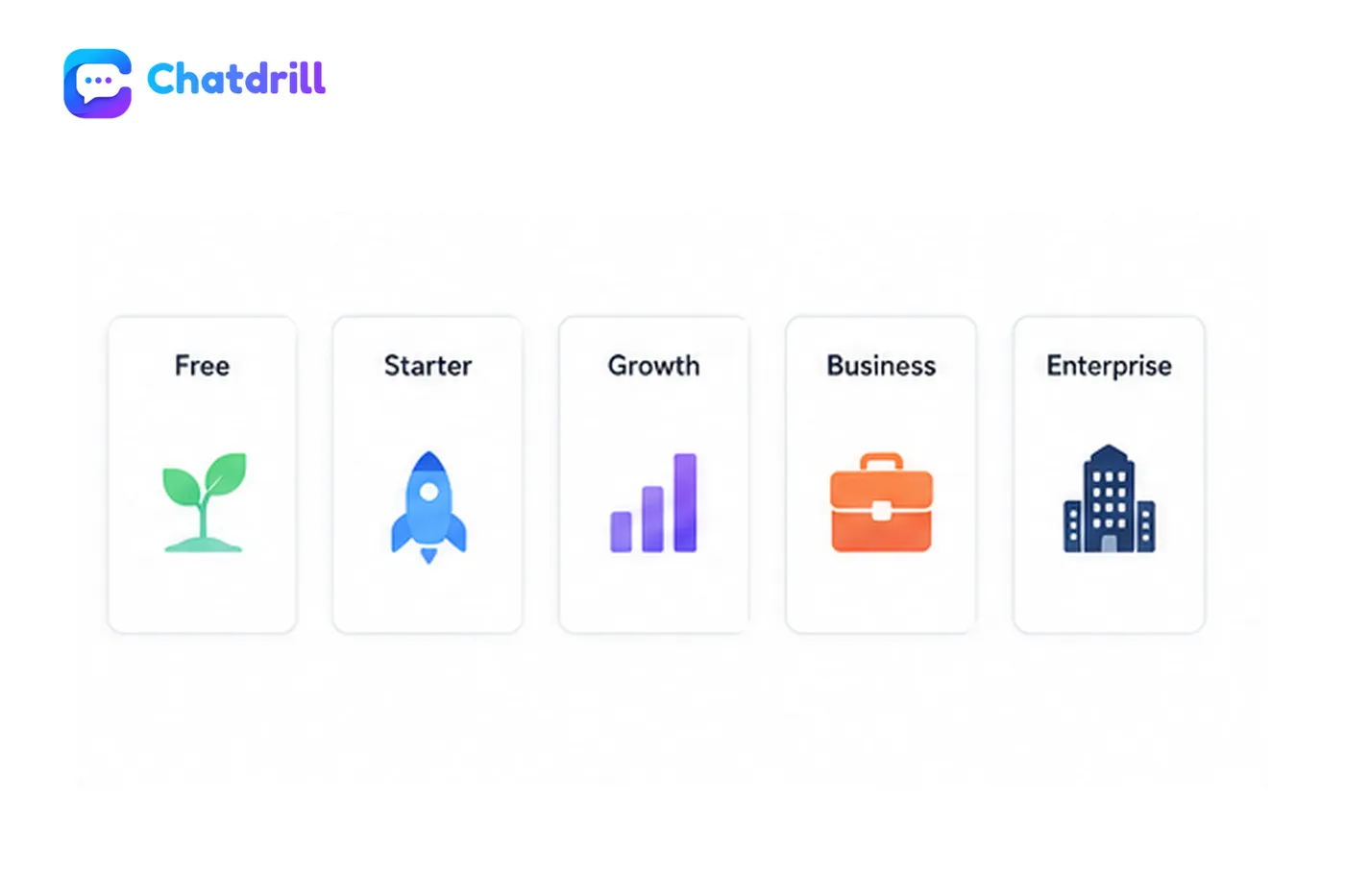
Four plans, from a free tier that never expires to enterprise. Free and Starter run your live chat, automation and ticketing; Essentials switches on the AI Agent and omnichannel; Enterprise adds advanced AI, analytics and controls.
Prices in USD, per month. Annual billing is about 20% cheaper on Starter and Essentials, and Enterprise is invoiced against your volume.
Free
Basic live chat to get started.
$0/ mo
Free forever, no card needed
Save $0 a yearStart my free trial- 1 agent seat
- 100 conversations / month
- 30-day conversation history
- 1 website
- Live chat widget & agent rating
- AI agent — limited monthly allowance
- Lite chatbox customization
Starter
For small teams answering every message themselves.
$28/ mo
$336 billed yearly
Save $84 a yearStart my free trial- 5 agent seats
- 2,000 conversations / month
- AI agent — larger monthly allowance
- Unlimited conversation history
- Message edit, delete & voice notes
- File sharing (up to 4 per chat)
- Canned replies, assignment & takeover
- Triggers, ticketing (5) & IP banning
Essentials
Omnichannel support with the AI Agent switched on.
$68/ mo
$816 billed yearly
Save $204 a yearStart my free trial- +Everything in Starter, plus:
- 20 agent seats
- Knowledge base & AI assist
- Omnichannel — WhatsApp, Instagram, Slack, email
- Campaigns, segments & advanced triggers
- Full ticketing — SLA, Kanban, history
- Advanced analytics, transcripts & reviews
Enterprise
Advanced controls, volume and dedicated support.
Custom
Contact us for pricing
Save $0 a yearContact Sales- +Everything in Essentials, plus:
- Unlimited agent seats
- Advanced AI — auto-tagging, summaries, spam filter
- Agent performance, custom reports & data export
- White label & status page
- Super admin panel & role controls
- Dedicated support & DPA
Swipe to see every plan
Every plan includes
- Live chat widget & team inbox
- Agent rating & emoji
- Real-time notifications
- Two-factor auth & GDPR
- 24/7 support & Help Center
- No setup fee · cancel any time
What counts as a conversation in Chatdrill's pricing?
Because every plan is metered in conversations, the definition matters more than the headline price. A conversation is a single thread with one customer inside a 24-hour window — however many messages it takes, and whichever channel it arrived on.
- Counted once, not per message. A thread that runs all day is one conversation, whether it takes three replies or thirty.
- Same price on every channel. Website chat, WhatsApp, Instagram, Messenger and email are all simply conversations.
- AI hand-off is not double-counted. If the AI Agent answers and then passes the thread to a person, it counts once.
- Nothing counts until someone writes. Page views, widget opens and your own internal notes are free.
Going over the limit does not break anything
No conversation is ever blocked. You will see a usage banner in the dashboard and a prompt to upgrade — never a surprise invoice. If the spike turns out to be your new normal, moving up a plan is prorated to the day.
One customer, one Tuesday
A worked example, start to finish
- 09:14A customer asks where their order is.Conversation opens
- 09:14The AI Agent answers with live tracking.Counts as AI
- 09:21She asks to change the delivery address.
- 11:40An agent takes over and confirms the change.
- 16:05She replies to say thanks.
1
conversation used
1
AI conversation used
Five messages, two channels of attention and one hand-off from AI to a human — still a single conversation against the plan. When she comes back the next morning with a new question, that opens conversation number two.
How Chatdrill pricing compares with per-seat live chat software.
Customer service software is usually sold one of two ways: by the seat, or by the conversation. Chatdrill is priced by the conversation, so you pay for the demand you answer, not for every login.
Per seat
Software billed by the number of logins
Seat pricing charges for every person who can open the inbox. The bill follows the shape of your team, so a weekend stand-in, a night-shift agent and a manager who only reads threads each cost the same as a full-time agent.
- Predictable when your team size barely moves
- Gets expensive when you want more people covering peaks
- Encourages sharing one login, which breaks reporting
Per conversation
Chatdrill is billed by the demand you answer
Every Chatdrill plan comes with a block of conversations and a block of agent seats. Your bill moves with the volume of customer conversations you handle, not with each extra person you add to the queue behind them.
- Adding a second person during a busy week costs nothing extra
- The AI Agent absorbs the repeats inside the same allowance
- A conversation on WhatsApp costs exactly what one on your website costs
Neither model is automatically cheaper, and we would rather you worked that out before you pay than after. A large team handling a small, steady number of tickets can do well on seat pricing. If your volume is seasonal or spikey, or a small team leans on customer service automation to absorb the repeats, per-conversation pricing tends to track the value more closely — and putting a second person in the inbox during a busy week costs you nothing.
What every Chatdrill plan includes, whatever you pay.
The difference between the plans is volume and depth. The difference is never whether you are allowed to talk to your customers, or whether the AI agent is switched on.
Live chat on every plan
The widget, proactive triggers and canned replies start on the free tier. No plan sells you a chat bubble and charges extra to use it.
See how the live chat software worksThe everyday inbox tools, on every plan
Desktop and sound notifications, agent rating, emoji and real-time delivery are on every tier — the tools you use all day are never a paid upgrade.
Explore the shared inbox softwareOne shared team inbox
Every website conversation lands in a single queue your whole team works from. Extra channels — WhatsApp, Instagram, Slack, Telegram and email — join from the Essentials plan.
See how the team inbox worksNo setup fee, no contract
Start on Free with no card, upgrade when your volume does, and cancel any time. The paid plans are self-serve month to month; Enterprise is the only one quoted by hand.
Compare every planThe same data protection throughout
TLS in transit, encryption at rest, role-based access and GDPR-ready export and deletion apply whether you pay nothing or pay for Enterprise.
Read how conversations are protectedBuilt for small support teams
Automation covers the repeat questions instead of an implementation project covering the gap between what you bought and what you needed.
See Chatdrill as customer support softwareLive chat software pricing compared, line by line.
Everything each plan includes — and everything it does not. Where something is limited, the limit is in the table rather than in a footnote.
Scroll the table sideways to see every plan.
| Feature | Free$0/mo | Starter$28/mo | Essentials$68/mo | EnterpriseCustom |
|---|---|---|---|---|
| Plan | ||||
| Price / month | $0 | $35 | $85 | Custom |
| Agents included | 1 | 5 | 20 | Unlimited |
| Conversation allowance | 100 | 2,000 | Custom | Custom |
| Conversation logs | 30 days | Unlimited | Unlimited | Unlimited |
| Websites | 1 | 3 | Unlimited | Unlimited |
| Chatbox customization | Lite | Basic | Advanced | Full |
| Inbox & chat | ||||
| Live chat widget | ||||
| Message send & receive | ||||
| Typing indicator | ||||
| Message edit | — | |||
| Message delete | — | |||
| File sharing | — | Up to 4 | ||
| Voice messages | — | |||
| Agent assignment | — | |||
| Canned response suggestions | — | |||
| Agent rating | ||||
| Chat takeover | — | Leaders only | ||
| IP banning | — | |||
| Real-time notification | ||||
| Conversation transcript | — | — | ||
| Live video call | — | — | ||
| Missed chat reports | — | |||
| Feedback & reviews | — | — | ||
| Send emoji | ||||
| Send GIFs | — | |||
| Chatbox settings | ||||
| Email capture | — | |||
| File permission | — | |||
| Voice permissions | — | |||
| Sound configuration | — | |||
| Do not disturb | — | |||
| Custom notifications / sounds | — | |||
| Agent photo in widget | — | |||
| Inactivity message | — | — | ||
| Channels & integrations | ||||
| — | — | |||
| — | — | |||
| Messenger | — | — | ||
| Telegram | — | — | ||
| Slack | — | — | ||
| Discord | — | — | ||
| Email channel integration | — | — | ||
| Shopify | — | — | ||
| Contact Form → Inbox | — | — | ||
| Google Analytics | — | — | ||
| CRM integrations (Zoho, Pipedrive) | — | — | ||
| Custom API integrations | — | — | — | |
| Automations & campaigns | ||||
| Basic triggers | — | |||
| Scroll-based trigger | — | |||
| URL-based trigger | — | |||
| Advanced conditions (AND/OR) | — | — | ||
| Campaign scheduling | — | — | ||
| Audience targeting | — | — | ||
| Live preview | — | — | ||
| Artificial intelligence | ||||
| AI chatbot | — | — | ||
| Knowledge base training | — | — | ||
| AI reply assistant | — | — | ||
| Smart responses | — | — | ||
| Internal AI copilot | — | — | ||
| Voice to text | — | — | ||
| Multilingual AI | — | — | ||
| AI writing assistant | — | — | ||
| Advanced AI automation | — | — | — | |
| MCP Server | — | — | — | |
| AI-powered site search | — | — | — | |
| AI inbox spam filter | — | — | — | |
| Auto-tagging of conversations | — | — | — | |
| Conversation summary | — | — | — | |
| Ticketing | ||||
| Ticket management | — | 5 tickets | ||
| Ticket status tracking | — | |||
| SLA & priorities | — | — | ||
| Kanban view | — | — | ||
| Ticket history | — | — | ||
| Ticket merge | — | — | ||
| Email-to-ticket | — | — | ||
| Advanced automation | — | — | — | |
| Workspace & team | ||||
| Workspace management | Unlimited | Unlimited | ||
| Team invitations | — | |||
| Roles & permissions | — | — | ||
| Staff scheduling | — | — | ||
| Super admin panel | — | — | — | |
| Analytics & tracking | ||||
| Basic dashboard | — | |||
| Agent activity | — | — | ||
| Agent performance | — | — | — | Full |
| Visitor tracking | 25 | 100 | Unlimited | Unlimited |
| Live geo-location map | — | — | ||
| Advanced analytics | — | — | ||
| Prebuilt analytics | — | — | ||
| Custom reports | — | — | — | |
| Data export | — | — | — | |
| Custom dashboards | — | — | — | |
| API analytics | — | — | — | |
| Customization | ||||
| Chat widget translations | Predefined | Inherited | ||
| Right-to-left (RTL) support | — | |||
| Dark mode | — | — | ||
| Live editor (real-time preview) | — | — | ||
| Accessibility compliance | — | — | ||
| Custom logo in widget | — | — | ||
| Multi-brand customization | — | — | ||
| Language selection | — | — | ||
| White label | — | — | — | |
| Status page | ||||
| Node monitoring | — | — | — | |
| Status page customization | — | — | — | |
| Notifications | — | — | — | |
| Announcements | — | — | — | |
| Data & security | ||||
| Two-factor authentication (2FA) | ||||
| TLS encryption | ||||
| GDPR | ||||
| EU-hosted | — | |||
| Credit-card masking | — | — | ||
| Anti-spam protection | — | — | ||
| Data processing agreement (DPA) | — | — | — | |
| Data replication | — | — | — | |
| Support | ||||
| Support over email | ||||
| 24/7/365 support | ||||
| Help Center | ||||
| Get started | Start my free trial | Start my free trial | Start my free trial | Contact Sales |
Enterprise live chat pricing for volume, security review and a contract legal can sign.
If procurement is part of the buying process, start with a conversation instead of a credit card. We will scope seats, conversation volume, data requirements and rollout with you, then quote against your own numbers.
- Everything in Essentials, plus:
- Unlimited agent seats
- Advanced AI — auto-tagging, summaries, spam filter
- Agent performance, custom reports & data export
- White label & status page
- Super admin panel & role controls
- Dedicated support & DPA
Questions about live chat software pricing, billing and limits.
The things people want settled before they put a card in — answered plainly.
Yes. The Chatdrill Free plan is free forever, needs no credit card and does not expire. It covers one agent seat, one website and 100 conversations a month, with 30 days of conversation history and the live chat widget. It is a working plan, not a countdown to a paywall.
The AI Agent is part of the plan rather than a separate licence, and is included from Essentials ($85 a month) upwards — with the AI reply assistant and a knowledge base trained on your own content. Starter ($35 a month) covers live chat, automation and ticketing for a small team, and Enterprise adds advanced AI, quoted against your own volume.
A conversation is a single thread with one customer within a 24-hour window — no matter how many messages are exchanged, or which channel it arrives on. Follow-ups in the same thread on the same day are not counted twice.
The AI Agent — the chatbot trained on your knowledge base, plus the AI reply assistant — is included from Essentials upwards. Advanced AI (auto-tagging, conversation summaries, the inbox spam filter) is an Enterprise capability.
Yes. Upgrade or downgrade at any time from Settings → Billing. Changes are prorated to the day, and downgrades take effect at the end of the current cycle — nothing you have already created is deleted.
Yes — annual billing saves about 20% versus monthly on Starter and Essentials, and Enterprise is invoiced against your own volume.
Nothing you have already created is removed. Conversations keep arriving and your team keeps answering them; where a plan caps something you are asked to upgrade to add more, never charged a surprise overage.
Still not sure which plan fits your conversation volume? Ask us — a human answers. If you would rather see it working first, book a 30-minute demo.
Start on the free plan and pay when your volume does.
Live chat, the AI agent and the shared inbox — live on your website in under ten minutes.
No credit card required.