A WordPress live chat plugin needs to install cleanly without conflicting with a site's existing theme or other plugins, work reliably regardless of which page builder or caching setup a site uses, and offer genuine AI automation without requiring extensive manual configuration.
WordPress's plugin ecosystem is famously vast but also famously variable in quality, making plugin reliability and maintenance quality just as important a factor as feature richness when evaluating options for a live chat specifically.
Because WordPress sites vary enormously, from a simple blog to a complex WooCommerce store to a heavily customized business site, the right plugin choice depends significantly on the specific site type and existing technical setup.
Getting this choice right avoids the common WordPress-specific headaches, plugin conflicts, caching issues, page builder incompatibilities, that can otherwise turn a simple chat installation into a frustrating troubleshooting exercise.
This guide covers what to look for in a WordPress chat plugin, the strongest options in 2026, how they fit different WordPress site types, a closer look at pricing, and common WordPress-specific issues to watch for.
What to Look for in a WordPress Live Chat Plugin
A strong WordPress chat plugin installs without conflicting with common themes or other plugins, works reliably across caching setups and page builders, and offers genuine AI automation without extensive manual configuration.
Compatibility with common WordPress setups
Checking a plugin's reviews and changelog for reported conflicts with popular themes, page builders, or caching plugins reveals real-world compatibility before committing.
This due diligence is genuinely worth the time, since a WordPress-specific conflict can be more frustrating to diagnose than a comparable issue on a simpler platform.
Reliable performance across caching setups
A plugin should load correctly even with common WordPress caching plugins active, since caching issues are one of the most frequent sources of "the widget isn't showing" support requests.
Testing directly with your specific caching configuration during evaluation avoids discovering this incompatibility only after the plugin is already relied upon.
AI automation that works without heavy setup
A plugin offering AI that performs reasonably well with minimal initial training content matters especially for a WordPress site owner without extensive technical resources.
Testing this directly with a handful of real questions during a trial confirms whether the AI genuinely helps or requires more configuration investment than is realistic.
The Best Live Chat Plugins for WordPress
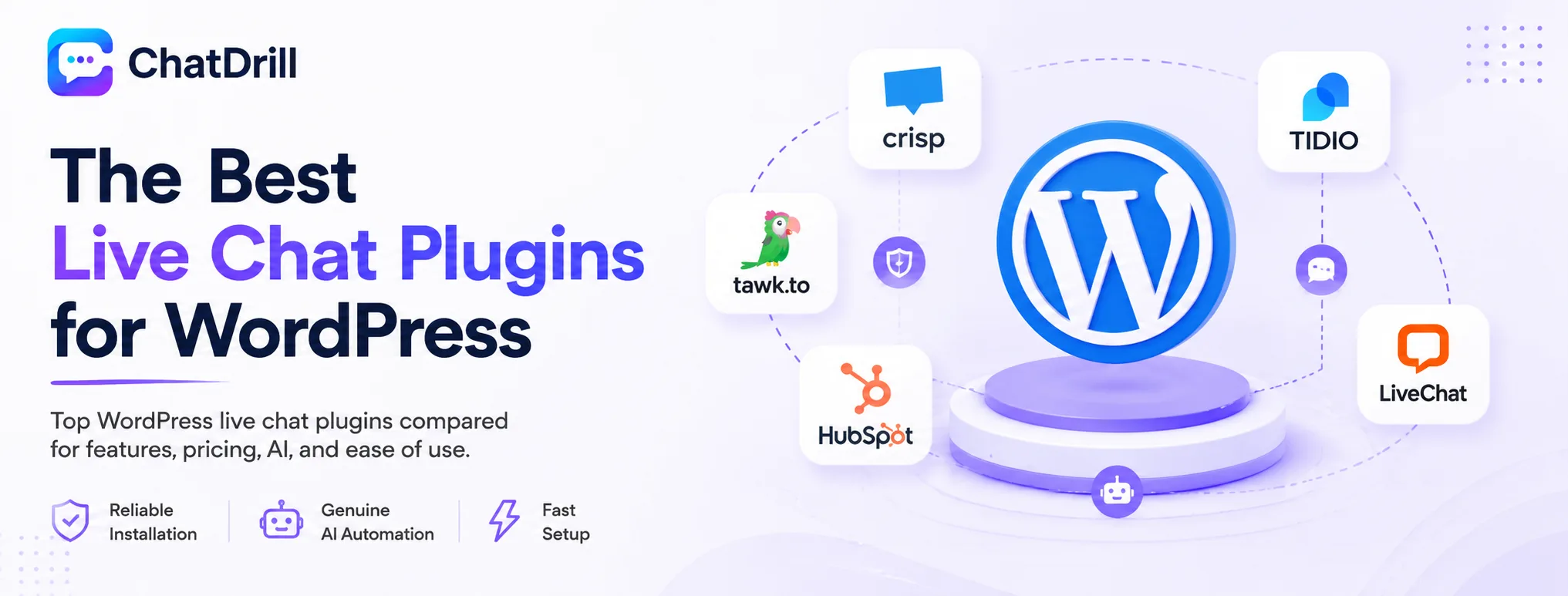
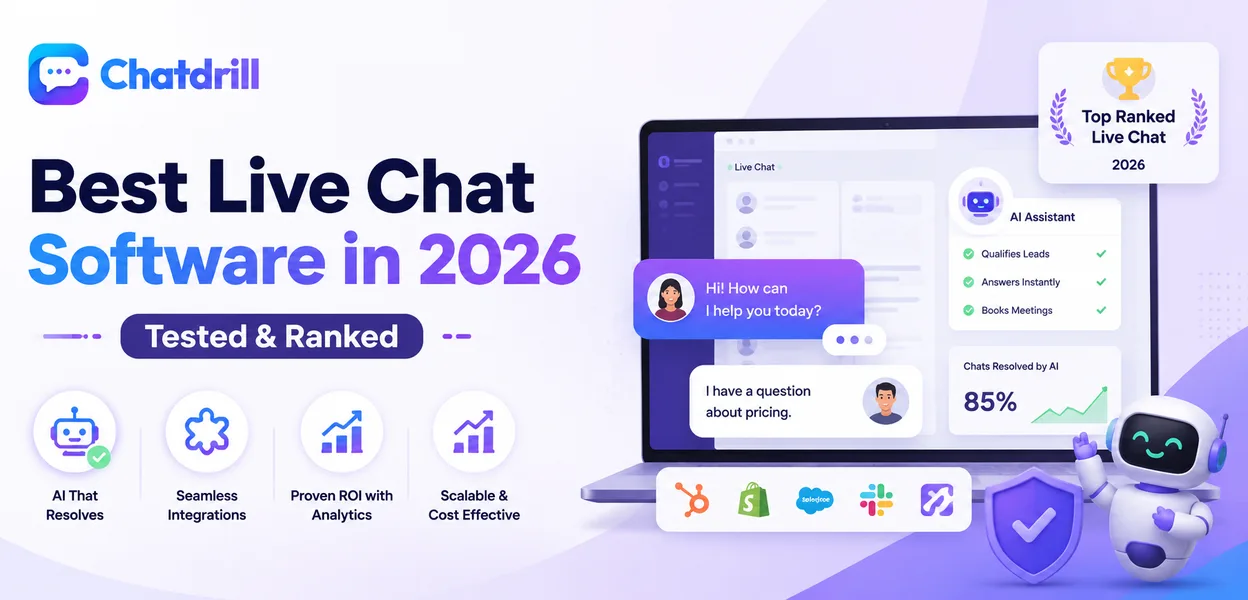
ChatDrill leads for reliable installation with genuine AI, with Crisp, Tidio, tawk.to, HubSpot, and LiveChat each offering a solid, well-maintained WordPress plugin worth considering.
ChatDrill — best overall WordPress chat plugin with AI
ChatDrill's WordPress plugin installs cleanly and includes AI automation trained on your site's actual content, avoiding common WordPress-specific compatibility headaches.
Its setup process is genuinely fast, letting a WordPress site owner without deep technical background get a working, AI-trained widget live quickly.
Sites specifically wanting AI automation without extensive plugin configuration tend to find this a particularly well-suited fit.
Crisp — best free tier with a well-maintained plugin
Crisp's official WordPress plugin is actively maintained and reliably compatible with common WordPress configurations, backed by a genuinely useful free tier.
Its unified inbox across chat, email, and social gives broader channel coverage than a chat-only plugin would.
This suits a WordPress site owner wanting reliable, well-tested plugin quality without committing to a paid plan immediately.
Tidio — best for a WooCommerce store on WordPress
Tidio's WordPress plugin includes strong WooCommerce-specific integration, surfacing product and order data directly for AI to reference.
This makes it a natural choice specifically for an ecommerce WordPress site, less differentiated for a non-WooCommerce WordPress site.
Its fast setup suits a store owner without extensive technical resources to invest in configuration.
tawk.to — best free plugin for unlimited agents
tawk.to's WordPress plugin offers the same unlimited free agent access as its broader platform, a genuinely cost-effective choice for a site with several people needing chat access.
AI automation requires a paid add-on, worth weighing against alternatives if AI is a genuine current priority for the site.
This suits a WordPress site purely optimizing for cost with multiple agents needing access.
HubSpot — best for a site already using HubSpot's CRM
HubSpot's WordPress plugin ties chat directly into its free CRM, a natural fit for a WordPress site already running marketing and sales through HubSpot.
The chat capability itself is lighter than a dedicated plugin, but the CRM integration is genuinely native rather than a workaround.
Sites not already using HubSpot are unlikely to find enough standalone chat value to justify this choice purely for chat.
LiveChat — best for a WordPress site wanting deep reporting
LiveChat's WordPress plugin brings its strong reporting and large integration library to a WordPress site, suited to an owner wanting genuine data visibility.
This suits a site prioritizing analytics depth over maximum AI automation capability.
Its plugin is well maintained and generally reliable across common WordPress configurations.
WordPress Chat Plugins by Site Type
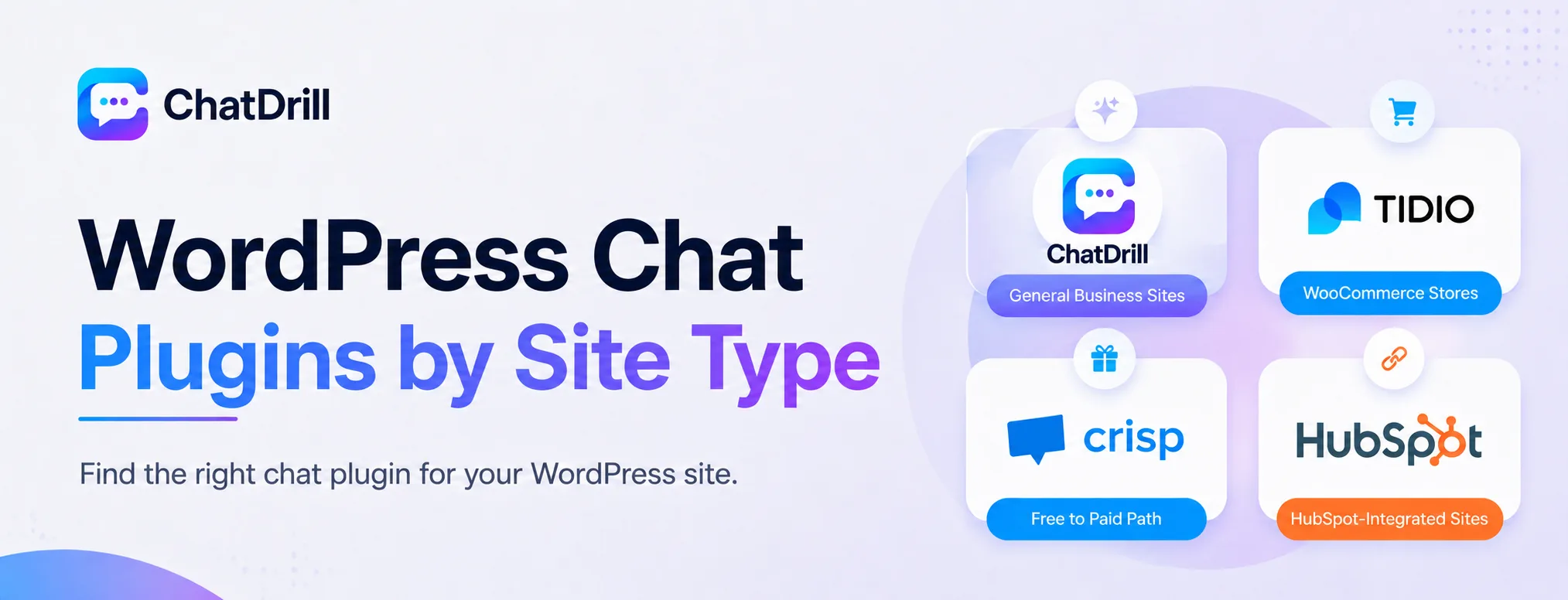
ChatDrill suits general WordPress sites wanting AI, Tidio suits WooCommerce stores, Crisp suits sites wanting a reliable free-to-paid path, and HubSpot suits sites already invested in that CRM.
Best for a general business WordPress site
ChatDrill's AI, trained on your site's actual content, suits a general business site wanting genuine automation without WooCommerce-specific needs.
Best for a WooCommerce store
Tidio's WooCommerce-specific integration makes it a natural first choice for a WordPress site running an online store.
Best for a site wanting a reliable free plugin
Crisp's well-maintained plugin and genuinely useful free tier suit a site wanting reliability without an immediate paid commitment.
Best for a HubSpot-integrated site
HubSpot's native CRM tie-in suits a WordPress site already running its marketing and sales through HubSpot.
WordPress Chat Plugin Pricing: What to Expect
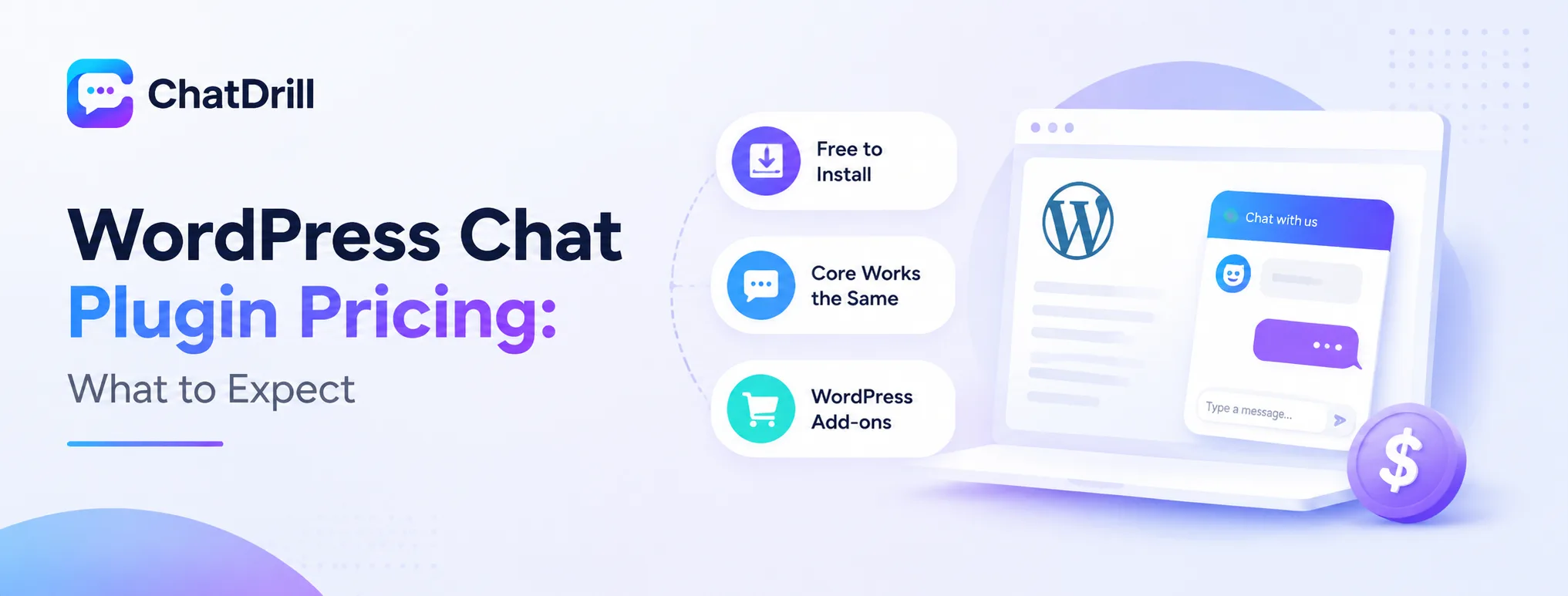
WordPress chat plugin pricing generally mirrors the underlying platform's broader pricing, ranging from free to plan-based paid tiers, with the plugin itself typically free to install regardless of which paid tier is chosen.
The plugin itself is usually free to install
Nearly every platform's WordPress plugin is free to download and install from the WordPress plugin directory, with actual cost determined by the underlying chat platform's own pricing tier.
This means evaluating cost should focus on the platform's broader pricing structure, not a separate plugin-specific fee.
What varies between free and paid plugin experiences
The plugin's core functionality, widget display and basic messaging, generally works the same across free and paid tiers, with AI depth and reporting being what actually differs by pricing tier.
Confirming this distinction during evaluation avoids assuming the plugin experience itself changes meaningfully between pricing tiers, when it's really the underlying platform capability that differs.
Factoring in WordPress-specific considerations
Some platforms charge extra for premium WordPress-specific integrations, like deep WooCommerce data sync, worth checking whether this sits at a base or premium tier.
This WordPress-specific pricing nuance is worth confirming directly, since it's not always clearly reflected in a platform's general, non-WordPress-specific marketing pages.
Common WordPress-Specific Issues to Watch For
The most common WordPress-specific chat plugin issues are caching preventing the widget from loading, theme conflicts affecting widget display, and page builder incompatibilities on heavily customized sites.
Caching preventing widget updates
A caching plugin can serve an outdated page version that doesn't include a newly installed or updated chat widget, resolved by clearing the cache after any chat configuration change.
This is worth building into a standard workflow, clearing cache after any chat-related change, rather than troubleshooting it fresh each time it happens.
Theme conflicts affecting display
A theme's custom CSS can occasionally cause a chat widget to render incorrectly or behind other page elements, usually resolved by adjusting the widget's z-index from the chat platform's own settings.
This is worth checking specifically after any theme update, since a previously working widget can start conflicting after the underlying theme changes.
Page builder incompatibilities
A heavily customized site built with a page builder like Elementor occasionally shows widget display inconsistencies on certain page templates, worth testing across your site's actual page types.
Reaching out to the chat platform's support team with specific examples tends to resolve page-builder-specific issues faster than troubleshooting alone.