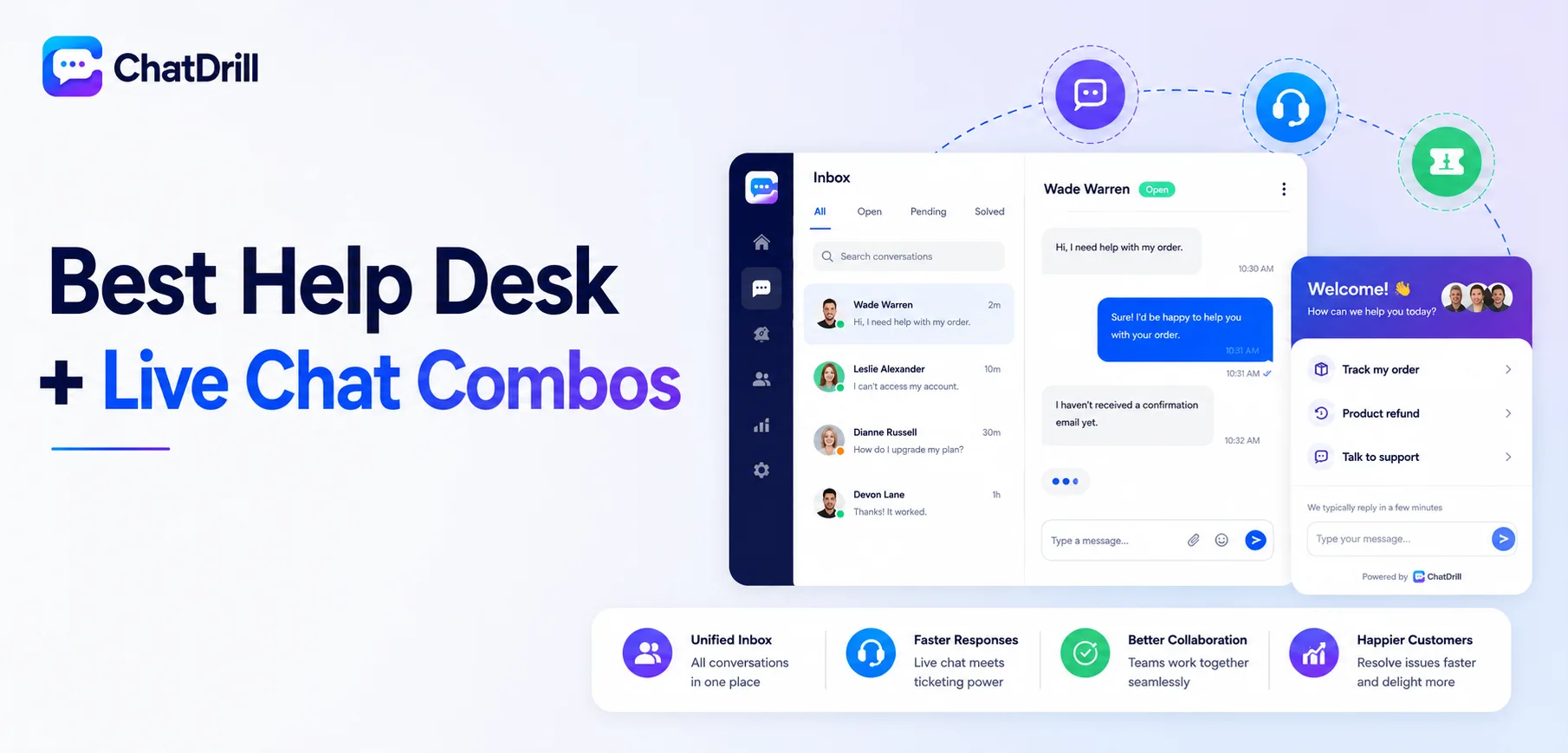
A help desk plus live chat combo means formal ticket tracking and real-time chat run on the same platform, sharing one contact database and one set of reports, rather than a business stitching together two separate tools that don't naturally talk to each other.
This combination matters most for a support operation genuinely juggling both needs, real-time chat for immediate questions and structured tickets for issues that need tracking, follow-up, and accountability over a longer timeframe than a single chat session covers.
Running two disconnected tools instead creates real friction, an agent working a ticket has no visibility into that same customer's earlier chat history, and reporting on overall support performance requires manually combining data from two separate systems.
Not every business needs both halves of this combination equally, some are genuinely chat-first with only occasional need for formal tickets, while others run a ticket-heavy operation where chat is comparatively secondary, and the right combo platform should reflect that actual balance.
This guide covers why a combined platform matters, what to look for when choosing one, the strongest options in 2026, how they fit different support-operation profiles, a closer look at pricing, and what to plan for before switching to a combined platform.
Why a Combined Help Desk and Live Chat Platform Matters
A combined platform matters because it gives a support team one unified customer history spanning both chat and tickets, one set of reporting covering the full support operation, and eliminates the friction of managing two disconnected tools.
The friction of running two separate tools
An agent working a support ticket with no visibility into that same customer's prior chat conversations is working with an incomplete picture, often leading to a customer having to repeat context already shared elsewhere.
This friction compounds over time, as more customer history accumulates across two disconnected systems that were never designed to share data cleanly.
What unified reporting actually enables
With chat and tickets in one platform, overall support metrics, total volume, resolution time, satisfaction, reflect the complete picture rather than requiring a manual combination of two separate reports.
This unified view is what actually supports good staffing and process decisions, since a partial picture from just one channel can meaningfully mislead resourcing choices.
When a combined platform genuinely matters most
A business handling a meaningful volume of both real-time chat and longer-tracked support issues benefits most clearly from this combination, since both halves of its actual workflow are well served.
A business that's genuinely chat-only, or ticket-only, may find a combined platform's dual capability simply unused, worth being honest about actual needs before assuming this is the right category to shop in.
What to Look for in a Help Desk + Live Chat Combo
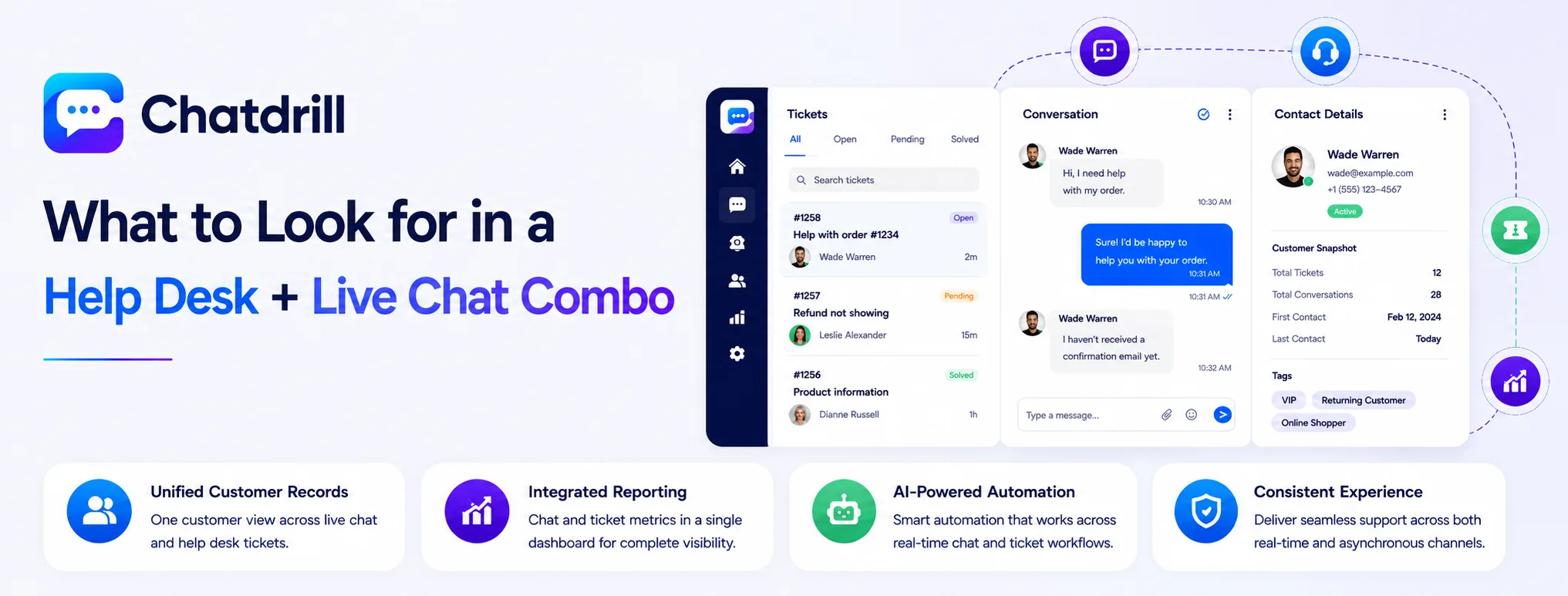
A strong combined platform offers genuinely unified customer records across chat and tickets, chat and ticket reporting integrated into one dashboard, and AI automation that works consistently across both the real-time and asynchronous halves of support.
Genuinely unified customer records
Confirm that a customer's chat history and ticket history actually appear together on one profile, rather than the platform technically supporting both channels but keeping their data separate under the hood.
Testing this directly during a trial, moving one customer through both a chat conversation and a ticket, reveals whether the unification is genuine or superficial.
Integrated reporting across both channels
Look for a single reporting dashboard covering both chat and ticket metrics together, rather than two separate reporting sections that still require manual combination.
This integrated view is often the single clearest sign of a platform genuinely built as a combined product, rather than two separate tools loosely bundled together.
AI automation spanning both channels consistently
A strong combo platform's AI should work similarly well whether resolving a real-time chat question or triaging an incoming ticket, rather than being genuinely strong in one channel and an afterthought in the other.
Testing AI performance in both contexts specifically, not just one, reveals whether a platform's automation is genuinely comprehensive.
The Best Help Desk + Live Chat Combos
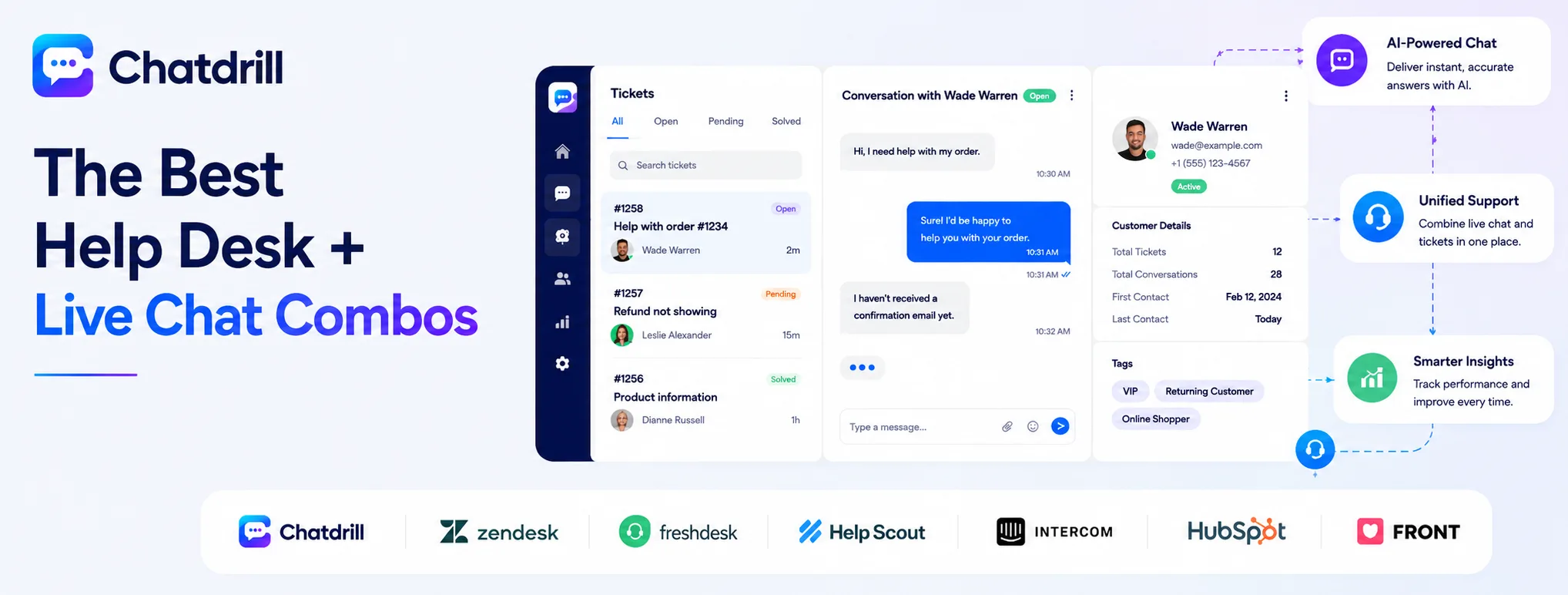
ChatDrill leads for AI-driven chat with genuine support depth, with Zendesk, Freshdesk, Help Scout, Intercom, HubSpot, and Front each fitting a more specific combined-platform priority.
ChatDrill — best overall for AI-driven chat with support depth
ChatDrill combines real-time AI-driven chat with genuine support capability, giving a team a single system that handles both instant conversations and issues needing more structured follow-up.
Its unified reporting ties chat and broader support activity together, useful for a team that wants one clear picture of overall support performance.
Teams specifically prioritizing AI automation alongside genuine support depth tend to find this balance more useful than a platform that leans heavily toward one function alone.
Zendesk — best for enterprise-grade ticketing plus chat
Zendesk's messaging extends its mature, enterprise-grade ticketing platform, appealing to a larger support organization that wants deep ticketing configurability alongside chat.
Its extensive customization options suit a complex, multi-department support operation, though this depth can feel like overhead for a smaller team.
Teams choosing Zendesk are typically prioritizing ticketing maturity above all else, with chat as a genuinely important but secondary capability.
Freshdesk — best budget-friendly combined platform
Freshdesk offers solid ticketing and chat functionality at a generally lower price point than Zendesk, including a free tier for very small teams.
This makes it a reasonable choice for a team wanting genuine ticket-plus-chat capability without committing to enterprise-level pricing.
Its AI automation is somewhat lighter than more AI-first platforms, worth weighing if automation depth is a top priority.
Help Scout — best for a lighter, more personal combined experience
Help Scout's shared email inbox, paired with a lighter chat layer, suits a team that wants ticket-and-chat unification without Zendesk's or Freshdesk's heavier ticketing complexity.
This lighter design suits a smaller support team that values simplicity and a personal touch over extensive configurability.
Teams anticipating significant future growth should weigh Help Scout's simpler feature set against how much configurability they'll eventually need.
Intercom — best for enterprise AI across both channels
Intercom pairs a mature AI agent with both chat and a lighter ticketing capability, suited to a larger team wanting maximum AI depth across the combined experience.
Its usage-based AI pricing is worth modeling carefully, since combining both chat and ticket AI usage can compound cost more than a flat-rate alternative.
This suits an enterprise-scale team with the budget to prioritize AI depth above cost predictability.
HubSpot — best for teams wanting CRM-integrated support
HubSpot bundles lightweight chat and ticketing directly into its free CRM, a natural fit for a team already running sales and marketing through HubSpot.
The support-specific tooling is lighter than a dedicated combined platform, but the CRM tie-in is genuinely native rather than bolted on.
Teams not already on HubSpot are unlikely to choose it purely for its combined chat-and-ticketing capability over more purpose-built alternatives.
Front — best for a shared email-first combined workflow
Front centers support around a shared email inbox with both chat and lightweight ticketing layered on top, suited to a team whose support volume still leans heavily on email.
This is a reasonable choice specifically for a business where email remains the dominant support channel, with chat and tickets as important but secondary additions.
Teams transitioning toward chat as the primary channel may eventually find a more chat-first combined platform a better long-term fit.
Combined Platforms by Support Operation Profile
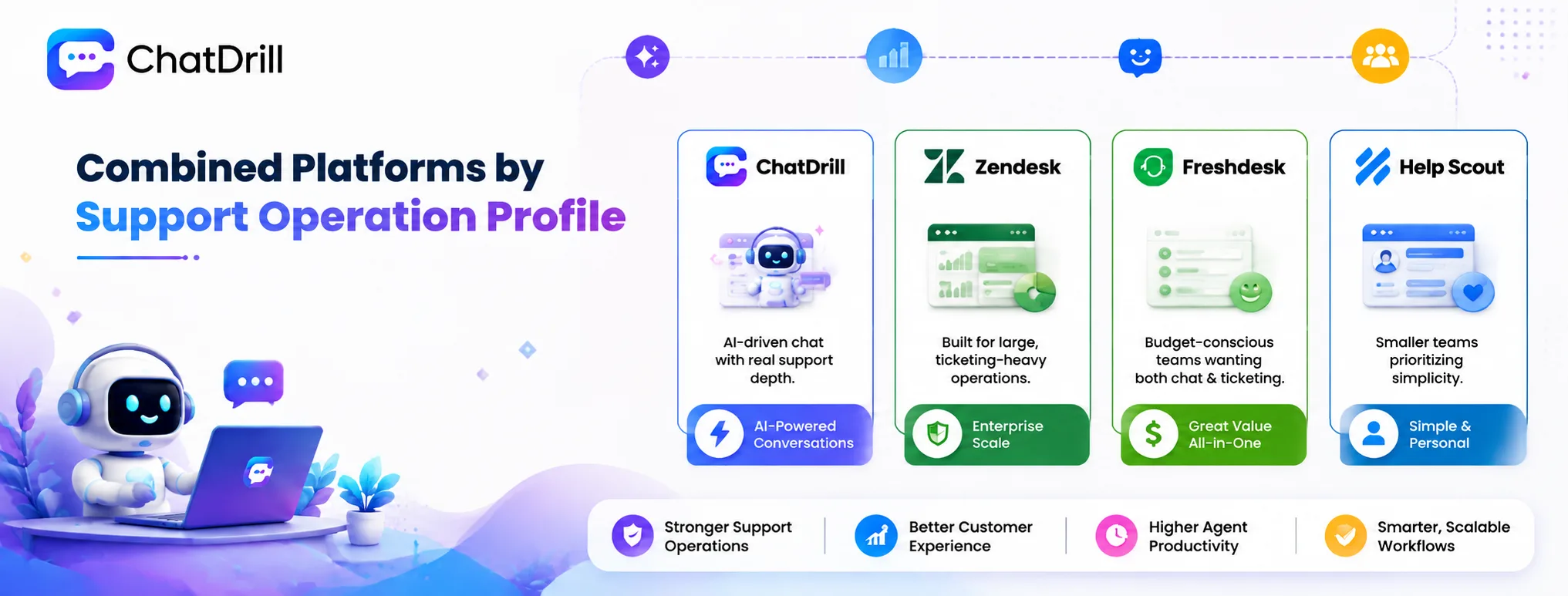
ChatDrill suits teams wanting AI-driven chat with real support depth, Zendesk suits large, ticketing-heavy operations, Freshdesk suits budget-conscious teams wanting both, and Help Scout suits smaller teams prioritizing simplicity.
Best for AI-driven chat with genuine support depth
ChatDrill balances strong AI automation with genuine ticketing-adjacent support capability, suited to a team that doesn't want to sacrifice one function for the other.
This balance tends to matter most for a mid-sized team handling meaningful volume of both real-time and longer-tracked support needs.
Best for large, ticketing-heavy operations
Zendesk's enterprise-grade ticketing depth suits a larger organization with complex routing, multi-department, and compliance needs around formal ticket tracking.
This depth is worth its added complexity specifically for an operation genuinely large enough to need it.
Best for budget-conscious teams wanting both capabilities
Freshdesk offers a reasonable balance of both chat and ticketing at a lower price point than the more enterprise-oriented options on this list.
This suits a growing team that needs genuine dual capability without committing to premium pricing.
Best for smaller teams prioritizing simplicity
Help Scout's lighter design suits a smaller team that wants ticket-and-chat unification without extensive configurability they won't use.
This fits a team early in its growth, worth revisiting as support needs and team size scale up over time.
Combined Platform Pricing: What to Expect
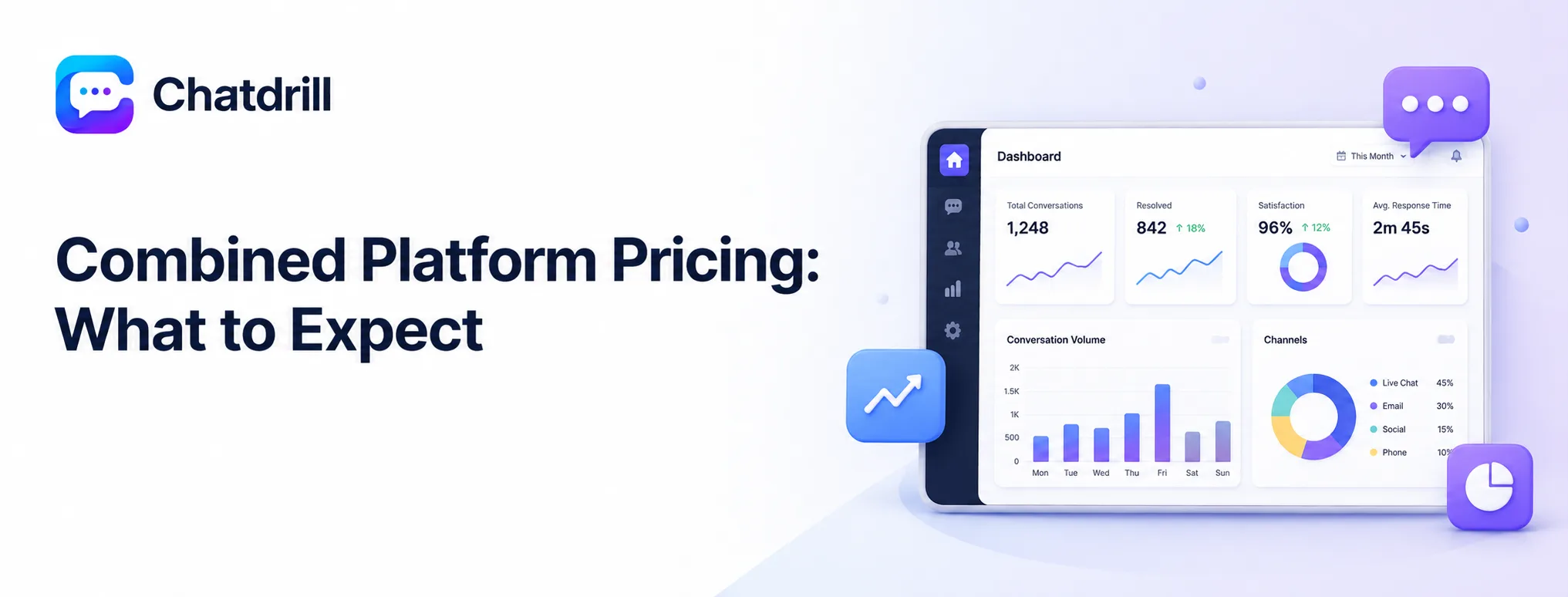
Combined help desk and chat pricing generally scales with agent seats, with AI automation and advanced reporting often reserved for higher tiers, making it worth comparing total cost at your actual team size rather than entry-level pricing alone.
How combined pricing typically structures
Most combined platforms price per agent seat, with a tiered structure unlocking deeper automation, reporting, and ticketing configurability at higher plan levels.
This means the entry-level price advertised often understates the real cost of the specific feature set a team actually needs.
Where combined platforms tend to cost more than expected
Because a combined platform bundles two capabilities, its pricing sometimes reflects both, effectively charging for chat depth and ticketing depth together even if a team only fully uses one.
Reviewing whether a genuinely combined price reflects fair value for your actual usage of both halves is worth doing explicitly before committing.
What to model before committing to a combined platform
Project total cost at your expected team size a year out, including any tier upgrade needed for AI automation or deeper reporting, not just today's entry-level price.
Comparing this fuller total against maintaining two separate, specialized tools sometimes reveals the combined platform is genuinely more cost-effective, or occasionally the reverse.
What to Plan for Before Switching to a Combined Platform
Before switching, export existing chat and ticket history from your separate tools, plan to rebuild automation rules that won't transfer, and give the team time to adjust to managing both functions in one unified interface.
Exporting history from two separate systems
Migrating from separate chat and ticketing tools means exporting and importing both data sets, worth testing a small batch from each before committing to a full migration.
This dual export process takes somewhat more coordination than migrating a single tool, worth budgeting extra time for accordingly.
Rebuilding automation across both functions
Automation rules from both the old chat tool and the old ticketing tool typically need to be rebuilt separately on the new combined platform.
Documenting both sets of existing rules before starting the migration avoids losing logic from either system during the transition.
Team adjustment to a unified interface
Agents used to working in two separate tools need time to adjust to a single, combined interface, even one that's ultimately simpler to use day to day.
A brief training session specifically covering how chat and ticket workflows now intersect in the new platform smooths this adjustment considerably.