Live chat integrations for the tools your business already runs on.
Chatdrill's live chat integrations connect your store, your CRM, your messaging channels and your automation tools to one shared inbox. Authorise a connection in a few clicks and the context travels with the conversation — no middleware, no code, and nothing new for your team to keep open.
- Connect in minutes
- No code required
- Disconnect any time














26
integrations in the catalogue, all no-code
8
categories: messaging, ecommerce, CRM and more
6,000+
further apps reachable through Zapier
The live chat integrations teams switch on first.
Channels and customer records, connected on day one. Everything else in the catalogue works exactly the same way — authorise it, choose what syncs, and carry on answering customers.
The connections people look for by name: Shopify, WhatsApp, HubSpot, Slack and WordPress.
Five integrations account for most of what teams ask us about before they sign up. Each has its own setup page, because a store is not a CRM and a CRM is not a channel — what syncs, and what it changes in the inbox, is different every time.
ShopifyEcommerce
Carts, orders, fulfilment and tracking sit beside the chat, so stock, shipping and returns questions are answered from live store data instead of guesswork.
Set up the Shopify live chat integrationWhatsAppMessaging
Two-way messaging on the WhatsApp Business API, message templates for follow-ups and order updates, and the AI Agent covering the hours nobody is online.
Connect WhatsApp to your shared inboxHubSpotCRM
Contacts and deals are created and enriched straight from a conversation, and the transcript stays on the record so the next rep opens with context.
See the HubSpot chat integrationSlackProductivity
New conversation alerts land in the channel your team already watches, replies go out from the thread, and each team can have its own escalation channel.
Send Chatdrill alerts into Slack
WordPressCMS
A one-click plugin install from the WordPress admin puts the chat widget on every page of the site — no theme files touched and no snippet to paste.
Install the WordPress live chat plugin
Search every live chat integration by name or by category.
Filter the catalogue, or type the name of the tool you need. The category you pick stays in the URL, so the list you are looking at is the list you can share.
26 integrations









Build your own chat integration on the API and webhooks.
Everything the product does is available over the API, so an internal system connects as easily as an off-the-shelf one — and the conversation data stays yours.
Questions about connecting Chatdrill to the rest of your stack.
What people ask before they authorise the first connection.
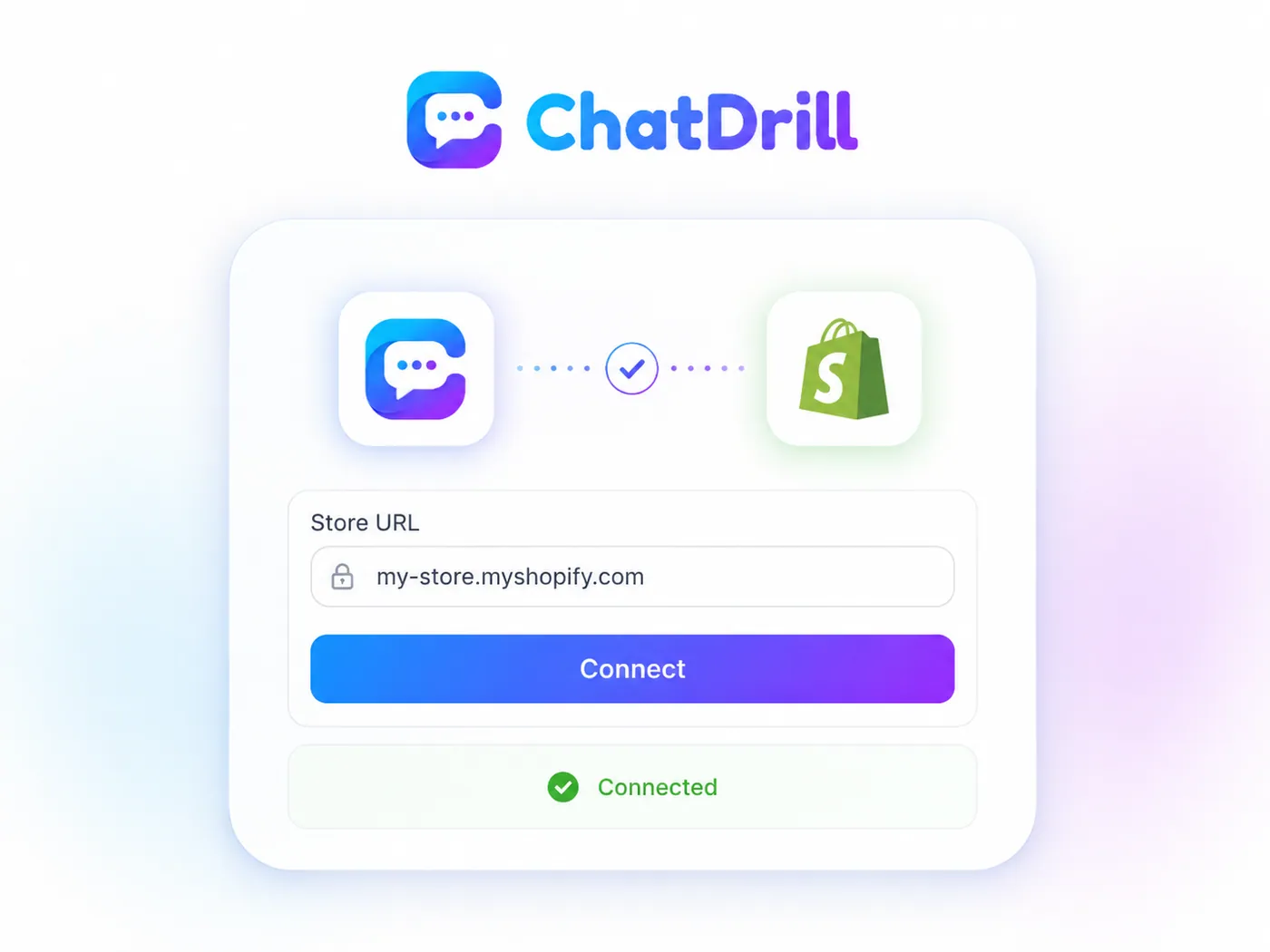
Open Settings → Integrations in Chatdrill, choose Shopify and enter your store URL, then approve the permissions Shopify shows you. From the next message onwards, order and tracking lookups appear beside the conversation and the AI Agent can answer stock, shipping and returns questions from your store data.
The Free plan includes three integrations and Starter includes ten, so you choose which tools matter most. Growth, Business and Enterprise open the whole catalogue. Nothing in the catalogue is sold as a separate per-connection fee.
No. Every integration in the catalogue is authorised from Settings → Integrations, with the permissions shown before you approve them. Developers are only needed if you want something the catalogue does not cover, which is what the REST API, webhooks and JavaScript SDK are for.
Yes — Chatdrill connects to WhatsApp through the WhatsApp Business API, which is what makes two-way messaging and message templates possible inside a shared team inbox.
Tell us what it is and what you need it to do. We prioritise the catalogue by what customers actually ask for and will say honestly whether it is on the roadmap. In the meantime, Zapier reaches 6,000+ apps and the REST API and webhooks can cover an internal system.
Selling online? The ecommerce live chat solution shows what Shopify plus WhatsApp looks like in practice, and the shared inbox software is where every connected channel ends up.
Missing an integration you rely on?
Tell us which tool and what you need it to do. We prioritise the catalogue by what customers actually ask for, and we will tell you honestly whether it is on the roadmap.
Connect your stack, then answer everyone from one inbox.
Start free, authorise the tools you already use, and keep the context beside every conversation.
No credit card required.