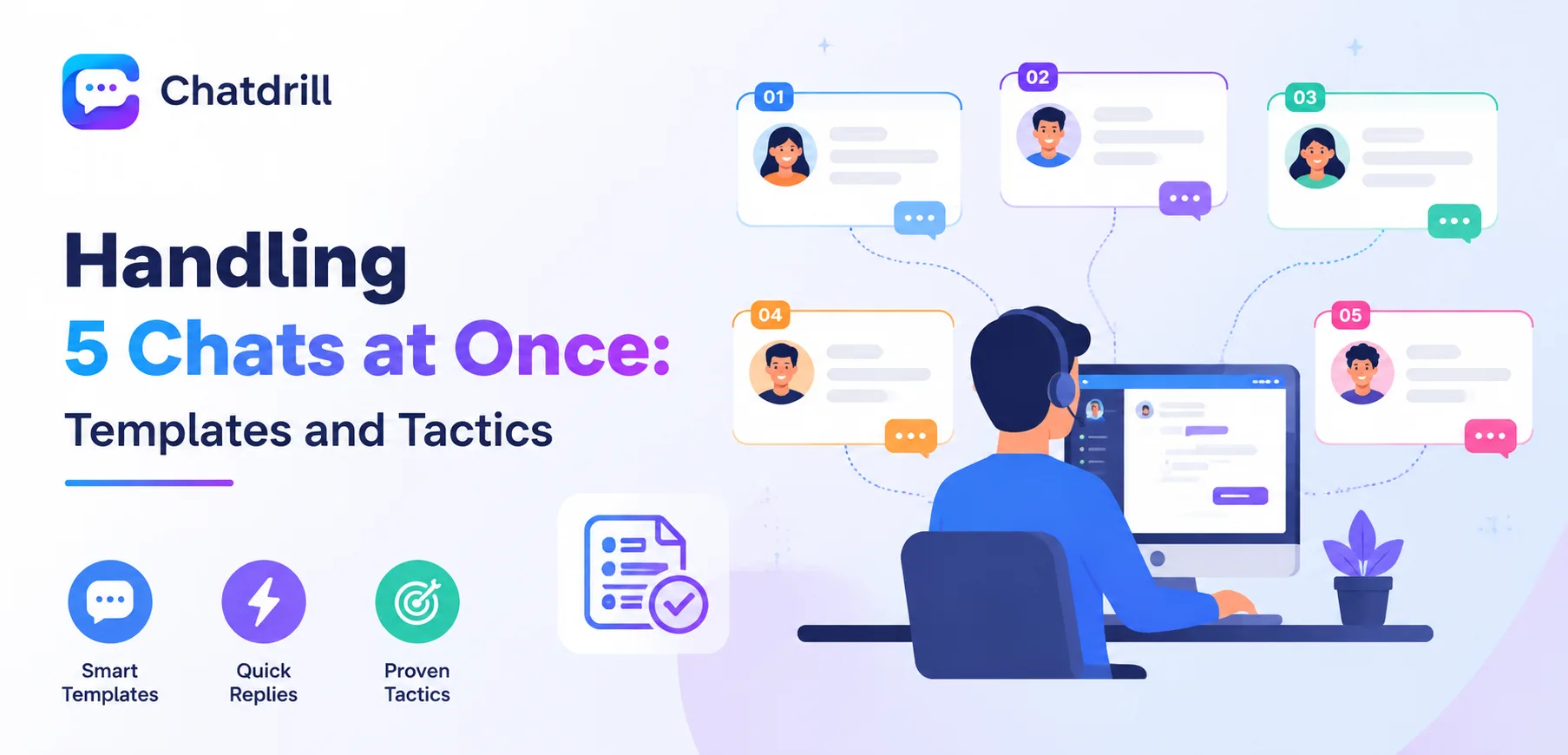
Handling several chat conversations simultaneously is a genuinely different skill than handling one at a time, requiring deliberate triage and communication tactics rather than simply typing faster across more windows.
The agents who manage this well aren't necessarily faster typists, they're better at quickly assessing which conversation needs attention right now and using brief, honest acknowledgment to keep every customer feeling attended to.
AI plays a genuinely practical role here too, when routine questions are handled automatically, an agent's simultaneous conversation load consists mainly of the genuinely complex situations actually worth their full attention.
This guide covers triage tactics, acknowledgment templates that buy time gracefully, common mistakes, and how ChatDrill reduces simultaneous load.
Quick answer: Handling multiple chats at once works best with a clear mental triage of which conversation needs attention next, short acknowledgment templates that buy time without leaving anyone waiting silently, and AI handling routine questions so an agent's simultaneous load consists mainly of conversations that genuinely need human judgment.
Triage Tactics for Multiple Conversations
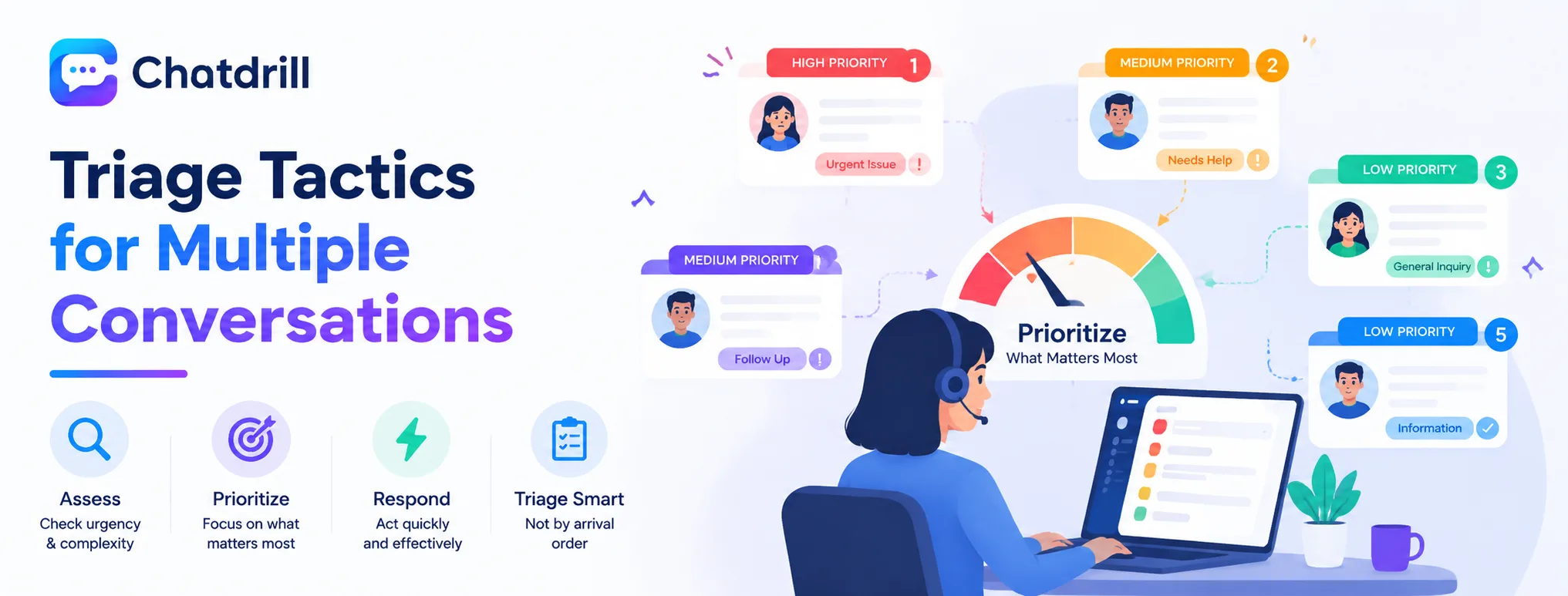
Effective triage means quickly assessing genuine urgency and complexity across active conversations, prioritizing accordingly rather than working through them in the order they arrived.
Assessing genuine urgency
Scanning active conversations for signals of real urgency, a frustrated tone, a time-sensitive issue, before deciding which to address next, rather than defaulting to arrival order alone.
This quick mental triage, done consistently, ensures the conversations that matter most get attention first even when overall volume is high.
Batching similar quick responses
Handling several genuinely quick, similar responses in rapid succession, before returning to a more involved conversation, can be more efficient than switching context repeatedly between very different conversation types.
This batching approach respects that context-switching itself carries a cognitive cost worth minimizing where possible.
Acknowledgment Templates That Buy Time Gracefully
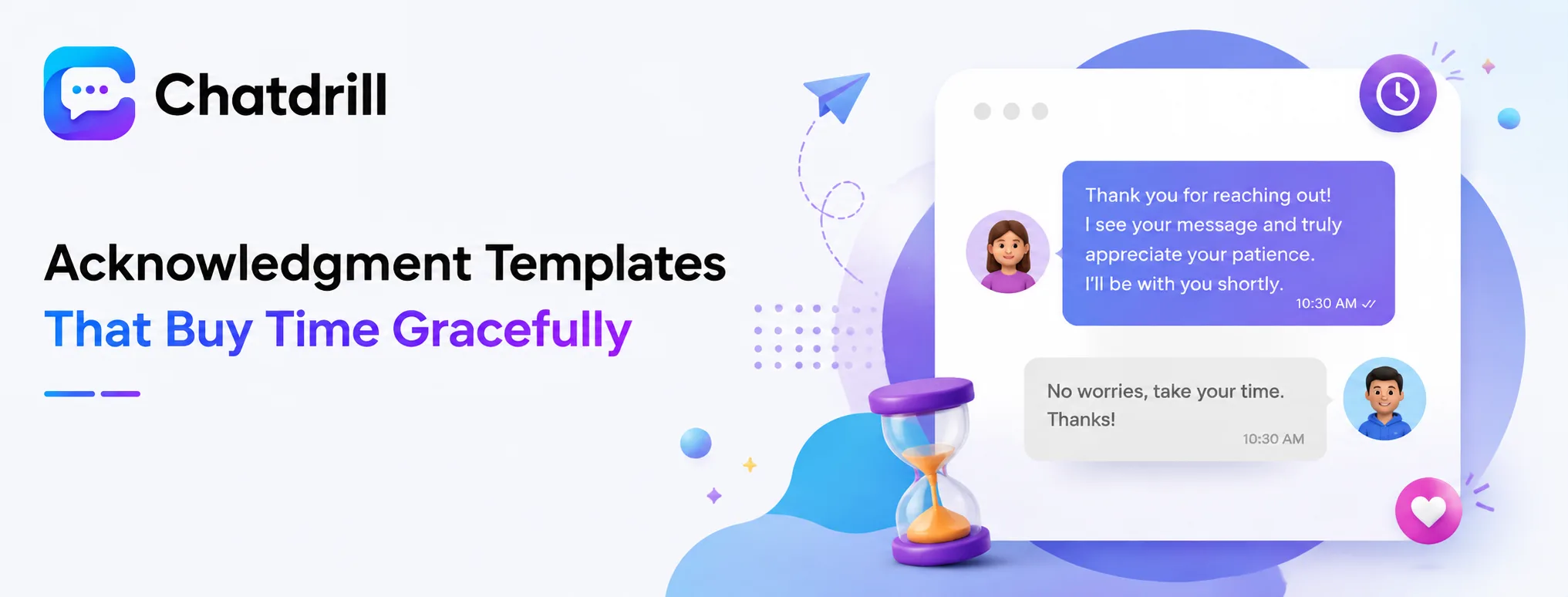
Brief, honest acknowledgment messages let a customer know they haven't been forgotten while an agent finishes attending to another conversation, preventing the silence that often prompts frustration.
General hold acknowledgment templates
"Thanks for your patience, I'm looking into this now and will have an answer shortly."
"Just a moment while I pull up the details on this for you."
Multi-chat specific acknowledgment templates
"I'm helping a few customers at once right now, but I haven't forgotten about you, give me just a moment."
"Thanks for waiting, I want to give your question proper attention and will be right with you."
Common Mistakes When Handling Multiple Chats
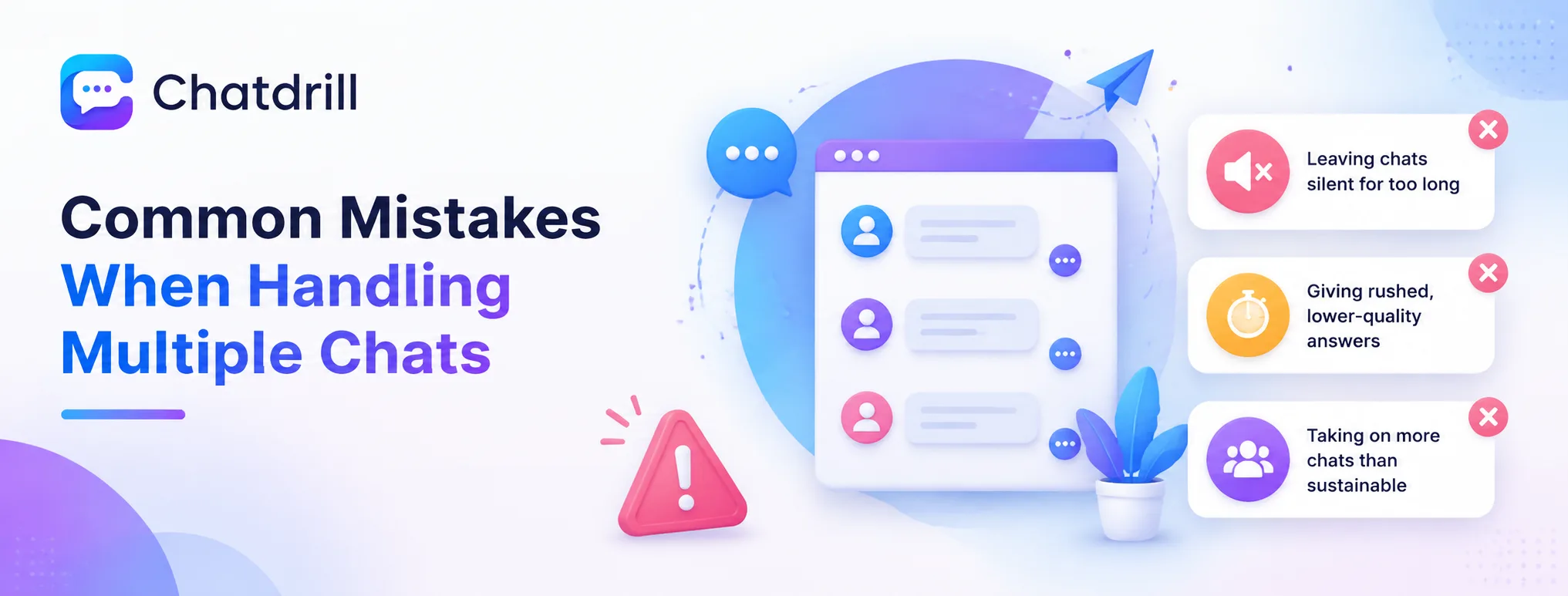
The most common mistakes are leaving a conversation silent for too long without acknowledgment, giving rushed, lower-quality answers under pressure, and taking on more simultaneous chats than genuinely sustainable.
Silence without acknowledgment
Leaving a customer with no response for an extended period, even while genuinely busy elsewhere, tends to feel worse than a brief, honest acknowledgment that a response is coming.
A quick acknowledgment template, sent proactively rather than only after a customer follows up, prevents this frustration from building.
Rushed, lower-quality answers under pressure
Trying to keep up with too many simultaneous conversations can lead to shortcuts that reduce answer quality or accuracy, ultimately creating more follow-up work than a slightly slower, more careful approach would have.
Recognizing when simultaneous load has exceeded a sustainable level, and adjusting accordingly, protects overall conversation quality.
Taking on an unsustainable simultaneous load
Accepting more concurrent conversations than a given agent can genuinely handle well, whether due to system settings or personal habit, degrades the experience for every customer in that queue.
Setting a reasonable concurrent conversation limit, informed by genuine team capability rather than an arbitrary maximum, protects overall quality.
How ChatDrill Reduces Simultaneous Load
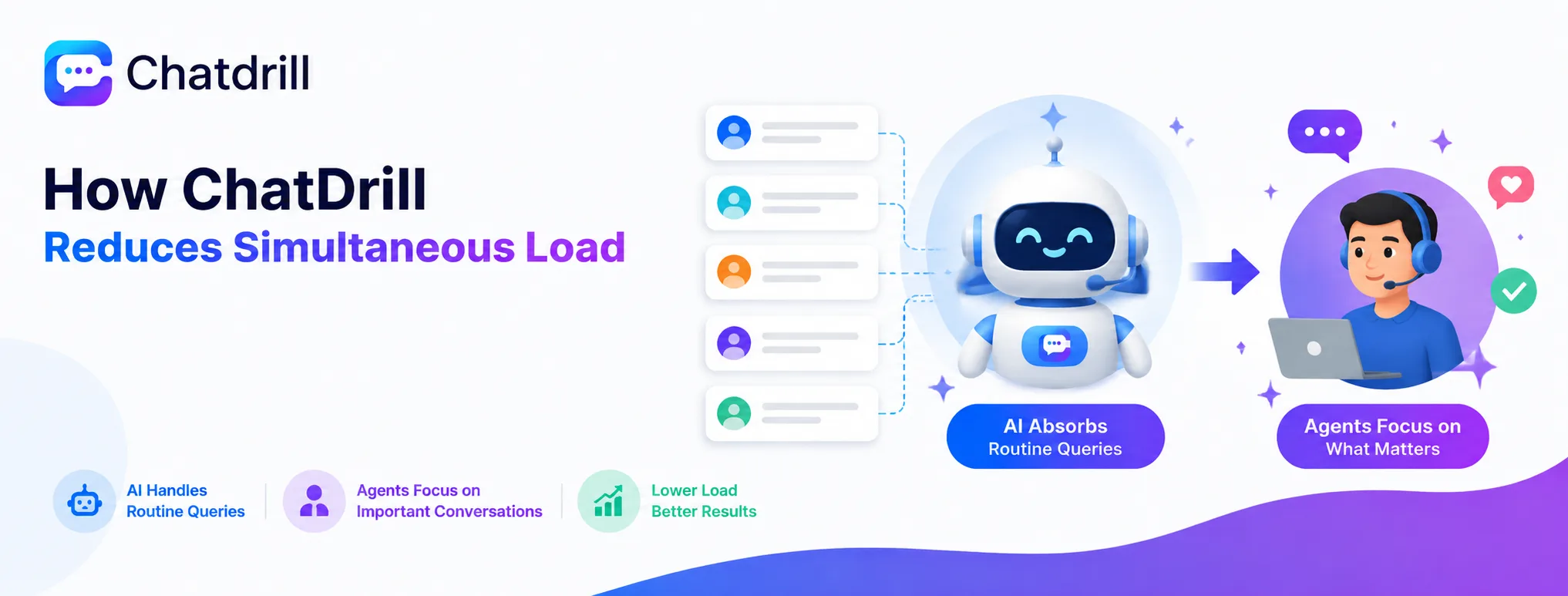
ChatDrill's AI absorbs routine, repetitive questions automatically, meaning an agent's simultaneous conversation load consists mainly of situations that genuinely benefit from human attention.
AI handling routine volume automatically
Because ChatDrill's AI resolves common, well-understood questions without needing agent involvement, the conversations reaching a human agent's queue tend to be genuinely more complex and worth full, undivided attention.
This shift meaningfully changes the actual experience of "handling multiple chats," since the simultaneous load consists of fewer, more substantive conversations rather than many simple ones competing for attention.
Configurable concurrent conversation limits
ChatDrill lets you set a maximum number of simultaneous conversations per agent, protecting against the unsustainable overload that degrades quality across every active conversation.
Tuning this limit based on your own team's genuine capability, rather than maximizing volume alone, keeps the actual customer experience consistently strong.