WhatsApp carries a genuinely different context than a website chat widget, customers use it throughout their day for personal conversations, meaning support messages need to feel appropriately brief and conversational rather than formally corporate.
Beyond tone, WhatsApp's Business Platform requires outbound template messages to be pre-approved and categorized correctly, adding a structural requirement that a generic chat script library doesn't need to account for.
Getting both the tone and the technical template structure right ensures messages both land well with customers and actually get delivered without running into WhatsApp's own compliance restrictions.
This guide provides WhatsApp-appropriate templates organized by use case, explains the template category system, and covers how ChatDrill supports WhatsApp integration.
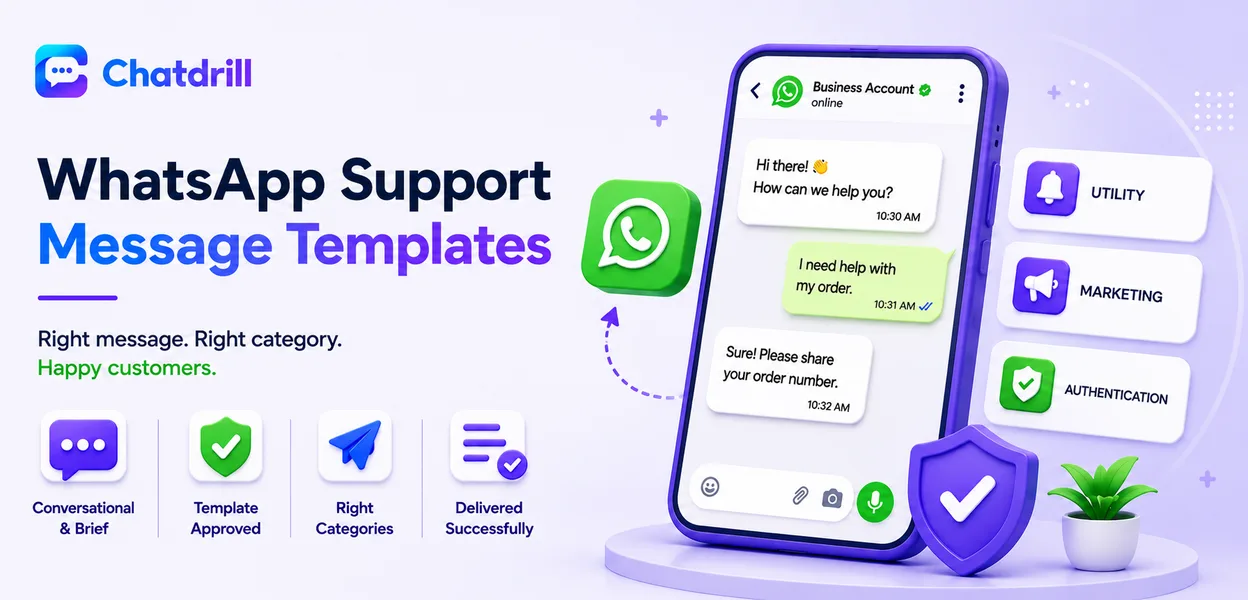
Quick answer: Effective WhatsApp support templates work within WhatsApp's own approved message-template system for outbound messages, stay conversational and brief given the platform's casual context, and use its structured template categories, utility, marketing, authentication, correctly to avoid delivery issues.
Why WhatsApp Needs Its Own Template Approach
WhatsApp's personal, casual context calls for a more conversational tone than a website widget, while its structured template approval system adds a genuine technical requirement most other channels don't have.
The personal context of WhatsApp
Customers use WhatsApp for personal messages throughout their day, meaning a support message arriving there should feel brief and conversational rather than formally structured like an email.
This context shift matters for tone specifically, a message that would feel appropriately professional in email chat can feel oddly stiff arriving in the same app someone uses to text friends and family.
WhatsApp's template approval requirement
Outbound messages initiating a conversation on WhatsApp's Business Platform generally need to use a pre-approved message template, categorized correctly as utility, marketing, or authentication.
Understanding and working within this system is a genuine technical prerequisite, distinct from simply writing good copy, since an improperly categorized template risks rejection or delivery issues.
Utility Template Examples
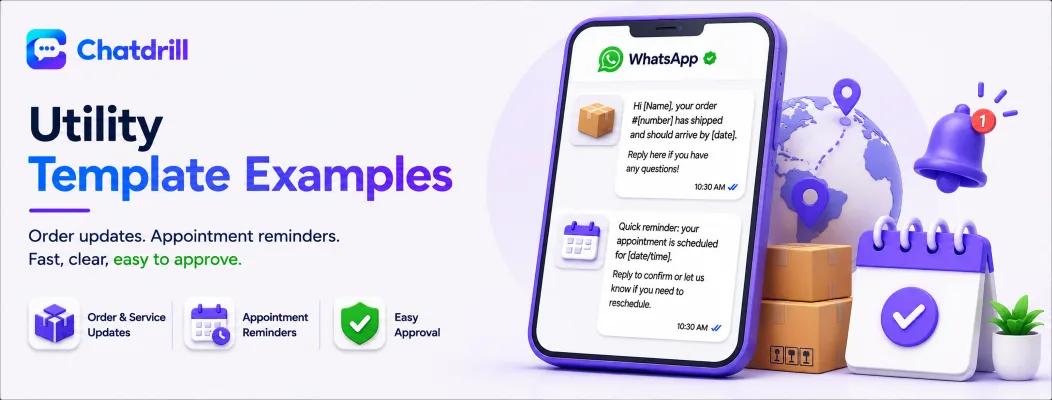
Utility templates cover transactional, service-related messages like order updates or appointment reminders, generally the most straightforward category to get approved.
Order and service update templates
"Hi [Name], your order #[number] has shipped and should arrive by [date]. Reply here if you have any questions!"
"Quick reminder: your appointment is scheduled for [date/time]. Reply to confirm or let us know if you need to reschedule."
Conversational Support Reply Templates
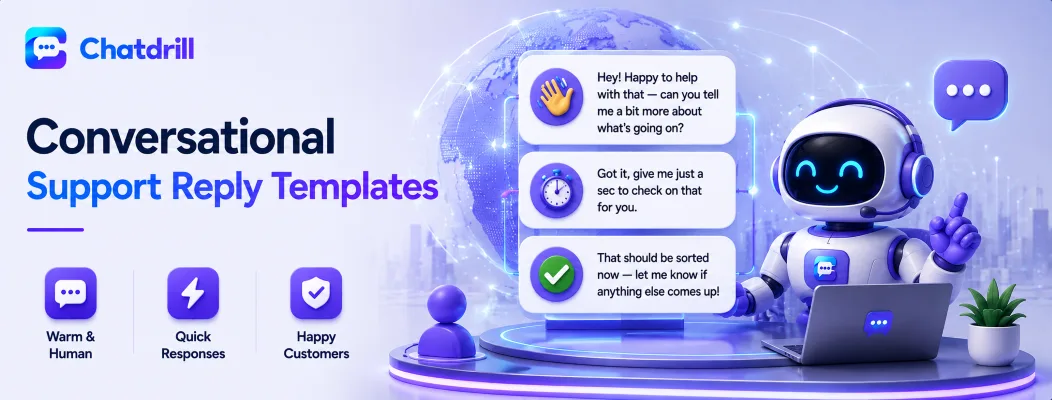
Once a customer initiates or responds within a WhatsApp conversation, replies can be more freely conversational, still brief and warm, matching the platform's natural tone.
General support reply templates
"Hey! Happy to help with that — can you tell me a bit more about what's going on?"
"Got it, give me just a sec to check on that for you."
"That should be sorted now — let me know if anything else comes up!"
Common Mistakes With WhatsApp Support Messaging
The most common mistakes are using an overly formal, email-style tone, sending an outbound message without proper template approval, and messaging outside the platform's allowed customer-initiated response window.
Overly formal tone
A stiff, corporate-sounding message feels noticeably mismatched with the personal, casual context WhatsApp otherwise carries for most users.
Writing genuinely conversational, brief messages respects the platform's natural register better than a formal, email-style approach.
Skipping template approval requirements
Attempting to send outbound business-initiated messages without an approved template risks delivery failure or account restrictions from WhatsApp's own platform policies.
Understanding and following the actual current template requirements, which can evolve, avoids this entirely avoidable technical problem.
Messaging outside the allowed response window
WhatsApp's Business Platform restricts free-form business replies to a limited window after a customer's last message, requiring an approved template outside that window.
Being aware of this window and planning accordingly avoids message delivery failures for what would otherwise be a perfectly reasonable follow-up.
How ChatDrill Handles WhatsApp Support
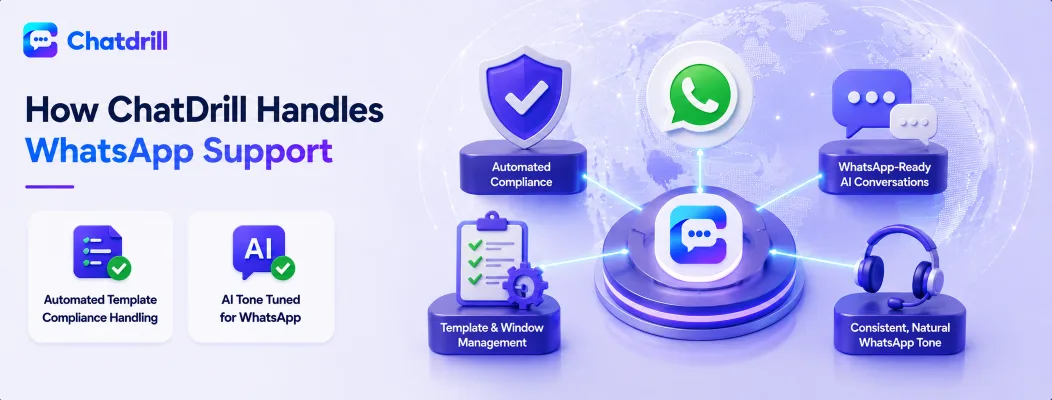
ChatDrill's WhatsApp integration manages template compliance and conversation windows automatically, while its AI maintains the same brief, conversational tone appropriate to the platform.
Automated template compliance handling
ChatDrill's WhatsApp integration manages the technical requirements around template approval and messaging windows, reducing the risk of a delivery failure due to an improperly categorized or timed message.
This automation removes a genuine technical burden from your team, letting them focus on the actual conversation content rather than platform compliance mechanics.
AI tone tuned for WhatsApp specifically
Training ChatDrill's AI with WhatsApp's more conversational register in mind, distinct from a website widget's typical tone, ensures messages feel appropriately natural in this specific, personal context.
This platform-aware tone tuning reflects the same broader tone-of-voice principles worth applying consistently but adapted specifically to WhatsApp's distinct communication norms.