A good chat script isn't something an agent reads word for word, it's a fast, on-brand starting point that saves the time of staring at a blank reply box, then gets lightly personalized before it's sent.
The best-performing scripts across sales and support share a pattern: they're short, specific to what the visitor actually asked, and easy to adapt with a name or product detail in the moment, rather than a generic line that could apply to any conversation.
Scripts also compound in value over time. A team that builds and refines a shared library gets faster and more consistent with every conversation, while a team relying on each agent to improvise from scratch sees far more variation in quality and response time, and often in customer satisfaction as a result.
The category matters too, greeting, sales, support, and closing conversations each call for a different tone, and a library organized around those categories is far easier for a team to actually use under time pressure than one long undifferentiated list.
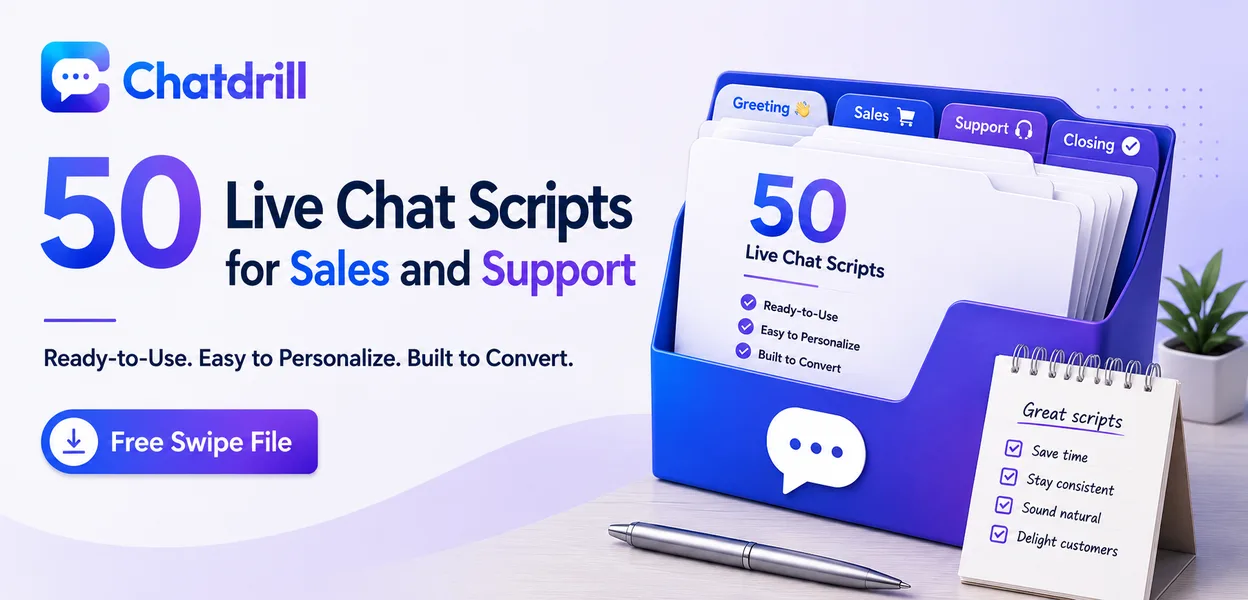
This swipe file covers what makes a script work, ready-to-adapt examples across greeting, sales, support, and closing conversations, drawn from real patterns that convert, guidance on keeping them from sounding robotic, and a step-by-step process for building a library from scratch.
What Makes a Live Chat Script Actually Work?
A live chat script works when it's short enough to send quickly, specific enough to feel like a real reply rather than a form letter, and flexible enough for an agent to swap in a name or detail before hitting send.
Simple definition
A chat script is a pre-written response, stored as a saved reply, that an agent can insert with a shortcut instead of typing the same answer from scratch every time it comes up.
The best ones are written as templates rather than finished sentences, with an obvious place to drop in a name, product, or specific detail before the message goes out.
Thinking of a script as a starting draft, not a finished message, is the mindset shift that separates teams who use scripts well from teams whose replies feel obviously automated.
Scripts vs canned responses vs macros
The terms are largely interchangeable in live chat tools, though "macro" sometimes implies an automated action bundled with the text, like tagging the conversation, rather than just the reply itself.
In ChatDrill and most modern platforms, all three live in the same saved-reply library, searchable by a shortcut or keyword so an agent can pull one up mid-conversation without breaking their flow.
Whichever term a platform uses, the underlying value is the same, less time spent typing a familiar answer and more consistency in how the team responds to common situations.
Why personalization still matters
A script that goes out unedited, with a placeholder name still visible, reads as obviously copy-pasted and undoes the trust a fast reply was supposed to build.
The fix is usually just a habit, glance at the message before sending and fill in the one or two placeholders, which takes seconds but is the single biggest factor in whether a script reads as genuine.
Teams that build this habit early tend to get significantly more value out of their saved-reply library long term than teams that treat scripts as finished messages from day one.
Scripts for Greeting and Qualifying Visitors
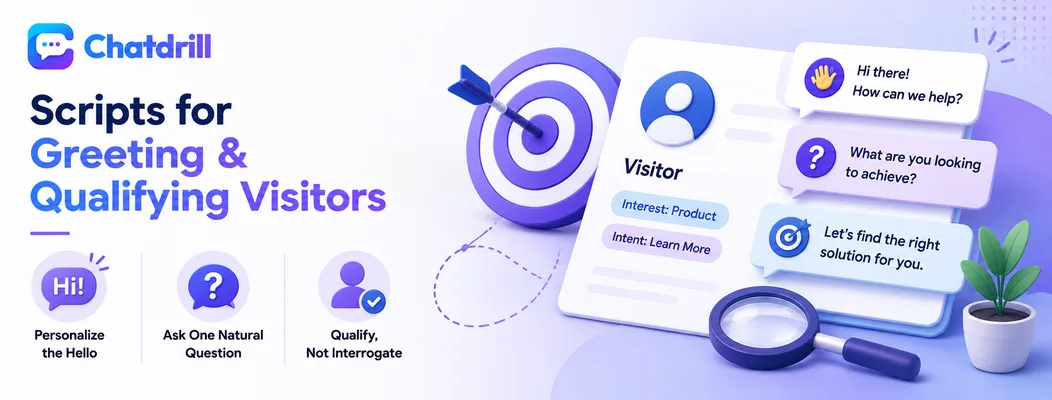
Opening scripts should be short and reference something specific about the visitor's page or intent, while qualifying scripts ask one clear question at a time instead of feeling like a form.
Opening lines that invite a reply
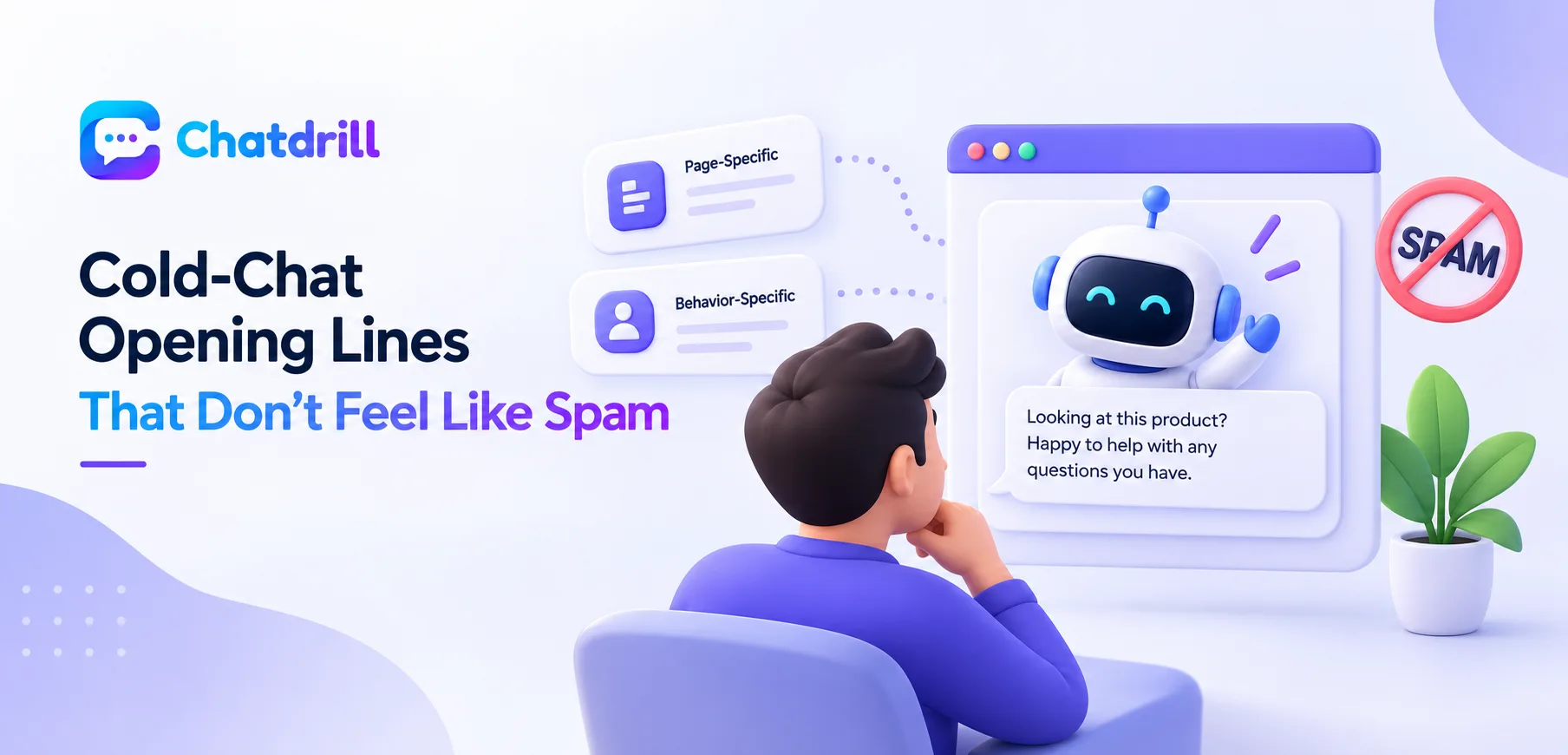
A greeting like "Hi [Name], I noticed you're checking out [Product], happy to answer any questions" performs better than a generic "How can I help?" because it references something real about the visit.
A few more variations worth keeping in a saved-reply library: "Welcome back, [Name]! Picking up where we left off, or is this something new?" for returning visitors, and "Thanks for stopping by, I'm here if you have questions about pricing, features, or setup" as a slightly broader default.
It's worth testing two or three greeting variants against each other over a few weeks and keeping whichever gets the higher reply rate, rather than assuming any one version is automatically best.
Qualifying questions that don't feel like a form
A single, natural question, such as "roughly how many people would be using this?", moves a conversation toward qualification without the visitor feeling interrogated.
Other useful qualifiers include "is there a timeline you're working toward, like a launch date or renewal?" and "what's the main problem you're hoping this solves?", both of which gather real signal without reading like an intake form.
Spacing qualifying questions naturally across a conversation, rather than firing them one after another, keeps the exchange feeling like a genuine conversation instead of an interrogation.
Scripts for Sales and Objection Handling
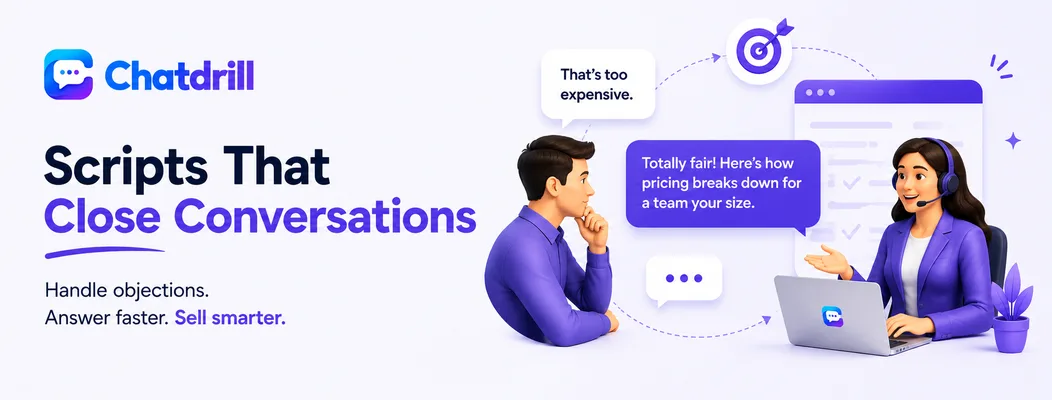
Sales scripts work best when they acknowledge a concern before addressing it, since a defensive-sounding reply to a pricing objection tends to end the conversation rather than move it forward.
Responding to pricing objections
A reply like "totally fair question, here's how pricing breaks down for a team your size" acknowledges the concern before answering it, which reads far better than jumping straight to numbers.
For a harder objection, "I hear that a lot, most teams find the ROI shows up within the first month, want me to walk through how?" reframes the conversation around value instead of getting stuck defending the price itself.
Keeping a version of this script tailored to two or three common team sizes, rather than one generic reply, makes the pricing conversation feel more specific to the visitor's actual situation.
Answering product and feature questions
Leading with a direct yes or no, then offering a short doc link for more depth, keeps the reply fast without cutting off the visitor's ability to dig further.
For something not yet supported, a script like "not natively yet, but here's a workaround most teams use in the meantime" keeps the conversation constructive rather than ending on a flat no.
It's worth logging which feature questions come up most often, since a recurring gap is often worth flagging to product, not just answering the same way indefinitely.
Upsell and cross-sell lines
Tying a suggestion directly to something the visitor already mentioned needing, such as "since you mentioned X, this add-on would actually cover that", reads as helpful rather than pushy.
A softer version works well too when the fit is less certain: "no pressure at all, just flagging that [add-on] solves exactly the issue you mentioned", which plants the idea without applying obvious sales pressure.
Timing the upsell mention after the original question has been fully answered, rather than before, tends to land better than leading with it too early in the conversation.
Scripts for Support and Service Recovery
Support scripts should lead with a specific, pulled-up answer whenever possible, and service recovery scripts should acknowledge frustration before explaining anything, since the visitor needs to feel heard first.
Order and shipping status updates
A specific reply, "your order shipped on [date] and is expected by [date]", reassures far more than a generic "let me check on that for you".
When there's a delay, being upfront works better than staying vague: "looks like there's a slight delay, I'm sorry about that, here's what's happening and when to expect it" sets an honest expectation rather than leaving the visitor guessing.
Including a specific next step, like a tracking link or a promise to follow up by a certain time, gives the visitor something concrete to hold onto beyond just an apology.
Refund and cancellation requests
Making the process clear upfront, "here's exactly what happens once you confirm", reduces the back-and-forth that otherwise makes cancellations feel adversarial.
Before processing a cancellation, it's often worth a gentle check-in first: "before we cancel, is there anything specific that isn't working that I could help fix?", which occasionally saves a customer who would have otherwise churned unnecessarily.
Confirming the cancellation clearly once it's processed, rather than leaving any ambiguity, avoids a confusing follow-up conversation later about whether it actually went through.
De-escalating an angry customer
Leading with acknowledgment, "you're right to expect better than this, here's what I'm doing to fix it", before any explanation, is consistently what turns a frustrated chat around.
Once the visitor feels heard, a follow-up like "I'm escalating this to make sure it's resolved properly" signals the issue is being taken seriously rather than brushed off with a scripted apology alone.
Avoiding any script that sounds like it's minimizing the issue, phrases like "I understand your frustration, but" tend to undercut the acknowledgment that came right before them.
Scripts for Closing and Handoff
Closing scripts should end every conversation clearly rather than leaving it open-ended, and handoff scripts should tell the visitor exactly who they're being transferred to and why.
Away and offline messages
Setting a clear expectation, "we typically reply within [timeframe], leave your email and we'll follow up", performs better than a bare "we're offline" with no next step.
Where AI coverage is available after hours, a script like "our team is currently away, but our AI assistant can help with most questions instantly" sets the right expectation while still capturing the visitor's question in the meantime.
Reviewing which away messages actually get a reply, versus which ones visitors seem to ignore, is a useful way to tell whether the current wording is working as intended.
Escalating to a manager
Naming the handoff explicitly, "I'm going to bring in [name], who specializes in this", reassures the visitor the conversation isn't starting over from scratch.
It also helps to briefly note that context is being passed along: "they'll have the full details of what we've discussed", which prevents the visitor from feeling like they need to repeat the entire issue again.
Following up after the handoff to confirm the visitor's issue was actually resolved closes the loop in a way that leaves a noticeably better impression than the escalation alone.
Ending a chat professionally
A closing line that summarizes what was covered and asks if anything else is needed leaves the visitor with a clean, professional close rather than an abrupt end.
A simple "thanks for chatting with us today, feel free to reach out anytime" paired with a quick recap of any links or next steps discussed gives the visitor something concrete to walk away with.
Ending on a specific note, rather than a generic sign-off, tends to leave a stronger impression, especially after a conversation that involved solving a real problem.
Scripts for Common Ecommerce Scenarios
Ecommerce chat has its own recurring patterns, cart questions, sizing or fit questions, and post-purchase reassurance, that benefit from a dedicated set of scripts beyond the general categories above.
Cart and checkout assistance
A script like "looks like you've got [item] in your cart, need any help before checking out?" triggered on an abandoned cart page tends to recover sales that would otherwise be lost silently.
For a specific checkout error, being precise helps: "that error usually means [specific cause], here's how to fix it" resolves the issue faster than a generic "try again" response.
Following up with a discount or reassurance only when genuinely appropriate, rather than by default, keeps this script from feeling like a scripted sales tactic.
Sizing and product-fit questions
A script such as "based on our size guide, most customers with [measurement] go with [size], want me to pull up the full chart?" gives a specific, useful answer rather than deflecting to a generic page link.
For questions with genuine ambiguity, honesty performs better than false confidence: "that's a bit between sizes, some customers size up for a looser fit, would that help?" builds more trust than an overconfident guess.
Post-purchase reassurance
A brief message like "just confirming your order went through, you'll get a confirmation email with tracking shortly" reduces the anxious repeat contacts that often follow a purchase.
For a first-time customer specifically, adding a short welcome note to this script tends to build more goodwill than the same message sent to a returning, already-familiar buyer.
How to Use These Scripts Without Sounding Robotic
Scripts stay effective when they're personalized before sending, kept in both a short and detailed version for different contexts, and reviewed periodically against the questions agents are actually getting.
Personalize before you send
Inserting the visitor's actual name and specific product before sending, rather than leaving a placeholder, is the single biggest factor in whether a script reads as genuine.
It's worth building this into team habit rather than assuming it happens automatically, a quick reminder in onboarding, or a saved-reply format that makes the placeholder impossible to miss, both help.
Spot-checking a sample of sent messages periodically for unfilled placeholders is a simple, low-effort way to catch this before it becomes a pattern that affects trust with customers.
New agents in particular benefit from a brief walkthrough of this habit during onboarding, since it's an easy step to skip when someone is still learning the platform and moving quickly through their first few conversations.
Keep a short and a long version
Having both a quick version and a more detailed one for the same scenario lets an agent match the reply to how much context the moment actually needs.
A visitor asking a quick factual question rarely needs three sentences of preamble, while a visitor working through a genuine concern usually appreciates the fuller version with more explanation.
Labeling saved replies clearly by length and scenario, rather than by a generic name alone, makes it faster for an agent to grab the right one under time pressure.
Update scripts quarterly
Reviewing scripts against the questions agents are actually answering catches ones that have quietly gone stale as the product or common objections change.
This is also a good moment to retire scripts nobody uses and promote informal replies agents have started writing on their own, since those often signal a gap the existing library hasn't caught up to yet.
Involving the whole team briefly in this review, rather than having one person update the library alone, tends to surface gaps that a single reviewer would likely miss.
Building Your Own Script Library From Scratch
Building a genuinely useful script library starts with auditing real past conversations rather than guessing at what customers ask, then organizing, testing, and maintaining that library as an ongoing process rather than a one-time project.
Step 1: Audit your last 100 conversations
Reading through a sample of recent chats reveals the questions that actually come up, which is often a noticeably different list than what a team assumes without checking.
This audit also surfaces the specific phrasing customers use, valuable for writing scripts that sound like how people genuinely ask, rather than how a business might expect them to.
It's worth repeating this audit periodically, since the questions that dominate chat volume tend to shift as a product or customer base evolves over time.
Step 2: Group questions into categories
Sorting the audited questions into categories, greeting, pricing, order status, and so on, creates the natural structure a script library should be organized around.
This step also reveals gaps, a category with many similar questions but no existing script is a clear signal of where to prioritize writing first.
Keeping categories broad enough to be memorable, but specific enough to be useful, tends to make the resulting library easier for the whole team to navigate.
Step 3: Draft a first version of each script
Writing a first draft for each identified category, using real language pulled from the audited conversations, produces scripts that sound authentic rather than generic from the start.
It's worth resisting the urge to over-polish this first draft, a genuinely useful script often reads a little informal, closer to how a good agent would naturally respond.
Having more than one person draft scripts for the same category and comparing results is a quick way to land on the stronger version.
Step 4: Test scripts with your team before rolling out
Having a few agents actually use new scripts for a week before rolling them out broadly catches awkward phrasing or gaps that aren't obvious on paper.
This step also builds buy-in, agents who helped shape the scripts tend to actually use them, versus a library imposed top-down that gets quietly ignored.
Collecting quick feedback during this trial period, even informally, is usually enough to catch the most obvious issues before a wider rollout.
Step 5: Track which scripts get used most
Most platforms, including ChatDrill, track saved-reply usage, revealing which scripts are actually earning their place in the library and which are rarely touched.
High-usage scripts are worth prioritizing for the multi-version treatment, short and long variants, personalization prompts, since improving them has an outsized impact on the whole team's efficiency.
This data is also useful evidence when deciding where to invest more writing time, rather than spreading effort evenly across scripts that don't get used equally.
Step 6: Retire scripts that no longer fit
As a product or business changes, some scripts become outdated, referencing a feature that's changed or a policy that no longer applies.
A quarterly pass specifically looking for outdated scripts, rather than only adding new ones, keeps the library trustworthy rather than accumulating stale entries over time.
Removing unused or outdated scripts also makes the remaining library faster to search, which matters more than it might seem when an agent is trying to find the right reply quickly.