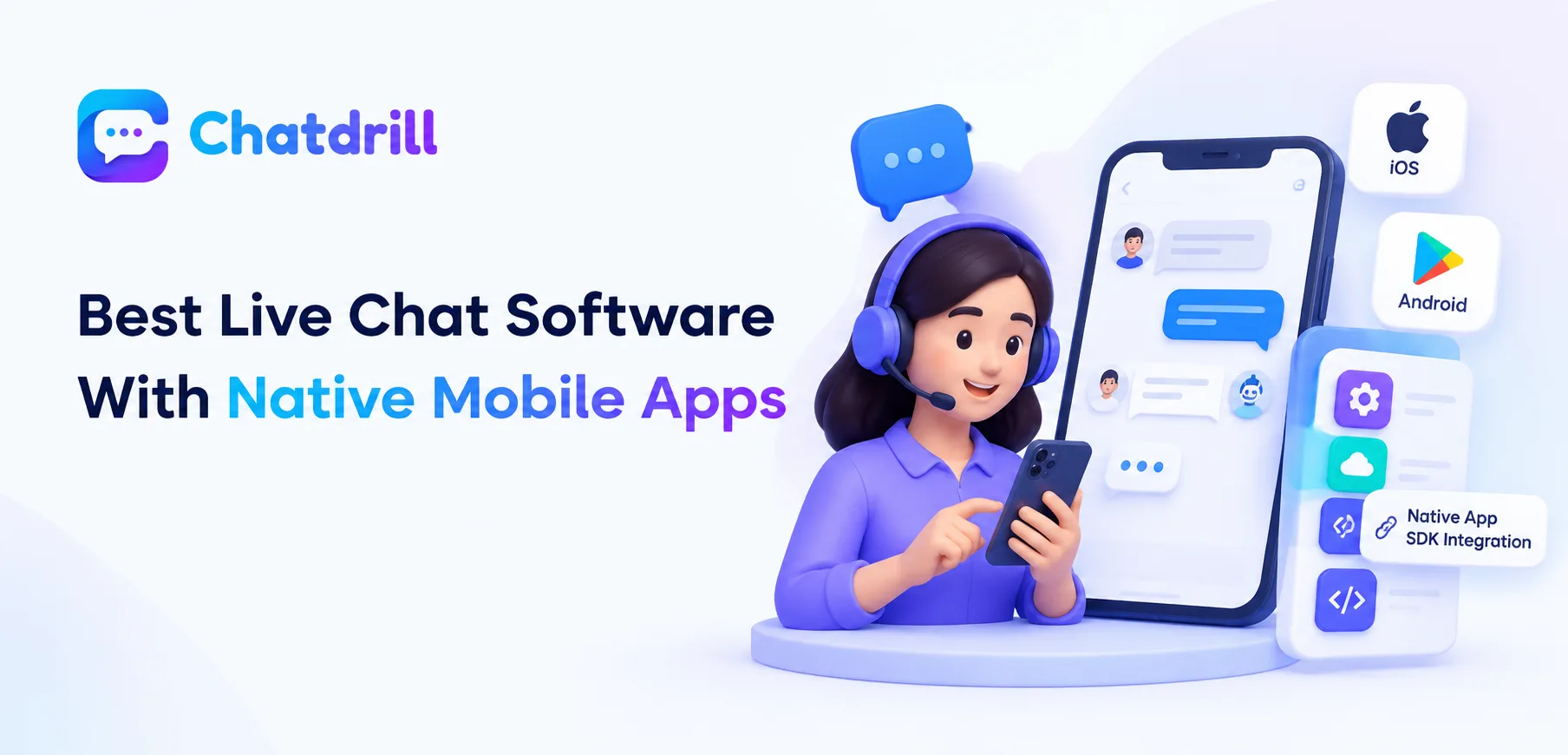
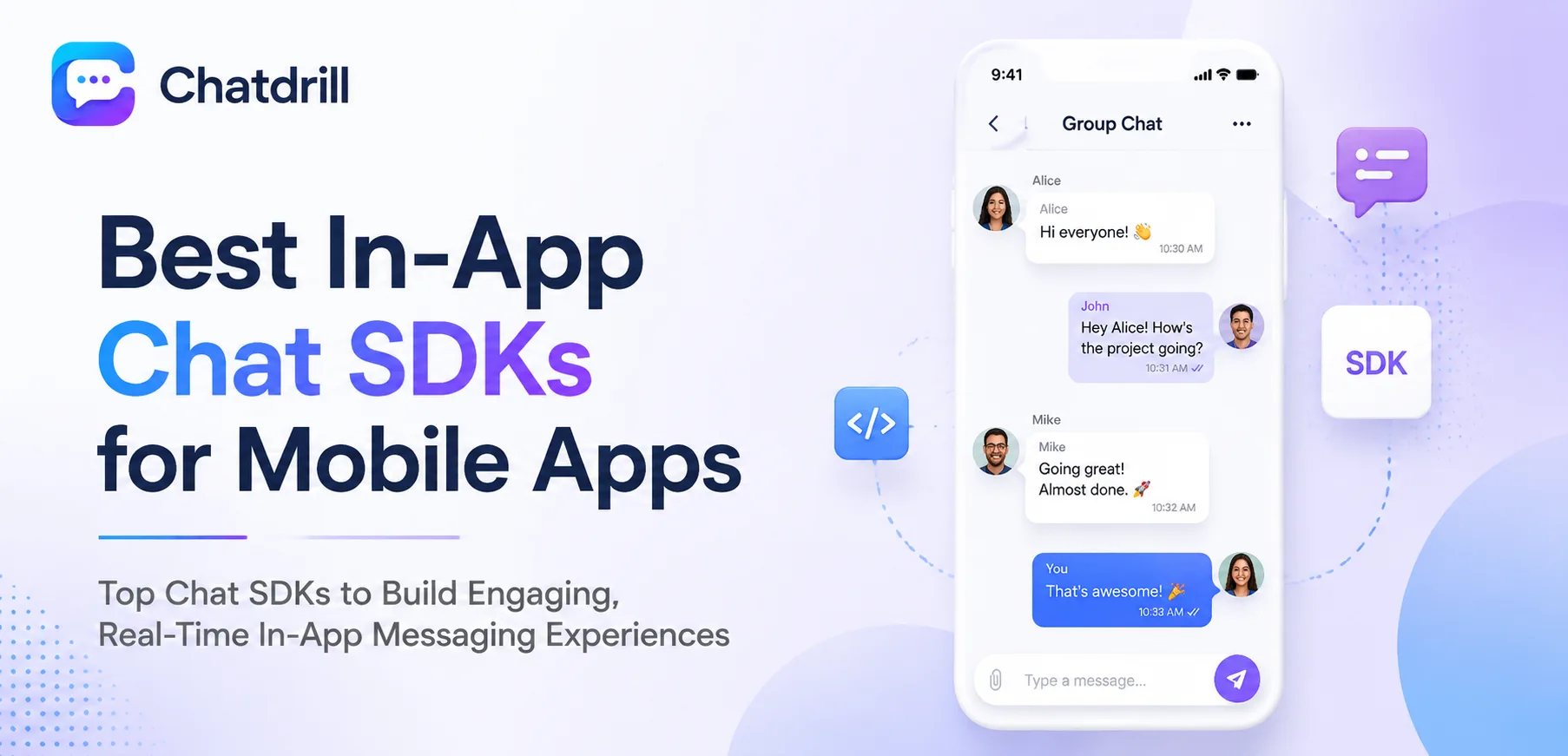
An in-app chat SDK lets a mobile app embed live chat and support directly inside the app itself, iOS and Android, rather than sending a user out to a website or email to get help, keeping support inside the same experience the user is already in.
This matters because a user who has to leave an app to get support, opening a browser, finding a contact page, often abandons the attempt entirely, while support embedded natively in the app removes that friction and tends to see meaningfully higher engagement.
SDK integration is a genuinely different technical process than a website widget install, requiring native iOS and Android development work rather than a simple script tag, making implementation quality and documentation a much bigger factor in the actual evaluation.
Beyond the technical integration, mobile-specific considerations, push notification support, offline message queuing, and a native-feeling interface rather than an embedded web view, meaningfully affect how well the chat experience actually performs inside an app.
This guide covers what to look for in a mobile chat SDK, the strongest options in 2026, how they fit different app types and technical stacks, a closer look at pricing, and what to plan for during SDK implementation.
Why In-App Chat Matters for Mobile Apps
In-app chat matters because it keeps support inside the same experience a user is already engaged in, avoiding the abandonment risk of sending them to a separate website or email to get help.
The friction of sending users out of the app
A user encountering an issue mid-app who has to switch to a browser, find a support page, and explain their context from scratch is considerably more likely to abandon the attempt than to persist through it.
This friction is especially costly for a paid or subscription app, where a frustrated, unresolved issue can directly contribute to churn.
Why native integration outperforms an embedded web view
A chat experience built as a genuinely native SDK component, rather than a web view wrapped to look like part of the app, tends to feel faster and more integrated, with fewer jarring visual inconsistencies.
This distinction matters more to users than it might seem, a chat interface that clearly feels like a different technology within the app can subtly undermine trust in the app's overall quality.
What good in-app chat unlocks for a mobile business
Beyond support, in-app chat with genuine push notification integration keeps a conversation alive even when a user isn't actively looking at the app, closing the response loop that a website-only chat experience can't replicate for mobile users.
This persistent, app-native channel becomes a genuine retention and engagement tool, not just a support cost center, for a business built primarily around its mobile app.
What to Look for in a Mobile Chat SDK
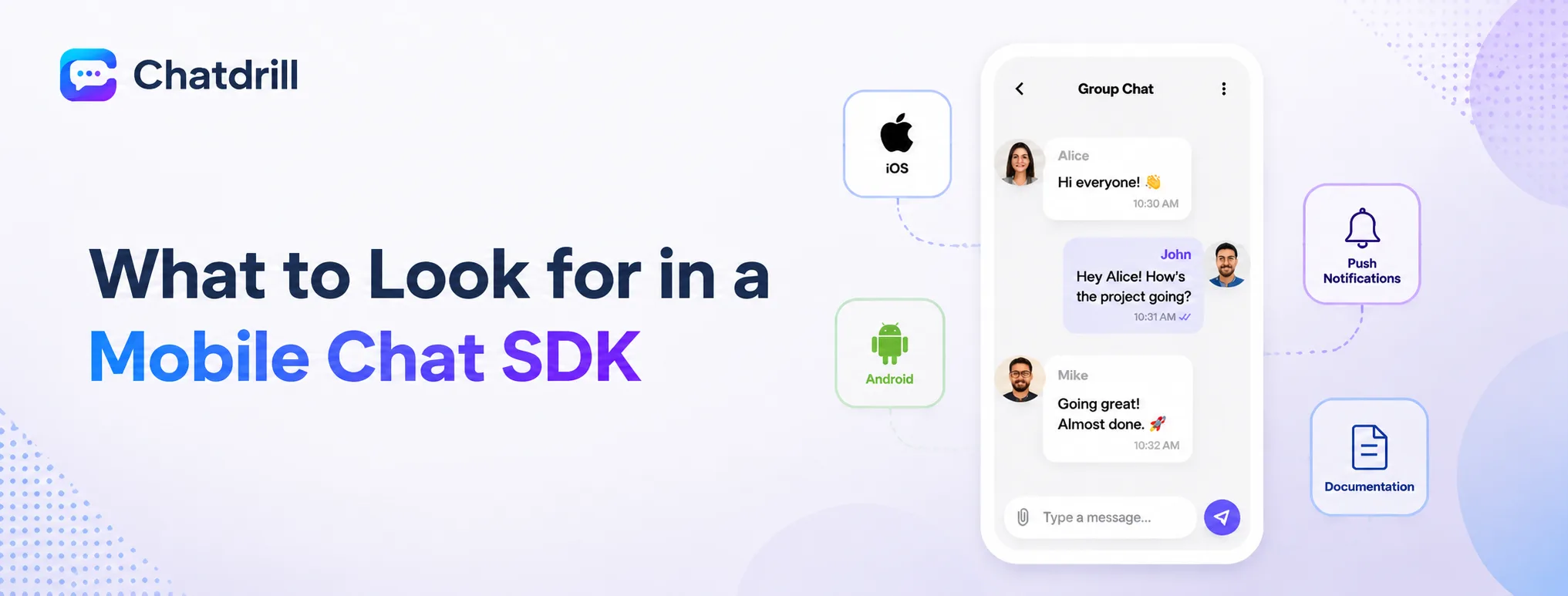
A strong mobile chat SDK offers genuinely native iOS and Android components, reliable push notification integration, and clear, well-maintained documentation that doesn't leave a mobile development team guessing during implementation.
Genuinely native components, not a wrapped web view
Confirm the SDK renders using native UI components for each platform, rather than embedding a styled web view that approximates but doesn't fully match native look and feel.
Testing a sample implementation directly, rather than relying on a features page claim, reveals whether the resulting interface genuinely feels native.
Reliable push notification integration
The SDK should integrate cleanly with both Apple Push Notification service and Firebase Cloud Messaging, ensuring a user gets notified of a new message even when the app isn't open.
Testing this specifically, sending a message while the app is backgrounded or closed, confirms the notification pipeline genuinely works end to end.
Clear, well-maintained documentation
Mobile SDK implementation is genuinely more involved than a website widget install, making thorough, current documentation and example code a significant factor in how smooth the integration actually goes.
Reviewing the documentation directly before committing, ideally with the actual developer who'll do the implementation, reveals whether it's detailed enough to support a smooth integration.
The Best In-App Chat SDKs for Mobile Apps
ChatDrill leads for native SDK quality paired with AI automation, with Intercom, Zendesk, Sendbird, and Stream each fitting a more specific mobile chat implementation need.
ChatDrill — best overall for native chat with AI automation
ChatDrill's mobile SDKs render genuinely native components on both iOS and Android, with the same AI qualification and automation capability available on web extended naturally into the mobile experience.
Push notification integration is handled cleanly through both major mobile notification services, keeping conversations alive even when a user isn't actively in the app.
Teams wanting AI-driven automation consistent across both web and mobile channels tend to find this parity particularly valuable for a unified support strategy.
Intercom — best for enterprise apps wanting deep AI
Intercom's mobile SDK brings its mature AI agent into the app experience, suited to a larger, enterprise-scale mobile app wanting maximum AI sophistication.
Its usage-based pricing extends to mobile conversations as well, worth modeling carefully for an app with significant user volume and chat engagement.
This suits a well-resourced mobile business prioritizing AI depth over cost predictability in its support strategy.
Zendesk — best for apps wanting formal ticketing tied to chat
Zendesk's mobile SDK extends its established ticketing platform into the app, appealing to a business that wants mobile support conversations formally tracked as tickets.
This suits an app with a support-heavy operation where structured ticket documentation matters even for in-app conversations.
The trade-off is a mobile chat experience that can feel secondary to the broader ticketing-first product design.
Sendbird — best for building a fully custom chat experience
Sendbird offers a more developer-focused SDK for building genuinely custom chat and messaging experiences, suited to a team wanting maximum control over the resulting interface.
This flexibility requires meaningfully more development investment than a more turnkey SDK, worth weighing against how much genuine customization is actually needed.
Teams building a chat experience central to their app's core product, rather than a support add-on, tend to find this control worth the investment.
Stream — best for apps needing chat plus broader activity feeds
Stream offers chat SDK capability alongside broader activity feed and messaging infrastructure, suited to an app where chat is one part of a larger, more complex social or community feature set.
This breadth suits an app with genuinely complex messaging needs beyond simple customer support, less relevant for a straightforward support use case alone.
Teams building a support-focused, rather than social-platform-focused, mobile experience will likely find a more purpose-built support SDK a better fit.
Mobile Chat SDKs by App Type and Need
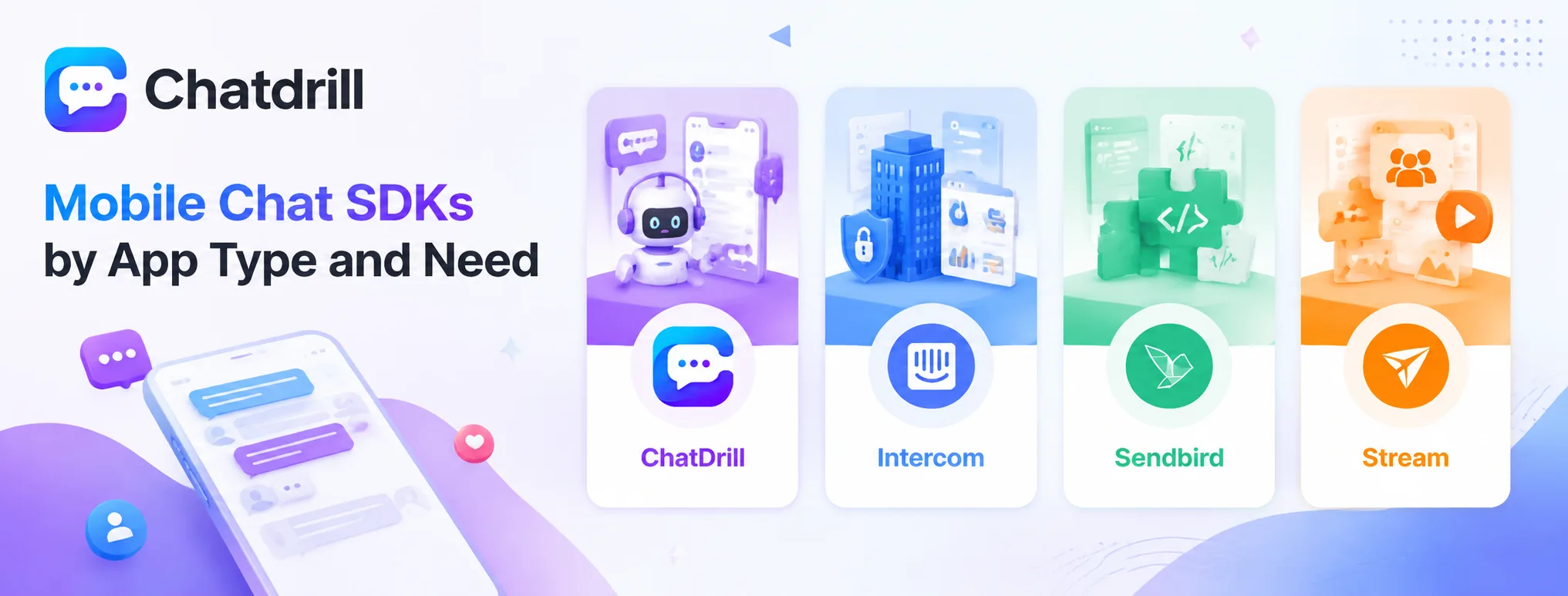
ChatDrill suits apps wanting AI automation consistent with web, Intercom suits enterprise apps prioritizing maximum AI depth, Sendbird suits fully custom builds, and Stream suits apps needing chat alongside broader social features.
Best for AI automation consistent across web and mobile
ChatDrill's parity between web and mobile AI capability suits a business wanting a genuinely unified support strategy across both channels.
This consistency avoids the common problem of mobile support feeling like an afterthought compared to a more mature web chat experience.
Best for enterprise apps prioritizing maximum AI depth
Intercom's mature AI agent suits a larger, well-resourced mobile app wanting the deepest available AI capability regardless of cost predictability.
This fits an enterprise-scale mobile business where AI sophistication matters more than budget optimization.
Best for fully custom chat experiences
Sendbird suits a team building a chat experience central to their app's core product, wanting maximum design and functionality control.
This depth of customization requires meaningfully more development resources than a turnkey support SDK.
Best for apps needing chat alongside broader messaging features
Stream suits an app where chat is part of a larger social or community feature set, not a standalone support function.
This breadth is valuable specifically for this use case, less relevant for a straightforward customer-support-focused implementation.
Mobile Chat SDK Pricing: What to Expect
Mobile SDK pricing typically follows the same structure as the platform's web pricing, per-seat or plan-based, though it's worth confirming mobile-specific usage, like message volume or monthly active users, doesn't introduce a separate cost layer.
How mobile pricing typically aligns with web pricing
Most platforms price mobile SDK access as part of the same overall plan as web chat, rather than charging separately, though it's worth confirming this directly rather than assuming.
This unified pricing simplifies budgeting for a business running both web and mobile support channels through the same platform.
Where mobile-specific costs can appear
Some platforms introduce usage-based charges tied specifically to monthly active users or mobile message volume, a cost layer worth checking for explicitly during evaluation.
This distinction matters most for a high-volume consumer app, where mobile-specific usage charges could meaningfully affect total cost compared to a web-only pricing model.
Factoring in development cost alongside platform cost
Beyond the platform's own pricing, budget for the development time an SDK integration requires, which varies meaningfully based on documentation quality and how customized the implementation needs to be.
This development cost is often a larger factor in total investment than the platform's own subscription price, worth planning for accordingly.
What to Plan for During SDK Implementation
Before implementing a mobile chat SDK, review the documentation with your actual mobile development team, test push notification delivery thoroughly across both platforms, and plan for how chat state persists across app backgrounding and reopening.
Reviewing documentation with the implementation team
Having the actual developer who'll implement the SDK review documentation before committing to a platform surfaces any gaps or concerns early, rather than discovering them mid-implementation.
This review is worth treating as a genuine evaluation step, not a formality, since implementation quality directly affects the resulting user experience.
Testing push notification delivery thoroughly
Test notification delivery across a range of real scenarios, app backgrounded, app fully closed, device in low-power mode, to confirm reliable delivery under realistic conditions.
This testing is worth doing on both iOS and Android specifically, since notification behavior and reliability can differ meaningfully between the two platforms.
Planning for chat state persistence
Confirm how a conversation's state, unsent messages, scroll position, unread indicators, persists when a user backgrounds the app and returns later, since a poor experience here undermines the native feel the SDK is meant to provide.
Testing this specific scenario directly during implementation review avoids a jarring, easily overlooked gap in the finished user experience.