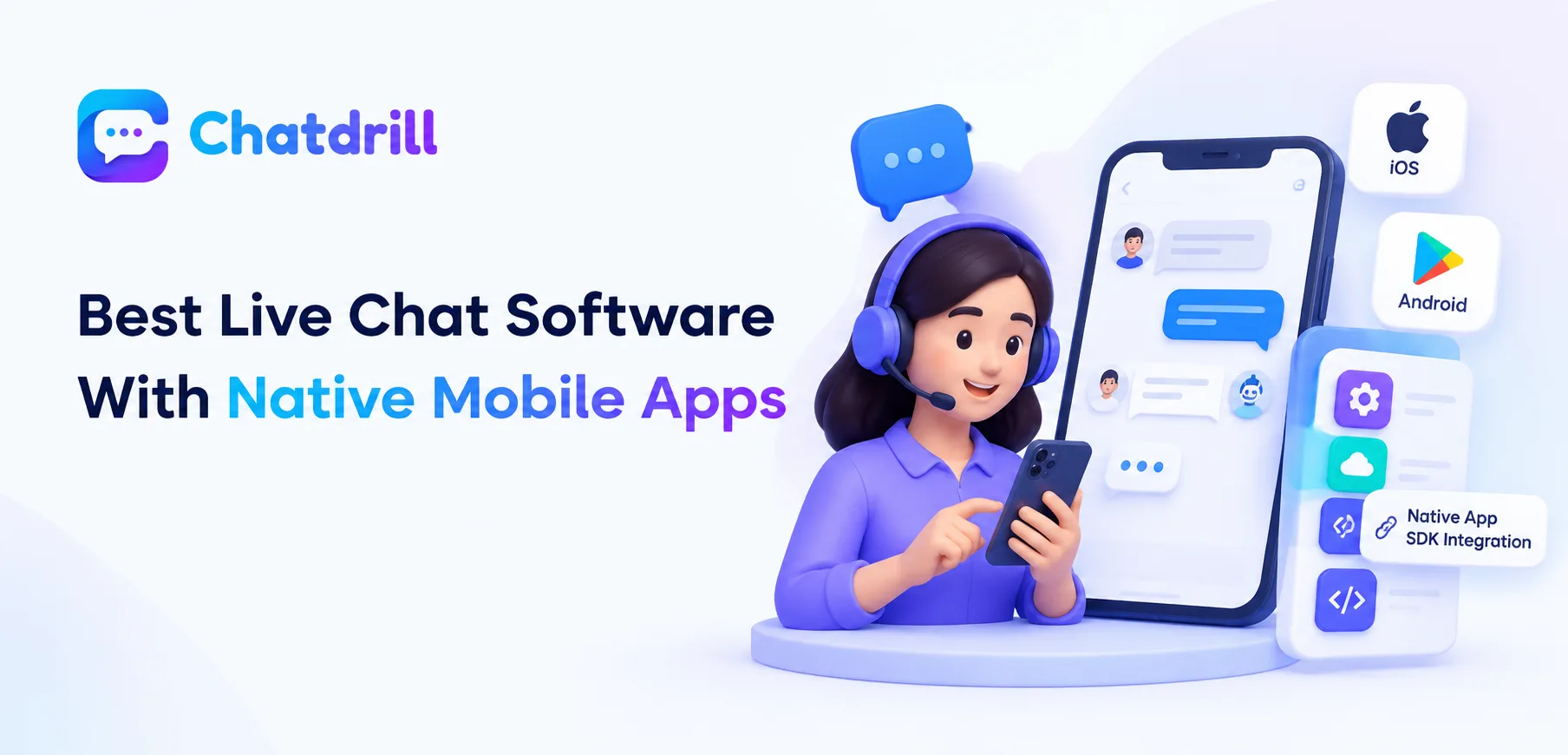
A support agent or business owner increasingly needs to respond to chat conversations away from a desktop, whether managing a small team on the go or simply wanting flexibility to reply between other responsibilities throughout the day.
Quick answer: For support teams needing to respond from a phone between other tasks, LiveChat and JivoChat are commonly cited for strong native iOS and Android apps, while HelpCrunch for mobile SDK integration into your own app
business's own native app, making mobile app quality a genuine differentiator worth testing directly rather than assuming from a platform's web experience alone.
A chat platform's native mobile app quality varies considerably between providers, and this specific characteristic deserves direct evaluation rather than an assumption that a strong web experience automatically translates into an equally capable mobile app.
Understanding which platforms genuinely excel here, and how to properly test this characteristic yourself, helps identify a tool that will actually serve a mobile-first or mobile-flexible way of managing chat support.
This guide covers why native mobile app quality matters, genuinely strong options for this specific need, common evaluation mistakes, key questions to ask, and how ChatDrill approaches mobile access.
Why Native Mobile App Quality Genuinely Matters
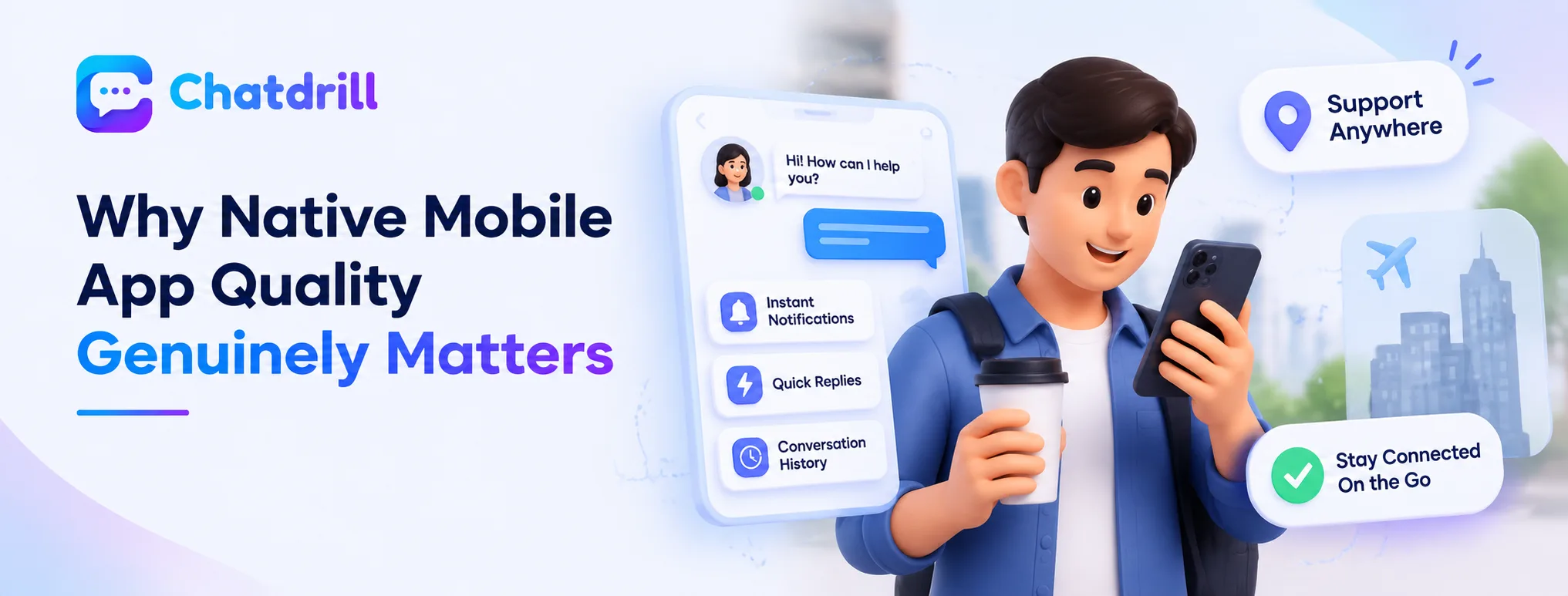
A genuinely capable mobile app lets an agent respond effectively away from a desktop, a meaningfully different experience from a merely functional but limited mobile interface.
The gap between functional and genuinely capable mobile apps
Some platforms offer only a basic mobile app allowing simple message viewing and replying, while others provide a genuinely full-featured experience including notifications, canned responses, and conversation history, a meaningful capability gap worth evaluating directly.
This gap matters considerably for a solo operator or small team relying on mobile access regularly, versus a larger team where mobile access serves only an occasional, secondary role.
Why this matters more for certain business models
A solo consultant, small business owner, or field-based team member managing support alongside other responsibilities throughout the day genuinely depends on strong mobile capability more than a larger team with dedicated desk-based support staff.
Recognizing your own genuine usage pattern helps calibrate how much evaluation weight this specific characteristic deserves relative to other platform considerations.
Genuinely Strong Options for This Specific Need
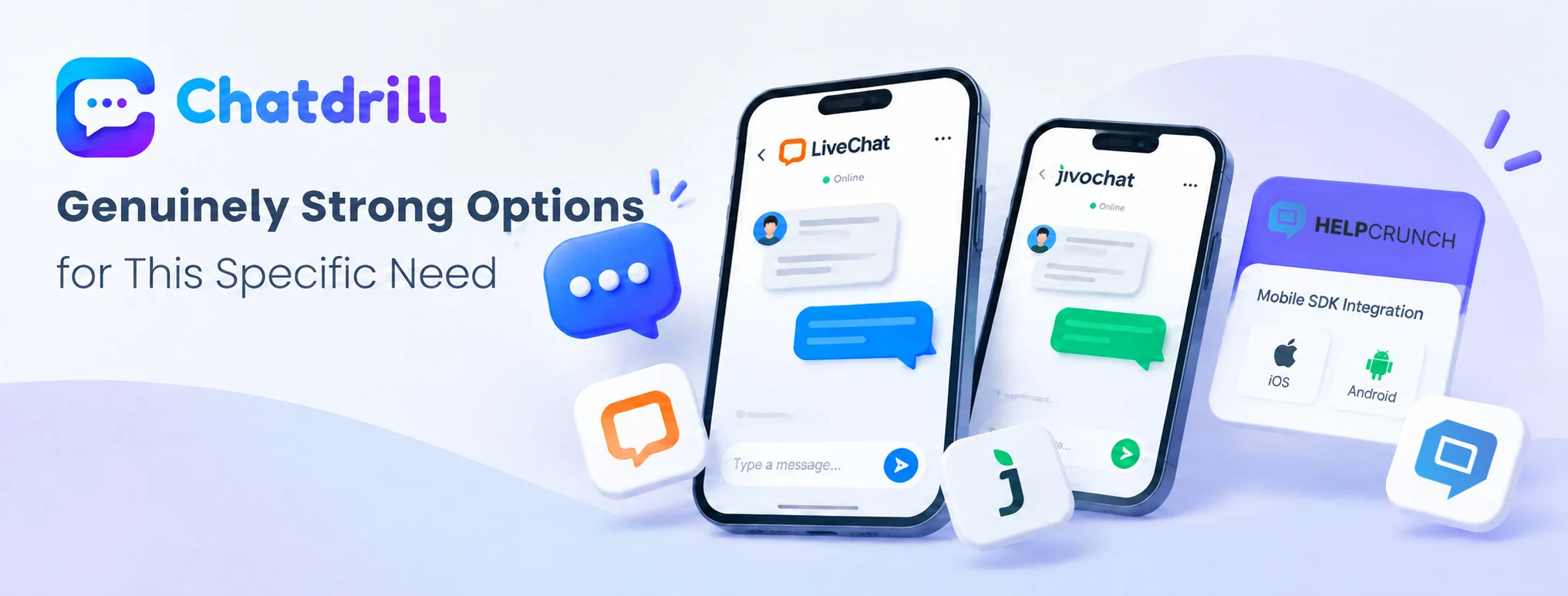
LiveChat and JivoChat are commonly cited for strong native apps, while HelpCrunch stands out for mobile SDK integration into your own app specifically.
LiveChat and JivoChat for strong agent-facing apps
LiveChat is commonly cited for a genuinely strong, full-featured mobile app supporting effective on-the-go agent response, reflecting the platform's broader reputation for polish and reliability.
JivoChat similarly offers native mobile apps well suited to a team wanting genuine flexibility to manage conversations away from a desktop.
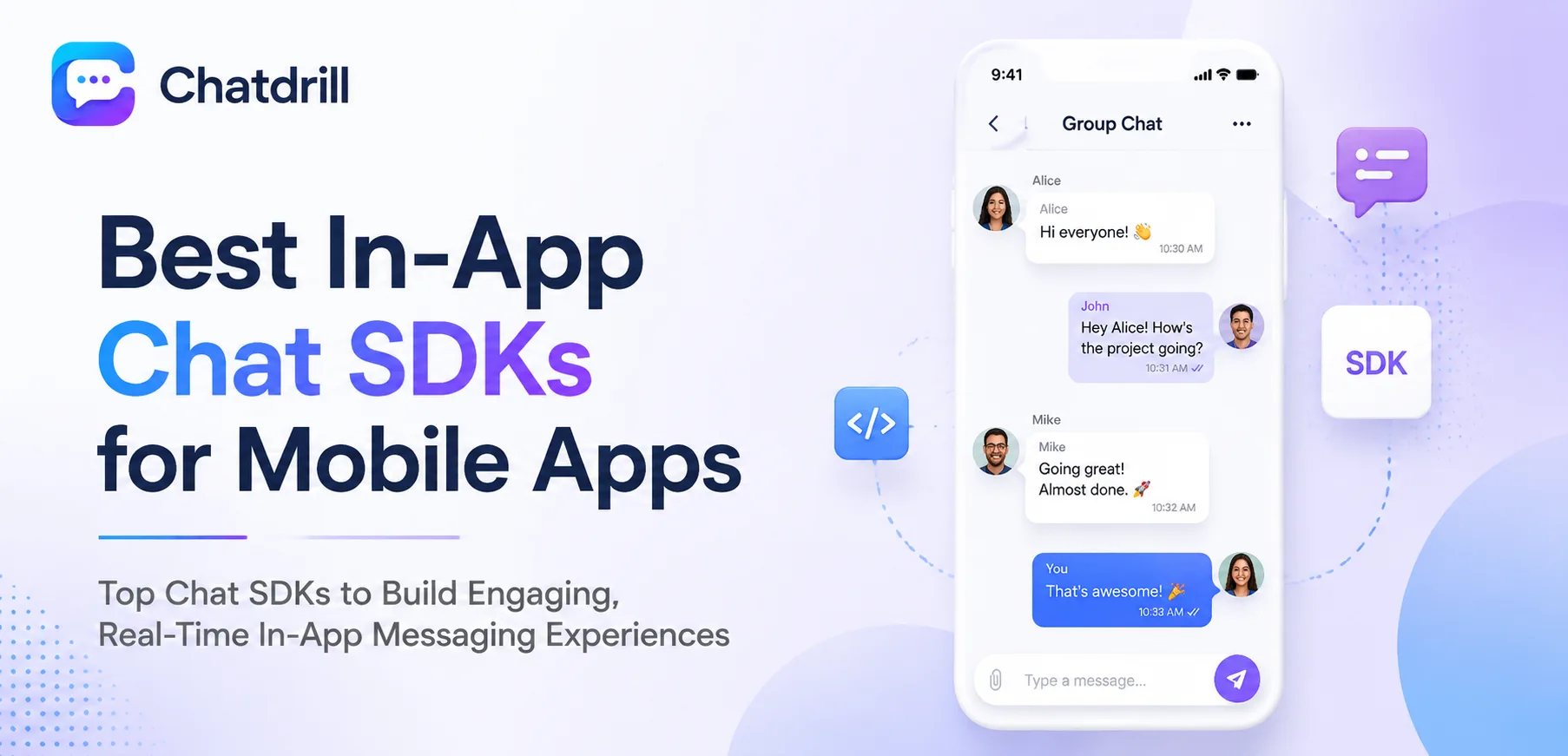
HelpCrunch for mobile SDK integration into your own app HelpCrunch specifically offers multichannel mobile SDKs for iOS and Android, letting a business embed chat support directly within their own native app rather than only providing an agent-side mobile app for staff.
This distinction matters for a business wanting to offer in-app chat support to its own customers specifically, a genuinely different use case from an agent simply managing chat from their own phone.
Common Evaluation Mistakes for This Feature
Assuming a strong web platform automatically has an equally strong mobile app, and
Confusing agent apps with customer-facing mobile SDKs
mistakes.
Assuming web quality implies mobile app quality
A platform's polished, feature-rich web dashboard doesn't automatically guarantee an equally capable mobile app, since mobile development often receives less ongoing investment than the primary web product.
Testing the actual mobile app directly, rather than assuming quality based on web experience alone, avoids this specific, easy-to-make assumption.
Confusing agent apps with customer-facing mobile SDKs An agent-facing mobile app, for staff managing conversations from their phone, serves a genuinely different purpose than a mobile SDK for embedding chat within your own customer-facing app, and confusing these two distinct capabilities can lead to choosing a platform that doesn't actually meet your genuine need.
Clarifying which specific capability you actually need, as this guide's options section distinguishes, avoids this particular evaluation confusion.
Key Questions to Ask Before Choosing
Testing the actual mobile app directly and clarifying whether you need an agent app or a customer-facing SDK are the most useful evaluation steps here.
How does the actual mobile app perform in practice?
Downloading and genuinely testing a candidate platform's mobile app directly, checking notification reliability, response speed, and feature completeness, reveals real quality more reliably than marketing descriptions or app store ratings alone.
This hands-on test matters especially if mobile access will serve as a primary, regular way of managing chat rather than an occasional convenience.
Do I need an agent app or a customer-facing SDK?
Clarifying whether your genuine need is staff managing conversations from their own phones, or embedding chat within your own customer-facing app, ensures you're evaluating the right specific capability rather than a related but genuinely different feature.
This clarity, established early in your evaluation, prevents the confusion this guide identifies as a common mistake in this specific area.