
A text-based chat conversation sometimes reaches a genuine limit, a complex visual issue, a nuanced explanation, or simply a customer who would benefit from a more personal, face-to-face interaction, moments where built-in video calling extends what chat alone can accomplish.
Quick answer: For businesses wanting to escalate a text chat to a face-to-face conversation without switching tools, LiveAgent and Re:amaze stand out for genuinely built-in video calling within the chat widget itself, letting a customer move seamlessly from text to video when a conversation genuinely benefits from richer, visual communication.
Rather than requiring a customer to switch to an entirely separate video tool, a chat platform with genuinely built-in video capability lets this escalation happen seamlessly within the same conversation and interface.
Understanding which platforms genuinely offer this integrated capability, versus simply linking out to an external tool, helps a business choose a platform that delivers the seamless experience this feature is meant to provide.
This guide covers why built-in video calling matters, genuinely strong options for this specific capability, common evaluation mistakes, key questions to ask, and how ChatDrill approaches this capability.
Why Built-In Video Calling Genuinely Matters
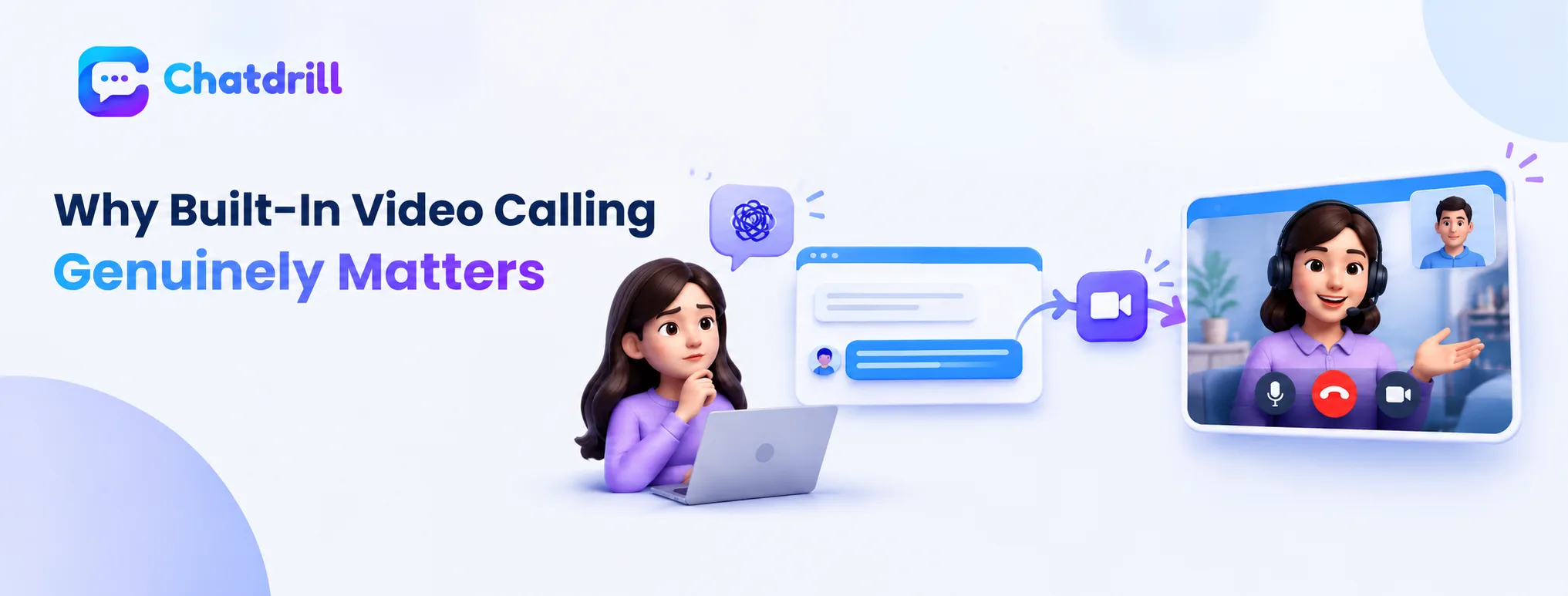
Built-in video calling lets a conversation escalate seamlessly when text reaches its natural limit, without the friction of switching to a separate tool.
When text conversation genuinely reaches its limit
A customer trying to describe a complex visual issue, a product defect, a confusing interface element, often struggles to convey this clearly through text alone, a moment where video communication genuinely adds value text can't easily replicate.
Recognizing these specific scenarios, rather than assuming video is always superior, helps identify exactly when this feature genuinely delivers value beyond text-based conversation.
The seamlessness advantage of truly built-in capability
A genuinely built-in video feature lets a conversation escalate within the same interface and context, avoiding the friction and potential drop-off risk of asking a customer to open an entirely separate video application.
This seamlessness matters considerably for actual usage rates, since even a small amount of added friction can meaningfully reduce how often a genuinely valuable video escalation actually happens.
Genuinely Strong Options for This Specific Capability
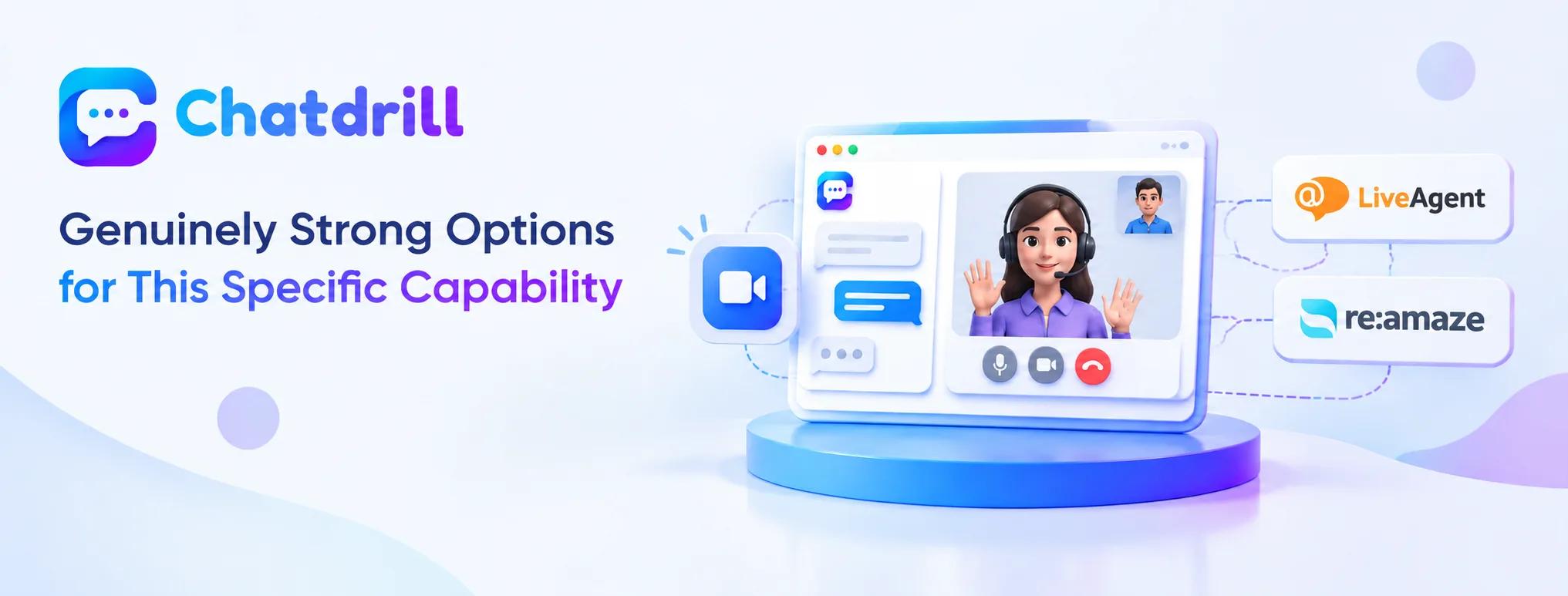
LiveAgent and Re:amaze stand out specifically for offering genuinely built-in, browser-based video calling within the chat widget itself.
LiveAgent's browser-based video and call capability
LiveAgent offers browser-based video calls and in-browser call buttons, letting a customer escalate from text to a face-to-face interaction without leaving the chat widget or installing separate software.
This built-in capability, combined with LiveAgent's broader helpdesk-style feature set, suits a business wanting video escalation as part of a more comprehensive support toolkit.
Re:amaze's native in-chat video calls
Re:amaze specifically offers native in-chat video calls as a core feature, letting a support conversation move to video directly within the same interface a customer is already using.
This native integration reflects the seamlessness this guide identifies as the core advantage of genuinely built-in video capability, rather than a bolted-on afterthought.
Common Evaluation Mistakes for This Feature
Assuming a platform advertising "video support" offers genuinely built-in capability, and overestimating how often this feature will actually be used, are common mistakes.
Assuming advertised video support is genuinely built in
Some platforms describe video capability that actually redirects to a separate, external video tool rather than offering genuinely integrated, in-widget video calling, an important distinction to verify directly before assuming seamless integration.
Testing this specifically, rather than relying on marketing language alone, confirms whether a platform genuinely delivers the seamless escalation this guide identifies as the core value of this feature.
Overestimating actual usage frequency
Many businesses evaluate video capability as a must-have feature but end up using it rarely in practice, since most conversations genuinely resolve well through text alone without needing this escalation.
Weighing this feature's genuine, realistic usage frequency against its potential cost or complexity, rather than assuming it will be used constantly, produces a more grounded evaluation decision.
Key Questions to Ask Before Choosing
Confirming genuinely native, in-widget video capability and testing the actual escalation flow directly are the most useful evaluation steps here.
Is the video capability genuinely native to the widget?
Asking a vendor directly, and testing firsthand, whether video calling happens within the same chat interface or redirects to a separate application confirms whether the seamlessness this guide identifies as valuable is genuinely present.
This distinction matters considerably for actual usage rates, given how much friction a redirect to a separate tool can introduce compared to a truly integrated experience.
How does the escalation from text to video actually work?
Testing the actual, specific flow for escalating a text conversation to video, confirming it's genuinely quick and low-friction, reveals whether the feature will realistically get used when a genuine need for it arises.
This hands-on test matters more than a general feature checklist, since the actual usability of the escalation flow determines whether this capability delivers real value in practice.