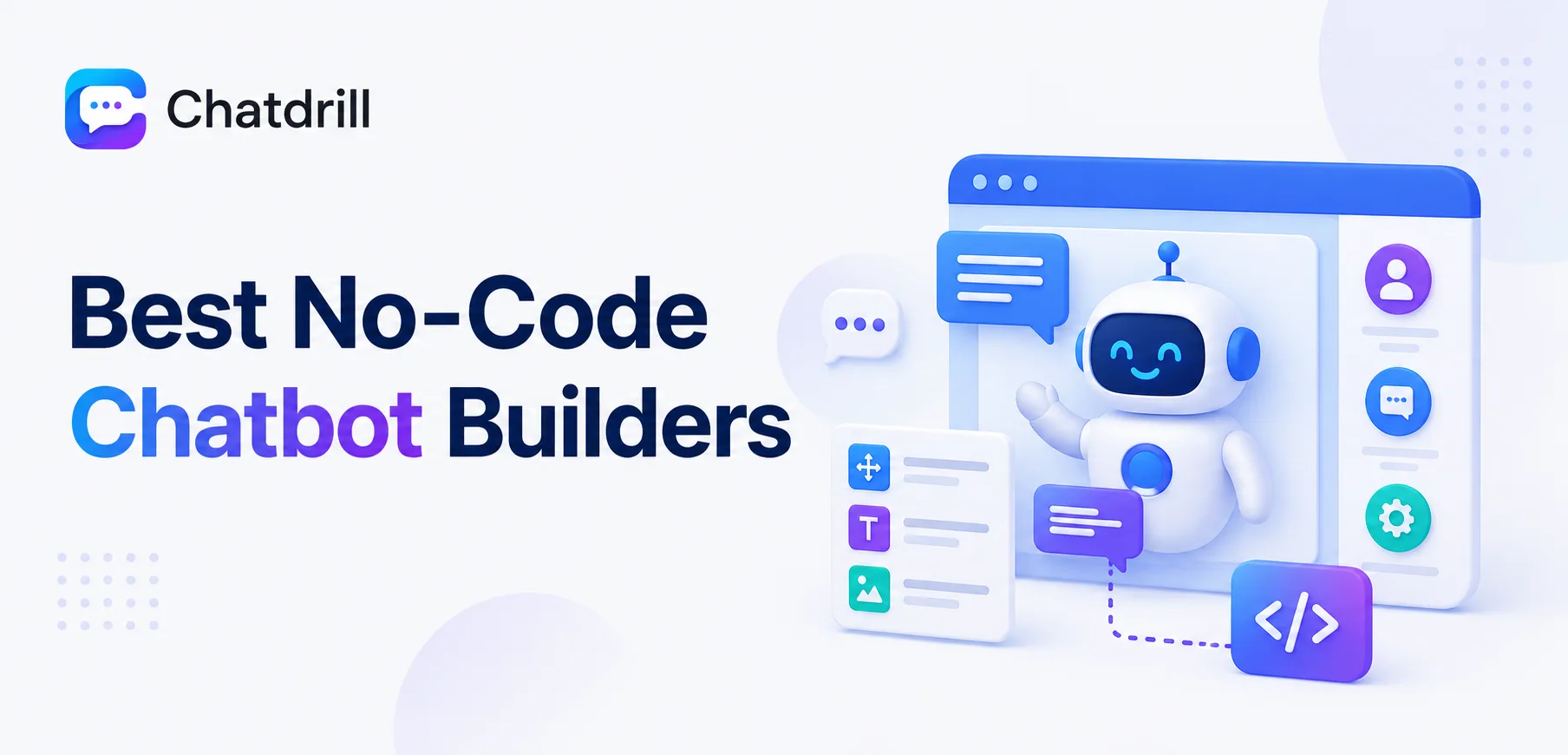
A no-code chatbot builder lets someone without programming experience design conversation flows, train AI on business content, and deploy a working chatbot, using a visual interface rather than writing integration code or managing a backend system.
This matters because chatbot capability used to be gated behind developer resources, meaning a marketing or support team wanting a chatbot had to wait in an engineering queue rather than building and iterating on it themselves.
Modern no-code builders vary meaningfully in how much genuine AI sits behind the visual interface, some are essentially decision-tree builders with a friendly drag-and-drop layer, while others let a non-technical user configure genuinely sophisticated AI without ever seeing a line of code.
The right choice depends heavily on how much conversational flexibility is actually needed, a business with narrow, predictable questions may be well served by a simpler flow builder, while one with varied conversations needs a builder backed by genuine AI.
This guide covers what to look for in a no-code chatbot builder, the strongest options in 2026, how they fit different use cases and technical comfort levels, a closer look at pricing, and common mistakes to avoid when building a first chatbot.
What a No-Code Chatbot Builder Actually Offers
A no-code chatbot builder offers a visual interface for designing conversation logic, training AI on business content, and deploying the result, removing the need for a developer to build and maintain custom integration code.
Why no-code matters for chatbot deployment specifically
Chatbots benefit uniquely from frequent iteration, updating responses as products change or new questions emerge, work that's far more sustainable when a non-technical team member can make the change directly.
Removing the developer bottleneck for this kind of ongoing iteration is often the single biggest practical benefit of a genuinely no-code builder.
The range of capability behind "no-code"
Some builders labeled no-code are essentially visual decision-tree editors, powerful for narrow, predictable use cases but limited in handling genuinely varied conversation.
Others integrate real AI language understanding behind the same friendly interface, letting a non-technical user configure something considerably more flexible without touching code either way.
Who typically uses these tools
Marketing and support teams are the most common users, building and iterating on chatbots without needing to file a request with an engineering team for every small update.
This shift has meaningfully accelerated how quickly a business can launch and refine a chatbot, compared to the developer-dependent process common a few years ago.
What to Look for in a No-Code Chatbot Builder
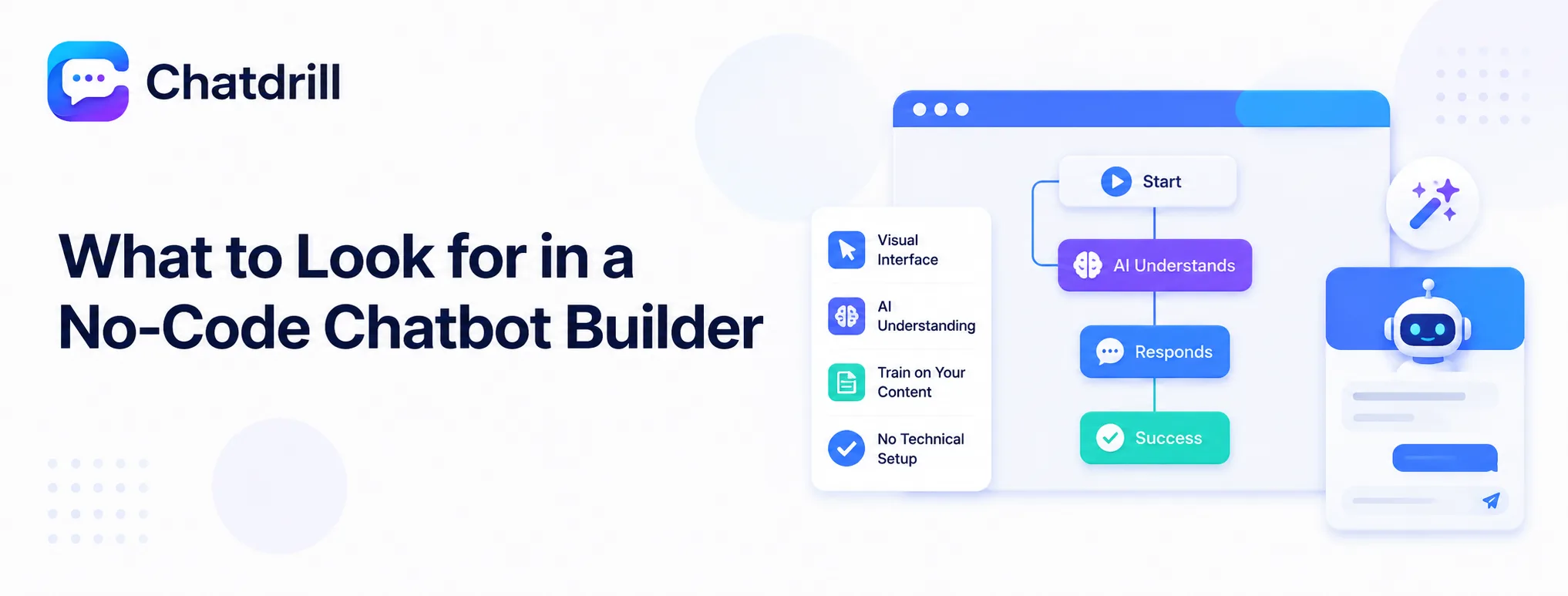
A strong no-code chatbot builder offers a genuinely intuitive visual interface, real AI understanding rather than just decision-tree logic, and straightforward training on your specific business content without requiring technical setup.
A genuinely intuitive visual interface
The interface should feel approachable to someone without technical background, worth testing directly rather than trusting a marketing claim of ease of use.
A brief hands-on trial, actually building a small test flow, reveals far more about genuine usability than reading a features page description.
Real AI understanding versus pure decision trees
Confirm whether the builder's underlying technology genuinely interprets varied phrasing, or only matches against predefined keyword paths, since this distinction significantly affects how well the resulting chatbot handles real conversations.
Testing with a few intentionally varied phrasings of the same question during a trial reveals which category a specific builder actually falls into.
Straightforward training on business content
Look for a builder that can ingest existing content, an FAQ page, help documentation, product descriptions, directly, rather than requiring every response to be manually written from scratch.
This capability significantly reduces the time needed to get a genuinely useful chatbot live, compared to building every response by hand.
The Best No-Code Chatbot Builders
ChatDrill leads for genuine AI behind a no-code interface, with Tidio, Chatfuel, ManyChat, Voiceflow, and Landbot each fitting a more specific chatbot-building use case.
ChatDrill — best overall for genuine AI with no-code simplicity
ChatDrill's no-code builder trains real AI on existing business content, letting a non-technical user configure a chatbot that genuinely understands varied phrasing rather than matching narrow keyword paths.
Its interface keeps the underlying AI complexity hidden behind approachable, visual configuration options, avoiding the steep learning curve some AI-focused builders carry.
Teams wanting both genuine conversational flexibility and true no-code accessibility tend to find this combination hard to match among the alternatives.
Tidio — best for ecommerce-focused chatbot building
Tidio's no-code builder includes templates and AI tuned specifically for ecommerce scenarios, cart recovery, order questions, product recommendations, out of the box.
This specialization makes it a strong fit for a store owner without technical background wanting a chatbot genuinely useful for shopping-related conversations quickly.
Businesses outside ecommerce may find its specific templates less directly applicable, worth checking whether the underlying builder generalizes well beyond its ecommerce focus.
Chatfuel — best for Messenger and Instagram-focused bots
Chatfuel specializes in building chatbots specifically for Messenger and Instagram, a strong fit for a business whose primary chatbot use case is social messaging rather than a website widget.
Its no-code interface is well suited to marketing teams building social-first automated campaigns and conversation flows.
Businesses primarily needing a website chatbot rather than social messaging automation may find more directly relevant options elsewhere on this list.
ManyChat — best for marketing-driven chatbot campaigns
ManyChat leans heavily toward marketing use cases, building chatbot flows tied to campaigns, broadcasts, and lead generation across social and messaging channels.
This positions it well for a marketing team specifically, though it's less focused on the customer-support use case central to most other builders on this list.
Teams whose primary need is support-focused chat automation, rather than marketing campaign flows, will likely find better fit elsewhere.
Voiceflow — best for teams wanting deeper design control
Voiceflow offers a more design-oriented visual builder with deeper control over conversation flow logic, appealing to a team wanting more sophistication than a purely templated builder provides.
This added control comes with a correspondingly steeper learning curve than the most purely no-code options, worth weighing against the actual sophistication needed.
Teams with more complex, custom conversational requirements tend to find this extra control worth the additional learning investment.
Landbot — best for a highly visual, conversational-form style bot
Landbot specializes in a distinctively visual, conversational-form style of chatbot, well suited to lead-generation flows that feel more like an interactive form than a traditional chat window.
This format works particularly well for structured data-collection use cases, a multi-step quiz or qualification form styled as a conversation.
Businesses wanting a more traditional, open-ended chat experience may find this specific format less suited to their primary use case.
No-Code Builders by Use Case and Technical Comfort
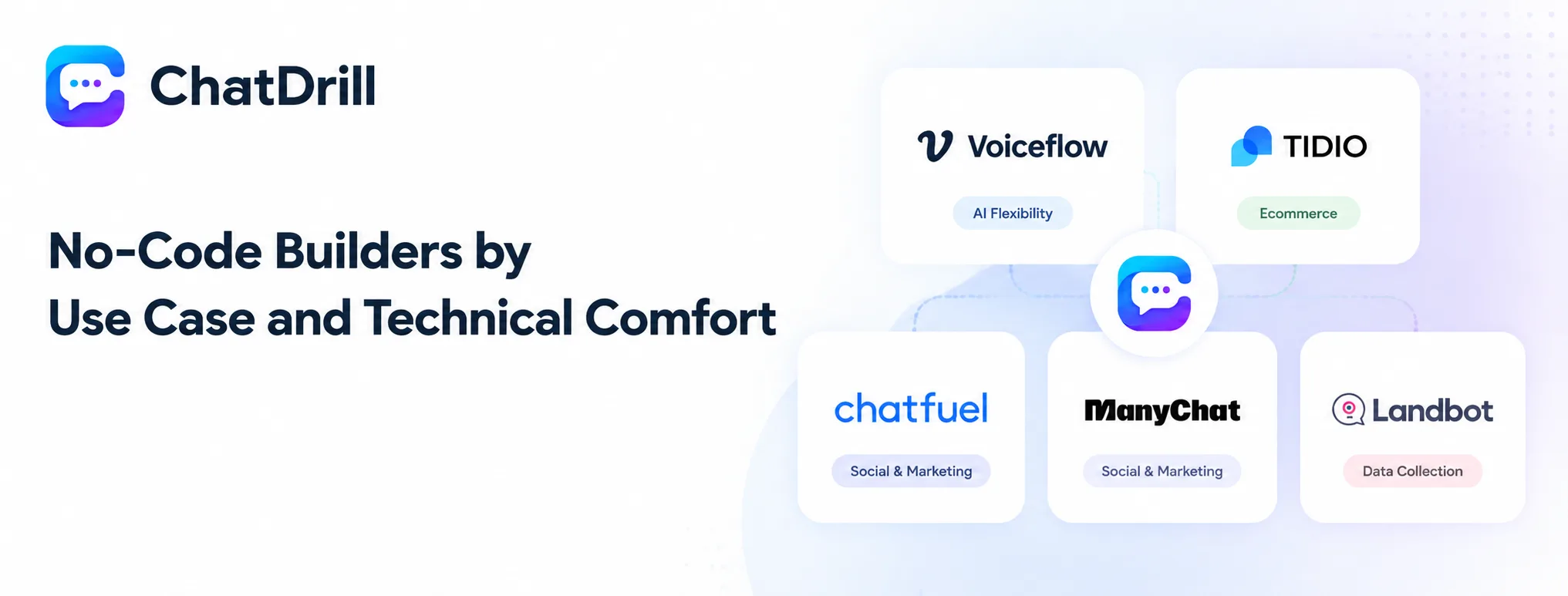
ChatDrill and Voiceflow suit teams wanting real AI flexibility, Tidio suits ecommerce specifically, Chatfuel and ManyChat suit social and marketing-driven use cases, and Landbot suits structured, form-style data collection.
Best for genuine AI flexibility
ChatDrill and Voiceflow both offer real AI understanding behind their no-code interfaces, suited to a business needing genuinely varied conversation handling.
Between the two, ChatDrill leans more toward customer support use cases, while Voiceflow suits a team wanting deeper custom design control over conversation logic.
Best for ecommerce-specific chatbot needs
Tidio's ecommerce templates and product-aware AI make it a natural first choice for a store owner without technical background.
This specialization is a genuine advantage specifically for this use case, less relevant for a business outside ecommerce.
Best for social and marketing-driven bots
Chatfuel and ManyChat both lean toward marketing and social messaging use cases rather than traditional website customer support.
Either suits a marketing team specifically building campaign-driven chatbot flows across social channels.
Best for structured, form-style data collection
Landbot's conversational-form style suits a business wanting a chatbot that functions more like an interactive lead-qualification form than open-ended chat.
This fits a specific, structured use case well, less suited to businesses wanting genuinely open-ended conversation capability.
No-Code Chatbot Builder Pricing: What to Expect
Pricing for no-code chatbot builders ranges from free tiers with basic flow-building to paid plans unlocking genuine AI capability, with the key cost driver typically being how much real language understanding sits behind the visual interface.
What free tiers typically cover
Free tiers generally support basic decision-tree flows with limited or no genuine AI understanding, a reasonable starting point for testing the builder's interface before committing to a paid plan.
Testing whether a free tier's limitations align with your actual needs, rather than assuming it's sufficient long-term, avoids a false sense of the tool's real capability.
Where genuine AI capability typically costs more
Real AI language understanding, versus basic keyword matching, is usually reserved for paid tiers, reflecting the meaningfully higher underlying technical capability being offered.
This is worth budgeting for explicitly if genuine conversational flexibility is actually needed, rather than assuming a free tier's simpler automation will suffice.
Calculating value versus a fully custom-built chatbot
Even a paid no-code builder's cost is almost always meaningfully lower than the engineering time a fully custom-built chatbot solution would require.
This comparison is worth making explicitly when justifying the investment internally, since the alternative isn't free, it's simply a different, often larger cost elsewhere.
Common Mistakes to Avoid When Building a First Chatbot
The most common mistakes are launching with generic, untrained responses instead of real business content, building overly complex flows before validating a simple version works, and never reviewing real conversations to improve the bot after launch.
Launching with untrained, generic responses
A chatbot launched without being trained on real business content, actual FAQ answers, product details, will frustrate visitors and get bypassed in favor of waiting for a human.
Investing the initial time to feed the builder real, specific business content before launch pays for itself many times over in how much better the bot performs from day one.
Overcomplicating the initial build
Building an elaborate, many-branched flow before validating that a simpler version actually works well often wastes effort on paths that turn out to be rarely used.
Starting with a focused, simple version and expanding based on real usage data tends to produce a better final result than trying to anticipate every scenario upfront.
Never reviewing real conversations after launch
A chatbot's performance genuinely improves over time only if someone reviews real conversations and updates training content based on what's actually being asked.
Skipping this review process is one of the most common reasons a chatbot's performance plateaus or quietly degrades as a business's product or customer questions evolve.