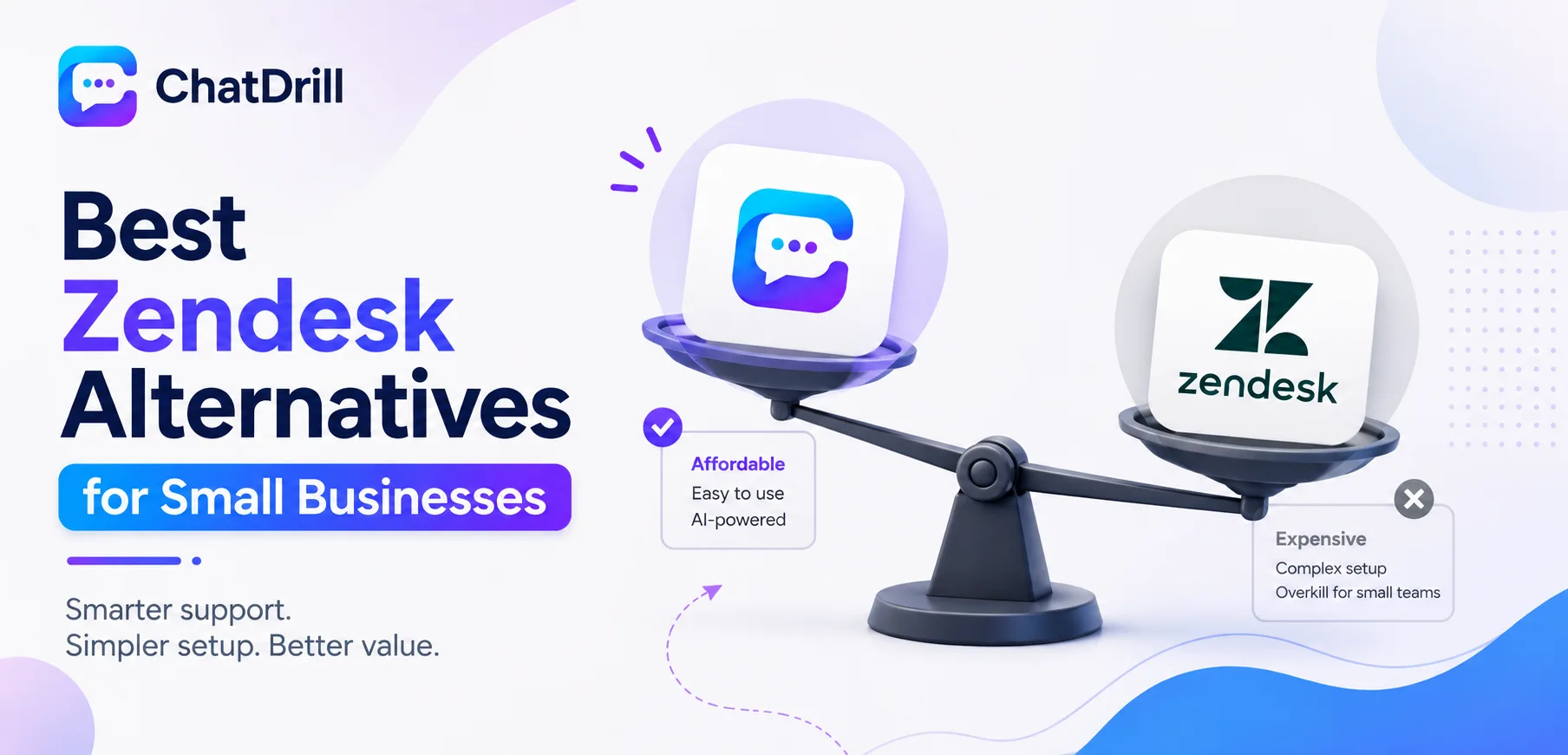
Zendesk is built for support organizations managing high ticket volume across multiple channels, but that same depth can feel like overkill, and overpriced, for a small business that just needs reliable chat and a simple shared inbox.
The mismatch shows up early for a lot of small teams: Zendesk's per-agent pricing and its ticketing-first design mean a five-person team often pays for configuration options and workflow depth it will never fully use.
That doesn't make Zendesk a bad product, it makes it a product built for a different stage of company than many small businesses are currently at, and the alternatives below are generally built with that smaller scale in mind from the start.
Small businesses in particular tend to want something that's simple to set up, reasonably priced at low agent counts, and includes AI automation without requiring an enterprise-level commitment.
This guide covers what to look for in a Zendesk alternative for a small business specifically, the strongest options in 2026, how they fit different priorities, a closer look at pricing, and what to plan for before switching.
Why Small Businesses Look for Zendesk Alternatives
Small businesses look for Zendesk alternatives because per-agent pricing adds up quickly at a small scale, the ticketing-first design feels heavier than a simple chat need requires, and much of Zendesk's configurability goes unused by a smaller team.
Simple overview
Zendesk was built to scale to large, complex support organizations, which means a lot of its depth is simply unnecessary overhead for a five or ten person team.
This isn't a flaw in Zendesk, it's a mismatch between the product's design center and a smaller business's actual day- to-day needs.
Recognizing this mismatch early tends to save a small business real money, rather than continuing to pay for enterprise-scale capability that a growing but still-small team won't use for years, if ever.
Where Zendesk feels heavy for a small team
Ticket routing rules, custom fields, and multi-tier permission structures are genuinely valuable at scale but add setup complexity a five-person team rarely needs to configure.
Small teams often find themselves using a small fraction of Zendesk's available configuration options, while still paying full per-agent price for the rest.
This gap between capability and actual usage tends to widen further as a business stays small, since the unused features never become more relevant on their own.
What small businesses need instead
Small businesses generally want a simple, fast setup, pricing that's reasonable at a low agent count, and AI automation included without a lengthy configuration process.
The right tool for this stage tends to prioritize getting a team productive quickly over offering maximum long-term configurability.
This preference for simplicity over depth is a deliberate trade-off, not a limitation, one that serves a small team's actual constraints better than a platform built for a much larger org.
What to Look for in a Zendesk Alternative
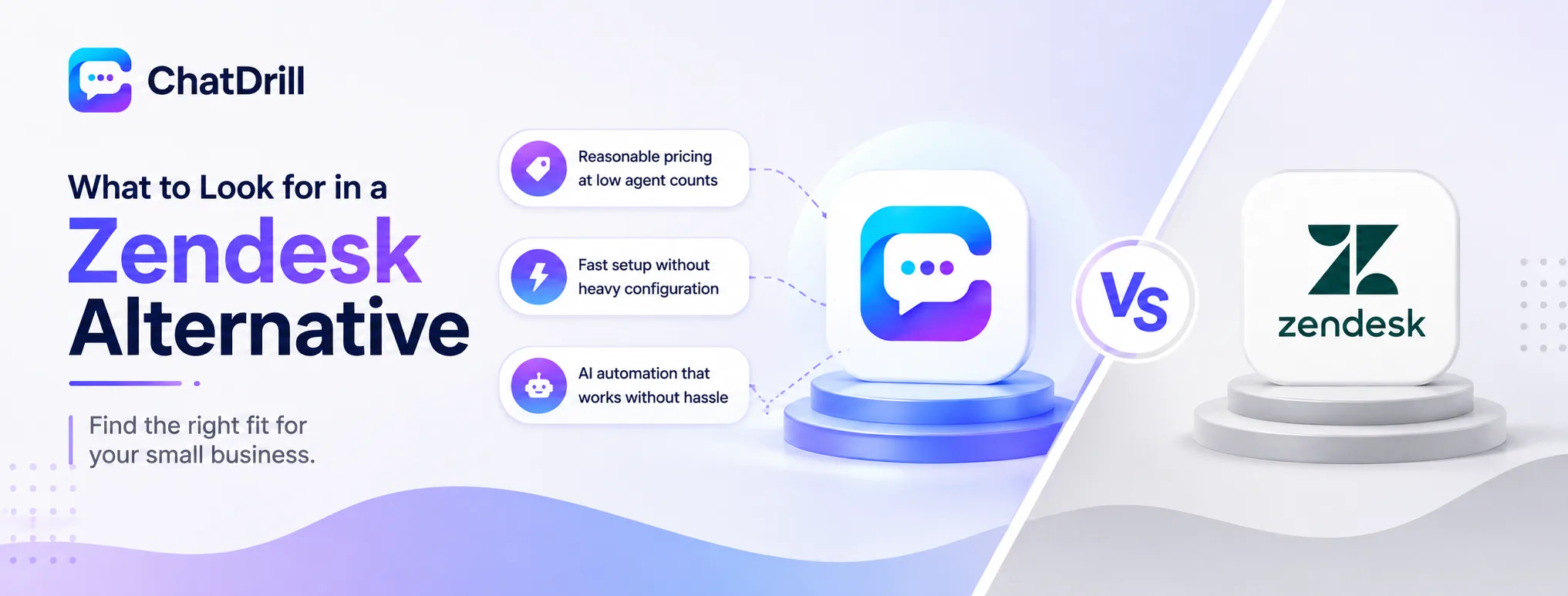
A strong Zendesk alternative for a small business offers reasonable pricing at low agent counts, a fast setup without a dedicated implementation process, and AI automation that works well without extensive configuration.
Reasonable pricing at low agent counts
Look specifically at pricing for a team of two to five agents, since some platforms' per-seat pricing only becomes competitive at a larger scale than a small business will ever reach.
It's worth modeling the actual monthly cost at your current team size, rather than assuming a platform's general reputation for value applies equally at every scale.
A platform that markets itself as affordable can still be a poor fit if its pricing structure genuinely favors larger teams over small ones.
Fast setup without heavy configuration
A platform that can be live within a day, without a dedicated implementation project, matters even more for a small business with limited internal resources to spend on setup.
Testing this directly during a trial, rather than relying on a vendor's stated onboarding timeline, is the most reliable way to know what setup will genuinely require.
A small business rarely has a dedicated person to manage a multi-week rollout, making setup speed a practical constraint, not just a nice-to-have.
AI automation that works without heavy configuration
A small team benefits most from AI that performs well with minimal setup, since there's rarely a dedicated person available to spend weeks fine-tuning a chatbot.
Testing the AI directly with a handful of real customer questions during a trial reveals whether it needs extensive tuning or works reasonably well out of the box.
A chatbot that requires significant ongoing tuning to stay accurate tends to be a poor fit for a small team without dedicated resources to maintain it.
The Best Zendesk Alternatives for Small Businesses
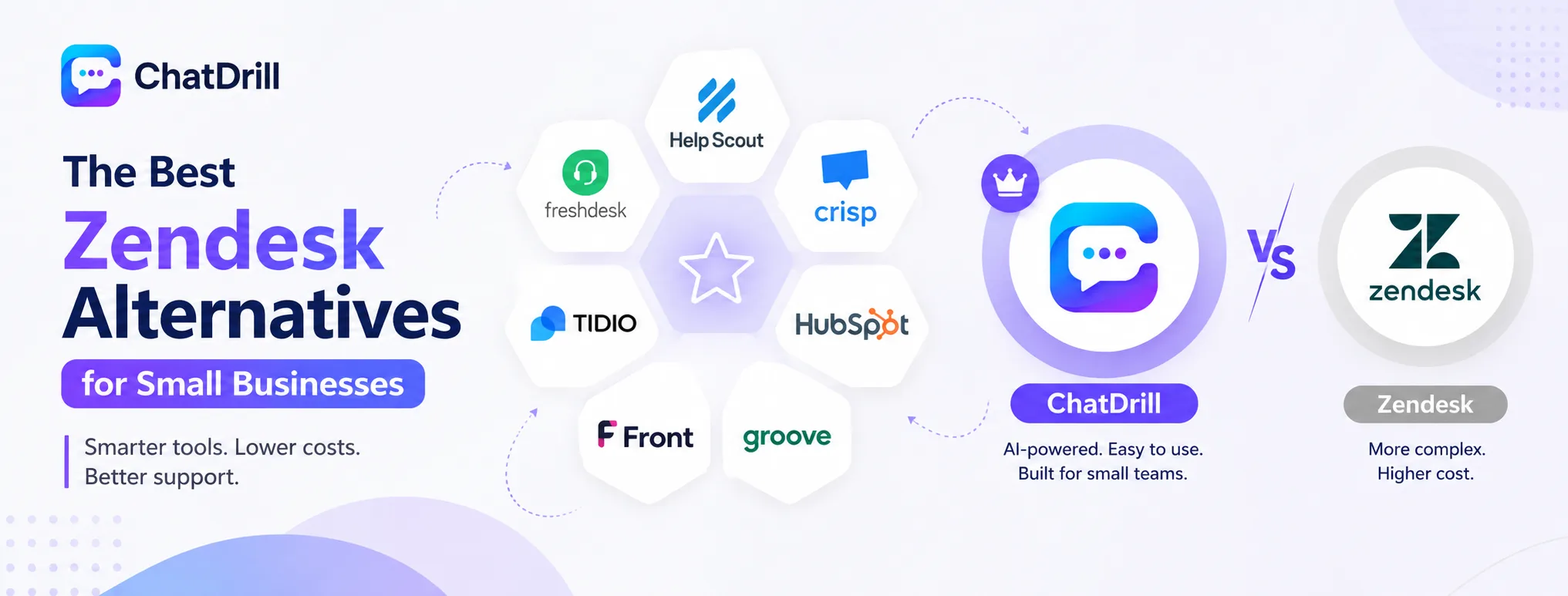
ChatDrill leads for AI automation at small-team pricing, with Help Scout, Freshdesk, Crisp, Tidio, HubSpot, Front, and Groove each fitting a more specific small business need.
ChatDrill — best overall Zendesk alternative for small teams
ChatDrill bundles live chat, AI qualification, and a shared inbox into plans priced for a small team, without the ticketing complexity Zendesk carries by default.
Small businesses migrating from Zendesk tend to find the simpler setup process the biggest relief, often being fully operational within a day rather than a longer implementation project.
The AI qualification layer also tends to surprise small teams with how much routine work it takes off their plate almost immediately after launch.
Help Scout — best for a lightweight shared inbox
Help Scout centers on a shared email inbox with a lighter live chat layer, appealing to small teams that want simplicity over deep configurability.
Its pricing and design both reflect a small-team focus, making it a natural landing spot for a business that found Zendesk's ticketing overhead genuinely unnecessary.
Teams that primarily communicate over email, with chat as a secondary channel, tend to find Help Scout's balance particularly well suited to their workflow.
Freshdesk — best budget-friendly ticketing alternative
Freshdesk offers ticketing similar to Zendesk at a generally lower price point, with a free tier available for very small teams.
This is the most direct like-for-like alternative on this list for a team that specifically wants to keep a ticketing-first workflow but at lower cost.
Its feature parity with Zendesk in the ticketing space in particular makes the transition feel familiar rather than like learning an entirely new workflow.
Crisp — best for chat-first small businesses
Crisp focuses on live chat with a genuinely useful free tier, suited to a small business that prioritizes chat over formal ticketing.
Teams that never really needed Zendesk's ticketing depth in the first place tend to find Crisp's chat-first design a more natural fit.
Its unified inbox across chat, email, and social also gives a small team broader channel coverage than a chat-only widget would.
Tidio — best for small ecommerce businesses
Tidio combines chat and AI chatbots tuned for online stores, a strong fit for a small ecommerce business specifically.
Its product-aware automation tends to outperform Zendesk's more general-purpose messaging for stores fielding a lot of order and shipping questions.
Small stores in particular benefit from its fast setup, since a dedicated implementation project isn't realistic for a business this size.
HubSpot — best for teams already using HubSpot CRM
HubSpot ties a lightweight chat and ticketing tool directly into its free CRM, a natural fit for small businesses already using HubSpot for sales.
The value here comes mostly from that existing HubSpot investment rather than any single standout support feature on its own.
Teams not already using HubSpot for sales or marketing are unlikely to find enough standalone value to justify choosing it purely for support.
Front — best for a shared email-first workflow
Front centers support around a shared email inbox with chat layered on top, suited to small teams that lean heavily on email alongside chat.
It's a reasonable choice specifically for a business whose support volume is still mostly email-driven rather than chat-first.
Teams transitioning toward more chat-based support over time may eventually find a chat-first platform a better long-term fit than Front's email-centric design.
Groove — best simple, budget-conscious option
Groove is a straightforward, lower-cost helpdesk built specifically with small teams in mind, without Zendesk's enterprise-level complexity.
Teams prioritizing simplicity and low cost above all else tend to find Groove's more limited but focused feature set a comfortable trade-off.
Its simplicity does mean less room to grow into advanced features later, worth weighing against a team's expected growth trajectory over the next year or two.
Zendesk Alternatives by Priority
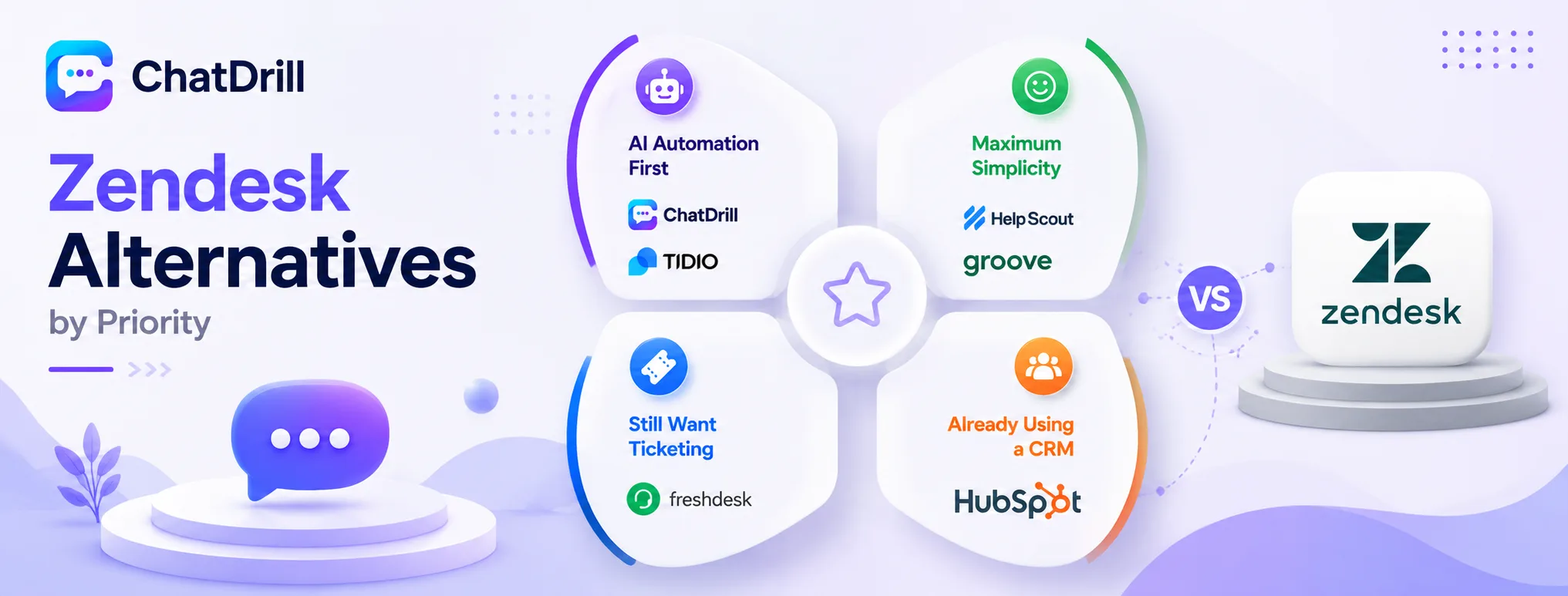
ChatDrill and Tidio suit teams wanting AI automation without configuration overhead, Help Scout and Groove suit teams wanting maximum simplicity, Freshdesk suits teams that still want ticketing, and HubSpot suits teams already invested in that CRM.
Best for AI automation without configuration overhead
ChatDrill and Tidio both offer AI that performs reasonably well without extensive setup, a priority for a small team with limited time to spend configuring a chatbot.
Between the two, ChatDrill suits a broader range of small businesses, while Tidio leans more specifically toward ecommerce.
Testing both directly with a small set of real customer questions remains the fastest way to see which performs better out of the box.
Best for maximum simplicity
Help Scout and Groove both prioritize a simple, uncluttered experience over deep configurability, appealing to a team that found Zendesk's options overwhelming.
Either is a reasonable choice for a small team that values ease of use above having every possible feature available.
Teams choosing either should confirm the simpler feature set still covers their actual current needs, not just their desire for a cleaner interface.
Best for teams that still want ticketing
Freshdesk offers a similar ticketing-first workflow to Zendesk, at a generally lower cost for a small team.
This is the most natural choice for a business that liked Zendesk's ticketing model but found the price hard to justify at its current scale.
The transition tends to feel familiar rather than disruptive, since much of the workflow logic carries over directly from Zendesk.
Best for teams already using a CRM
HubSpot suits a small business already using HubSpot's CRM, extending that existing investment into support rather than adopting an entirely separate tool.
For a team not already on HubSpot, this advantage disappears, making other options on this list more directly comparable.
It's worth weighing this ecosystem benefit honestly against a more purpose-built support tool before assuming HubSpot is automatically the right choice.
Zendesk Pricing vs Alternatives: A Closer Look
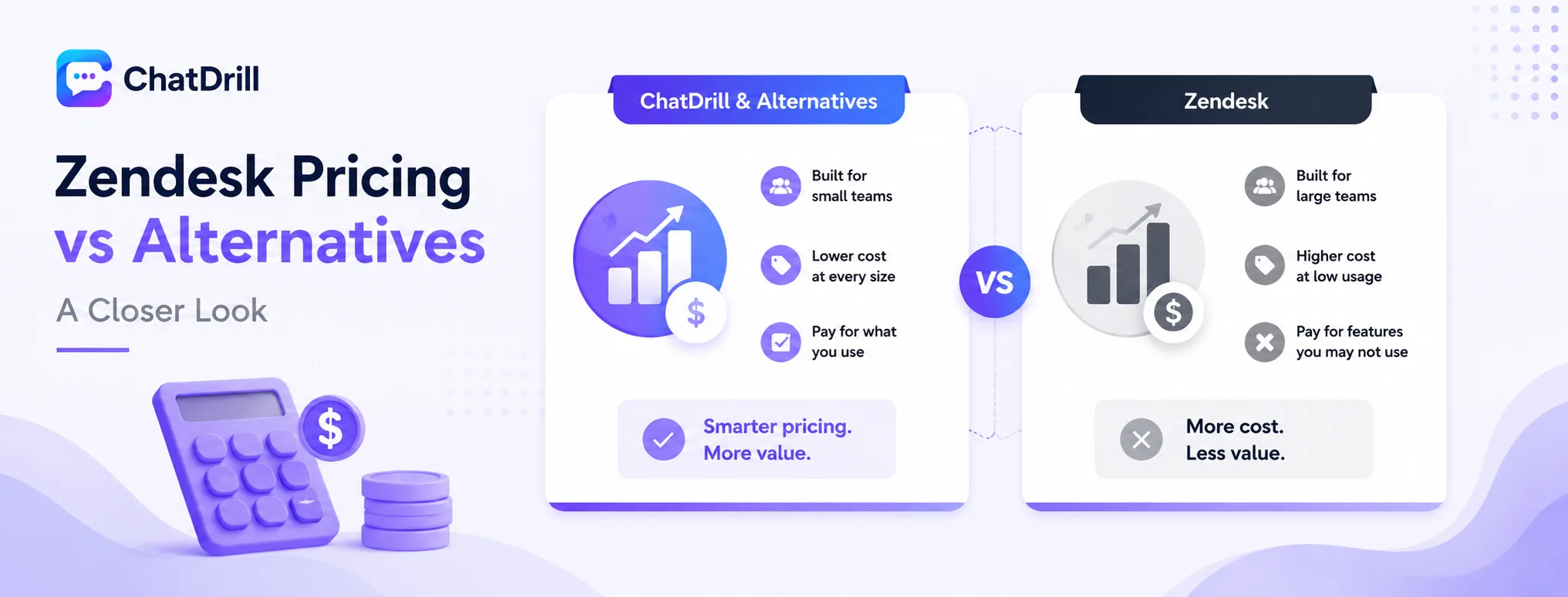
Zendesk's per-agent pricing is competitive at scale but tends to feel expensive relative to actual usage for a small team, worth comparing carefully against alternatives priced specifically for lower agent counts.
How Zendesk's per-agent pricing works
Zendesk charges per agent seat, with pricing tiers unlocking more advanced ticketing, automation, and reporting features as a team moves up.
At a small agent count, a team often pays full price for tiers of functionality it barely touches, since much of Zendesk's value compounds at larger scale.
This tiered structure was clearly designed with a growth trajectory toward a larger support org in mind, which is exactly the mismatch a small business runs into.
Where small teams overpay relative to usage
Small teams tend to overpay specifically on advanced routing, custom reporting, and multi-department workflows, features genuinely useful at fifty agents but rarely relevant at five.
Reviewing actual feature usage after a few months on Zendesk is a useful exercise for spotting this gap before committing to a renewal.
Many small teams discover during this review that they're using well under half of what they're actually paying for.
How ChatDrill's pricing compares at small-team sizes
ChatDrill's plan-based pricing is designed around smaller team sizes from the start, generally producing a lower total cost for a business under ten agents.
This also means less unused capability being paid for, since the platform's feature set is scoped more closely to what a small team actually needs.
Small teams switching from Zendesk specifically for cost reasons tend to see the clearest savings in this category compared to any other alternative on this list.
How Freshdesk and Help Scout compare on cost
Freshdesk offers similar ticketing functionality to Zendesk at a generally lower price point, including a free tier for very small teams.
Help Scout's pricing is also scoped for smaller teams, though its feature set leans lighter on formal ticketing than Freshdesk's does.
Between the two, Freshdesk suits a team that wants to keep Zendesk-style ticketing, while Help Scout suits one ready to simplify that workflow entirely.
What to ask any vendor about small-team pricing
Ask directly which features are actually included at your specific agent count, rather than assuming the full feature list applies at every tier.
It's also worth asking how pricing changes if the team grows moderately, say from five to ten agents, since that trajectory is common for a growing small business.
Requesting this projection in writing avoids relying on a verbal estimate that may not hold once the team actually reaches that size.
Calculating true cost for a small support team
True cost should include the platform fee plus the internal time spent on setup and ongoing configuration, not just the advertised per-seat price.
A simpler platform with a slightly higher sticker price can genuinely cost less overall than a cheaper one that demands more setup time from an already-stretched small team.
Factoring in the opportunity cost of a small team's limited time is often the deciding factor once the full comparison is laid out honestly.
What to Consider Before Switching From Zendesk
Before switching, export existing ticket history, plan to rebuild any automation rules and macros that don't transfer, and confirm the new platform supports the specific integrations your small business relies on.
Exporting ticket and conversation history
Zendesk supports data export, but confirm the new platform's import process preserves the detail needed before committing to a full migration.
Running a small test export and import first is worth the extra step, catching any formatting issues before they affect the full ticket history.
Keeping a backup export outside both platforms during the transition adds a simple layer of protection against any unexpected data issues.
Rebuilding automation rules and macros
Zendesk's triggers, automations, and macros typically need to be rebuilt manually on the new platform rather than transferring automatically.
Documenting the rules that actually matter before switching, rather than trying to recreate everything from memory, saves meaningful time during setup.
This is also a good opportunity to simplify rules that accumulated complexity over time rather than rebuilding them exactly as they were.
Confirming integration compatibility
Check that any CRM, ecommerce platform, or other tool connected to Zendesk today is also natively supported by the alternative before committing.
For a small business specifically, it's worth prioritizing the two or three integrations that matter most rather than expecting full feature parity across every connection.
Testing each priority integration directly during a trial period confirms compatibility before the full switch is made.