Whether live chat software is genuinely hard to set up is a reasonable concern for any business considering adding it, especially one without a dedicated technical team to handle the implementation.
Quick answer: No, basic live chat software is generally easy to set up, often taking just minutes to embed a widget on a website, though achieving genuinely effective, well-trained AI automation beyond the basic widget does require more meaningful, ongoing setup effort.
The honest answer distinguishes between two genuinely different setup experiences, getting a basic chat widget live on a website, which is typically fast and simple, and configuring genuinely effective AI automation, which requires more meaningful, ongoing investment.
Understanding this distinction helps set realistic expectations, since assuming either extreme, that it's entirely effortless or that it requires significant technical expertise throughout, misrepresents the genuine, two-tiered reality.
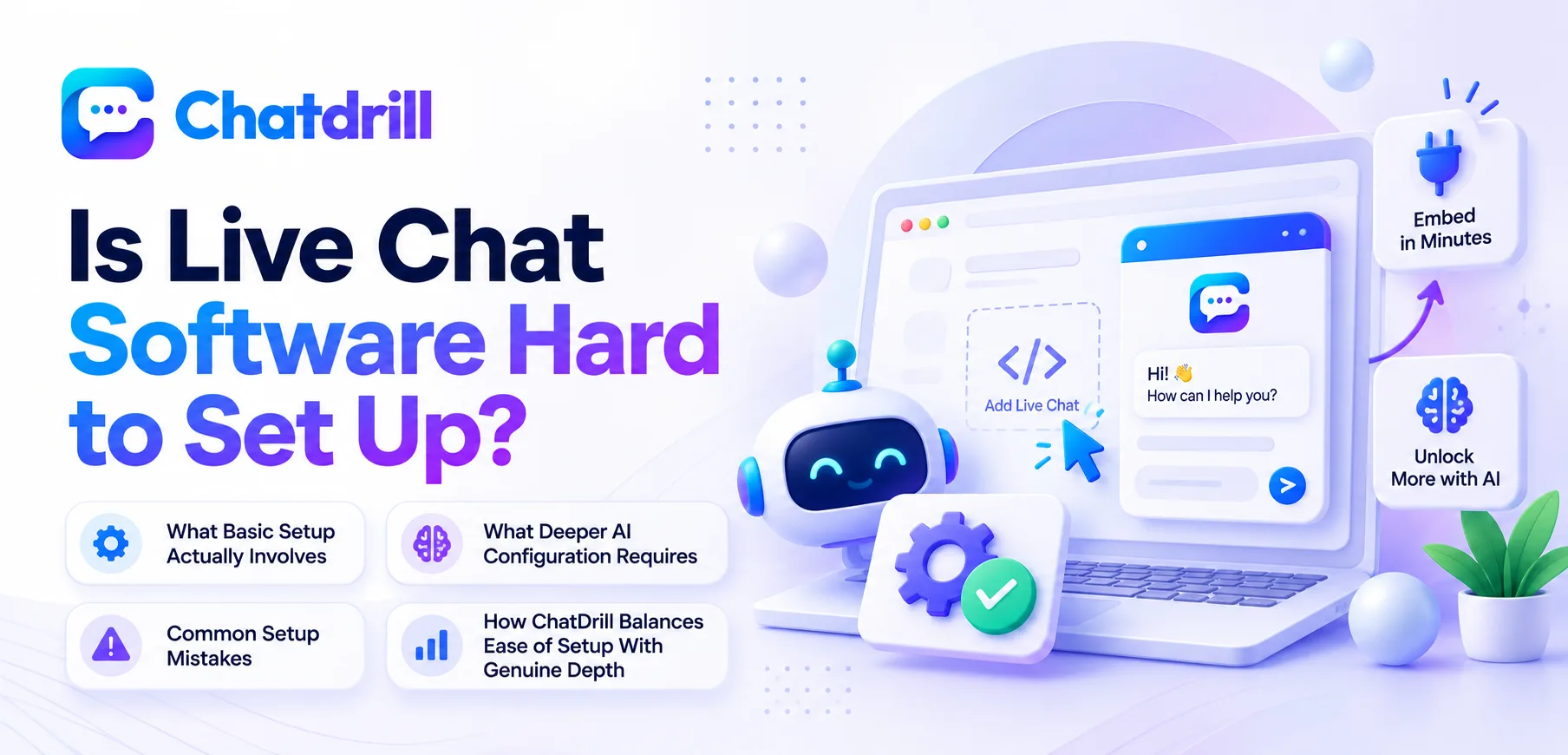
This guide covers what basic setup actually involves, what deeper AI configuration requires, common setup mistakes, and how ChatDrill balances ease of setup with genuine depth.
What Basic Setup Actually Involves
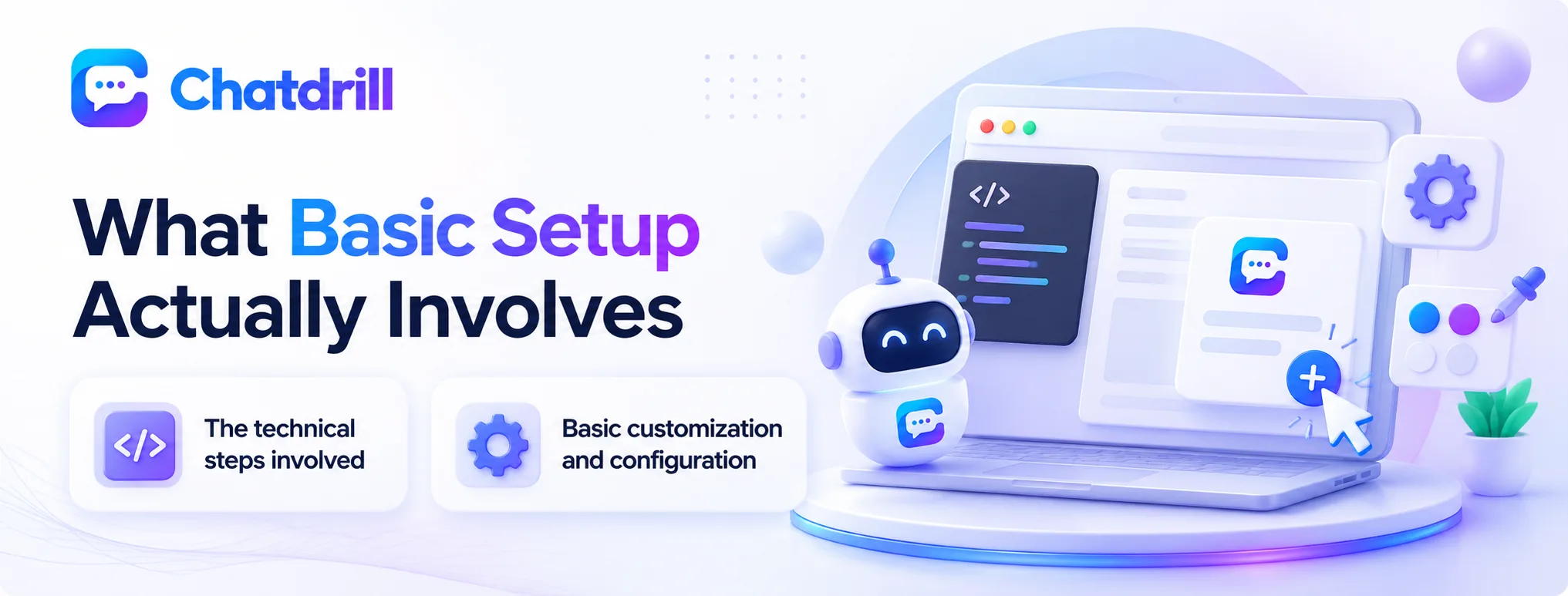
Getting a basic chat widget live on a website typically involves adding a short code snippet, a process most platforms have streamlined to take just minutes.
The technical steps involved
Most modern chat platforms provide a short JavaScript snippet to paste into a website's code, or a plugin for common website builders, reducing the technical setup itself to a task most people can complete without specialized development skills.
This streamlined process reflects years of platform refinement specifically aimed at removing technical barriers to adoption, recognizing that setup friction directly affects how many businesses actually complete implementation.
Basic customization and configuration
Beyond the initial code installation, basic customization, colors, greeting message, widget position, typically involves straightforward settings within the platform's own dashboard, requiring no coding knowledge at all.
This basic configuration layer is usually completable within an hour or two even for someone with no prior chat platform experience.
What Deeper AI Configuration Requires
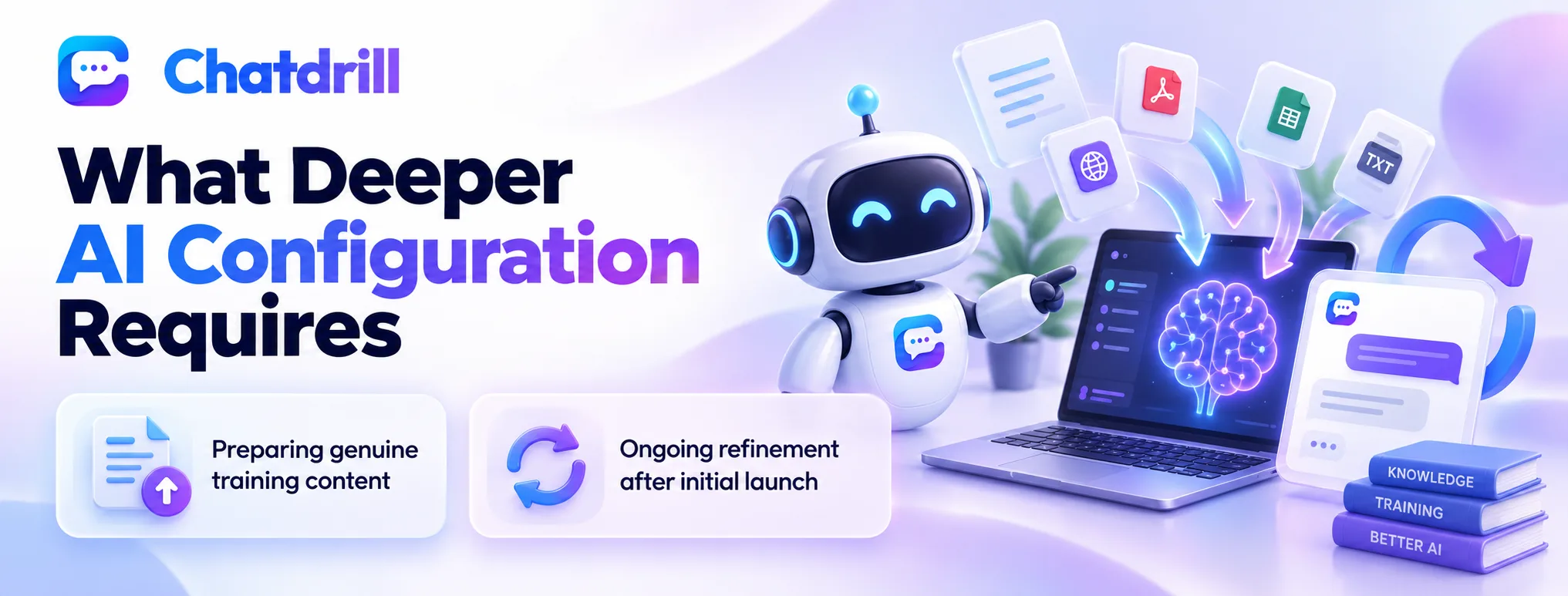
Achieving genuinely accurate AI automation requires meaningful investment in training content and ongoing refinement, distinct from the fast basic widget setup.
Preparing genuine training content
Training AI to answer questions accurately requires providing it with genuine, organized information about your specific products, policies, and common questions, an investment of time and effort beyond simply installing the widget.
This content preparation step is where the real setup effort concentrates, since AI accuracy directly depends on the quality and completeness of what it's trained on.
Ongoing refinement after initial launch
Even after initial training, reviewing real conversations and refining the AI's responses based on genuine performance represents an ongoing investment rather than a one-time setup task.
This ongoing nature means "setup" for genuinely effective AI automation is better understood as an initial investment followed by continued attention, not a single completed task.
Common Setup Mistakes
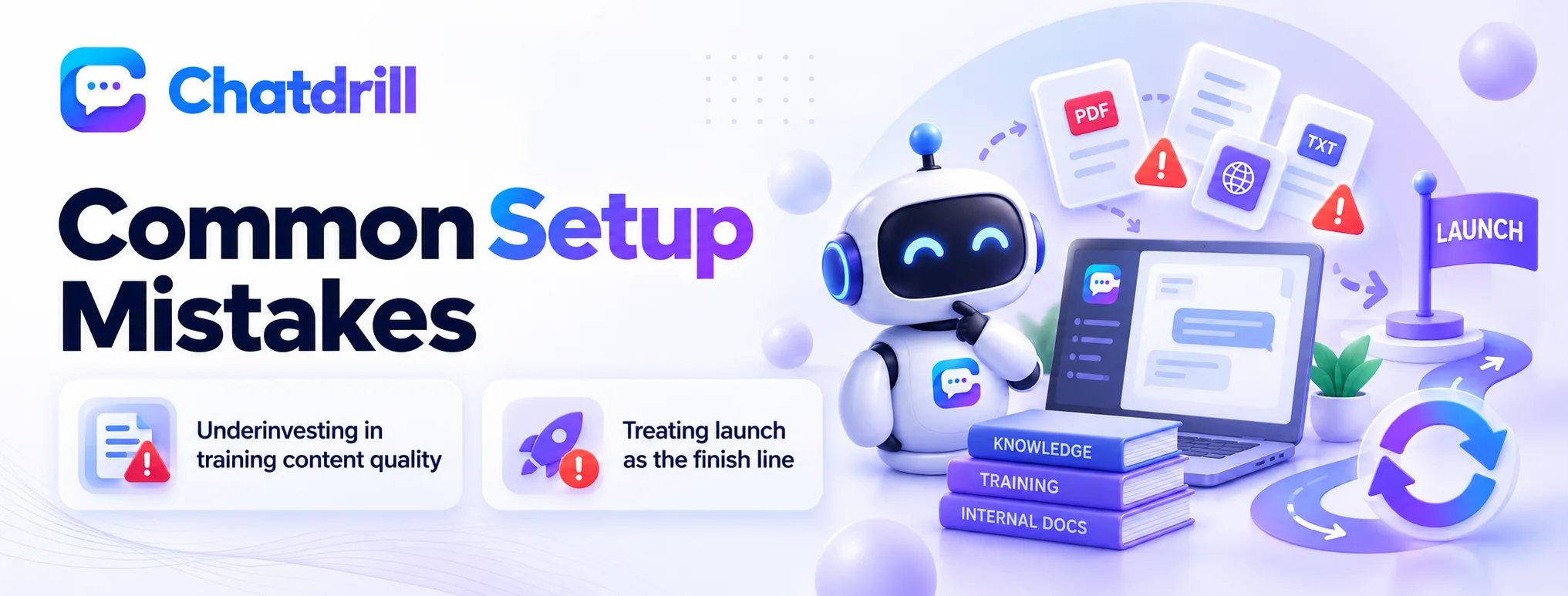
The most common mistakes are underinvesting in AI training content and assuming setup ends once the widget is technically installed.
Underinvesting in training content quality
Installing the technical widget quickly but skimping on genuine AI training content investment produces a chat experience that looks complete but performs poorly, frustrating visitors with inaccurate or generic responses.
Recognizing that the widget installation and the AI training represent genuinely different setup phases, requiring different levels of effort, avoids this common gap.
Treating launch as the finish line
Assuming setup is entirely finished once the chat widget goes live, without planning for the ongoing review and refinement genuinely effective AI requires, leads to gradually declining performance as training content grows outdated.
Building an ongoing review habit into your operational routine, rather than treating launch as a completed project, sustains quality over time.
How ChatDrill Balances Ease of Setup With Genuine Depth
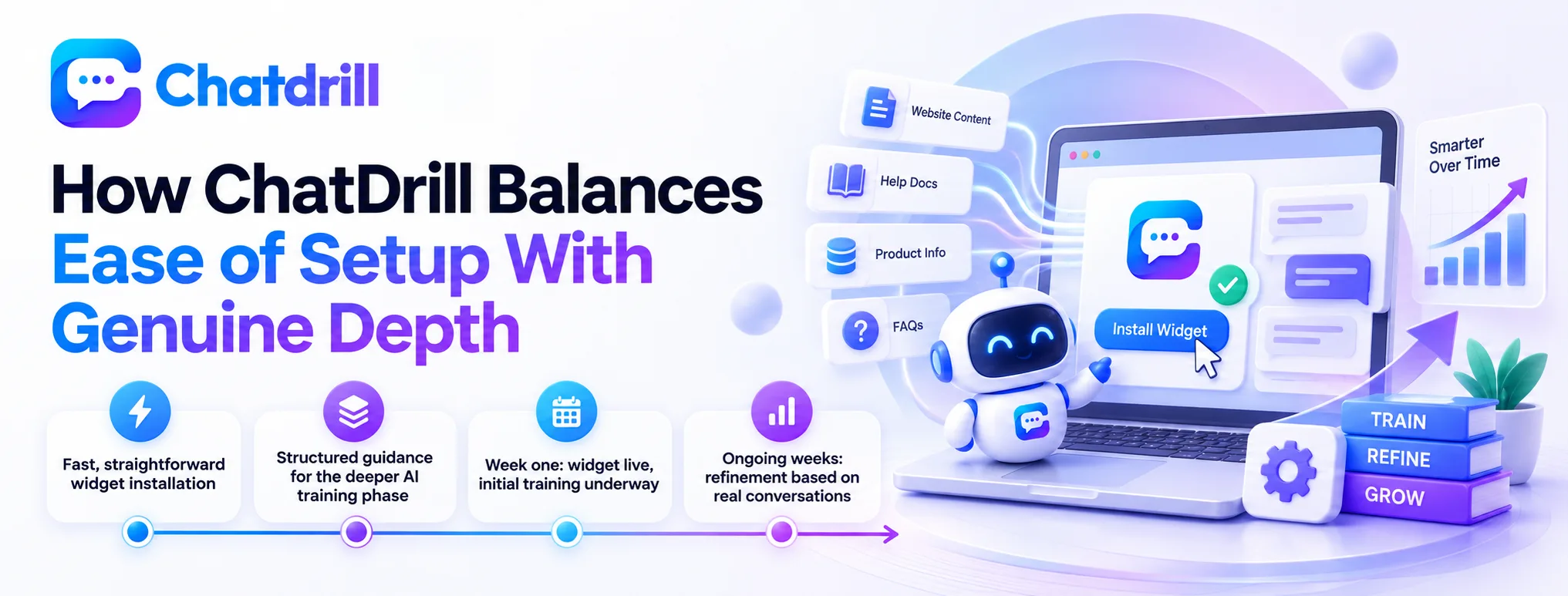
ChatDrill offers a fast basic widget setup while providing structured, guided tools that make the deeper AI training process more approachable than building it from scratch.
Fast, straightforward widget installation
ChatDrill's widget installation follows the same fast, simple pattern this guide describes as standard across the industry, typically completable within minutes without requiring development expertise.
This ensures the basic setup phase genuinely lives up to the ease-of-use expectation most businesses reasonably have.
Structured guidance for the deeper AI training phase
For the more involved AI training phase, ChatDrill provides structured tools and guidance that make organizing and inputting training content more approachable than an unguided, from-scratch process would be.
This structured approach doesn't eliminate the genuine time investment AI training requires, but it does make that investment considerably more efficient and less daunting than attempting it without dedicated tooling.
This guidance is particularly valuable for a business without dedicated technical staff, since it translates what could otherwise feel like an intimidating technical task into a series of manageable, well-defined steps.
A Realistic Setup Timeline to Expect
Setting realistic expectations for the full setup timeline, rather than assuming everything happens on day one, helps a business plan appropriately for both phases of the process.
Week one: widget live, initial training underway
A reasonable first-week goal includes having the basic widget live and functional, with initial AI training content, covering your most common questions, already underway even if not yet fully comprehensive.
This staged goal respects that getting something functional live quickly, then building depth progressively, tends to work better than delaying launch until training feels perfectly complete.
Ongoing weeks: refinement based on real conversations
Beyond the first week, expect an ongoing process of reviewing real conversations and refining training content, a process that continues indefinitely as your product and common questions naturally evolve.
Setting this expectation upfront prevents the common frustration of assuming setup should be entirely finished within some fixed, short window.