A PrestaShop store owner adding live chat generally has two genuinely accessible paths, installing a module through PrestaShop's own Addons marketplace, or manually adding a script snippet for a provider not available as a dedicated module, both considerably simpler than a fully custom development project.
Quick answer: Adding live chat to PrestaShop typically means installing a chat module directly from the PrestaShop Addons marketplace, which handles the technical setup automatically, or manually adding a script snippet through the theme's header or footer template if you prefer a chat provider not available as a dedicated module.
Understanding both paths, and the specific considerations relevant to a PrestaShop store specifically, helps a store owner get chat live quickly without unnecessary technical complexity.
This guide covers both installation approaches, PrestaShop-specific considerations, common setup mistakes, and how ChatDrill supports PrestaShop store owners.
The Two Installation Approaches
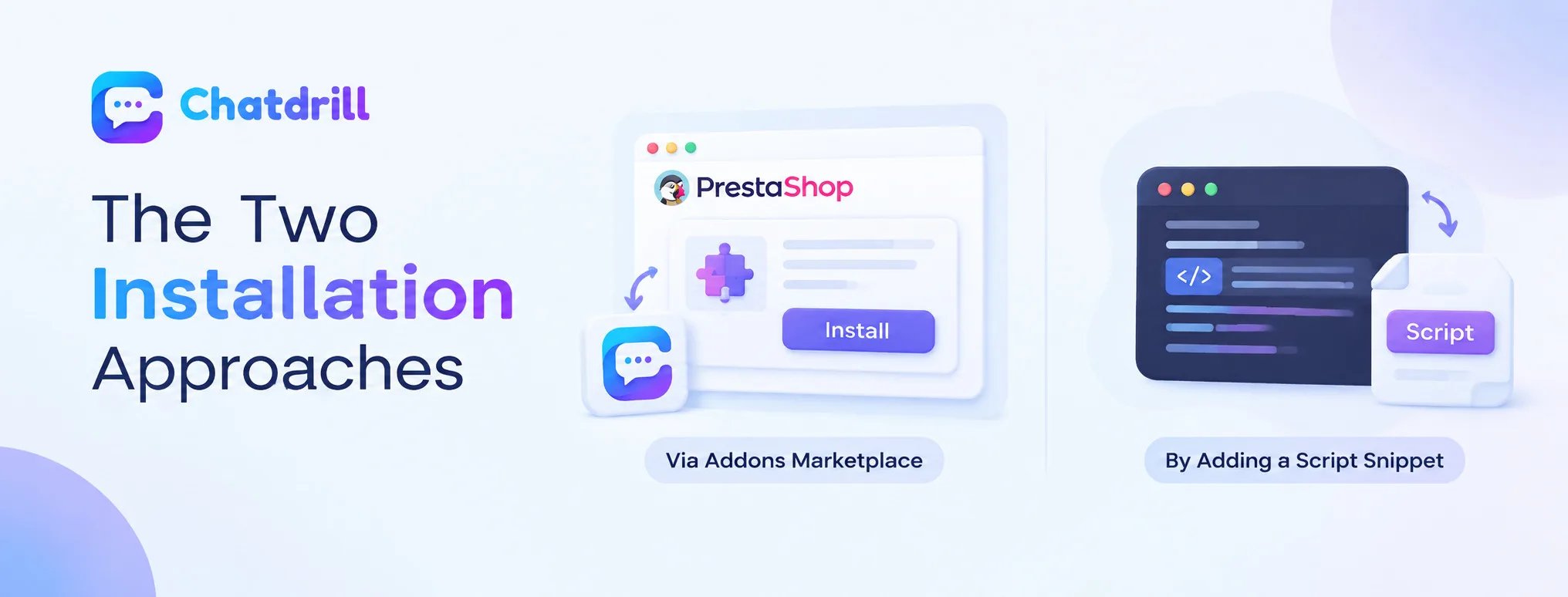
Installing a module through PrestaShop's Addons marketplace handles setup automatically, while manually adding a script offers flexibility for a provider not available as a module.
Installing through the Addons marketplace
For a chat provider offering a dedicated PrestaShop module, installation typically involves downloading the module and activating it through your store's back office, letting PrestaShop handle the technical embedding automatically.
This marketplace approach represents the genuinely simplest path for a store owner without technical background, avoiding any need to directly edit theme template files.
Manually adding a script snippet
For a chat provider without a dedicated PrestaShop module, adding a small script snippet directly to your theme's header or footer template file achieves the same result with slightly more manual, though still genuinely accessible, effort.
This manual approach offers flexibility to use any chat provider, not just those specifically offering a dedicated PrestaShop module, while still remaining accessible without deep technical expertise.
PrestaShop-Specific Considerations
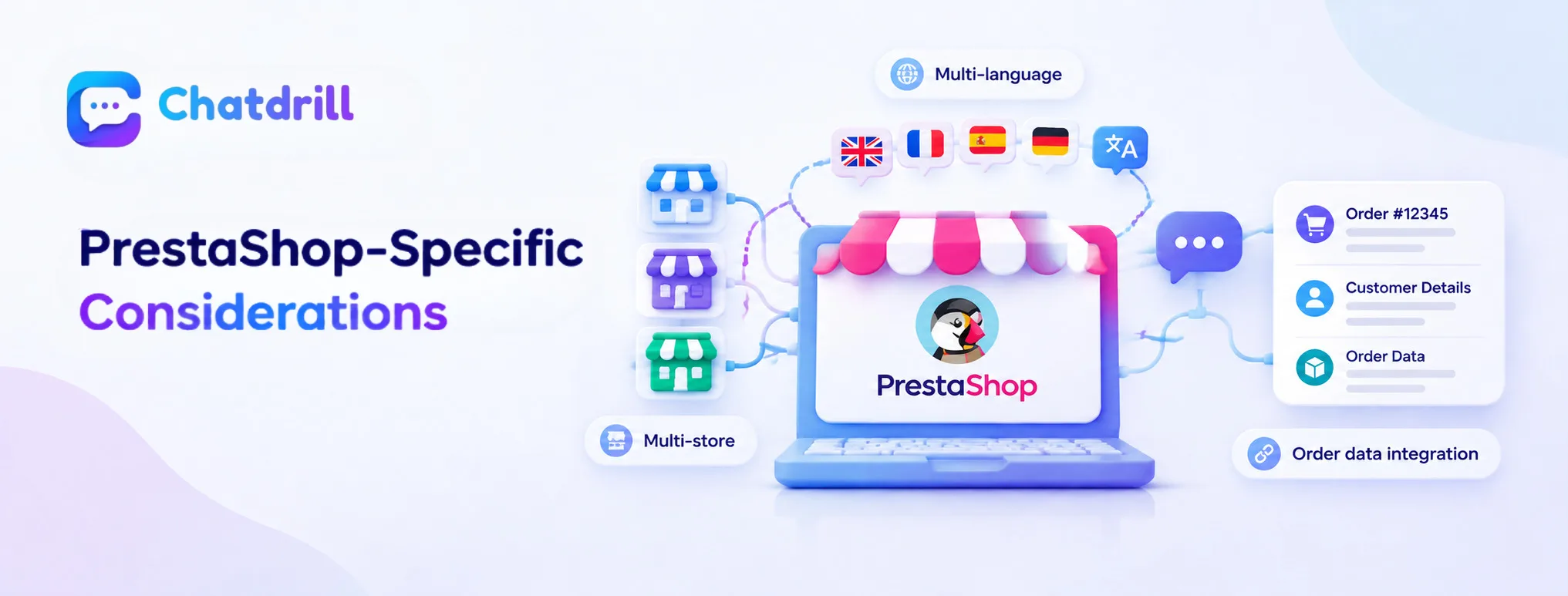
Multi-store and multi-language configuration, and order data integration, both deserve specific attention for a PrestaShop implementation.
Multi-store and multi-language configuration
PrestaShop's native multi-store and multi-language capability means a chat solution should be configured appropriately across each specific store or language variant, rather than assuming a single, universal configuration automatically applies everywhere.
Confirming your chosen chat provider genuinely supports this multi-store, multi-language structure, where relevant to your specific setup, avoids a configuration gap discovered only after installation.
Order data integration for accurate support
A PrestaShop-specific chat integration that can reference actual order and customer account data directly supports the kind of accurate, specific customer service conversation this guide's broader chat-effectiveness principles identify as valuable.
Confirming a candidate chat provider offers genuine PrestaShop integration, rather than only a generic website widget, matters for capturing this specific, ecommerce-relevant capability.
Common Setup Mistakes
Installing without testing across your specific theme, and overlooking multi-store configuration where relevant, are common mistakes.
Not testing across your specific theme
Installing a chat widget without directly testing that it displays and functions properly on your specific, actual theme risks discovering a display issue only after customers start encountering it.
Testing directly on your live or staging storefront, rather than assuming universal compatibility, catches this kind of issue before it affects genuine customer experience.
Overlooking multi-store configuration
For a PrestaShop installation running multiple stores or language variants, failing to confirm the chat solution genuinely applies correctly across each one risks an inconsistent or missing chat experience on some store variants.
Explicitly checking and configuring this multi-store behavior, where relevant, avoids this specific, PrestaShop-relevant gap.