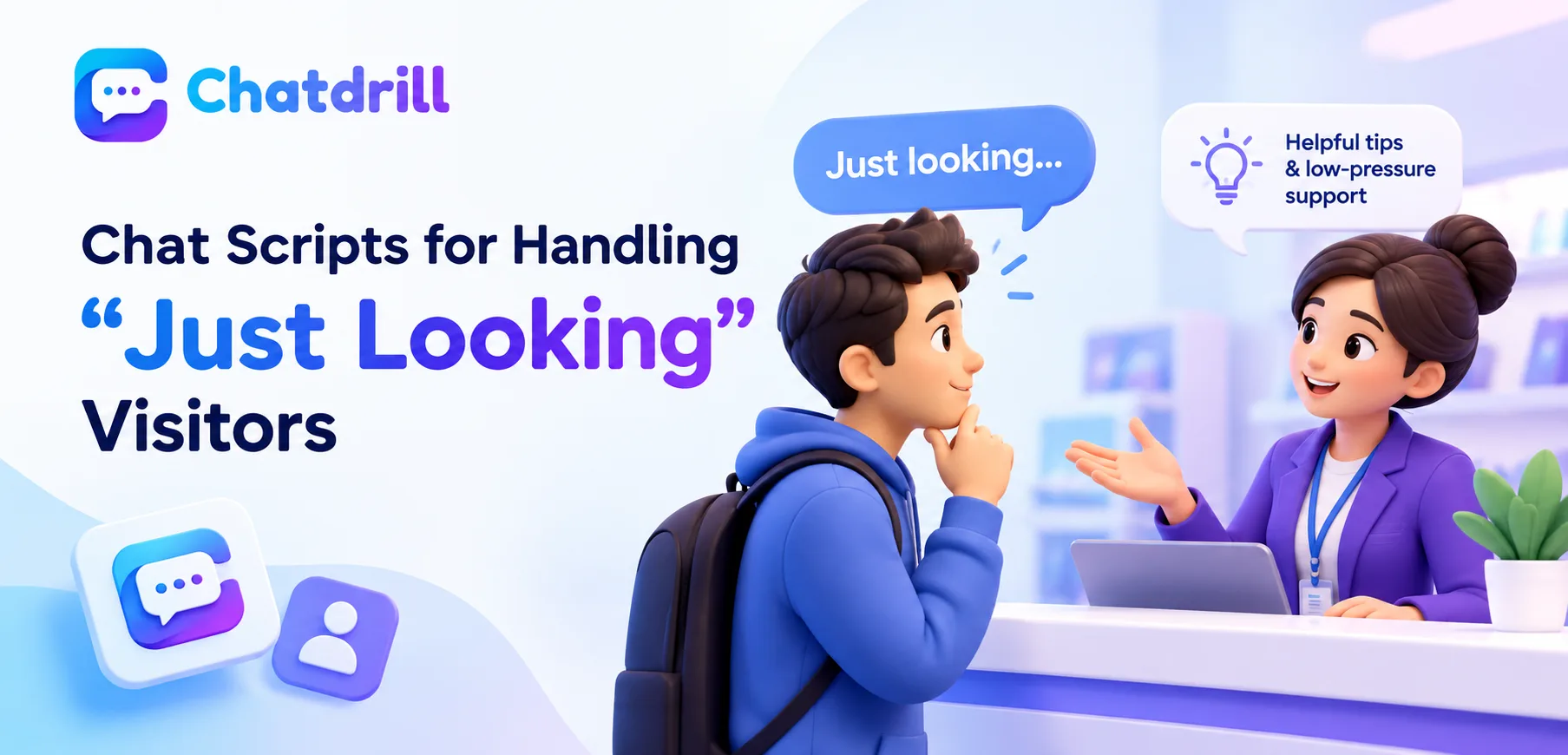
A visitor who says they're "just looking" presents a genuine communication challenge, pushing too hard risks feeling pressuring, while disengaging entirely wastes a real opportunity to build a positive impression that pays off later.
Quick answer: Effective scripts for "just looking" visitors respect the stated lack of urgency while still offering genuine, low-pressure value, like a helpful tip or an offer to answer questions later, rather than either disengaging entirely or pushing too hard toward an immediate sale.
The most effective approach respects the visitor's stated pace while still offering something genuinely useful, positioning your business favorably for whenever they do become ready to engage more seriously.
This guide provides adaptable scripts for handling this common scenario gracefully, along with the reasoning behind why a low-pressure approach tends to produce better long-term results.
This guide covers respectful acknowledgment scripts, offering low-pressure value, common mistakes, adapting the tone to your brand, and how ChatDrill supports handling casual browsers well.
Respectful Acknowledgment Scripts
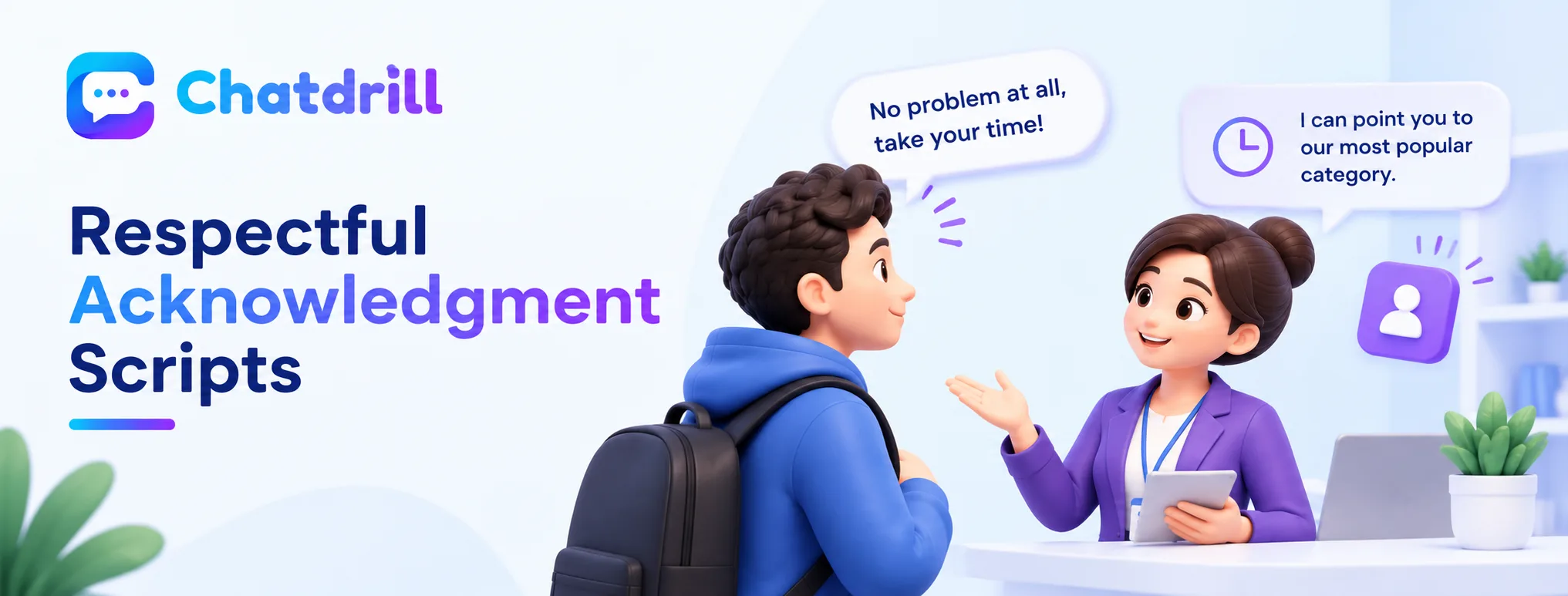
The first response to "just looking" should genuinely respect that stated pace while leaving a natural, low-pressure door open for future engagement.
The core acknowledgment response
"No problem at all, take your time! I'm here if any questions come up while you're browsing."
respects the visitor's stated pace completely while leaving a clear, easy door open without any pressure attached.
This response's brevity and genuine lack of any follow-up ask is precisely what makes it feel respectful rather than a thinly veiled attempt to keep selling despite the visitor's stated preference.
A slightly more proactive variation
"Totally understand! If it helps, I can point you toward our most popular [category] while you browse, otherwise just holler if you need anything." offers a genuinely optional, low-commitment value-add without pressuring the visitor to engage further.
The word "otherwise" here does real work, explicitly signaling that declining the offer is completely fine and expected, not a mild disappointment to the person offering.
Offering Genuine, Low-Pressure Value
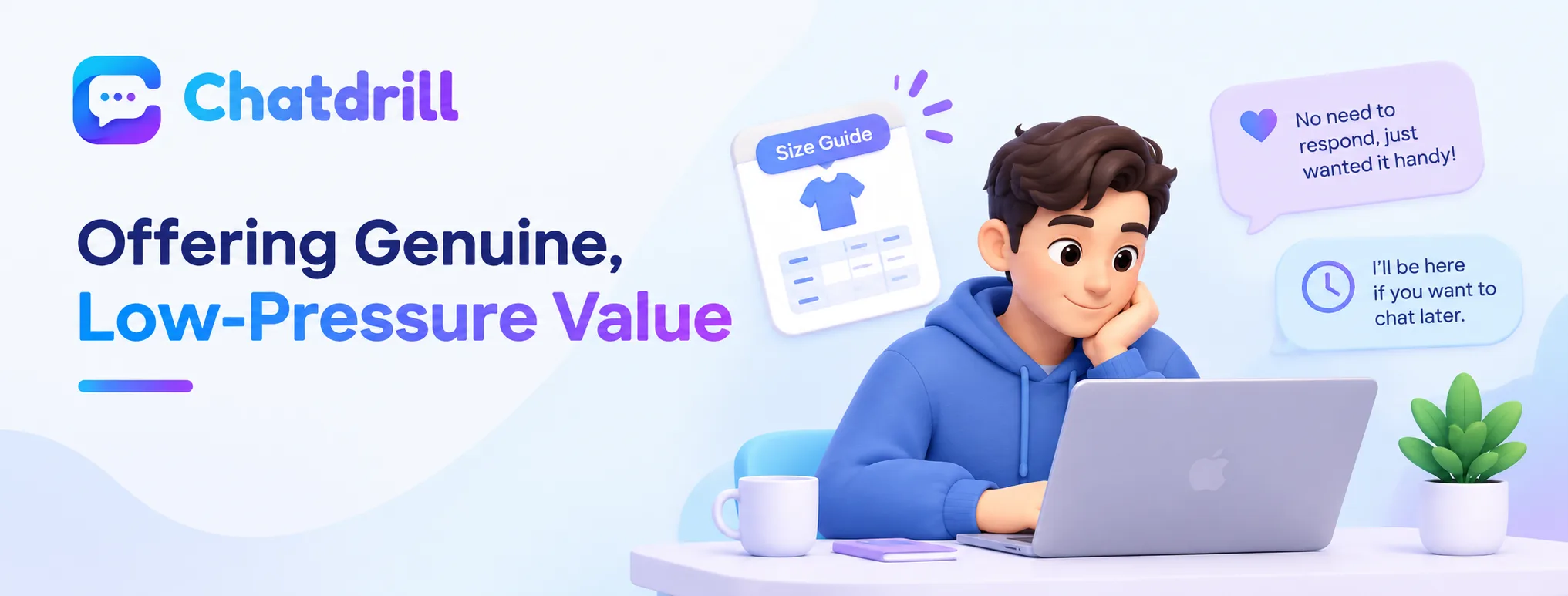
Rather than disengaging entirely, offering a genuinely useful, no-commitment resource respects the visitor's pace while still building a positive impression.
Offering a helpful resource without expectation
"While you're browsing, here's our size guide in case it's useful, no need to respond, just wanted it handy!" provides genuine value with explicitly zero expectation of engagement, respecting the visitor's stated preference completely.
This kind of genuinely no-strings offer tends to build more goodwill than either silence or a more transactional follow-up question requiring a response.
Leaving a clear, easy path for later engagement
"I'll be here if you want to chat later, no rush at all." closes the interaction warmly, ensuring the visitor knows help remains genuinely available whenever they're ready, without any implied pressure to hurry.
This warm, unpressured closing often produces a better lasting impression than either an awkward silence or a persistent, unwanted follow-up attempt.
Common Mistakes When Handling Casual Browsers
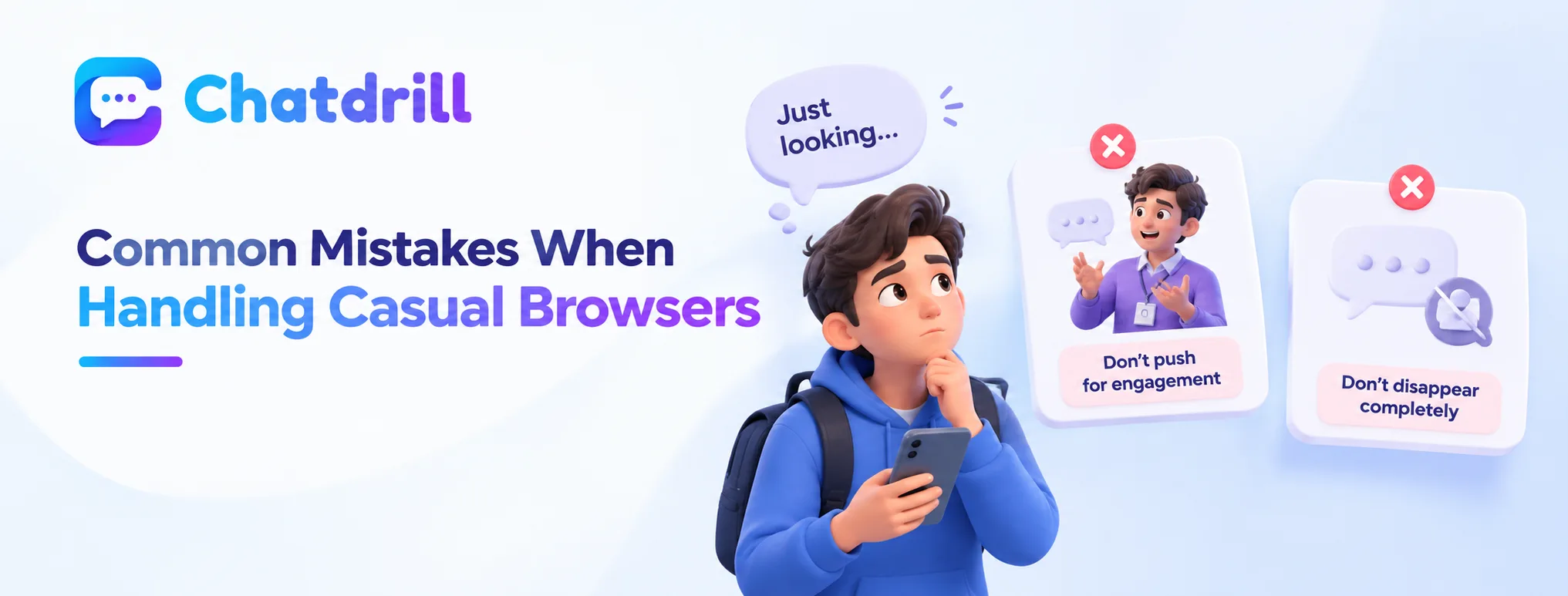
Continuing to push for engagement despite a stated preference for space, and disengaging so completely that genuine future help feels unavailable, are the most common mistakes.
Continuing to push despite the stated preference
Following "just looking" with additional questions or offers anyway signals that the stated preference wasn't genuinely respected, risking real annoyance from a visitor who was clear about their current pace.
Respecting the stated boundary completely, as the scripts in this guide demonstrate, tends to produce better long-term results than any attempt to override it.
Disengaging so completely help feels unavailable
Going silent entirely after "just looking," without confirming continued availability, can leave a visitor uncertain whether help still exists if they do develop a question later.
A brief, warm closing confirming ongoing availability, without any pressure attached, avoids this specific gap while still respecting the visitor's stated pace.
Adapting the Tone to Your Brand
Adjusting the specific warmth, formality, and playfulness of these scripts to match your brand voice produces a genuinely consistent, natural-feeling interaction.
Matching your brand's established voice
A brand with a more playful, casual voice might phrase these scripts with more informal language and personality, while a more formal or premium brand might adjust toward a more polished, understated tone while keeping the same underlying respect for the visitor's pace.
This tone adaptation ensures the low-pressure principle this guide describes translates naturally into your specific brand's genuine voice, rather than feeling like an unrelated, generic script.
Testing which specific phrasing resonates with your visitors
Trying a couple of specific phrasing variations and observing which produces more positive follow-up engagement over time helps refine these general scripts into ones genuinely tuned to your own visitor base.
This kind of ongoing refinement reflects the same evidence-based improvement principle worth applying across any chat script, not just this specific scenario.