What a Booking Chatbot Needs to Work Well
An appointment-booking chatbot's entire value rests on one thing, whether it can see and act on your actual, current availability, a chatbot that can only discuss booking in the abstract without real calendar access just adds a conversational layer on top of the same friction a customer already faced.
Done well, this collapses what's often a multi-step process, checking availability, picking a time, receiving confirmation, into a single chat conversation that completes in under a minute, a meaningful improvement for both the customer and whoever previously handled that booking manually.
The businesses getting the most value from this aren't just answering "are you open" questions, they're letting a chatbot handle the entire booking transaction, including confirmation and reminder messaging, end to end.
This guide covers why calendar integration is the deciding factor, what a booking chatbot needs to work well, a practical setup approach, and mistakes worth avoiding.
Quick answer: An appointment-booking chatbot lets a customer check availability and book a specific time slot directly inside a chat conversation, without a phone call or a separate booking page, by connecting the chatbot to your real, live calendar or scheduling system.
Why Calendar Integration Is the Deciding Factor
An appointment-booking chatbot only delivers real value when it's connected to your actual, live calendar or scheduling system, since anything less just relocates the same booking friction into a chat window.
The gap between discussing and actually booking
A chatbot that can only discuss general availability, "we're usually open weekdays," without seeing real-time openings still requires a follow-up call or email to complete an actual booking.
This gap is where most of the potential efficiency gain is lost, the conversational interface alone doesn't solve anything without the underlying data connection.
What real-time access actually enables
With genuine calendar access, a chatbot can show actual open slots, book a confirmed appointment directly, and immediately update the calendar to prevent a double-booking.
This is what transforms appointment chat from an information channel into an actual transactional one, completing the booking rather than just describing options.
What a Booking Chatbot Needs to Work Well
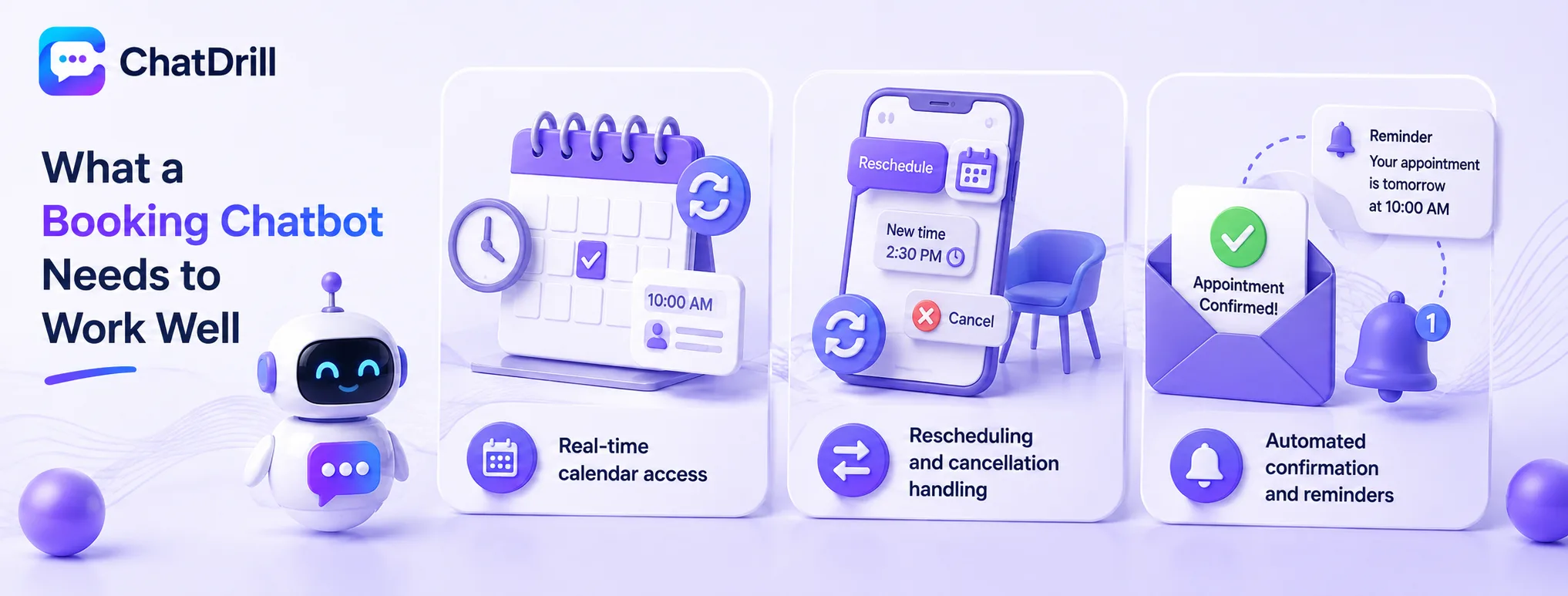
A genuinely effective booking chatbot needs real-time calendar access, the ability to handle rescheduling and cancellation, and automated confirmation and reminder messaging.
Real-time calendar access
The chatbot needs to read current availability directly from your scheduling system and write confirmed bookings back to it immediately, preventing the double-booking risk that comes with any delay or manual step.
This connection is the single most important technical requirement, without it, every other feature is built on an unreliable foundation.
Rescheduling and cancellation handling
Beyond initial booking, customers regularly need to change or cancel an existing appointment, and handling this directly within chat, rather than requiring a phone call, extends the same efficiency to this common follow-up need.
This capability also reduces no-show rates when paired with easy, low-friction rescheduling rather than a cancellation being the only easy option.
Automated confirmation and reminders
Sending an automatic confirmation immediately after booking, plus a reminder before the actual appointment, reduces no-shows without requiring manual staff effort for each booking.
This automation compounds the efficiency gain from the initial booking automation, extending value through to the actual appointment itself.
Setup Playbook for an Appointment Booking Chatbot
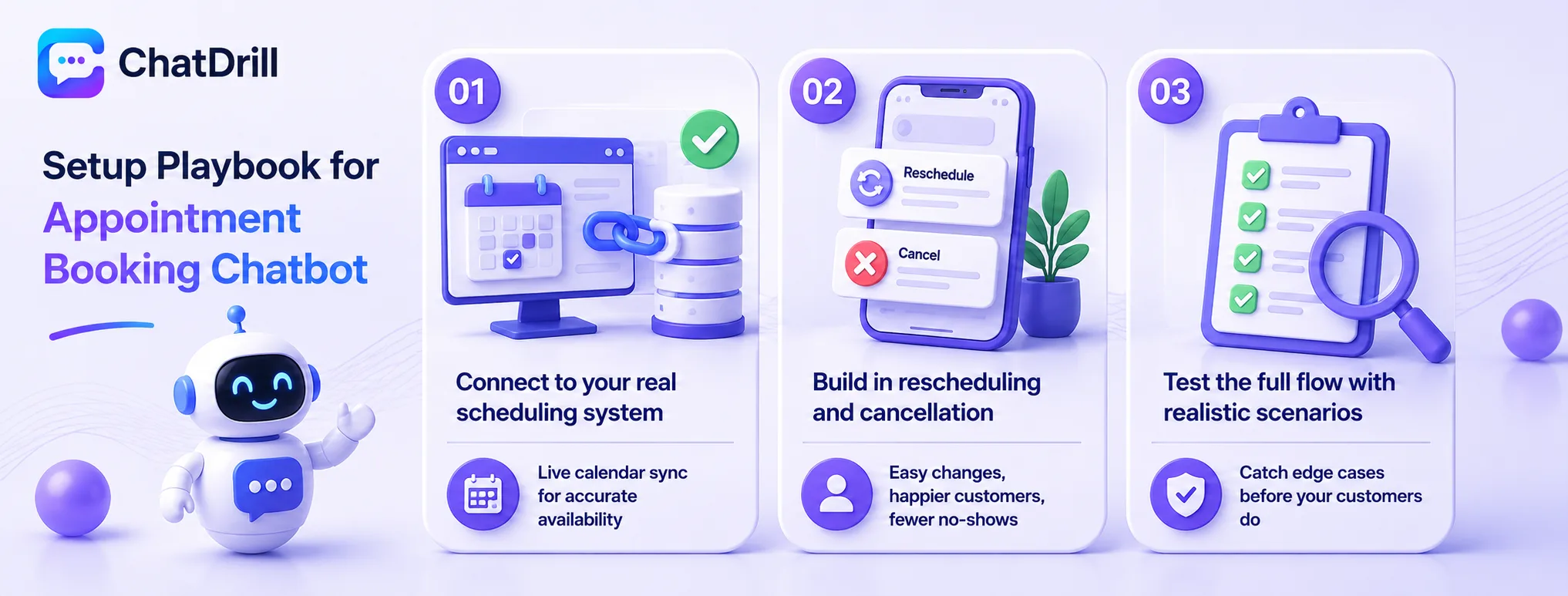
A strong setup connects chat to your real scheduling system first, builds in
Step 2: Build in rescheduling and cancellation from the start
realistic scenarios before relying on it for real customers.
Step 1: Connect to your real scheduling system
Integrating chat directly with your actual calendar or booking software, rather than a static list of hours, is the foundational step every other capability depends on.
This connection should be tested directly, booking a real test appointment and confirming it appears correctly on the actual calendar, before wider reliance on the system.
Step 2: Build in rescheduling and cancellation from the start Designing the booking flow to handle changes and cancellations from day one, rather than adding this as an afterthought, avoids a gap where customers can book but not easily adjust afterward.
This completeness matters given how common a schedule change request is relative to a first-time booking.
Step 3: Test the full flow with realistic scenarios
Running through genuine booking, rescheduling, and cancellation scenarios directly, rather than only testing the simplest happy path, catches edge cases before real customers encounter them.
This testing should include scenarios like booking the last available slot or attempting to book an already-taken time, confirming the system handles these correctly.
Common Mistakes With Appointment Booking Chatbots
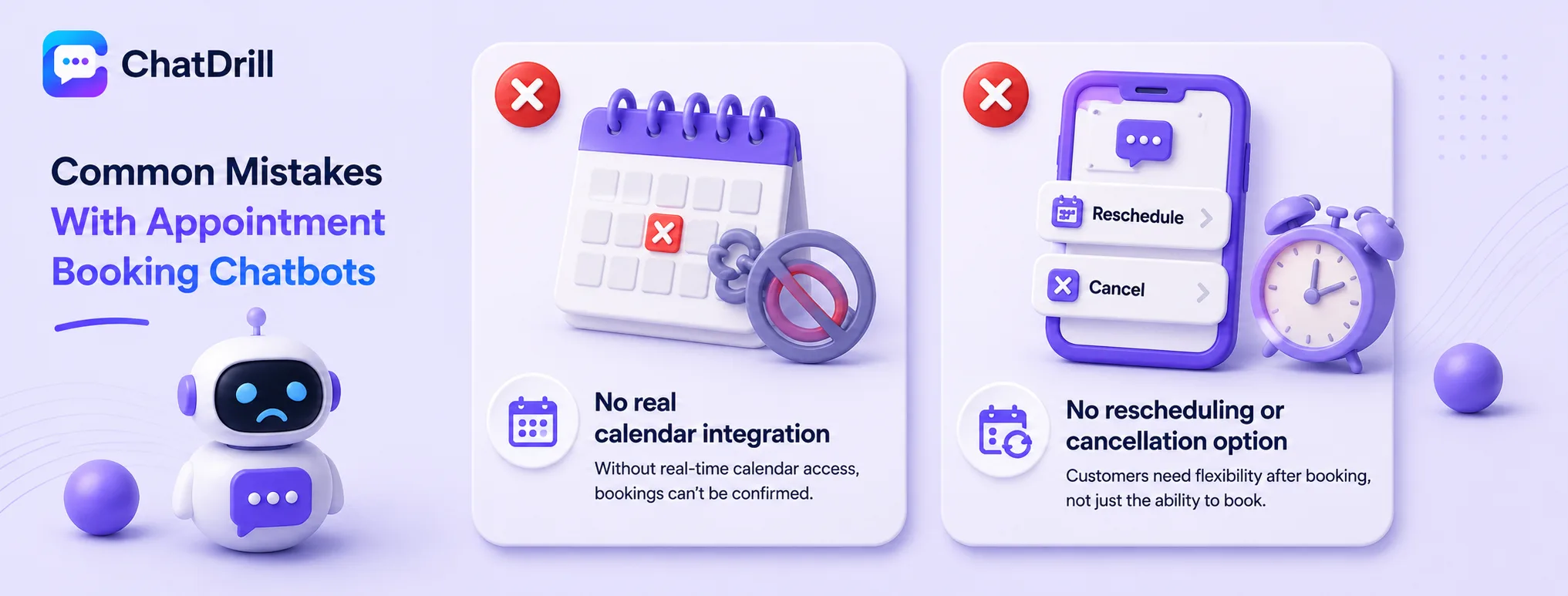
The most common mistakes are launching without real calendar integration, omitting rescheduling and cancellation capability, and failing to test edge cases like double-booking attempts before going live.
No real calendar integration
A chatbot that can only discuss availability in general terms, without actually booking against a real calendar, fails to deliver the core efficiency gain this use case is meant to provide.
This gap is worth resolving before any other feature investment, given how foundational it is to the entire value proposition.
No rescheduling or cancellation option
Building a chatbot that can book a new appointment but offers no way to change or cancel an existing one leaves a common need unresolved, pushing customers back to a phone call anyway.
This gap undermines much of the efficiency gained from automating the initial booking.
Untested edge cases
What happens if two customers try to book the same slot?
risks a real double-booking that damages trust in the system.
Testing these edge cases directly before launch catches issues that a simple happy-path test would miss entirely.