A Ghost blog owner adding live chat benefits from Ghost's built-in Code Injection feature, a genuinely simple, official mechanism for adding third-party scripts without needing to directly edit theme template files.
Quick answer: Adding live chat to a Ghost blog typically means pasting a small script snippet into Ghost's Code Injection settings, found in the admin panel, which applies the chat widget site-wide without requiring any direct theme file editing, making this one of the more genuinely simple platforms to add third-party chat capability to.
Understanding this specific mechanism, and the considerations relevant to a content-focused blog specifically, helps a Ghost blog owner add chat capability quickly and appropriately for their particular use case.
This guide covers the Code Injection installation approach, Ghost-specific considerations, common setup mistakes, and how ChatDrill supports Ghost blog owners.
The Code Injection Installation Approach
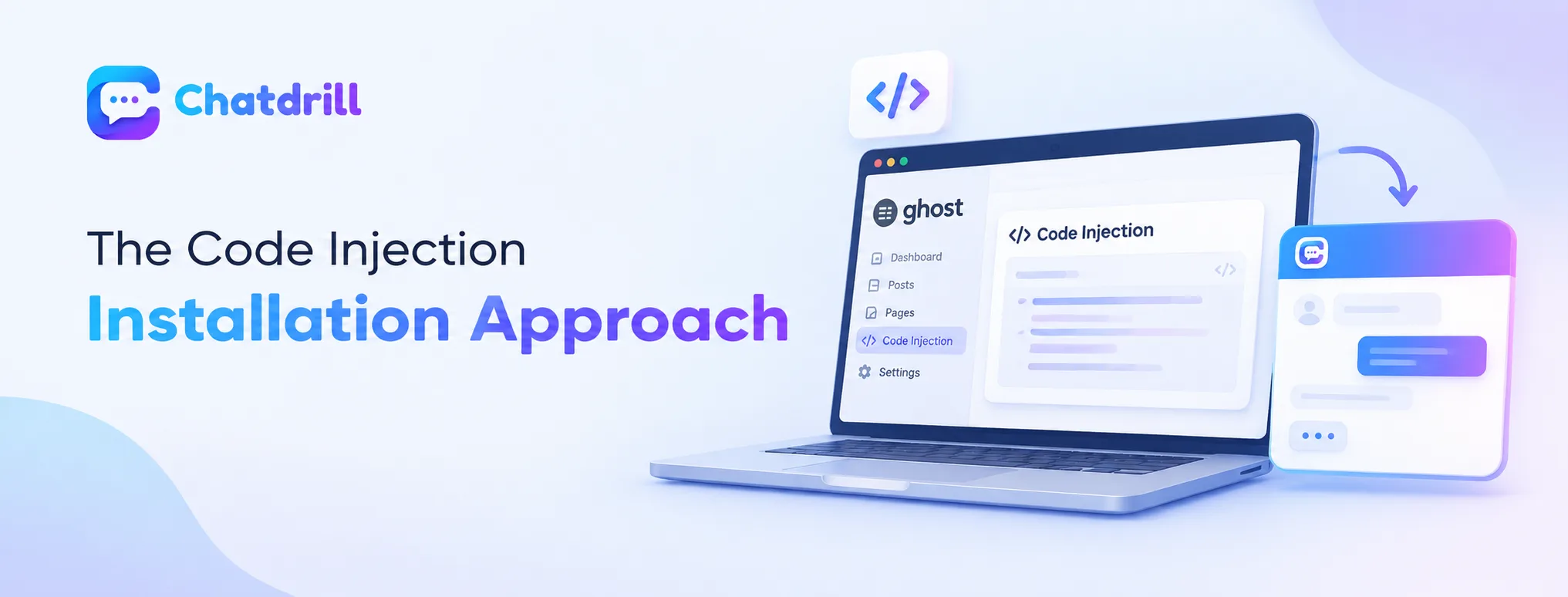
Ghost's built-in Code Injection setting lets a blog owner add a chat script site-wide without editing theme files directly.
Using Ghost's Code Injection setting
Ghost's admin panel includes a dedicated Code Injection section specifically designed for adding third-party scripts like a chat widget, letting a blog owner paste the provided snippet directly without needing separate theme file access.
This built-in mechanism reflects Ghost's genuinely accessible design philosophy, making chat installation considerably simpler than platforms requiring direct theme code editing.
Site-wide versus page-specific placement
Ghost's Code Injection typically applies a script site-wide across your entire blog, though some chat providers offer configuration to limit display to specific pages if a blog owner prefers chat only on certain content.
Understanding this scope, and configuring it appropriately for your specific preference, ensures chat appears exactly where you genuinely want it across your blog.
Ghost-Specific Considerations for a Content Blog
Balancing genuine reader engagement value against potential distraction from content, and considering newsletter-subscriber context, both deserve attention for a content-focused blog.
Balancing engagement against content distraction
A content-focused blog should consider whether a persistent chat widget genuinely enhances reader engagement or risks feeling like an unnecessary distraction from the actual reading experience, a genuinely different consideration than for a typical ecommerce or SaaS website.
This balance suggests a more subtle, less intrusive chat presence may suit a content blog better than the more prominent placement common on a commercially-focused website.
Considering newsletter-subscriber context
For a Ghost blog with an active newsletter subscriber base, a chat widget that can recognize and appropriately engage a genuine, existing subscriber differently from a first-time visitor adds meaningful, relevant value beyond a generic, undifferentiated chat presence.
This subscriber-aware consideration reflects Ghost's common use case as a newsletter-first publishing platform specifically, distinct from a typical ecommerce chat context.
Common Setup Mistakes
Making the chat widget too intrusive for a content-reading experience, and forgetting to test after a theme update, are common mistakes.
Too intrusive for a content-reading experience
A chat widget positioned or triggered too aggressively can genuinely interrupt a reader's content consumption, feeling more like an ecommerce-style sales interruption than an appropriately subtle presence for a content-focused blog.
Configuring a more understated, less interruptive chat presence, as this guide's earlier section suggests, respects the genuinely different reading-focused context of a blog.
Forgetting to test after a theme update
Since Code Injection applies independently of your specific theme, updating or changing your Ghost theme doesn't automatically break the chat installation, but confirming this remains true after any significant theme change protects against an unexpected, undiscovered display issue.
This periodic verification habit, though genuinely low-effort given Code Injection's theme-independence, protects against a rare but possible compatibility surprise.