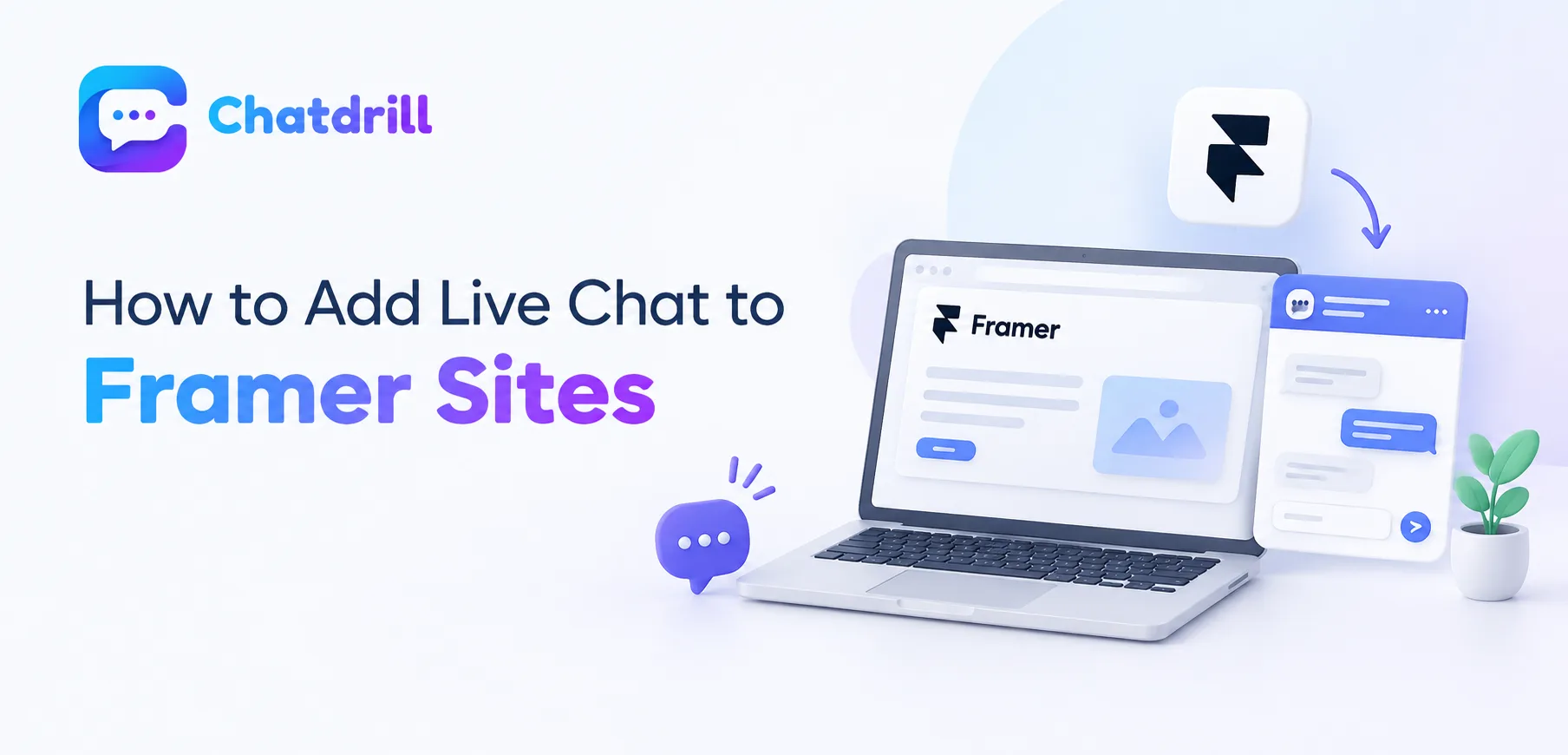
A Framer site owner adding live chat benefits from Framer's built-in Custom Code feature, a genuinely simple, official mechanism for adding third-party scripts without needing to touch the actual visual design canvas.
Quick answer: Adding live chat to a Framer site typically means pasting a small script snippet into Framer's Custom Code settings, found in the site's project settings under the Head or Body Code section, applying the chat widget site-wide without requiring any design-canvas editing or affecting your actual visual layout.
Understanding this specific mechanism, and the considerations relevant to a design-focused Framer site specifically, helps a site owner add chat capability quickly while preserving the visual polish Framer sites are typically built around.
This guide covers the Custom Code installation approach, Framer-specific considerations, common setup mistakes, and how ChatDrill supports Framer site owners.
The Custom Code Installation Approach
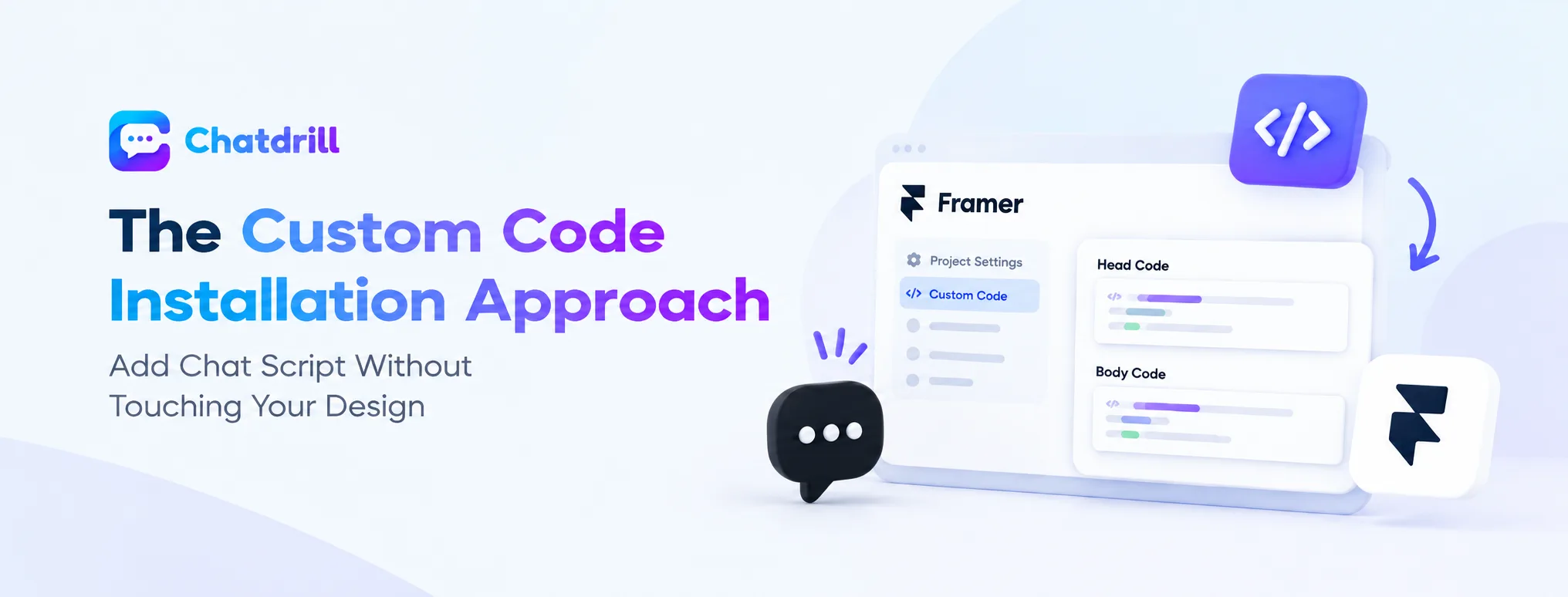
Framer's built-in Custom Code setting lets a site owner add a chat script without touching the visual design canvas.
Using Framer's Custom Code setting
Framer's project settings include a dedicated Custom Code section, specifically designed for adding third-party scripts like a chat widget, letting a site owner paste the provided snippet directly into either the Head or Body Code field.
This built-in mechanism reflects Framer's design-tool-first approach, keeping technical script additions separate from the actual visual canvas a designer works within day to day.
Choosing Head versus Body code placement
Most chat providers specify whether their script should go in the Head or Body Code section, a detail worth confirming directly from your specific chat provider's installation instructions rather than guessing.
Following this specific guidance ensures the widget loads and functions correctly, since placement can genuinely affect how and when a script executes on the page.
Framer-Specific Considerations for a Design-Focused Site
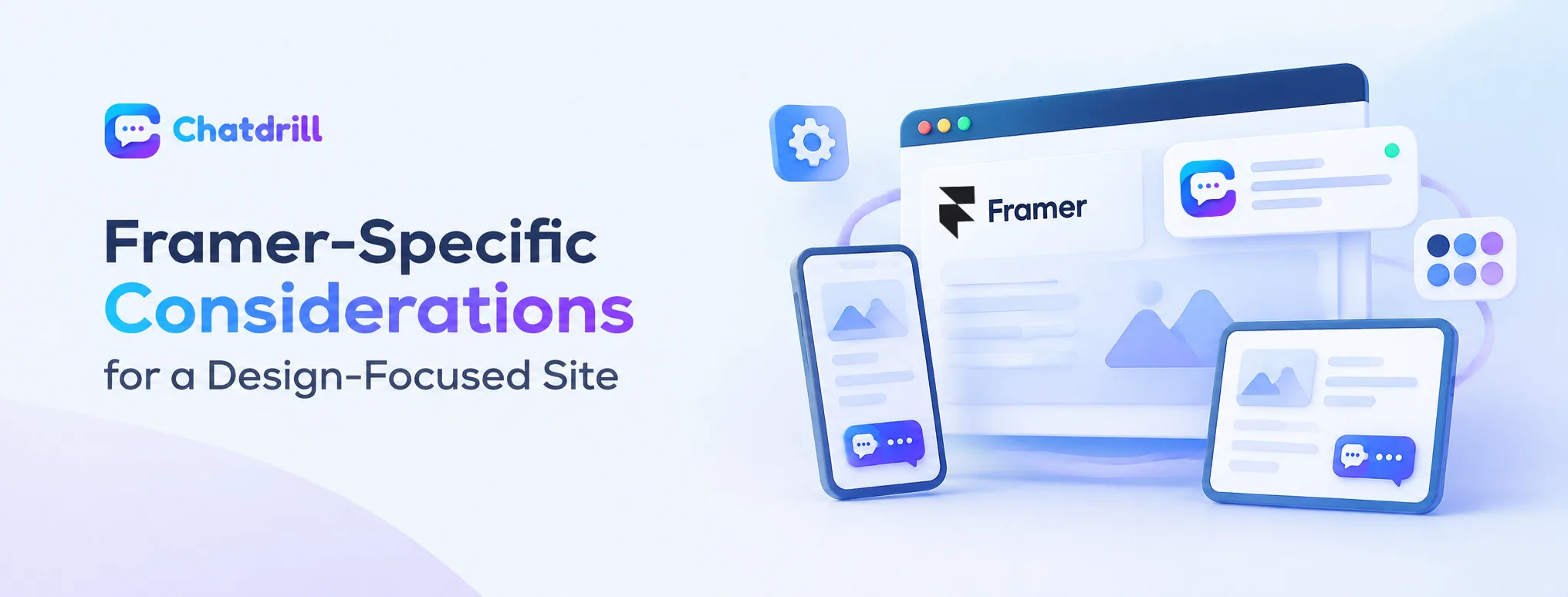
Preserving visual polish and confirming compatibility across responsive breakpoints both deserve specific attention for a Framer site.
Preserving the site's visual polish
A Framer site is typically built with genuine design intentionality, meaning a chat widget's default appearance, color, positioning, should be reviewed and customized to fit your site's actual visual identity rather than left in a generic, potentially clashing default state.
This customization effort respects that a Framer site owner has typically invested real, deliberate design effort, worth extending to any third-party element added afterward.
Confirming responsive breakpoint compatibility
Framer sites commonly use carefully designed responsive breakpoints for different device sizes, and confirming your chat widget displays appropriately across these breakpoints, not just on desktop, protects against a mobile-specific display issue.
This cross-device testing matters given how central responsive design typically is to a genuinely well-built Framer site's overall visual quality.
Common Setup Mistakes
Leaving the chat widget in a generic, unstyled default appearance, and skipping mobile-specific testing, are common mistakes.
Leaving a generic, unstyled default appearance
Installing a chat widget without customizing its colors and positioning to match your site's actual design leaves a jarring, visually inconsistent element on an otherwise carefully designed Framer site.
Taking the additional time to customize appearance, as this guide's earlier section recommends, protects the visual quality a Framer site owner has typically worked hard to achieve.
Skipping mobile-specific testing
Testing a chat widget only on desktop, without confirming it displays properly across your site's specific responsive breakpoints, risks a genuine, undiscovered mobile display issue affecting a meaningful share of actual visitors.
Testing explicitly across device sizes, as this guide recommends, catches this kind of issue before it affects genuine mobile visitor experience.