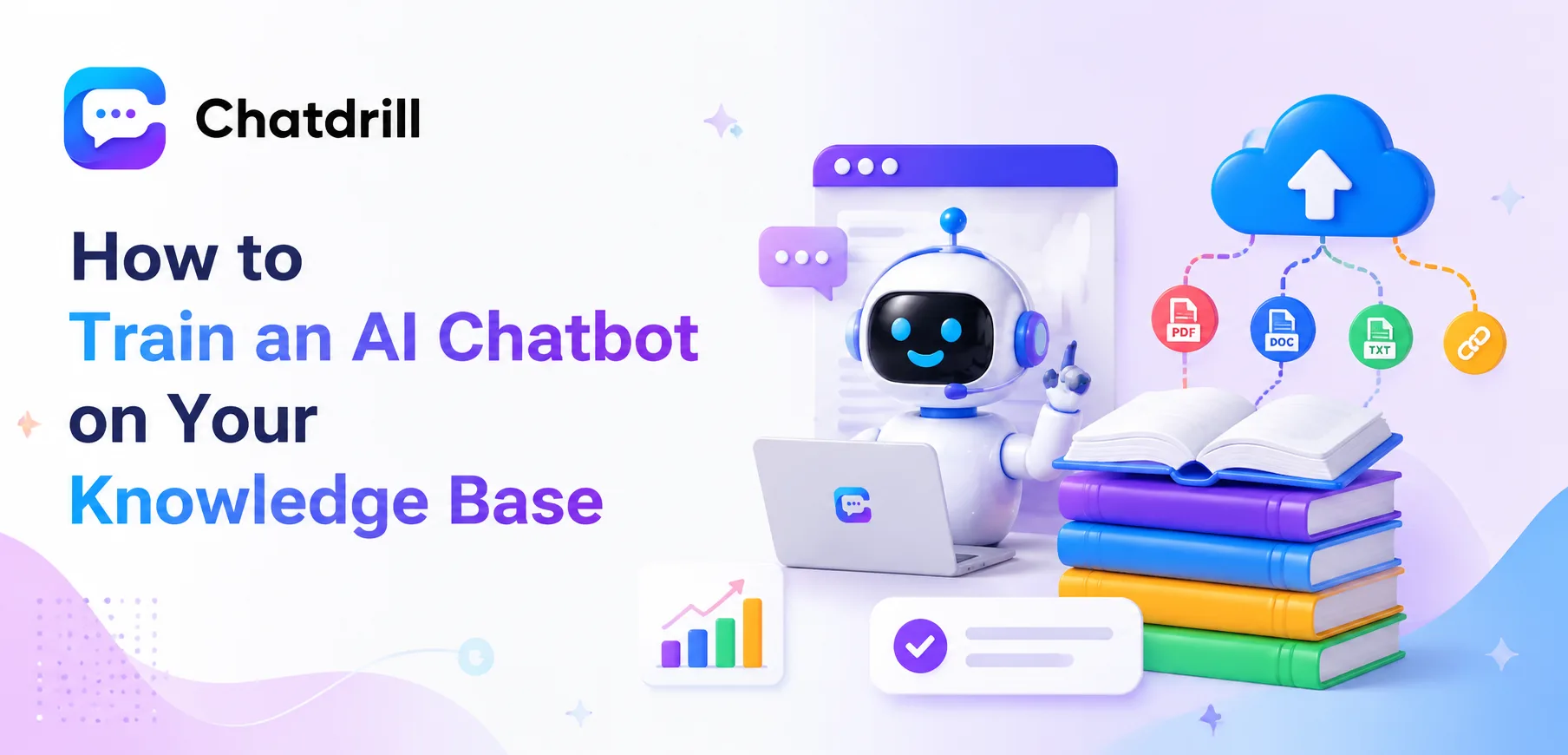
Training an AI chatbot on your knowledge base means feeding it real, specific business content, help documentation, FAQ pages, product details, so its answers are grounded in what your business actually offers rather than generic, unhelpful responses.
This step is genuinely the difference between a chatbot that feels impressively capable and one that frustrates visitors with vague, off-target answers, the underlying AI technology matters less than the quality and completeness of what it's been trained on.
Many businesses underestimate this step, assuming a chatbot works well out of the box without meaningful training investment, then are disappointed when it can't answer basic, specific questions about their own product or policies.
Getting training right isn't a one-time task either, it's an ongoing process of feeding new content, reviewing real conversations, and refining based on where the AI actually struggles in practice.
This guide covers why training quality determines chatbot performance, what content to include, a step-by-step training process, common mistakes to avoid, how to maintain training over time, and how ChatDrill specifically approaches this process.
Why Training Quality Determines Chatbot Performance
A chatbot's performance is fundamentally limited by the content it's trained on, meaning even the most sophisticated underlying AI technology will underperform if fed sparse, outdated, or poorly organized source material.
The direct link between content and answer quality
An AI chatbot can only answer accurately based on what it's been given access to, a question about a feature or policy not covered in training simply can't be answered correctly, regardless of how advanced the AI itself is.
This makes training investment, not platform selection alone, often the single biggest factor separating a genuinely useful chatbot from a frustrating one.
Businesses that skip this step, assuming the AI will somehow know their specific business details automatically, are consistently disappointed by early chatbot performance.
Why this gets underestimated so often
Marketing around AI chatbots emphasizes the underlying technology's sophistication, sometimes leaving businesses with the impression that minimal setup effort is needed to get strong results.
In reality, the technology is only one half of the equation, the training content a business provides is the other, equally important half determining actual real-world performance.
What Content to Include in Training
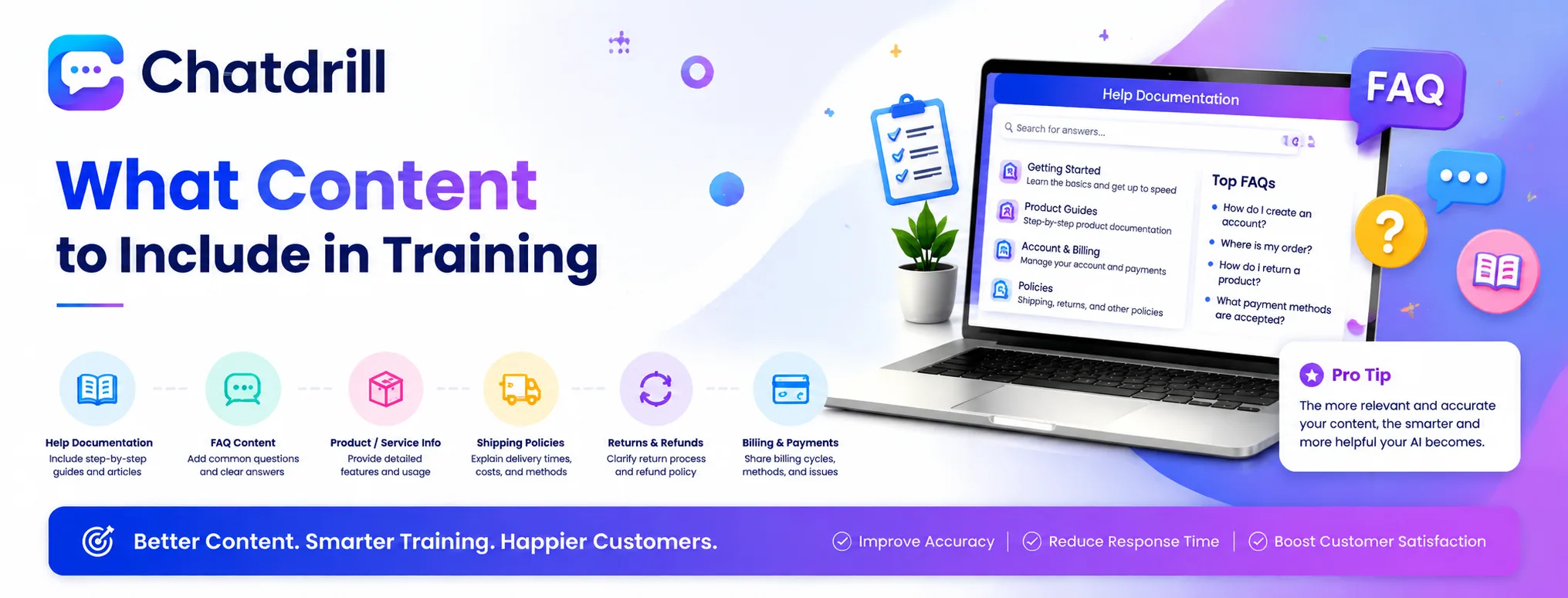
Effective training includes your actual help documentation and FAQ content, detailed product or service descriptions, and policy information covering shipping, returns, billing, or whatever specifics customers commonly ask about.
Help documentation and FAQ content
Existing help center articles and FAQ pages are usually the fastest, highest-value content to feed into training, since they already represent your business's own answers to common questions.
This content typically requires minimal reformatting, most modern platforms including ChatDrill can ingest existing documentation directly rather than requiring content to be rewritten from scratch.
Detailed product or service information
Beyond high-level marketing copy, training benefits from genuinely detailed product specifications, pricing tier breakdowns, and feature comparisons that let the AI answer nuanced, specific questions accurately.
This depth is what separates an AI that can handle a genuinely specific question from one that only manages surface-level, generic responses.
Policy and process information
Shipping timelines, return policies, billing procedures, and other operational specifics are commonly asked about and worth including explicitly, since these details rarely appear in general marketing content.
Missing this category of content is a common gap, since businesses often focus training on product features while overlooking these equally frequent operational questions.
Step-by-Step: Training Your Chatbot
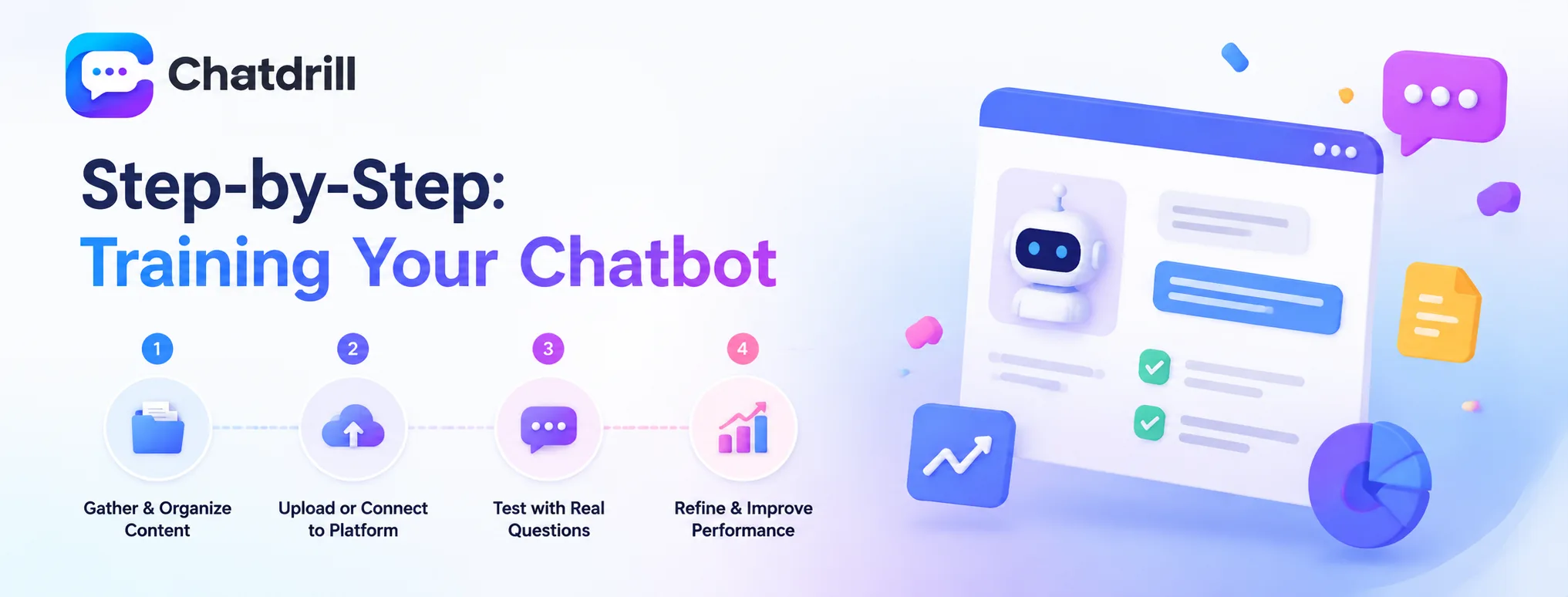
Training follows four steps: gathering and organizing your existing content, uploading or connecting it to the platform, testing with real representative questions, and refining based on where the AI struggles.
Step 1: Gather and organize existing content
Collect help documentation, FAQ pages, and product details in one place, reviewing for accuracy and currency before feeding it into the chatbot, since outdated source content produces outdated AI answers.
This organization step is worth doing thoroughly, since the training process works best with clean, accurate, well-structured source material rather than scattered or inconsistent documentation.
Step 2: Upload or connect content to the platform
Most modern platforms, including ChatDrill, support direct ingestion of existing documentation, either through a direct upload, a URL crawl of your help center, or an integration with your existing knowledge base tool.
This step is typically faster than businesses expect, often completing within an hour or two for a reasonably sized knowledge base, rather than requiring extensive manual content entry.
Step 3: Test with real, representative questions
Before launching broadly, test the trained chatbot with a range of real questions your business actually receives, not just simple, obvious ones, to reveal genuine performance gaps.
This testing phase is essential, catching training gaps while the stakes are still low rather than discovering them through frustrated real customers after launch.
Step 4: Refine based on identified gaps
Any question the AI handled poorly during testing points to a specific content gap worth addressing directly, rather than assuming general improvement will happen automatically over time.
This targeted refinement, addressing specific revealed gaps, tends to be considerably more efficient than broadly expanding training content without clear direction.
Common Training Mistakes to Avoid
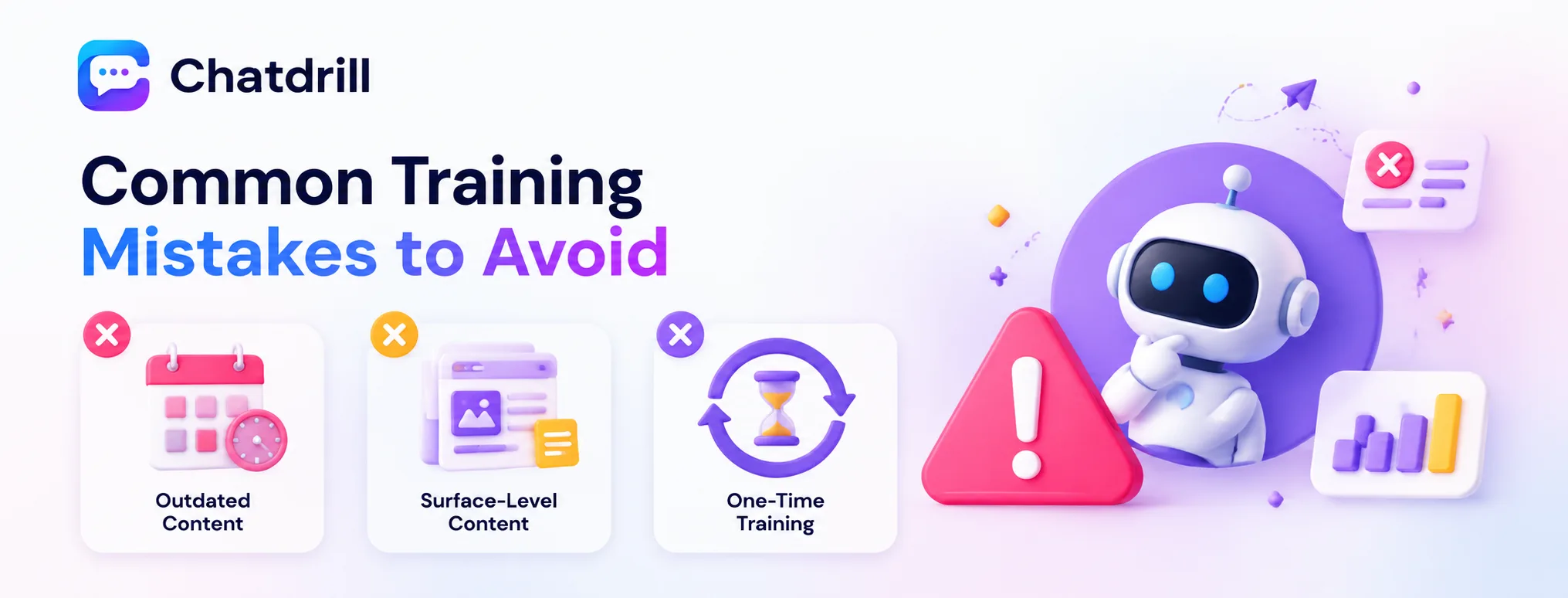
The most common mistakes are training on outdated content that no longer reflects current policies, providing only surface-level marketing copy instead of genuine detail, and treating training as a one-time task rather than an ongoing process.
Training on outdated content
Feeding the AI documentation that no longer reflects current pricing, policies, or product features produces confidently wrong answers, a genuinely worse outcome than the AI simply not knowing.
Reviewing source content for currency before training, not just completeness, is worth the extra diligence to avoid this specific, damaging failure mode.
Relying only on surface-level marketing copy
Marketing content is often written to sound appealing rather than to answer specific, detailed questions, making it a poor sole source for training compared to genuine documentation.
Supplementing marketing copy with more detailed, specific content, actual feature documentation, pricing breakdowns, produces meaningfully better AI answer quality.
Treating training as a one-time task
A chatbot's training needs ongoing maintenance as products, policies, and common questions evolve, businesses that set up training once and never revisit it see performance gradually decline.
Building a regular review cadence into the process, rather than a single initial effort, is what keeps a chatbot's performance genuinely strong over the long term.
Maintaining and Updating Training Over Time
Maintaining training well means reviewing real conversations regularly to catch gaps, updating content whenever policies or products change, and tracking performance metrics to confirm training investment is genuinely paying off.
Reviewing real conversations regularly
A periodic review of actual chatbot conversations reveals specific questions it struggled with, information a purely theoretical review of source content wouldn't surface as clearly.
This real-world feedback loop is genuinely the most valuable ongoing maintenance practice, directly informing exactly where additional training content would add the most value.
Updating content alongside business changes
Any change to pricing, policy, or product features should trigger a corresponding training content update, keeping the AI's answers aligned with current reality rather than letting them drift out of date.
Building this update step into a broader change-management process, rather than treating it as a separate, easily forgotten task, keeps training genuinely current.
Tracking performance to confirm improvement
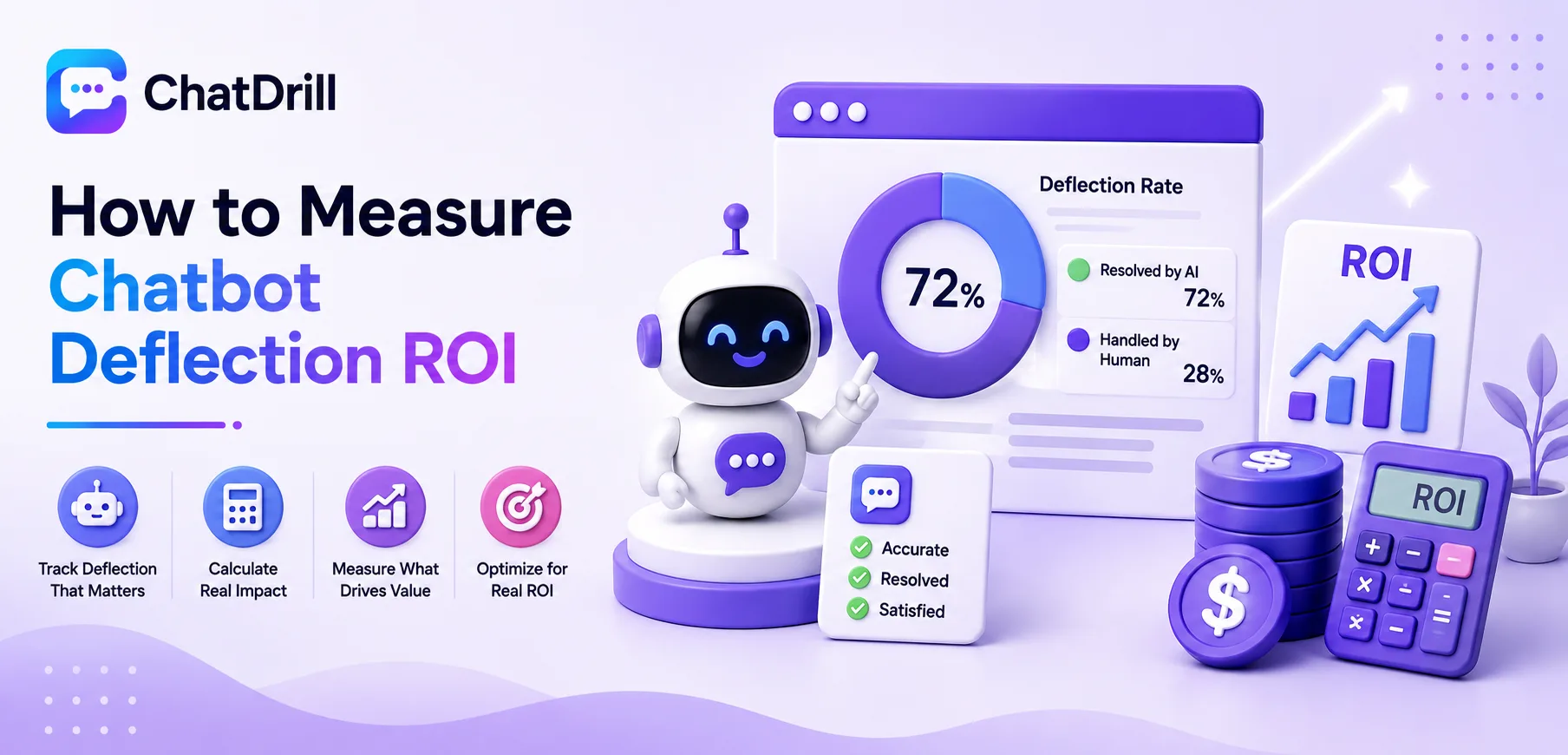
Monitoring deflection rate and customer satisfaction specifically for AI-handled conversations over time confirms whether ongoing training investment is genuinely improving real-world performance.
This data-driven approach also helps prioritize where to focus limited training-update time, rather than spreading effort evenly across every possible content area.
How ChatDrill Handles Knowledge Base Training
ChatDrill lets a business connect existing documentation directly, supports ongoing refinement based on real conversation review, and surfaces specific content gaps the AI encountered, making the training process considerably more manageable than building this capability from scratch.
Direct documentation connection
Rather than requiring content to be manually rewritten or reformatted, ChatDrill can ingest existing help documentation and FAQ content directly, significantly reducing initial setup time.
This direct connection means a business's existing investment in documentation transfers directly into chatbot training value, rather than requiring duplicate content-creation effort.
Ongoing refinement tools
ChatDrill surfaces conversations where the AI struggled or escalated, giving a business clear, specific signal on exactly where additional training content would improve performance.
This targeted visibility supports the kind of gap-driven refinement that produces genuinely improving performance over time, rather than a plateau shortly after initial setup.