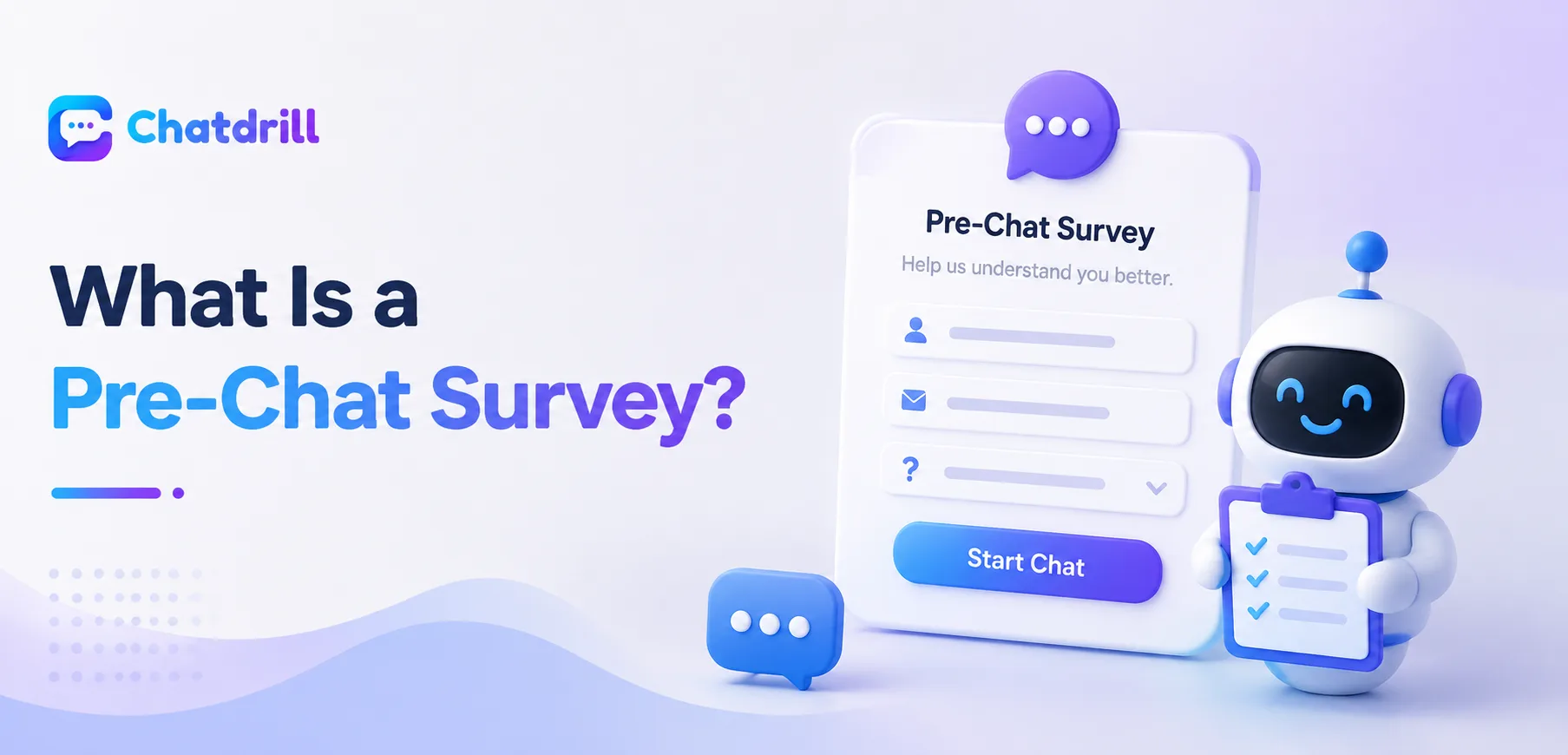
A pre-chat survey is the brief form that sometimes appears just before a chat window fully opens, asking a visitor for a small amount of information before they can start typing their actual question.
Quick answer: A pre-chat survey is a short form shown to a visitor before a chat conversation begins, typically asking for basic details like name, email, or the topic of their question, so the conversation can start with useful context already in hand.
The purpose is straightforward, giving whoever or whatever responds, a human agent or an AI, some useful context upfront rather than starting completely blind with just an unlabeled incoming message.
Pre-chat surveys are a genuinely common feature across chat platforms, but their design varies considerably, and getting that design right matters for both lead capture and the actual visitor experience.
This guide covers the definition, what's typically included, when to use one versus skip it, common mistakes, and how ChatDrill handles pre-chat surveys.
The Full Definition Explained [major informational gain]
[major informational gain]
A pre-chat survey is a short form appearing before the actual chat conversation starts, collecting basic visitor information to provide immediate context.
How it fits into the chat flow
When a visitor clicks the chat widget, instead of immediately opening a blank conversation window, a pre-chat survey presents a brief form first, requiring the visitor to provide a few details before the actual conversation interface appears.
Once submitted, this information typically appears alongside the conversation for whoever responds, giving them useful starting context.
The underlying purpose
The core purpose is reducing the amount of back-and-forth needed just to establish basic context, who the visitor is and roughly what they need help with, before getting to the actual substance of their question.
This upfront context also supports lead capture, giving a business contact information even if the visitor abandons the conversation before it's genuinely resolved.
What's Typically Included in a Pre-Chat Survey [major informational gain]
[major informational gain]
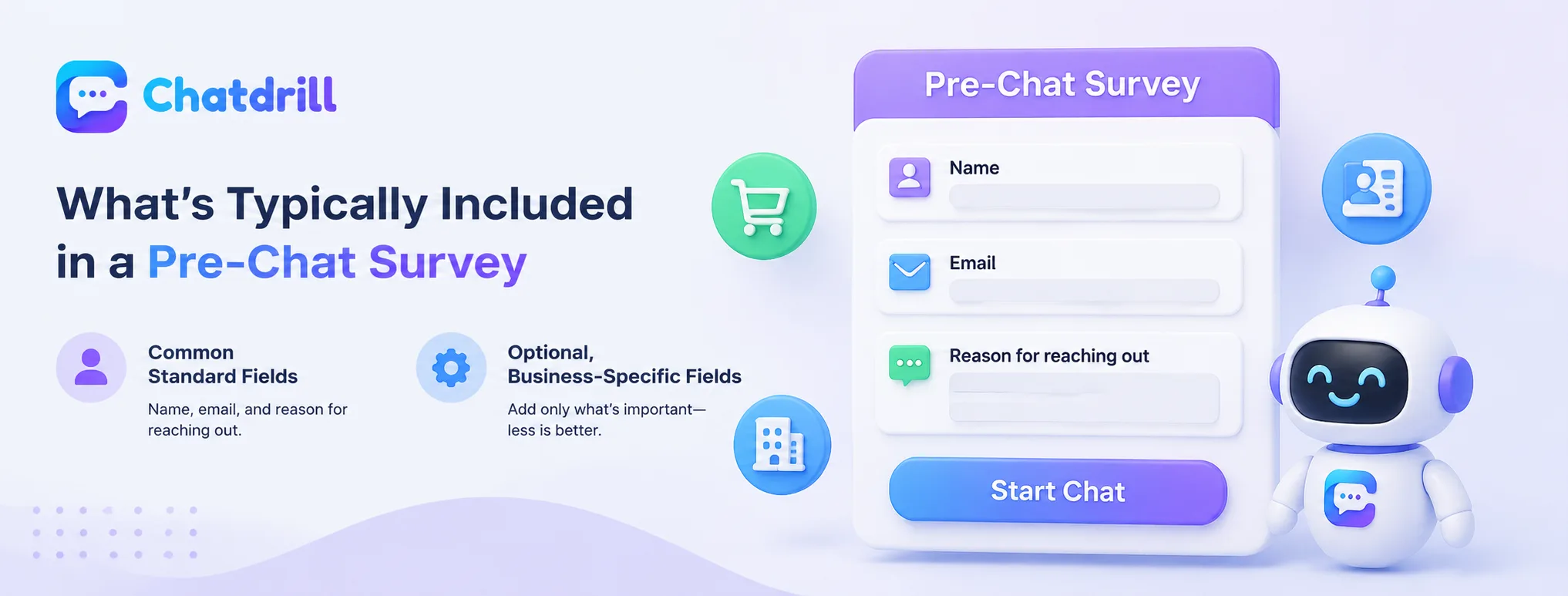
Common fields include name, email address, and a brief description of the reason for reaching out, though the specific combination varies by business needs.
Common standard fields
Name and email address are the most common fields, providing basic identification and a way to follow up if the conversation gets disconnected or needs continuation later.
A brief topic or reason-for-contact field is also common, letting the conversation route to the right team or giving an agent immediate context before the first message even arrives.
Optional, business-specific fields
Some businesses add fields specific to their needs, an order number for an ecommerce store, a company name for a B2B business, or an account type for a subscription service.
These additional fields should be added deliberately and sparingly, since each one adds friction before the visitor can actually start their conversation.
When to Use One vs Skip It [major informational gain]
[major informational gain]
A pre-chat survey makes sense when context genuinely speeds up resolution or supports lead capture, but can hurt the experience when applied indiscriminately to every conversation.
When a survey adds genuine value
For a business genuinely using chat for lead generation, or one where routing to the right team depends on knowing the topic upfront, a brief pre-chat survey can meaningfully improve efficiency and follow-up capability.
This value is strongest when the requested fields are genuinely used to improve the resulting conversation, not just collected for their own sake.
When skipping it works better
For a business prioritizing minimal friction, especially for existing customers with straightforward, quick questions, skipping the survey entirely and jumping straight into conversation often produces a better, faster experience.
Some businesses use a conditional approach, skipping the survey for a returning, already-identified customer while still showing it to a new, anonymous visitor.
Common Pre-Chat Survey Mistakes
The most common mistakes are asking for too many fields, requiring fields that aren't genuinely necessary, and using the same survey regardless of context.
Asking for too much upfront
A long pre-chat survey with many required fields creates unnecessary friction before a visitor can even start typing their actual question, risking abandonment before the conversation begins.
Keeping the survey to the genuinely essential fields respects the visitor's time and reduces this abandonment risk.
Not adapting the survey to context
Using an identical, generic survey for every visitor regardless of what page they're on or whether they're a returning customer misses the opportunity to ask more relevant, useful questions in each specific context.
A pricing-page visitor and a support-page visitor often warrant somewhat different pre-chat questions given their likely different needs.
How ChatDrill Handles Pre-Chat Surveys [major informational gain]
[major informational gain]
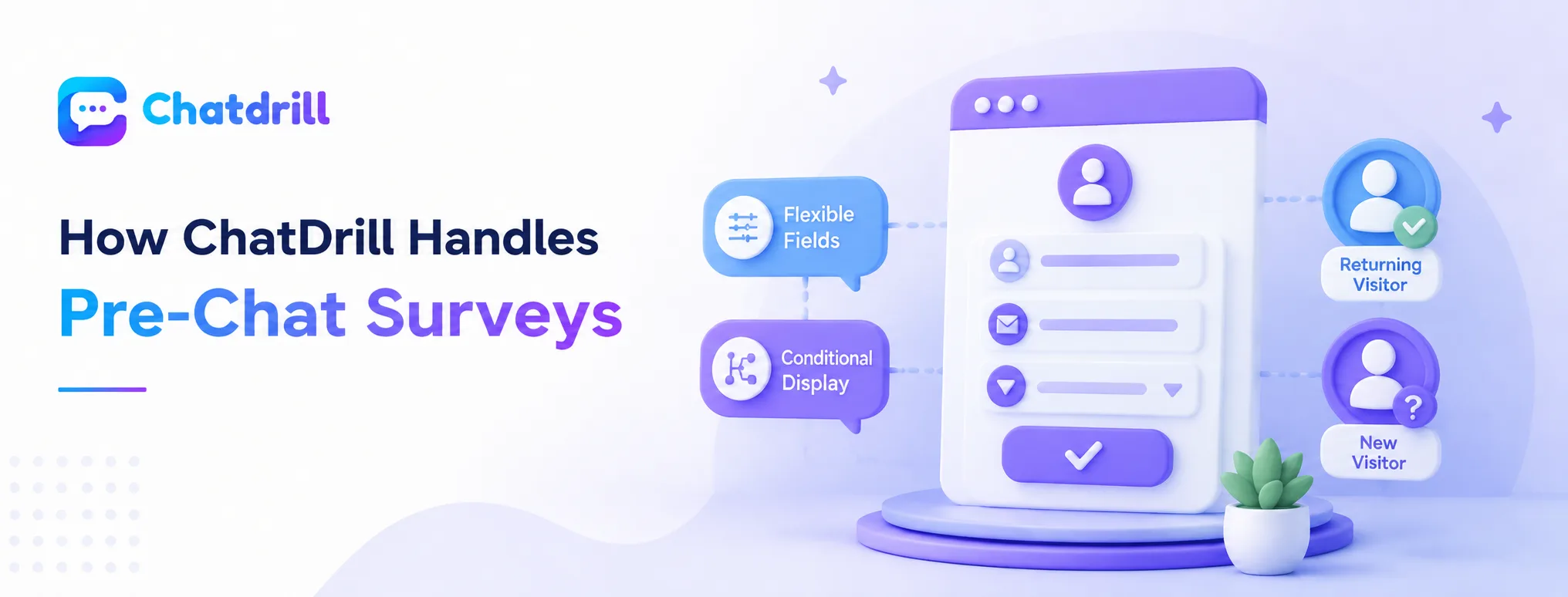
ChatDrill lets you configure pre-chat survey fields flexibly, including conditional logic based on visitor status or the page they're on.
Flexible, configurable fields
ChatDrill lets you define exactly which fields appear in a pre-chat survey, keeping it as minimal or detailed as genuinely fits your specific business needs.
This flexibility avoids a one-size-fits-all survey that either collects too little context or creates unnecessary friction.
Conditional display based on context
ChatDrill supports showing a pre-chat survey selectively, for example skipping it for an already-identified returning customer while showing it to a new, anonymous visitor.
This contextual approach balances the value of upfront information against the cost of unnecessary friction for visitors who don't need it.