What Is a Shared Inbox?
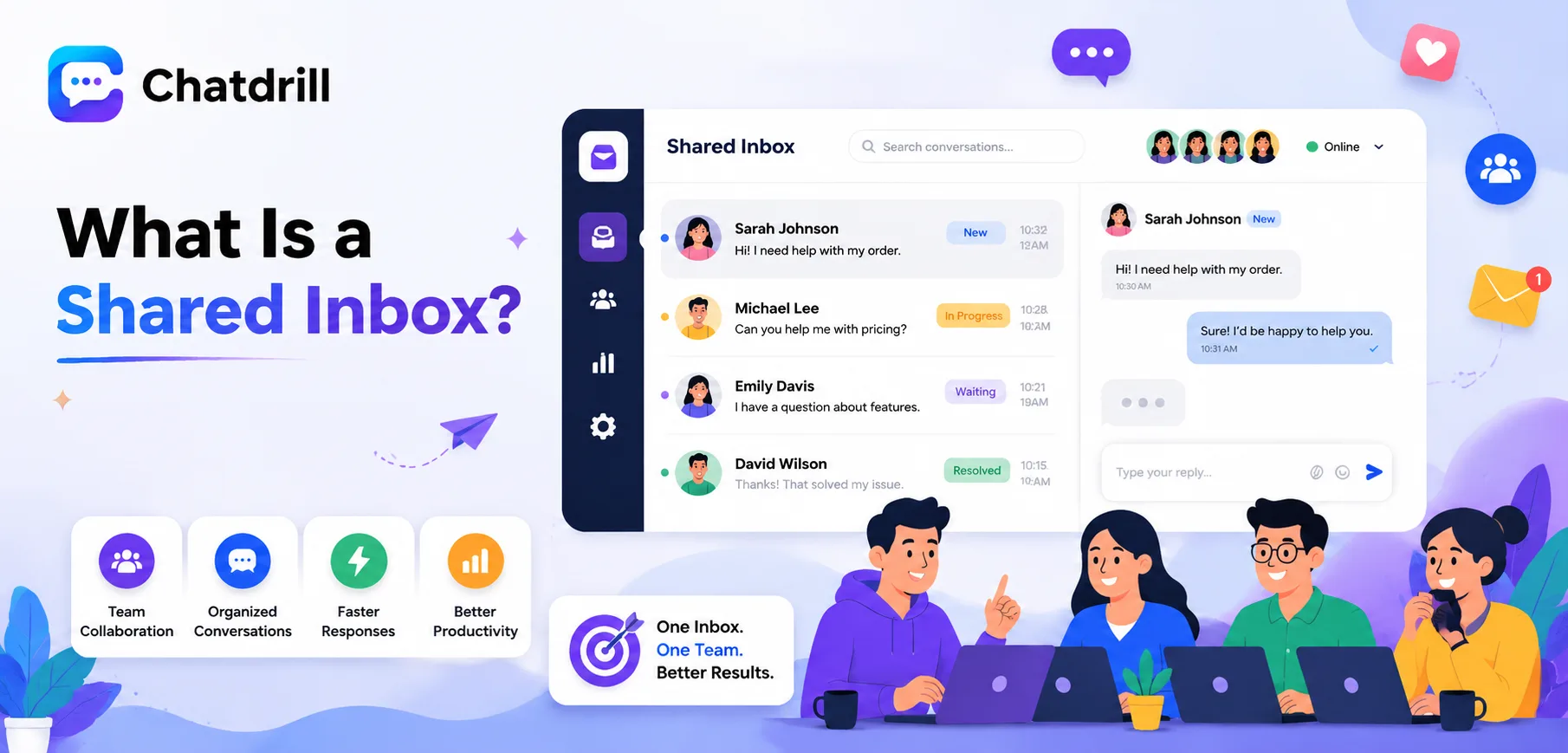
A shared inbox is a single, unified view of customer conversations, chat, email, and sometimes social messages, that an entire team can access, claim, and respond to together, rather than each channel or agent operating from a separate, disconnected system.
This solves a genuinely common problem for a growing team, without a shared inbox, conversations get scattered across individual email accounts or separate tools, making it easy for a message to go unanswered simply because no one realized it needed a response.
A shared inbox also creates accountability and visibility that individual inboxes can't, any team member can see what's already been handled, what's still open, and who's currently working on what, without needing to ask around.
Getting real value from a shared inbox depends on more than just having one, it requires the team actually using its features, claiming conversations, tagging appropriately, avoiding duplicate responses, consistently.
This guide covers what a shared inbox actually is, its core features, how it differs from individual email accounts, the genuine benefits for a growing team, and best practices for using one effectively.
A shared inbox is a centralized view of customer conversations across channels that multiple team members can access together, seeing the same conversations, claiming them, and responding from one unified interface.
Simple definition
Rather than each team member managing their own separate email account or chat login, a shared inbox pulls conversations into one place everyone on the team can see and act on.
This visibility is the core value proposition, no conversation exists only in one person's private inbox where a colleague can't see it if that person is unavailable.
Most modern customer support and live chat platforms, including ChatDrill, build this shared inbox concept as a foundational feature rather than an add-on.
What typically flows into a shared inbox
A shared inbox commonly aggregates live chat, email, and sometimes social media messages, though the exact channel mix varies by platform and business setup.
This consolidation means a team doesn't need to separately monitor each channel individually, everything relevant funnels into one place for unified handling.
Some platforms extend this further to include SMS or messaging apps like WhatsApp, broadening the shared inbox concept beyond just chat and email specifically.
Core Features of a Shared Inbox
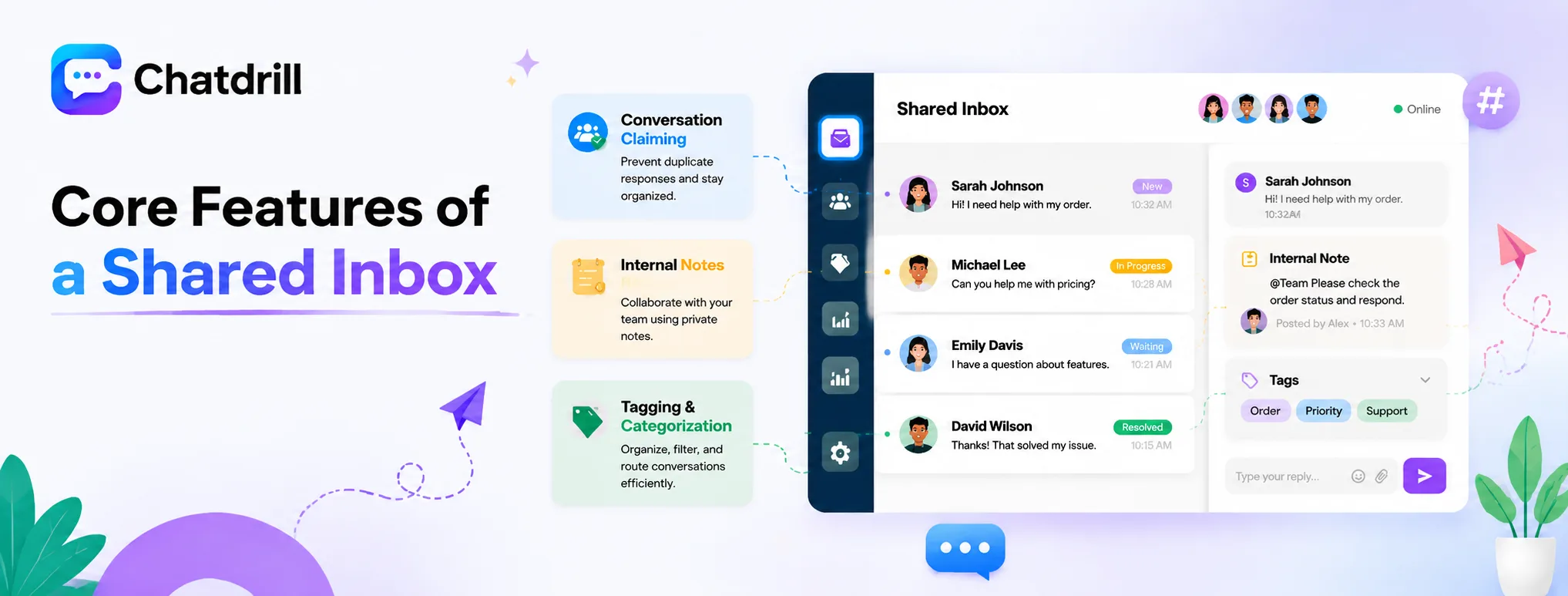
A shared inbox typically includes conversation claiming to prevent duplicate responses, internal notes for team collaboration, and tagging or categorization to organize and route conversations effectively.
Conversation claiming and assignment
This feature lets a team member claim a specific conversation, signaling to colleagues that it's being handled and preventing the awkward, confusing scenario of two people replying to the same customer.
Some platforms support both manual claiming and automatic assignment based on routing rules, giving a team flexibility in how conversations get distributed.
This is one of the most operationally important shared inbox features, directly preventing the duplicate-response problem that plagues teams without this coordination mechanism.
Internal notes and collaboration
Internal notes let a team member add context visible only to colleagues, not the customer, useful for flagging something to a teammate or documenting a decision made mid-conversation.
This collaboration layer keeps relevant context attached directly to the conversation itself, rather than requiring a separate message or meeting to communicate it.
Teams handling genuinely complex conversations benefit significantly from this feature, allowing smooth handoffs without losing important context along the way.
Tagging and categorization
Tags let a team categorize conversations by topic, priority, or type, supporting both reporting and smarter routing based on conversation content.
Consistent tagging also makes it easier to search past conversations later, finding relevant precedent when a similar question comes up again.
This organizational layer becomes increasingly valuable as conversation volume grows, turning what would otherwise be an unmanageable stream into something searchable and analyzable.
Shared Inbox vs Individual Email Accounts
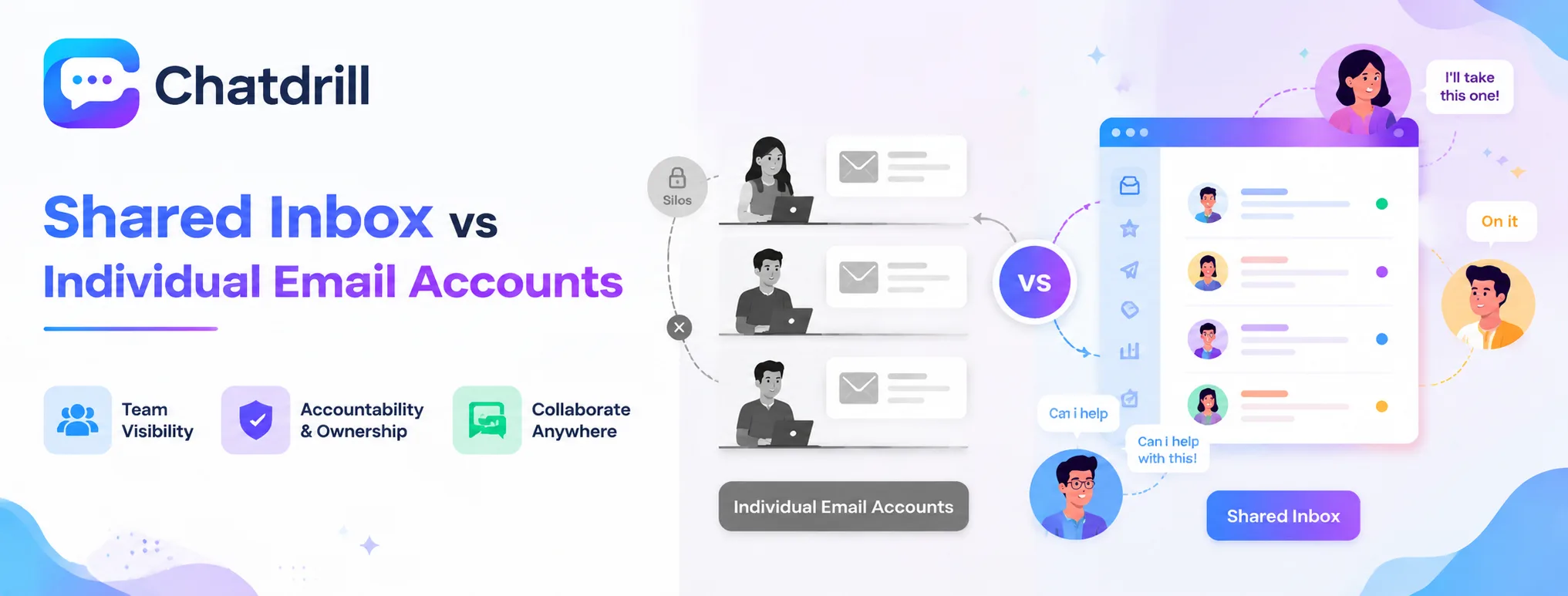
Individual email accounts create silos where only one person sees a given conversation, while a shared inbox gives the whole team visibility, accountability, and the ability to collaborate on any conversation regardless of who initially received it.
The silo problem with individual accounts
When each team member manages their own inbox, a colleague has no visibility into what's happening in someone else's account, creating blind spots that become genuinely risky if that person is out sick or leaves the company.
This silo effect also makes reporting and quality oversight nearly impossible, since there's no unified view of overall team performance across separate, disconnected accounts.
A single point of failure risk also emerges, if the one person managing a specific account is unavailable, those conversations simply stop being handled until they return.
How shared visibility changes team dynamics
With a shared inbox, any team member can step into a conversation, cover for an absent colleague, or simply have visibility into what the team as a whole is handling.
This transparency also supports better onboarding, a new team member can review real past conversations to learn how the team handles common situations.
The shift from individual ownership to shared visibility often changes team culture meaningfully, encouraging genuine collaboration rather than siloed, individual handling of customer relationships.
Benefits of a Shared Inbox for a Growing Team
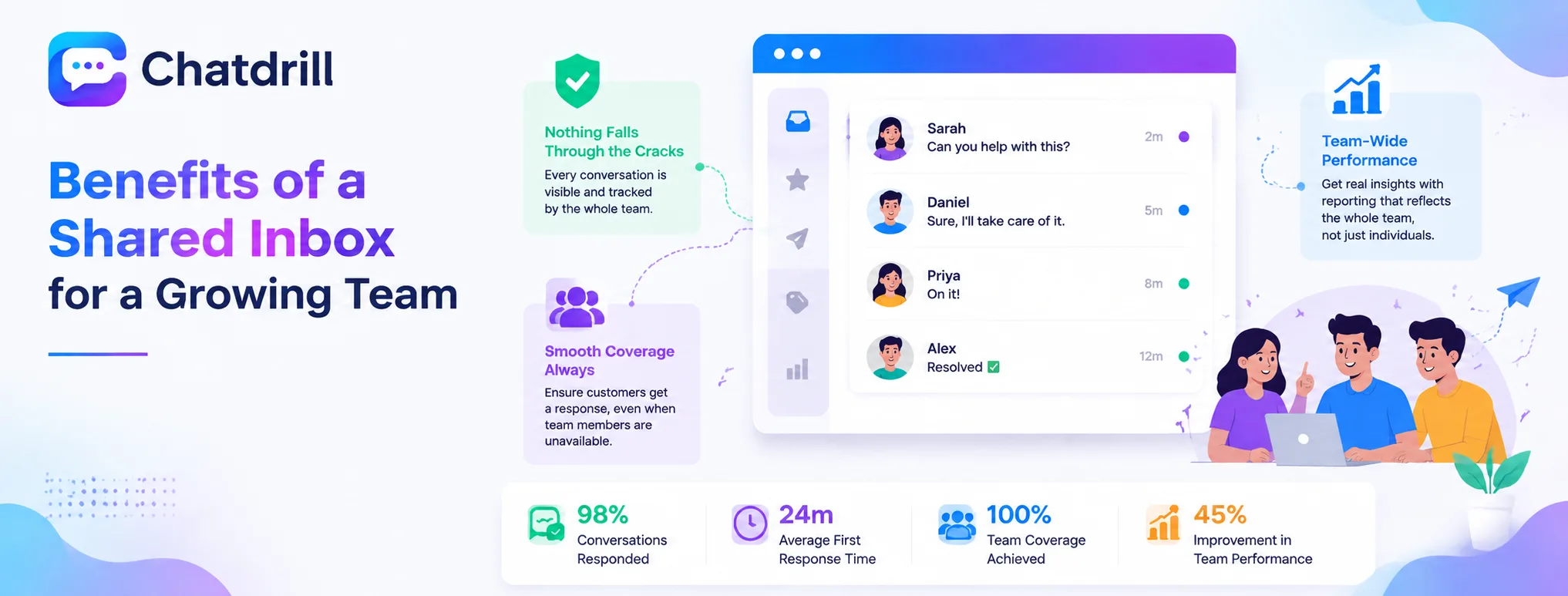
A shared inbox prevents conversations from falling through the cracks, enables smooth coverage when a team member is unavailable, and supports genuine reporting on team-wide performance rather than fragmented, individual metrics.
Preventing conversations from falling through the cracks
Without shared visibility, a message sitting in one person's individual inbox can go unnoticed if that person is busy, distracted, or simply misses it, a risk a shared inbox largely eliminates.
This safety net matters increasingly as a business scales and conversation volume grows beyond what any single person could reliably track alone.
Teams that switch from individual inboxes to a shared one often discover, sometimes uncomfortably, just how many conversations had been quietly slipping through before.
Enabling smooth coverage and handoffs
A shared inbox means a colleague can seamlessly pick up conversations when someone is out, sick, or simply busy, without needing special access or a manual handoff process.
This coverage flexibility becomes increasingly important as a team grows and depends less on any single individual's continuous availability.
The full conversation history remaining visible to whoever steps in also means the customer doesn't need to repeat context, a genuine quality-of-experience benefit.
Supporting genuine team-wide reporting
A shared inbox naturally aggregates data across the whole team, enabling reporting on response time, resolution rate, and volume that individual, disconnected inboxes simply can't provide.
This reporting capability is what actually lets a business make informed staffing and process decisions, rather than relying on anecdotal impressions of team performance.
As a team grows, this reporting becomes increasingly essential for identifying bottlenecks or performance gaps that would otherwise stay invisible.
Best Practices for Using a Shared Inbox Effectively
Using a shared inbox effectively means building a consistent claiming habit to avoid duplicate responses, establishing clear tagging conventions the whole team follows, and reviewing unclaimed or stale conversations regularly.
Building a consistent claiming habit
Establishing a clear team norm, always claim a conversation before responding, prevents the confusion and duplicate effort of multiple people replying to the same customer independently.
This habit is worth reinforcing explicitly during onboarding, since it's easy to skip when a team member is moving quickly through a busy shift.
Some platforms make this easier by auto-claiming a conversation the moment someone replies, reducing reliance on manual habit alone.
Establishing clear tagging conventions
Agreeing on a consistent, limited set of tags the whole team uses, rather than everyone inventing their own ad hoc labels, keeps the tagging system genuinely useful for search and reporting.
Documenting this tagging convention somewhere accessible, rather than relying on informal, undocumented team knowledge, keeps new team members aligned quickly.
Revisiting the tag list periodically, retiring unused tags and adding new ones as conversation patterns evolve, keeps the system relevant over time.
Reviewing unclaimed or stale conversations regularly
A brief, regular check for conversations that have gone unclaimed or unanswered for too long catches gaps before they become a real customer experience problem.
This review is worth building into a daily or weekly team routine, rather than relying purely on individual initiative to catch every stale conversation.
Many platforms support automated alerts for this specific scenario, worth configuring so stale conversations surface proactively rather than requiring manual searching.