What is chat session timeout?
Chat session timeout is a background setting most visitors never think about, but one that meaningfully shapes both agent workload management and how conversation history gets organized behind the scenes.
Quick answer: Chat session timeout is the amount of inactive time after which a chat platform automatically ends or archives a conversation, freeing up agent capacity and keeping conversation records organized, typically configurable from a few minutes to several hours depending on the business's needs.
Without some kind of timeout logic, an inactive conversation, one where a visitor simply closed their browser tab without saying goodbye, would sit open indefinitely, quietly consuming agent capacity that could otherwise go toward an active conversation.
Understanding how session timeout works, and how to set it well, helps a business avoid both prematurely cutting off a slow-typing visitor and needlessly holding capacity hostage to conversations that have genuinely ended.
This guide covers the definition, how timeout is typically configured, what happens when a session times out, common mistakes, and how ChatDrill handles session timeout.
The Full Definition Explained [major informational gain]
[major informational gain]
Chat session timeout refers to the period of inactivity after which a platform automatically considers a conversation ended, closing or archiving it.
What counts as inactivity
Inactivity typically means no new messages from either the visitor or the agent for a defined period, though some systems also factor in whether the visitor's browser tab is even still open.
Once this inactivity threshold passes, the system triggers whatever timeout behavior has been configured, closing the conversation, archiving it, or prompting a final check-in message first.
Why this differs from a visitor manually ending chat
A visitor explicitly saying goodbye or closing the chat window directly represents an intentional conversation end, while timeout specifically handles the more common, ambiguous case of a visitor simply going quiet without any clear signal.
This distinction matters because timeout logic needs to make a reasonable guess about intent when no explicit signal exists.
How Timeout Is Typically Configured [major informational gain]
[major informational gain]
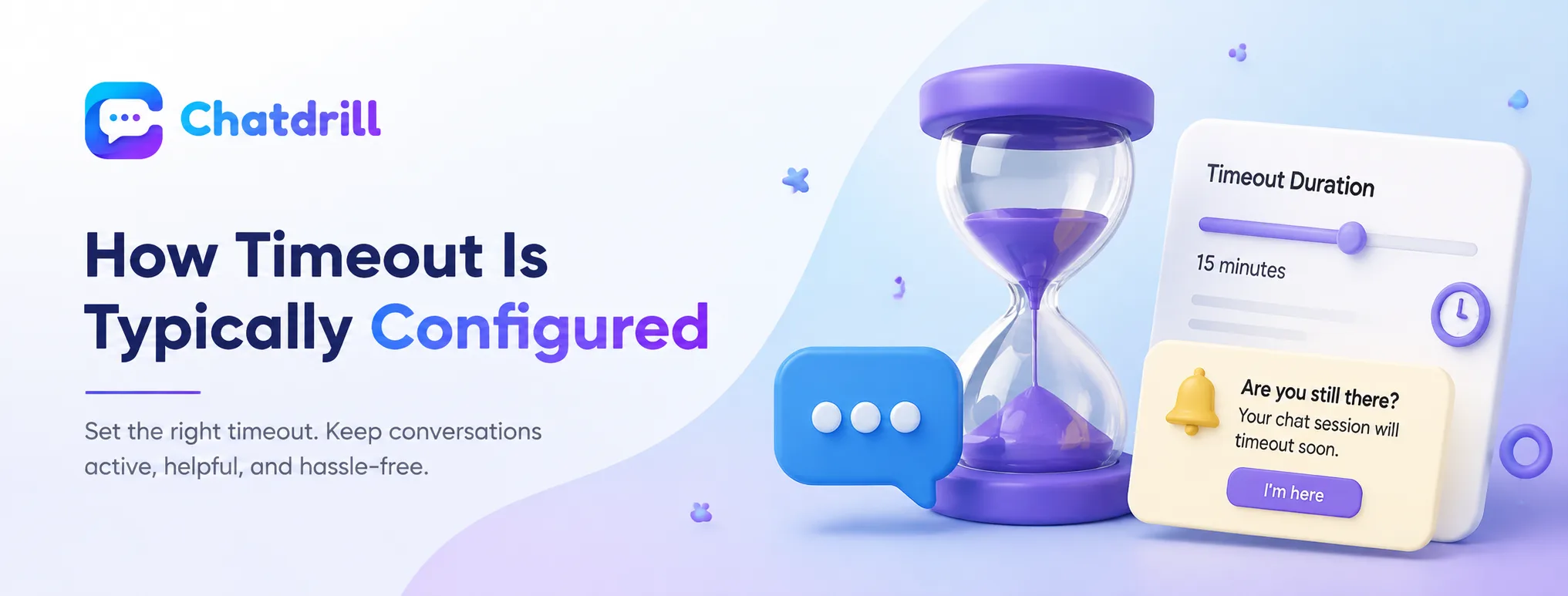
Most platforms let a business set the specific inactivity duration, often ranging from a few minutes for high-volume support to several hours for more considered sales conversations.
Typical timeout duration ranges
A support-focused business handling many quick, transactional questions might set a shorter timeout, freeing up agent capacity quickly since these conversations tend to resolve fast when active.
A sales or B2B-focused business might use a longer timeout, respecting that a genuine, valuable conversation might have a longer natural pause while a visitor checks something or consults a colleague.
Warning prompts before actual timeout
Many systems display a warning message as the timeout threshold approaches, giving a still-present but slow-to-respond visitor a chance to confirm they're still there before the conversation actually closes.
This warning step reduces the risk of prematurely ending a conversation with someone who's simply taking a bit longer to respond rather than having genuinely left.
What Happens When a Session Times Out [major informational gain]
[major informational gain]
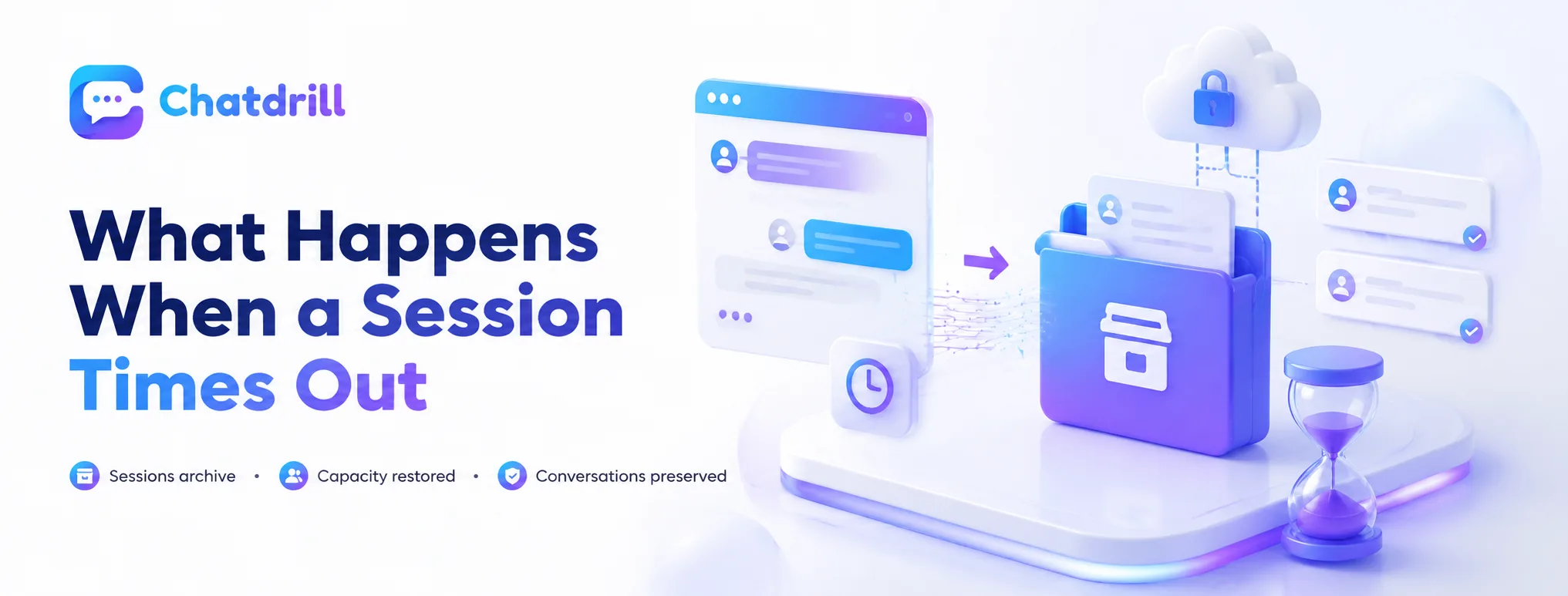
A timed-out session typically gets archived with its transcript preserved, freeing the agent's capacity while keeping the conversation available for reference if the visitor returns.
Freeing up agent capacity
Once a session times out, it no longer counts against an agent's active concurrency, immediately freeing capacity for a genuinely new conversation rather than holding a slot hostage to one that's effectively already ended.
This capacity recovery is one of timeout's most practical, operational benefits.
Preserving the conversation record
A timed-out session is typically archived rather than deleted, meaning the full transcript remains available if the same visitor returns later or if the conversation needs review for quality or training purposes.
This preservation ensures timeout serves an organizational purpose without losing genuinely useful conversation history.
Common Session Timeout Mistakes
The most common mistakes are setting a timeout too short for the actual conversation type, and providing no warning before the session actually closes.
Setting timeout too short
A timeout set too aggressively for a business's actual typical conversation pace risks cutting off a genuinely engaged visitor who simply paused briefly, creating an unnecessarily frustrating experience.
Reviewing actual typical response gaps in real conversations helps calibrate a timeout duration that fits genuine usage patterns rather than an arbitrary, generic default.
No warning before closing
Ending a session abruptly with no warning risks confusing a visitor who returns to find their conversation has simply vanished without explanation.
Providing a warning message before the actual timeout gives a still-present visitor a fair chance to continue, while still letting genuinely inactive sessions close as intended.
How ChatDrill Handles Session Timeout [major informational gain]
[major informational gain]
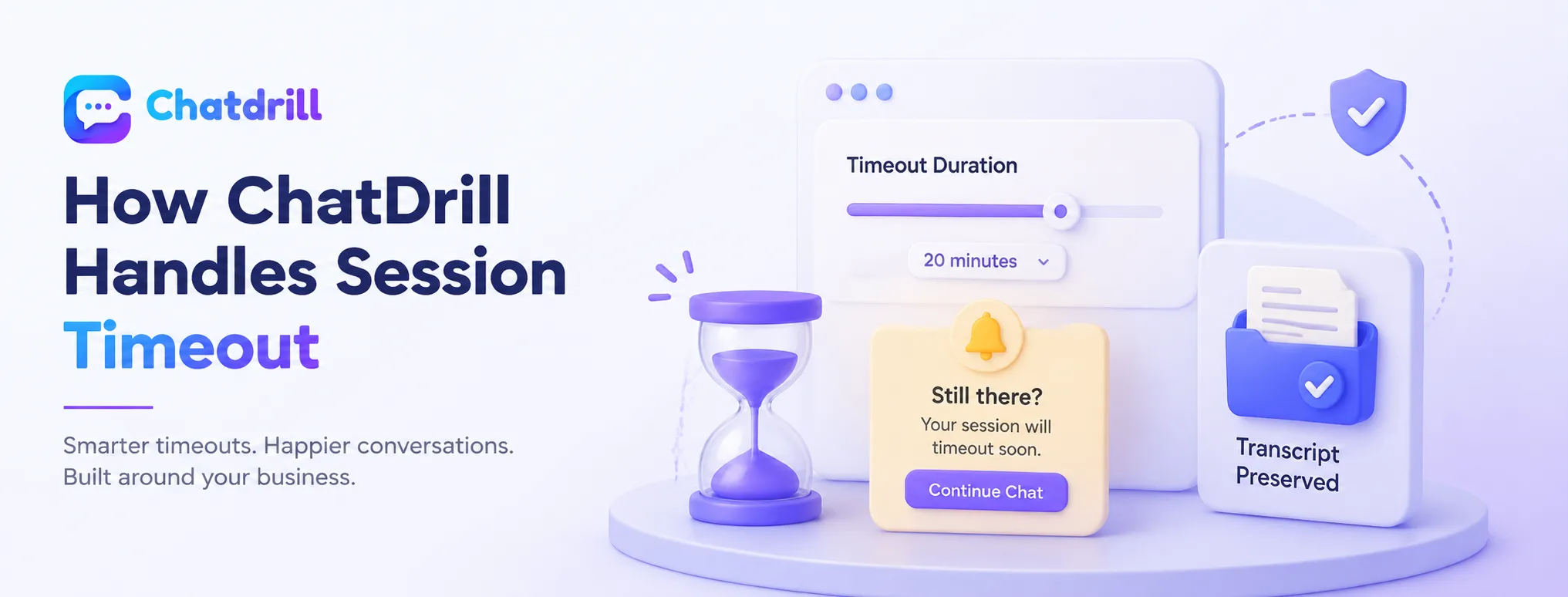
ChatDrill lets you configure timeout duration to match your specific conversation patterns, with a warning prompt before a session actually closes.
Configurable timeout matched to your business
ChatDrill lets you set session timeout duration specifically for your business's typical conversation pace, rather than forcing a generic default that might not fit your genuine usage pattern.
This flexibility supports both fast-paced support queues and more considered sales conversations within the same platform.
Warning prompts and preserved transcripts
ChatDrill displays a warning as a session approaches timeout, giving a still-present visitor the chance to continue, and preserves the full transcript once a session does close, keeping that history available for future reference.
This combination respects both operational efficiency and genuine conversation continuity.