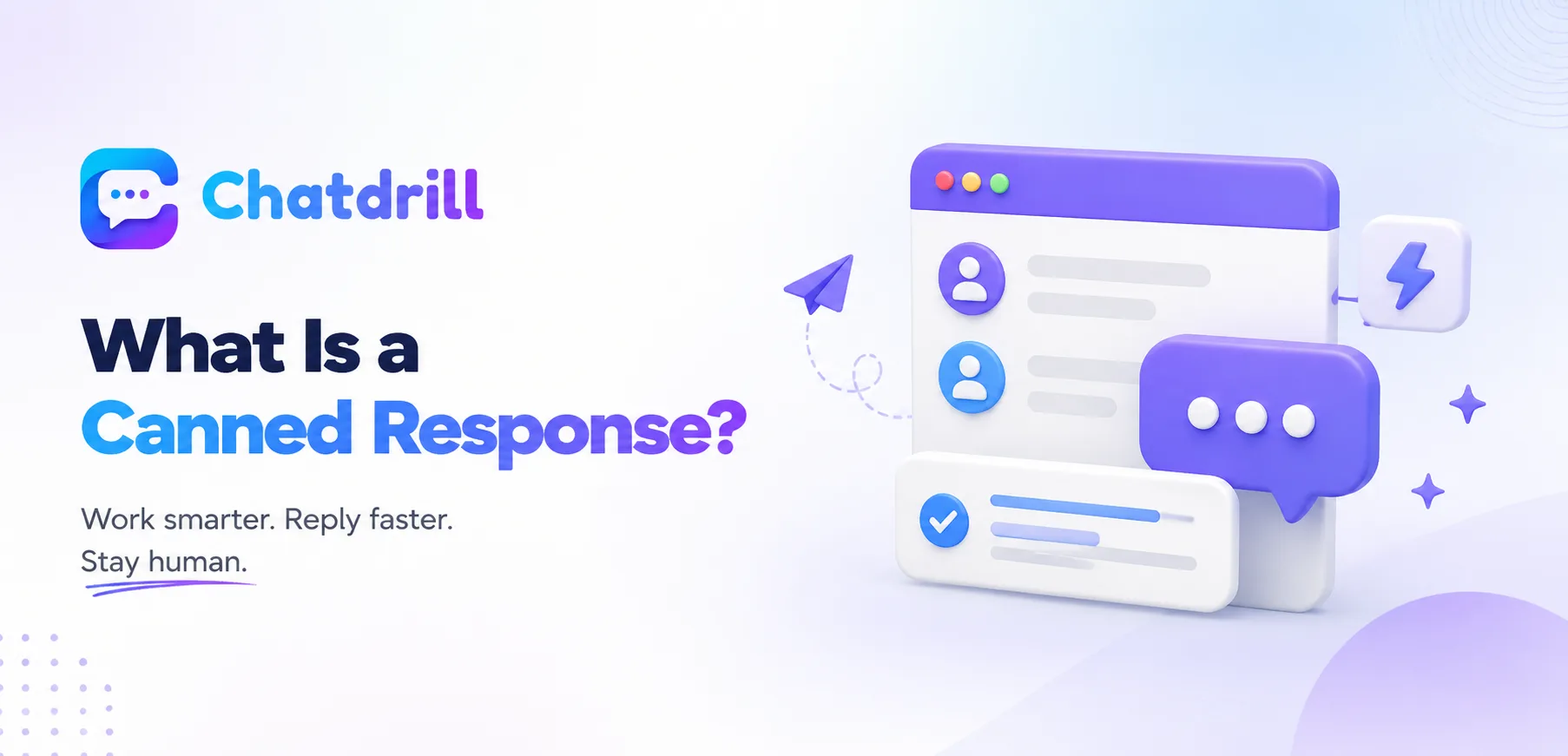
A canned response is one of the simplest, most widely used efficiency tools in customer support, a pre-written message ready to insert into a conversation with a click rather than typing the same common answer from scratch every time.
Quick answer: A canned response is a pre-written message an agent can quickly insert into a chat conversation to answer a common question or handle a routine situation, saving typing time while still allowing a personal touch to be added before sending.
Despite the simplicity, canned responses done well genuinely improve both agent efficiency and consistency, while done poorly they can make conversations feel obviously robotic and impersonal.
Understanding what a canned response actually is, and how to use them well, clarifies why some teams get real value from them while others create a frustrating, clearly automated feel that undermines the human touch chat is meant to provide.
This guide covers the definition, how canned responses are typically organized, when they help versus backfire, and how ChatDrill supports canned response management.
The Full Definition Explained [major informational gain]
[major informational gain]
A canned response is a saved, reusable message an agent can insert into a conversation instantly rather than typing a common answer from scratch each time.
How canned responses work in practice
An agent typically accesses canned responses through a shortcut, a slash command, a keyboard trigger, or a searchable menu within the chat interface, inserting the saved text directly into the conversation.
Many systems support inserting dynamic details, like a customer's name, automatically into the canned text, avoiding an obviously generic, unpersonalized feel.
The core efficiency purpose
The primary purpose is reducing the time an agent spends typing the same common answer repeatedly, freeing attention for the parts of a conversation that genuinely require original, personalized thought.
This time savings compounds meaningfully across a full shift handling many similar, repetitive questions.
How Canned Responses Are Typically Organized [major informational gain]
[major informational gain]
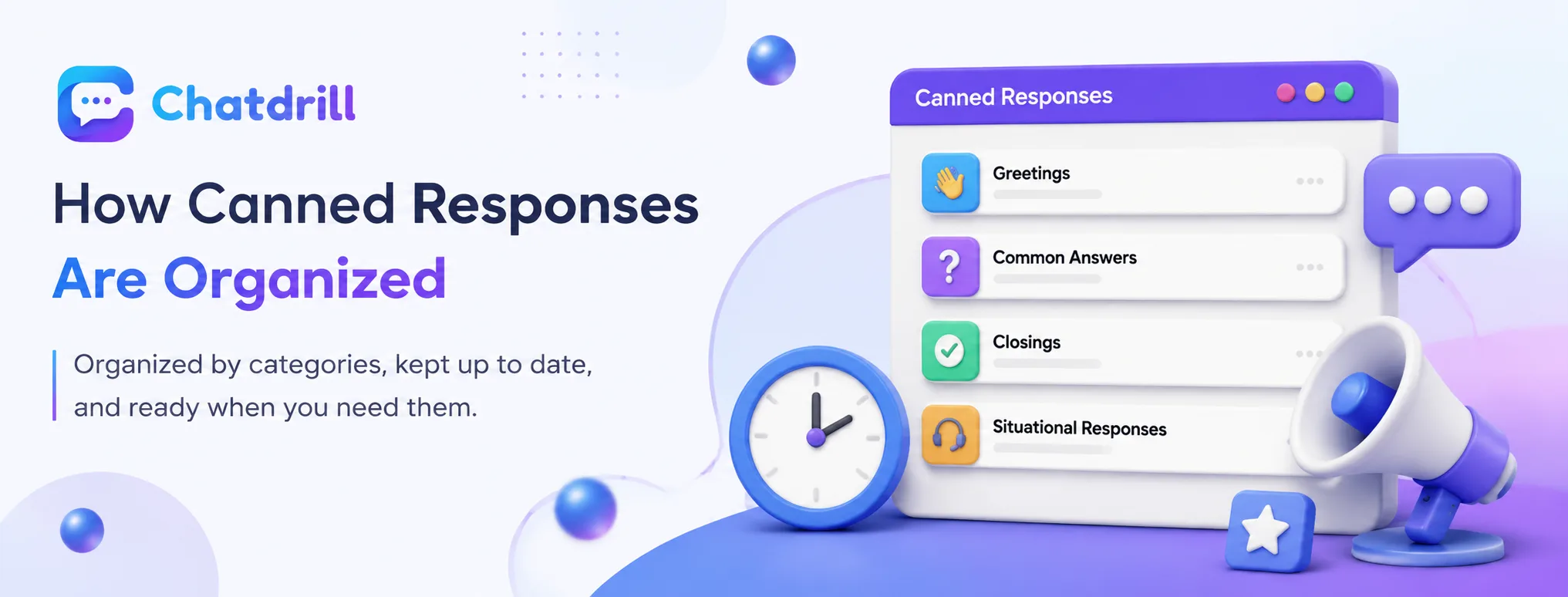
Canned responses are usually organized into categories like greetings, common answers, and closings, making them fast to find and insert in the moment.
Common organizational categories
Typical categories include greetings and openings, answers to frequently asked questions, closing messages, and situational responses for things like holds or escalations.
This categorization matters practically, since an agent needs to find and insert the right response quickly during a live, real-time conversation.
Keeping the library organized and current
A canned response library benefits from periodic review, removing outdated responses that no longer reflect current policy or products and adding new ones for emerging common questions.
Without this maintenance, a library gradually accumulates outdated or inaccurate saved responses that agents might use without noticing they're no longer correct.
When Canned Responses Help vs Backfire [major informational gain]
[major informational gain]
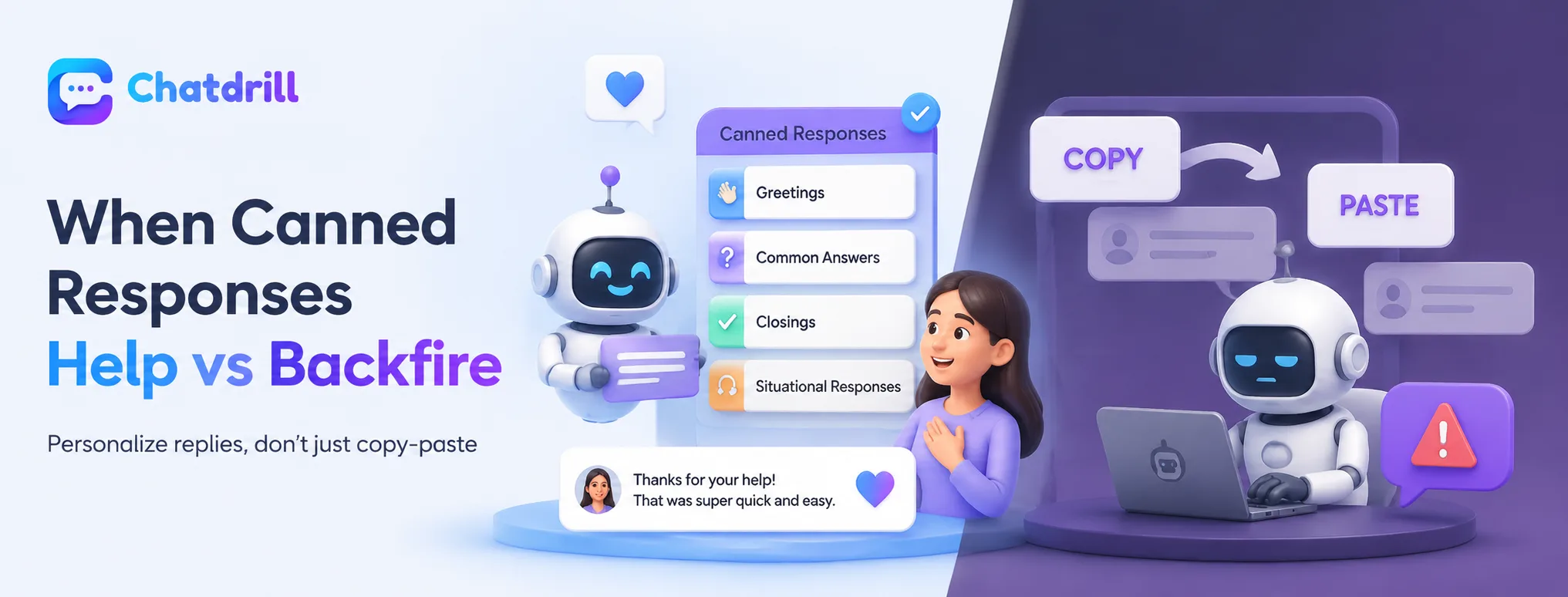
Canned responses help when used as a starting point for a still-personalized reply, but backfire when used as an obviously identical, impersonal copy-paste for every situation.
When they genuinely help
Used as a quick starting point that an agent then adjusts slightly to fit the specific conversation, canned responses save time while still preserving a genuine, personal feel.
This works especially well for factual, non-emotional information, like a standard shipping policy or return process, where the content itself doesn't need much personalization.
When they backfire
A canned response inserted verbatim with no adjustment, especially for something requiring genuine empathy like a complaint or a frustrated customer, can feel obviously robotic and dismissive.
Recognizing which situations call for a fully personalized response, rather than a canned one, protects against this common, credibility-damaging mistake.
Canned Response vs Chatbot Automation [major informational gain]
[major informational gain]
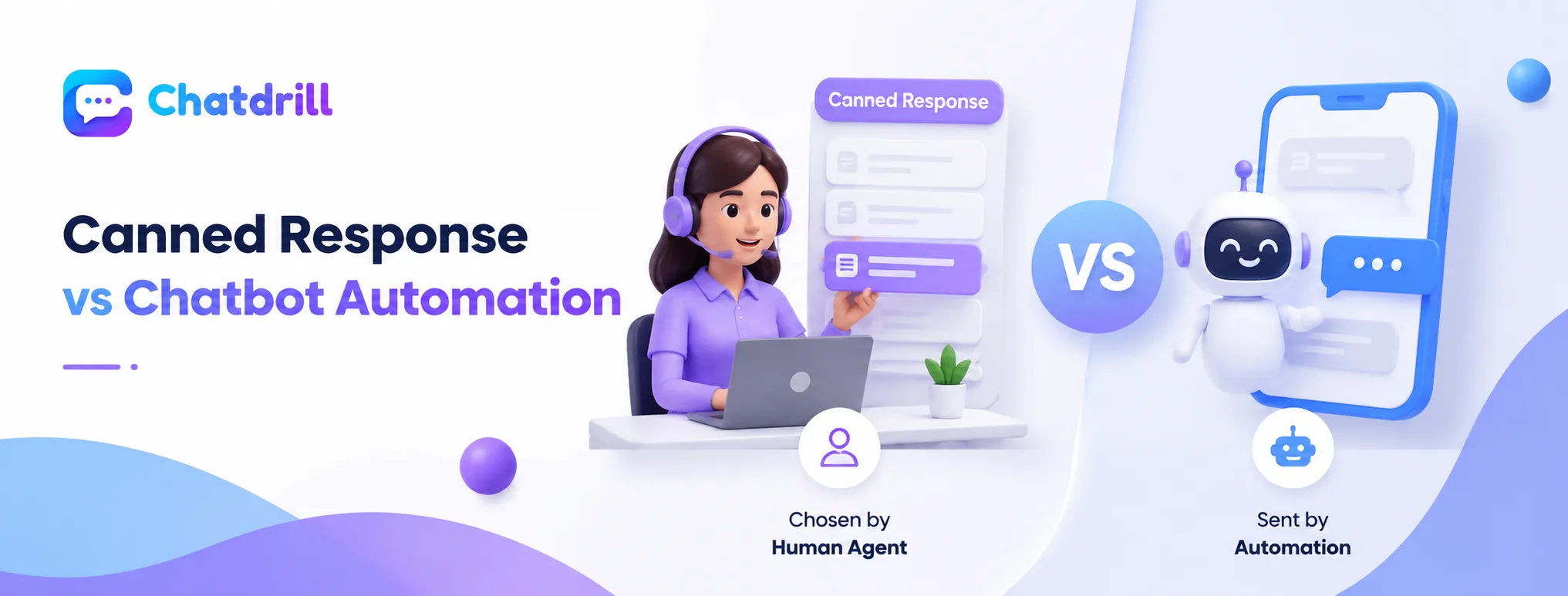
A canned response is a manual tool a human agent chooses to use, while chatbot automation sends a response without any human decision in the moment.
The key distinction
A canned response still requires an agent to recognize the situation and actively choose to insert it, keeping a human decision point in every use, while a chatbot's automated response fires without that per-message human judgment.
This distinction matters for understanding where genuine human oversight exists in a given conversation.
How the two can work together
A well-designed support setup often uses both, chatbot automation for immediate, fully automated first responses to very common questions, and canned responses as an efficiency tool for human agents handling the conversations that do reach them.
This combination captures efficiency at both the fully automated and human-assisted levels.
How ChatDrill Supports Canned Response Management [major informational gain]
[major informational gain]
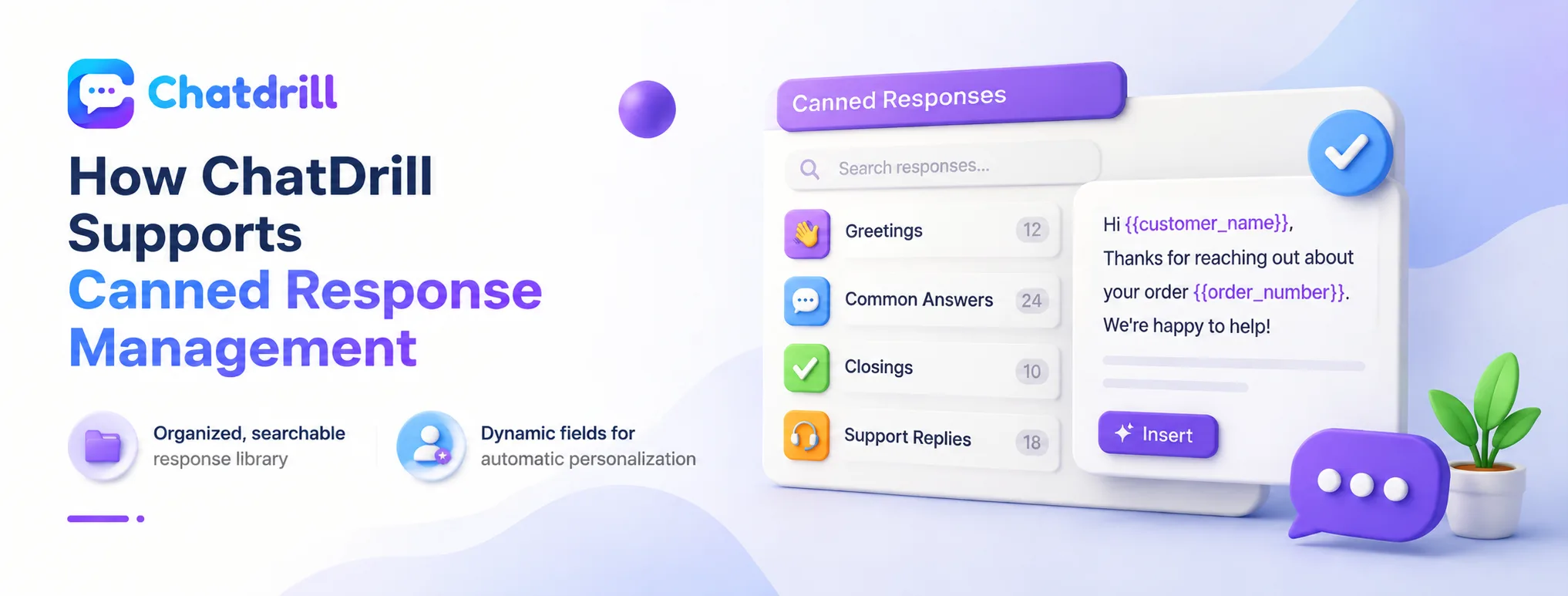
ChatDrill provides an organized, searchable canned response library with dynamic personalization fields, keeping efficiency tools from feeling impersonal.
Organized, searchable response library
ChatDrill lets a team organize canned responses into clear categories and search or trigger them quickly during a live conversation, minimizing the time spent finding the right saved message.
This organization keeps the efficiency benefit genuinely accessible rather than buried in an unsorted, hard-to-navigate list.
Dynamic fields for automatic personalization
ChatDrill supports inserting dynamic details, like a customer's name or order number, automatically into a canned response, reducing the obviously generic feel that comes from fully static, unpersonalized text.
This small but meaningful detail helps canned responses stay efficient without sacrificing the personal touch a genuine conversation should have.