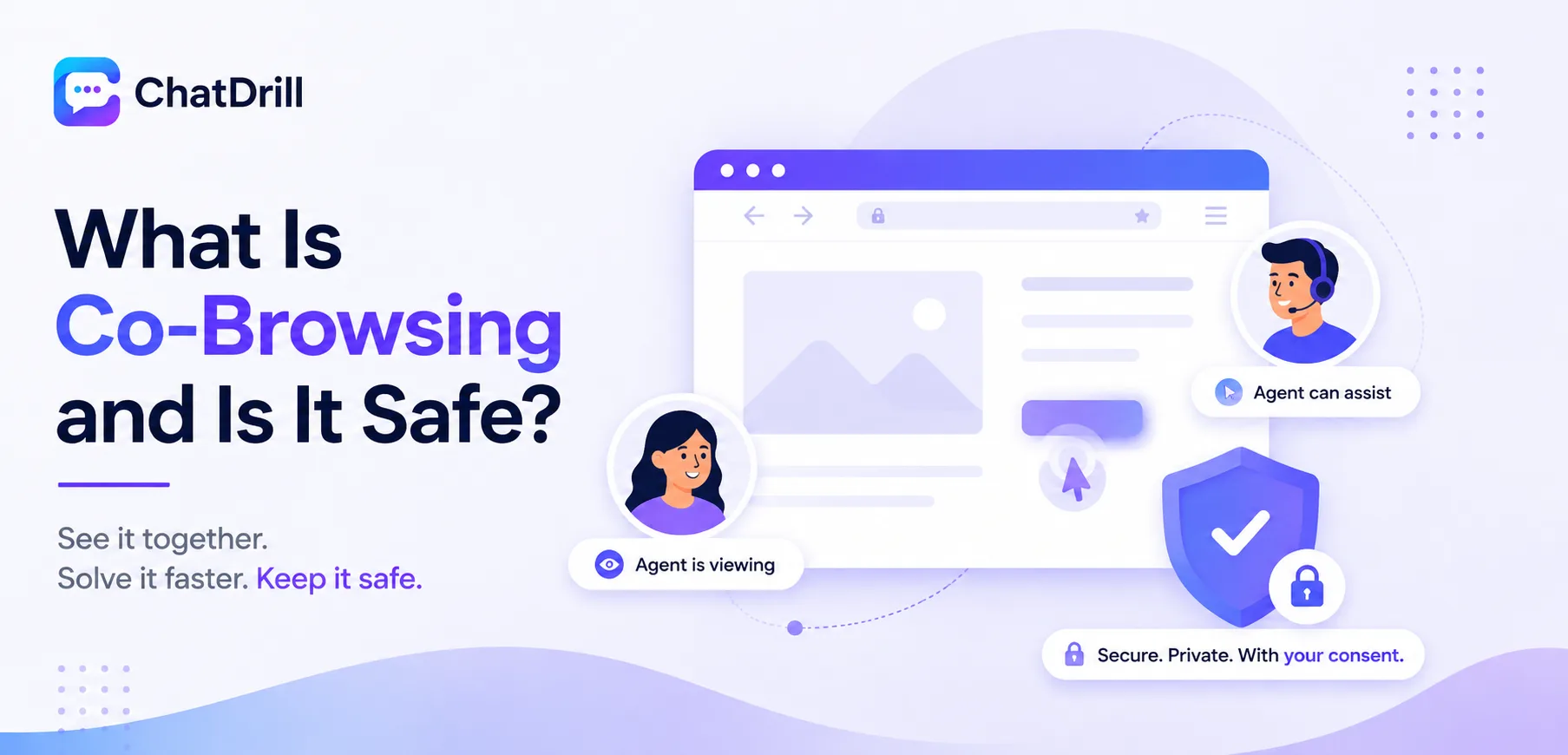
Co-browsing lets a support agent see, and sometimes interact with, the exact web page a customer is currently viewing, turning a text-based description of a problem into something the agent can directly observe and often resolve.
This capability genuinely helps with visual or multi-step issues, a confusing checkout flow, a form field that won't submit, where describing the problem in chat would take far longer than simply seeing it happen.
The safety question is a real and reasonable one to ask, since co-browsing involves an agent viewing a customer's browser session, and understanding exactly what's shared, and what protections exist, matters before relying on this capability.
The short answer is that a well-built co-browsing tool is safe when it requires explicit consent and automatically masks sensitive fields, though not every implementation handles this equally well.
This guide covers what co-browsing actually is, how it technically works, the specific safety and privacy protections that matter, how it compares to full screen sharing, and how to evaluate whether a specific tool is genuinely safe to use.
What Is Co-Browsing?
Co-browsing is a support technology that lets an agent see a synchronized view of the specific web page a customer is on, sometimes with the ability to interact with form fields or highlight elements, scoped specifically to that browser tab rather than the customer's entire screen.
Simple definition
Rather than a customer describing what they see in text, co-browsing renders the same page view for the agent in real time, letting them observe exactly what the customer is experiencing.
This is typically initiated from within an active chat conversation, giving the agent a visual escalation path when text alone isn't resolving the issue efficiently.
The goal is reducing the back-and-forth of a customer trying to describe a confusing screen element in words, replacing that with direct, shared observation instead.
What makes co-browsing distinct from screen sharing
Co-browsing is scoped specifically to the browser tab and page content, not the customer's entire desktop, a narrower, more privacy-conscious scope than full screen sharing.
This distinction matters significantly for the safety question, co-browsing's narrower scope inherently limits what an agent can see compared to a full screen share.
Understanding this difference upfront helps set the right expectations for both a business deploying the tool and a customer being asked to use it.
How Co-Browsing Works Technically

Co-browsing works by rendering a synchronized view of the customer's current page for the agent, typically through a lightweight script that mirrors page state without requiring either party to install separate software.
Session initiation and consent
A co-browsing session typically begins with an explicit customer action, clicking to accept or start the session, rather than an agent silently gaining access without any customer awareness.
This consent step is both a genuine safety measure and, in many jurisdictions, a legal requirement before an agent can view a customer's browser session in this way.
The consent prompt itself should clearly explain what's about to happen, not just request a generic click-to-continue without context about what's being shared.
What actually gets shared
The agent sees the visible page content and, depending on the tool, cursor movement and form interactions, scoped specifically to the active browser tab rather than anything outside it.
Understanding this exact scope matters for setting accurate expectations, both for the business deploying the tool and the customer being asked to consent to it.
Some tools also let an agent highlight specific page elements to draw a customer's attention, a helpful feature that doesn't expand the underlying data scope being shared.
Is Co-Browsing Safe? Key Protections to Look For
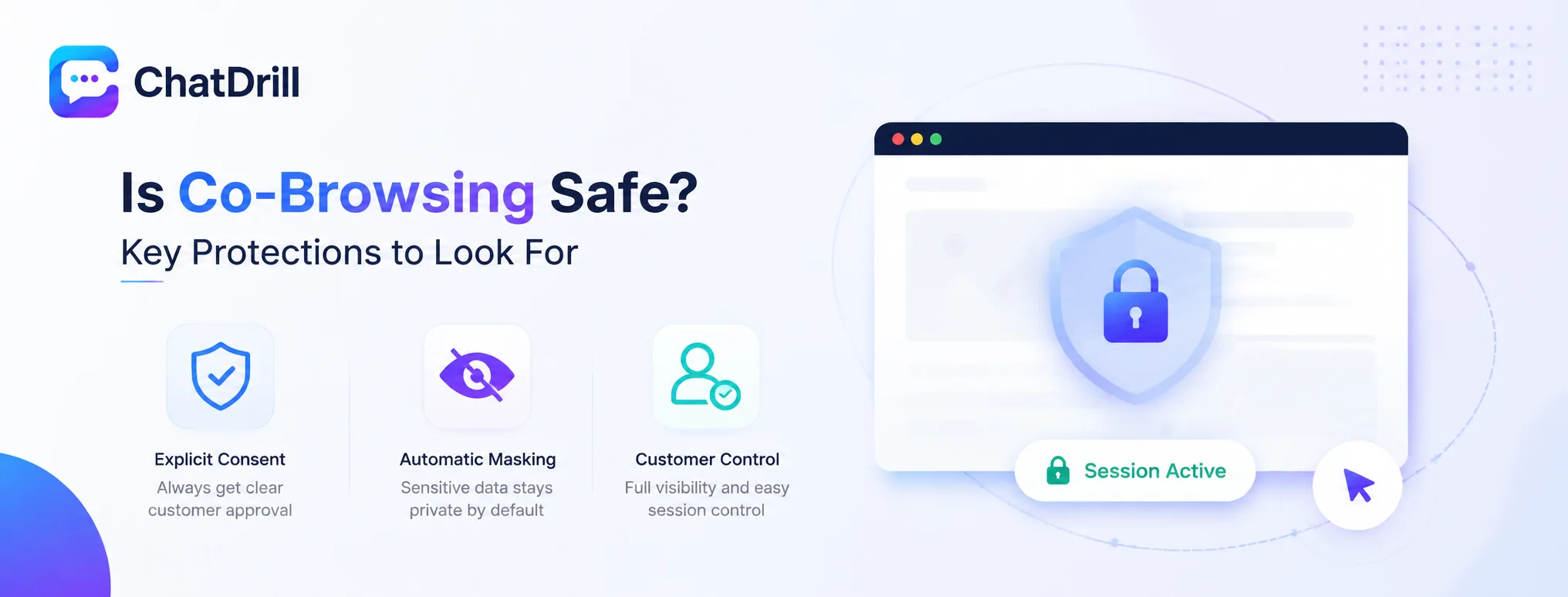
Co-browsing is safe when it requires explicit customer consent before any session begins, automatically masks sensitive fields like payment information, and gives the customer clear visibility into and control over the active session.
Explicit consent as a non-negotiable baseline
A safe co-browsing tool never initiates a session silently, always requiring a clear, unambiguous customer action before an agent gains any visibility into their page.
This isn't just best practice, it's a genuine legal requirement in many jurisdictions, worth confirming any tool you evaluate handles correctly.
A tool that makes this consent step optional, or easy to bypass, should be treated as a genuine red flag rather than a minor implementation detail.
Automatic sensitive data masking
A well-built tool automatically masks payment fields, passwords, and other sensitive data by default, rather than requiring manual configuration to prevent an agent from inadvertently seeing this information.
Testing this default behavior directly, on a real page containing sensitive fields, confirms the protection genuinely works rather than trusting a vendor's general claim.
This masking should apply automatically to any field the underlying page marks as sensitive, not require a business to manually flag every specific field itself.
Customer visibility and control
A safe implementation keeps the customer clearly aware the session is active throughout, with an obvious, easy way to end it immediately if they choose to.
This ongoing transparency, not just upfront consent, is what distinguishes a genuinely safe implementation from one that merely checks a compliance box at the start.
A persistent, visible indicator that a session is active gives the customer continued confidence and control throughout the interaction, not just at the initial consent moment.
Co-Browsing vs Full Screen Sharing
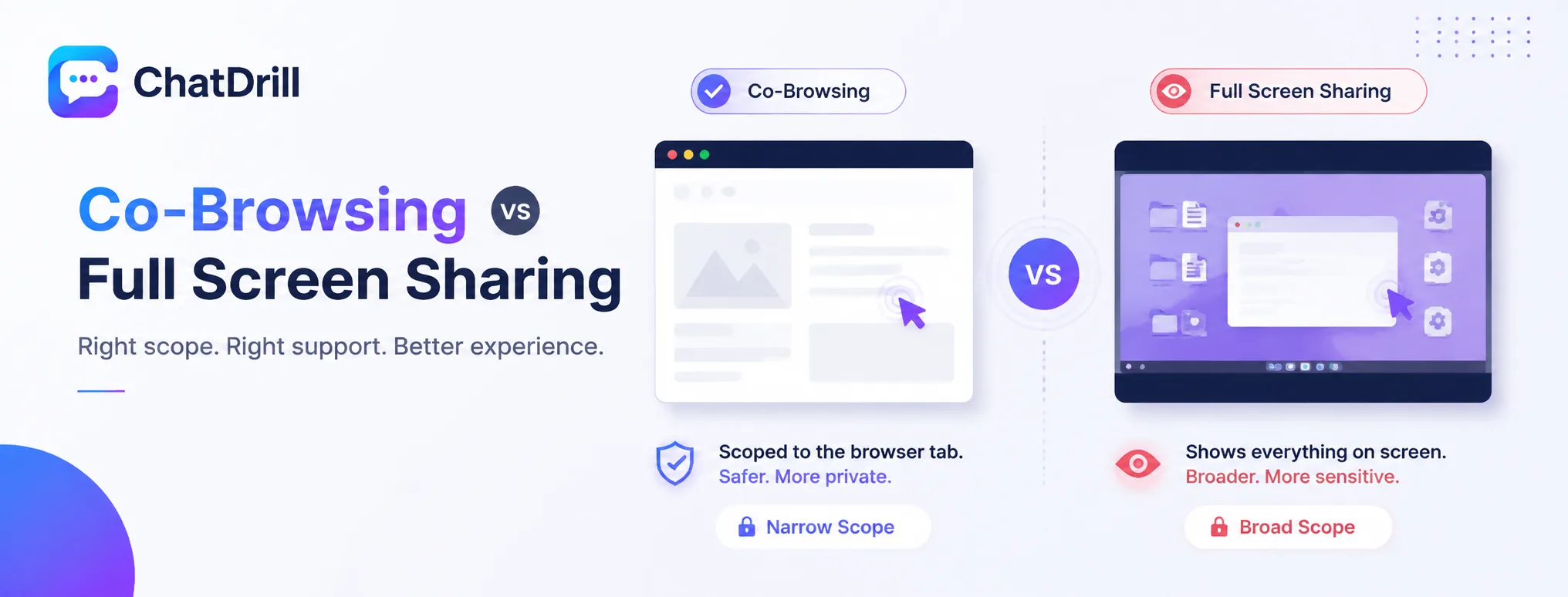
Co-browsing is scoped narrowly to the browser tab a customer is viewing, while full screen sharing exposes everything on their screen, a meaningfully broader scope with correspondingly greater privacy weight.
Why the scope difference matters for safety
Co-browsing's narrower scope inherently limits privacy exposure compared to screen sharing, which can reveal desktop content, other open applications, or anything else visible on a customer's screen.
This makes co-browsing the generally safer, lower-friction default for web-based support issues specifically.
A customer is also typically more comfortable consenting to the narrower scope of co-browsing than to a full view of their entire desktop.
When full screen sharing is still necessary
For an issue spanning beyond the browser, a desktop application conflict or a system-level setting, co-browsing's scope simply won't capture the relevant problem, making full screen sharing genuinely necessary.
This should be treated as a deliberate escalation beyond co-browsing, not a default first option, given its meaningfully broader privacy implications.
When this escalation is needed, applying the same consent and transparency standards used for co-browsing becomes even more important given the broader scope involved.
How to Evaluate Whether a Co-Browsing Tool Is Genuinely Safe
Evaluate safety by directly testing the consent flow, confirming sensitive field masking works on a real page, and reviewing whether the tool provides clear documentation of exactly what data is and isn't shared during a session.
Testing the consent flow directly
Walk through the actual customer-facing consent experience during a trial, confirming it's genuinely clear and requires an unambiguous action, not a buried or easy-to-miss permission request.
This hands-on test reveals far more about genuine safety practice than a vendor's marketing page description alone.
Involving someone unfamiliar with the tool in this test, rather than only the person configuring it, gives a more realistic sense of how a genuine customer would experience the consent flow.
Confirming masking on a real sensitive page
Testing the tool on an actual page with payment fields or other sensitive data confirms the masking genuinely works as claimed, rather than assuming it functions correctly without direct verification.
This is worth doing before deploying the tool broadly, not after, since discovering a masking gap after real customer data has been exposed is a genuinely serious problem.
Repeating this test periodically, not just once at initial evaluation, catches any regression introduced by a platform update.
Reviewing available documentation
A platform with clear, specific documentation of exactly what data is shared during co-browsing, and how it's protected, signals a genuine commitment to safety rather than a vague, general assurance.
This documentation is also useful for your own compliance review, helping confirm the tool meets whatever privacy standards your organization and industry require.
Sharing this documentation with whoever handles privacy or legal review at your organization, rather than evaluating it purely on functionality, ensures nothing important gets overlooked.