ChatDrill's API and webhooks let a developer build genuinely custom functionality on top of the platform, anything from a bespoke CRM sync to a fully custom dashboard, that goes beyond what the standard integrations and settings panel can support alone.
The API handles requests a developer initiates, pulling conversation history, creating a contact, updating a lead score, while webhooks handle the reverse, ChatDrill notifying an external system the moment something happens, a new conversation, a lead captured, without that system needing to poll for updates.
Together, these two mechanisms cover most custom integration needs: the API for pulling or pushing data on demand, webhooks for reacting to events in real time, and most genuinely custom integrations end up using both in combination.
This guide assumes basic familiarity with REST APIs and HTTP requests, and focuses on the practical mechanics of authentication, the core endpoints most developers reach for, setting up and verifying webhooks, and debugging when something doesn't work as expected.
This guide covers what can be built with ChatDrill's API and webhooks, authentication basics, the core endpoints used most often, setting up and verifying webhooks, common webhook events and their payloads, building a full custom integration, and troubleshooting API issues.
What ChatDrill's API and Webhooks Let You Build
ChatDrill's API and webhooks together support custom CRM integrations, bespoke internal dashboards, automated workflows beyond what Zapier or Make cover natively, and any scenario requiring tighter, more programmatic control than the standard settings panel provides.
When to reach for the API versus a native integration
If a native integration, like the Slack or Zapier connections, already covers your need, that's almost always the faster and more maintainable path compared to building something custom.
The API becomes worth using specifically when a business needs functionality genuinely not covered by existing integrations, a fully custom internal tool, or tight, low-latency integration with a proprietary system.
Common use cases developers actually build
Typical projects include syncing conversation data into a data warehouse for custom analysis, building a proprietary internal dashboard combining chat data with other business metrics, or triggering custom logic based on specific conversation events.
Most of these projects use a combination of API calls for pulling historical or bulk data and webhooks for reacting to new events as they happen in real time.
What this guide assumes
This guide assumes working familiarity with REST APIs, HTTP requests, and JSON, focusing on ChatDrill's specific implementation rather than teaching general API concepts from scratch.
Developers newer to APIs generally should expect to spend some additional time with general REST API concepts before this guide's specifics will click into place fully.
Authentication and API Basics
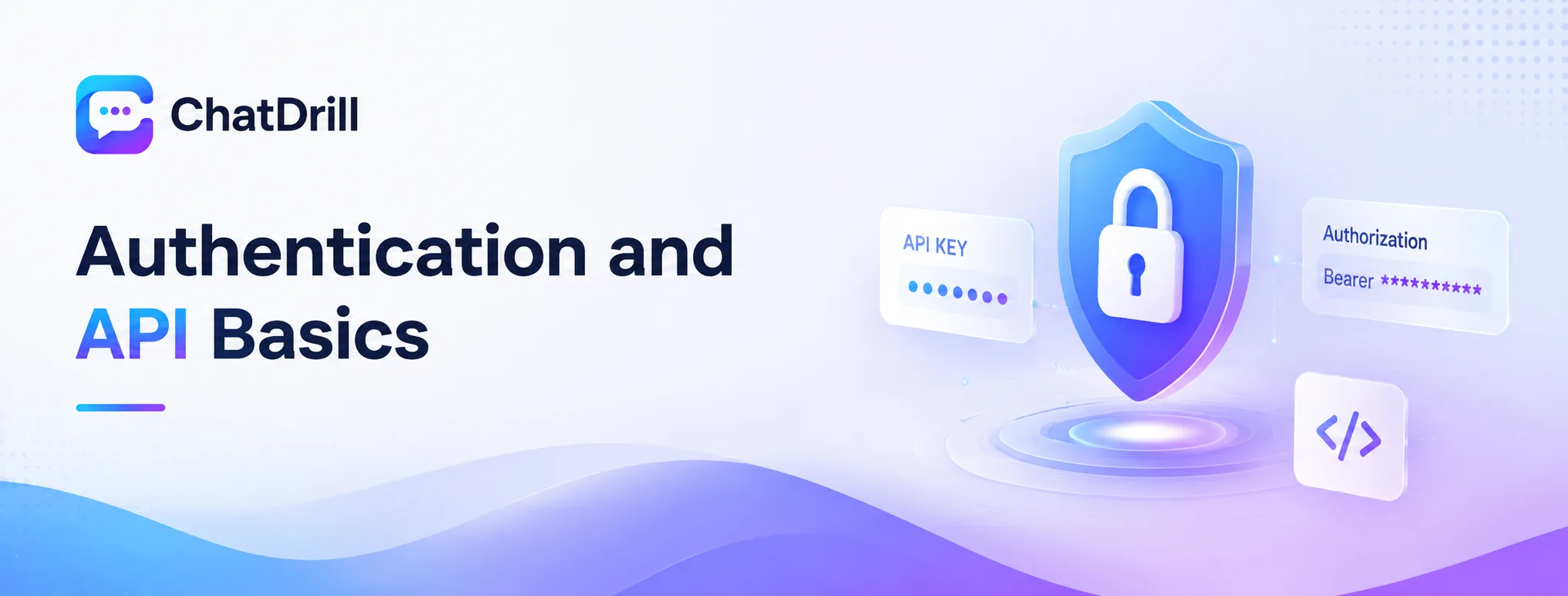
ChatDrill's API uses API key authentication, sent as a header on every request, with keys generated and managed from your account's Developer Settings, and all endpoints return standard JSON responses following REST conventions.
Generating and managing API keys
From your ChatDrill account's Developer Settings, generate a new API key, which should be treated as a sensitive credential and never committed directly into a public code repository.
Generating a separate key for each integration or environment, rather than reusing one key everywhere, makes it easier to revoke access for a specific integration without affecting others.
Making an authenticated request
Include your API key as a Bearer token in the Authorization header of every request, following standard REST API authentication conventions used across most modern APIs.
A request missing this header, or using an invalid key, returns a 401 Unauthorized response, the first thing worth checking if a request isn't behaving as expected.
Rate limits and best practices
ChatDrill's API enforces reasonable rate limits to protect platform stability, worth reviewing in the developer documentation and building appropriate retry logic with backoff for any high-volume integration.
Batching requests where possible, rather than making many small, individual calls, both respects these rate limits and tends to produce a more efficient integration overall.
Core API Endpoints You'll Use Most
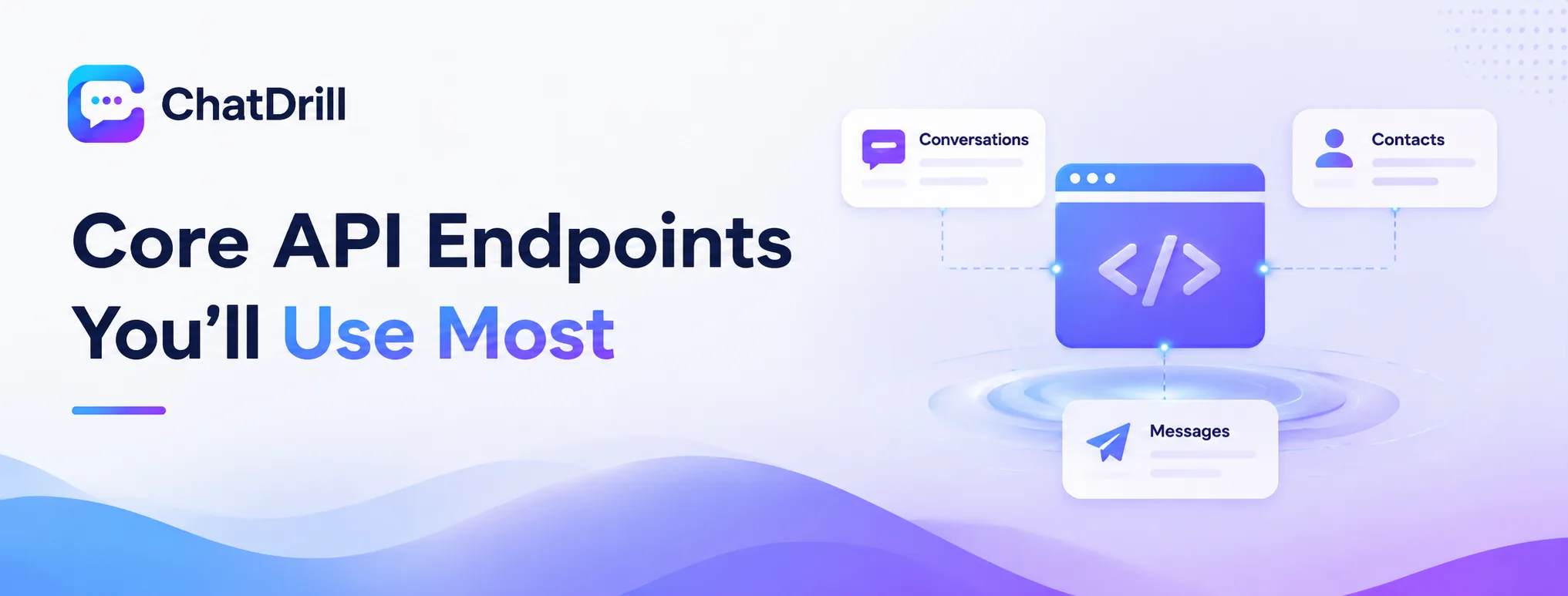
The API endpoints developers reach for most often are conversations, for pulling chat history and details, contacts, for creating and updating lead records, and messages, for sending a message programmatically into an active conversation.
The Conversations endpoint
This endpoint returns conversation metadata and message history, supporting filters by date range, status, or assigned agent, useful for pulling data into an external reporting or analytics system.
Pagination is important here for any business with meaningful chat volume, since a single request typically returns a limited page of results rather than an entire history at once.
The Contacts endpoint
This endpoint supports creating, updating, and retrieving contact records, the natural fit for syncing chat-captured leads into an external CRM not covered by a native integration.
Custom fields on a contact record can also be set through this endpoint, useful for passing lead score or qualification data alongside basic contact details.
The Messages endpoint
This endpoint lets an external system send a message into an active conversation programmatically, useful for building a custom agent interface or injecting an automated response from an external system.
This is a more advanced use case than most integrations need, worth using specifically when a genuinely custom messaging interface is required beyond what ChatDrill's native inbox provides.
Setting Up and Verifying Webhooks
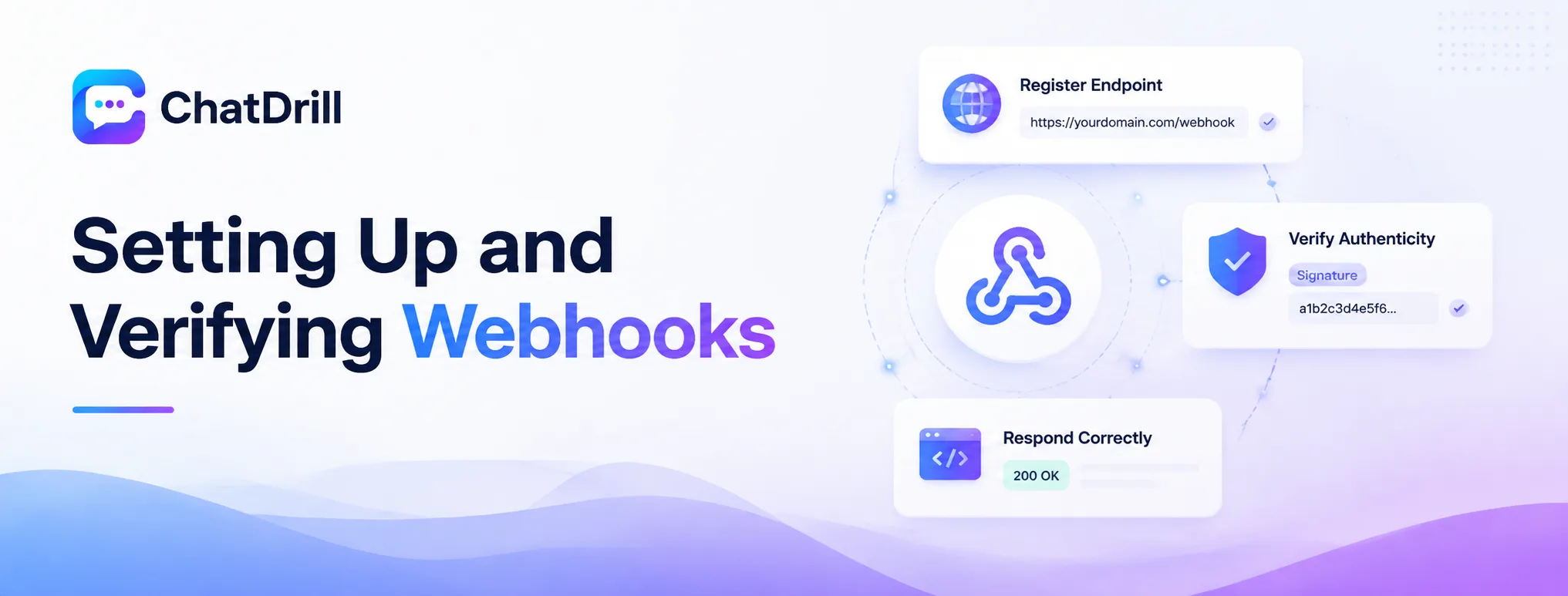
Setting up a webhook involves registering an endpoint URL in your Developer Settings, selecting which events should trigger it, and verifying incoming requests using ChatDrill's signature header to confirm they genuinely originate from ChatDrill.
Registering a webhook endpoint
In Developer Settings, add a new webhook by providing the URL of your server endpoint that will receive event notifications, along with selecting which specific events should trigger it.
This endpoint needs to be publicly accessible over HTTPS, a local development environment typically requires a tunneling tool during testing before deploying to a real, publicly reachable server.
Verifying webhook authenticity
Every webhook request includes a signature header, computed from a shared secret, that your endpoint should verify before trusting and processing the payload.
Skipping this verification step leaves your endpoint open to spoofed requests, worth implementing even for an internal-only integration where the risk feels lower.
Responding correctly to webhook requests
Your endpoint should respond with a 200 status code promptly after receiving a webhook, ideally processing the actual payload asynchronously rather than making ChatDrill wait for lengthy processing to complete.
A slow or failing response can cause ChatDrill to retry the webhook delivery, potentially resulting in duplicate processing if your endpoint isn't built to handle that gracefully.
Common Webhook Events and Payloads
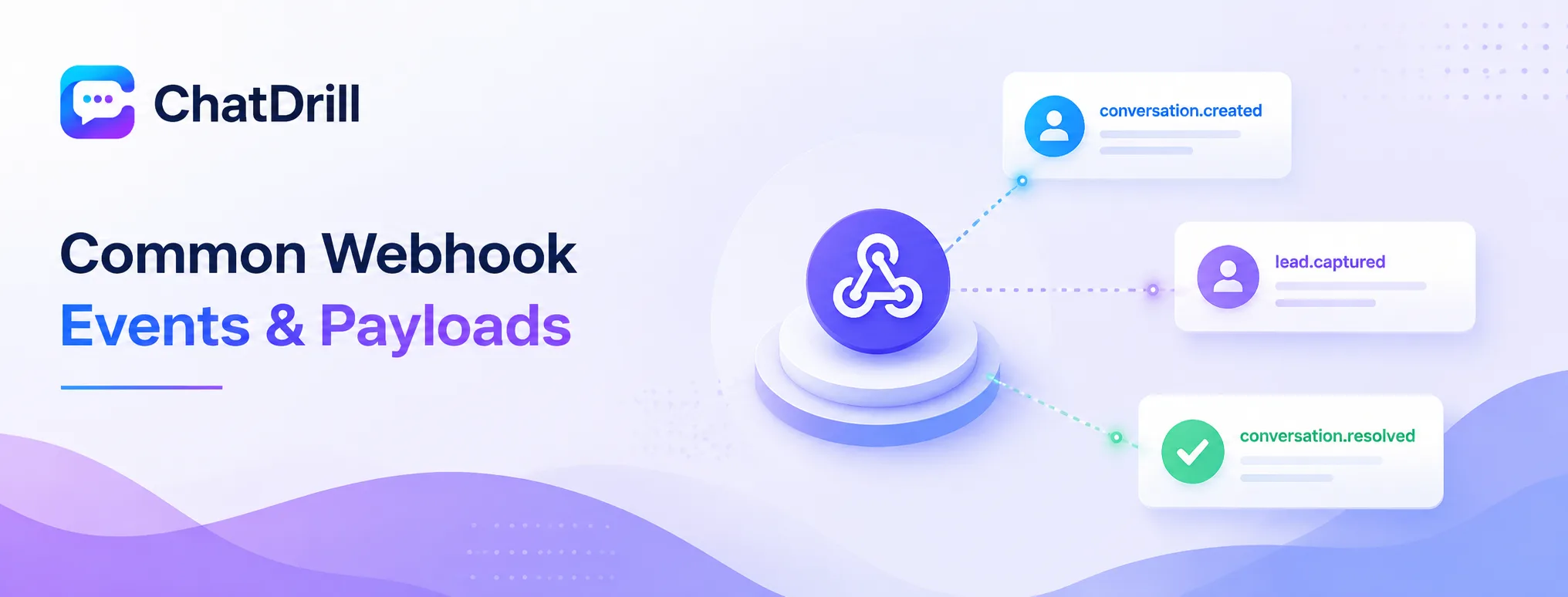
The most commonly used webhook events are conversation.created, lead.captured, and conversation.resolved, each delivering a JSON payload with the relevant conversation or contact data at the moment the event occurs.
conversation.created
This event fires the moment a new chat conversation begins, delivering a payload with the visitor's basic information and the conversation's unique identifier.
This is a common trigger for external systems that need to react immediately to new chat activity, like a custom internal alerting system beyond Slack.
lead.captured
This event fires when a visitor's contact information is captured during a conversation, delivering contact details along with any available lead score or qualification data.
This is typically the most business-critical webhook event, since it represents a genuine, actionable business outcome worth routing to a CRM or sales notification system reliably.
conversation.resolved
This event fires when a conversation is marked resolved, delivering the final conversation state including resolution time and any tags or notes applied.
This is useful for external reporting systems that need resolution data without needing to separately query the Conversations endpoint after the fact.
Advanced: Building a Custom Integration
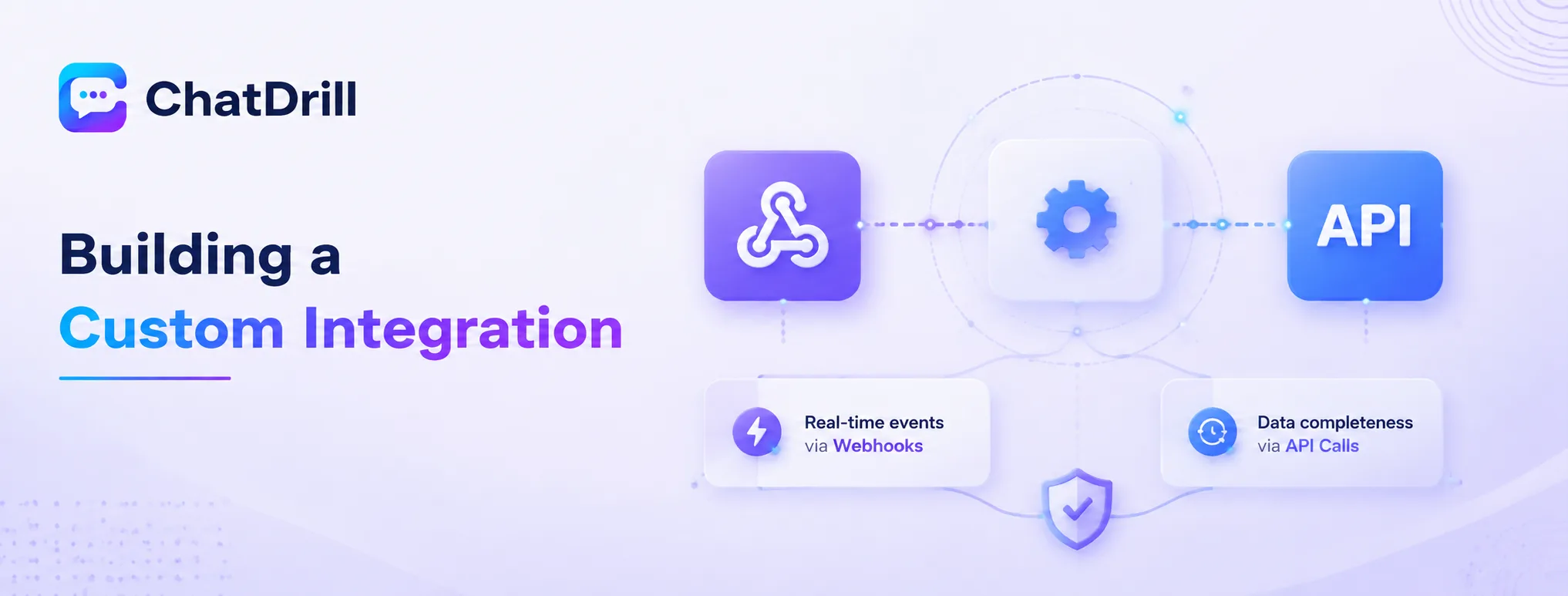
A complete custom integration typically combines a webhook listener for real-time events with periodic API calls for backfilling or reconciling historical data, giving both immediate reactivity and data completeness.
Combining webhooks and API calls effectively
Using webhooks for real-time reaction to new events while periodically calling the API to catch anything the webhook might have missed, due to a temporary outage or delivery failure, produces a more resilient integration.
This combination is worth building even for a relatively simple integration, since webhook delivery, while generally reliable, isn't guaranteed to be perfect in every edge case.
Handling errors and retries gracefully
A production-grade integration should log failed webhook processing attempts and implement retry logic, rather than silently dropping an event that failed to process correctly the first time.
Building this resilience in from the start saves considerable debugging effort later, compared to discovering a silent data gap well after the fact.
Troubleshooting and Debugging API Issues
The most common API and webhook issues are authentication errors from an invalid or expired key, webhooks not arriving due to an unreachable endpoint, and rate limit errors from an integration making too many requests too quickly.
Authentication errors
A 401 response almost always traces back to a missing, malformed, or revoked API key, worth double-checking the exact header format against the current API documentation.
Regenerating the key and updating it in the integration's configuration resolves this quickly if the original key was accidentally revoked or expired.
Webhooks not arriving
If webhook events aren't reaching your endpoint, confirming the endpoint URL is publicly accessible and correctly responding with a 200 status is the first troubleshooting step.
Checking your Developer Settings for any delivery failure logs ChatDrill may provide also helps pinpoint whether the issue is on the sending or receiving side.
Rate limit errors
A 429 response indicates too many requests in a short window, worth implementing exponential backoff and retry logic rather than immediately retrying at the same pace.
Reviewing whether requests can be batched or reduced in frequency often resolves this more sustainably than simply retrying around the rate limit.