Content
A chat conversation that qualifies a genuinely interested lead delivers little business value if that qualification never reaches the sales team who can actually act on it, which is exactly the gap a CRM connection closes.
Connecting ChatDrill to HubSpot means every qualified conversation, along with the context that led to that qualification, syncs directly into the matching HubSpot contact or creates a new one, ready for immediate sales follow-up.
Beyond initial lead capture, this connection also keeps HubSpot's own contact timeline updated with ongoing chat activity, giving your sales and marketing teams a genuinely complete picture of a contact's engagement history.
This guide covers why this connection matters, what a strong setup includes, a step-by-step configuration process, and mistakes worth avoiding.
Quick answer: Connecting ChatDrill to HubSpot syncs chat conversations, lead scores, and contact details directly into HubSpot's CRM records, so a qualified chat lead reaches your sales pipeline automatically with full context instead of sitting in a disconnected chat log.
Why Connecting Chat to HubSpot Matters
Without a CRM connection, a qualified chat lead risks sitting in a disconnected chat log rather than reaching the sales team, undermining much of the value the original qualifying conversation created.
The lost-lead problem without integration
A genuinely well-qualified chat conversation that never makes it into your CRM is functionally invisible to your sales team, regardless of how good the conversation itself was.
This gap is easy to overlook when chat and CRM are treated as separate tools rather than parts of one connected lead pipeline.
Closing this gap is often the single highest-leverage integration a growing sales team can make, given how directly it affects whether qualified interest actually converts.
What a genuine connection delivers
With chat and HubSpot properly connected, a qualified conversation automatically creates or updates a contact record, complete with the context that led to qualification.
This means a sales rep following up has the full conversation history immediately available, rather than starting cold or having to ask the prospect to repeat information.
This continuity meaningfully improves the follow-up experience for the prospect too, who doesn't have to re-explain their situation to a new person.
What a Strong ChatDrill-HubSpot Setup Includes
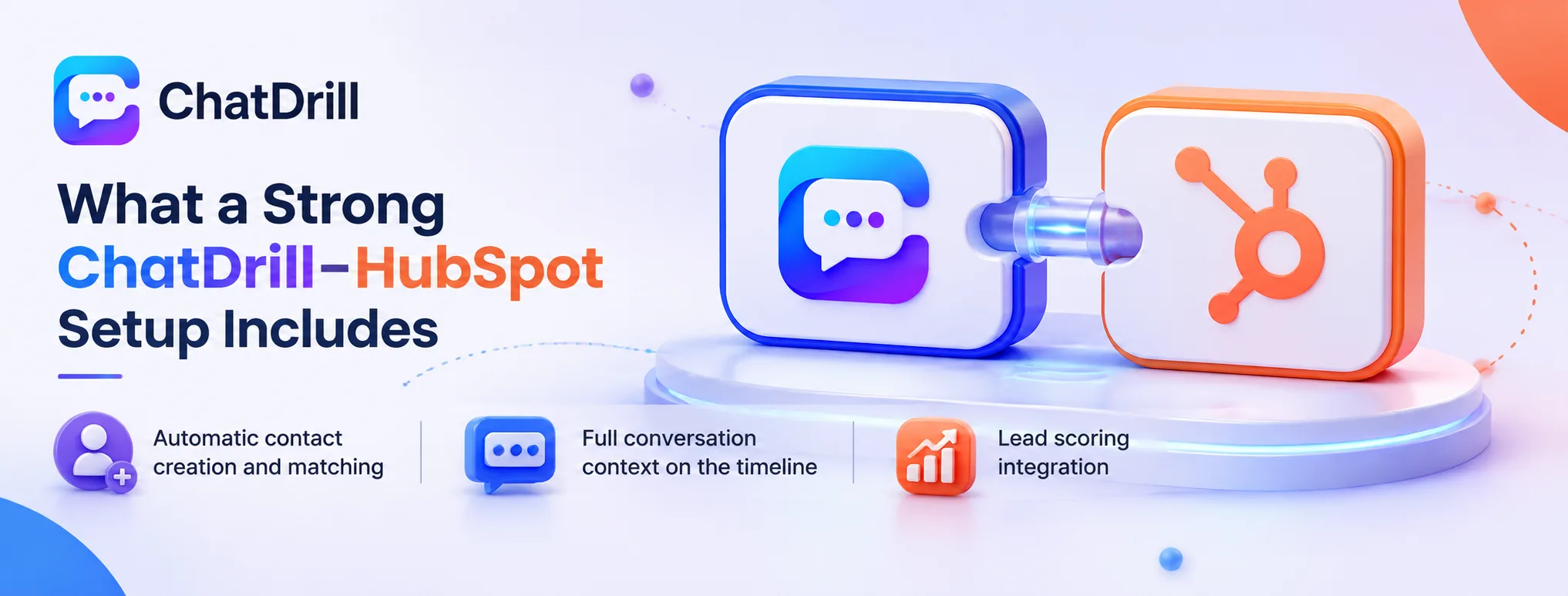
A strong setup includes automatic contact creation and matching, full conversation context synced to the contact timeline, and lead scoring data that feeds directly into HubSpot's own scoring system.
Automatic contact creation and matching
The integration should automatically create a new HubSpot contact for a first-time chat visitor, or correctly match to an existing contact record if they're already known to your CRM.
Getting this matching logic right avoids duplicate contact records, a common and frustrating outcome of a poorly configured integration.
Testing this matching with both a genuinely new visitor and an existing contact confirms the logic works correctly in both directions before relying on it broadly.
Full conversation context on the timeline
Syncing the actual chat conversation, or a clear summary of it, onto the HubSpot contact's activity timeline gives your team genuine visibility into what was discussed.
This visibility matters beyond the initial lead capture moment too, informing future marketing and sales touches with real context about the prospect's actual interests and questions.
Reviewing how this data displays within HubSpot after initial setup confirms it's genuinely useful and readable, not just technically present.
Lead scoring integration
Can chat-derived lead scores feed into HubSpot's own scoring system?
marketing and sales teams prioritize follow-up based on a unified view of lead quality.
This integration avoids the common problem of having two separate, disconnected lead-scoring systems that don't inform each other.
This is worth configuring thoughtfully alongside whatever scoring criteria HubSpot itself already uses, avoiding a scoring conflict between the two systems.
Step-by-Step: Setting Up the Integration
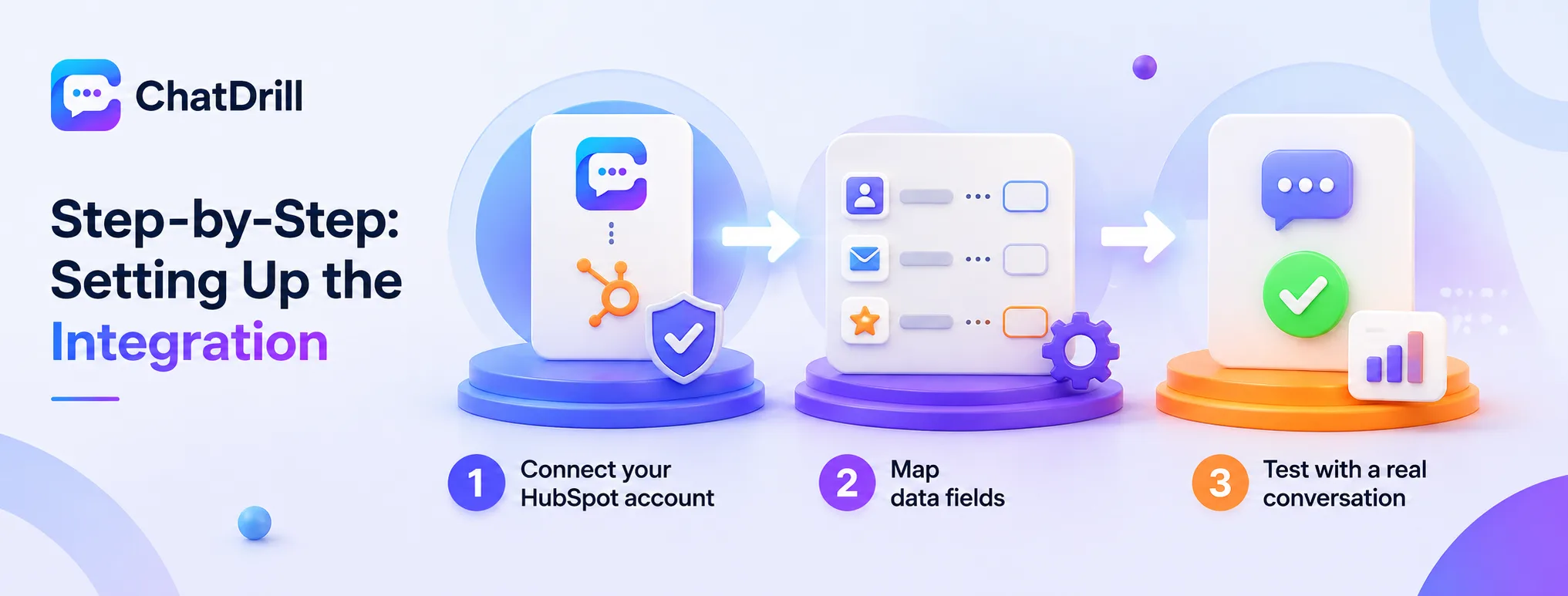
Setting up the integration involves connecting your HubSpot account through ChatDrill's settings, mapping the relevant data fields, and testing with a real conversation before relying on it at scale.
Step 1: Connect your HubSpot account
From ChatDrill's integrations settings, authorizing the connection to your HubSpot account, typically through an OAuth flow, establishes the basic link between the two systems.
This authorization step usually requires appropriate HubSpot admin permissions, so involving whoever manages your HubSpot account may be necessary if you don't have this access yourself.
Confirming the connection is genuinely active, rather than just initiated, is worth checking directly in both platforms' settings after this step.
Step 2: Map data fields
Configuring which chat data maps to which HubSpot fields, name, email, lead score, conversation summary, ensures information lands in the right place on the contact record.
This mapping step is worth reviewing carefully, since a misconfigured field mapping can result in data landing somewhere unexpected or not syncing at all.
Testing this mapping with a genuinely new test conversation, then checking the resulting HubSpot contact record, confirms the configuration is correct before broader use.
Step 3: Test with a real conversation
Running a complete test chat conversation through to a qualified outcome, then verifying the resulting HubSpot contact and activity data, confirms the full integration works end to end.
This test should include checking that any automated lead-scoring or workflow triggers you've configured in HubSpot actually fire correctly from the chat-sourced data.
Repeating this test periodically, especially after any update to either platform, helps catch integration issues before they affect real leads.
Common Mistakes With the ChatDrill-HubSpot Integration
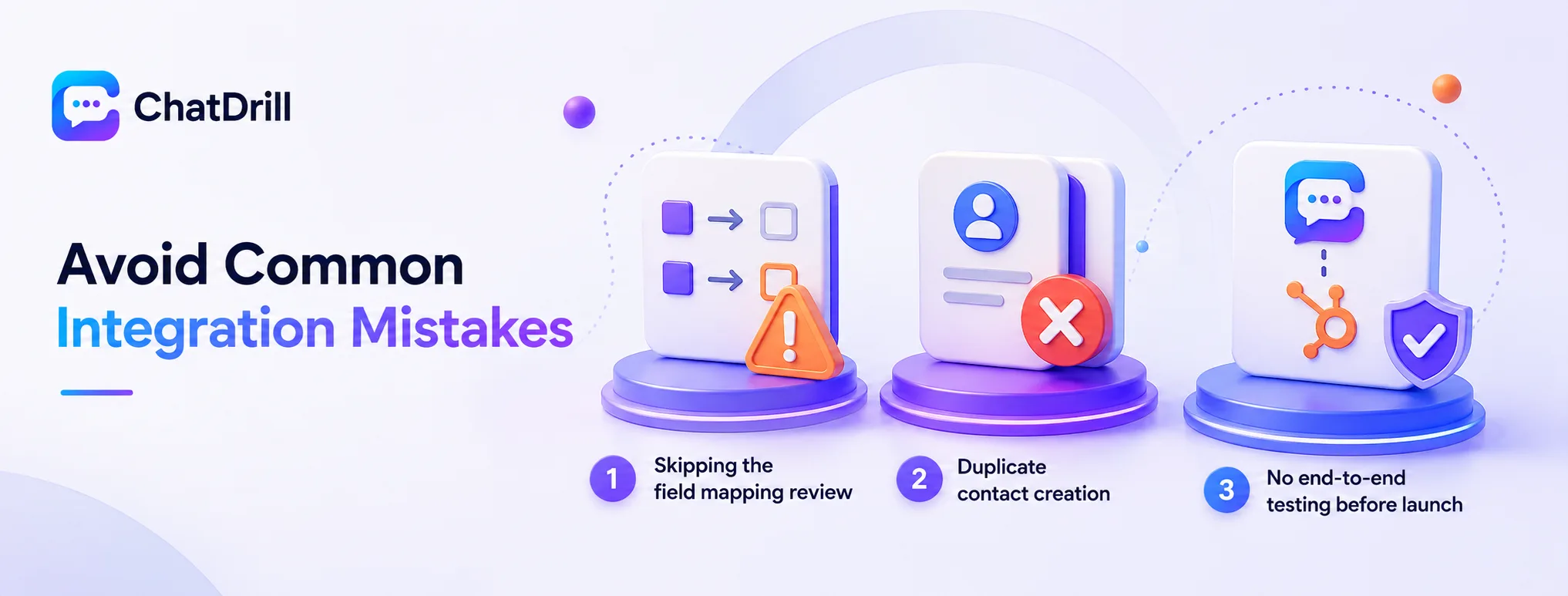
The most common mistakes are skipping the field mapping review, creating duplicate contacts due to poor matching logic, and never testing the integration end to end before relying on it for real leads.
Skipping the field mapping review
Accepting default field mappings without reviewing whether they match your actual HubSpot property structure can result in chat data landing in the wrong fields or not syncing at all.
Taking the time to review and adjust this mapping during initial setup avoids a frustrating discovery later that data wasn't syncing as expected.
Duplicate contact creation
Poorly configured contact matching can create a new HubSpot contact for someone who's already in your CRM, fragmenting their history across two separate records.
Testing the matching logic explicitly with an existing contact, not just new visitors, catches this issue before it creates a genuine data quality problem.
No end-to-end testing before launch
Assuming the integration works based on initial connection alone, without testing a complete conversation through to the resulting HubSpot record, risks discovering a gap only after real leads are affected.
A thorough test conversation before relying on the integration broadly catches configuration issues while they're still low-stakes to fix.
Getting the Most From the Integration Over Time
Beyond initial setup, reviewing synced data quality periodically and keeping field mappings aligned as your HubSpot property structure evolves keeps the integration delivering genuine value long-term.
Periodic data quality review
Checking a sample of synced contact records periodically confirms the integration continues working correctly as both platforms receive their own ongoing updates.
This review is worth scheduling on a regular cadence rather than only investigating when something obviously breaks.
Keeping mappings current
As your HubSpot property structure evolves, adding new fields or renaming existing ones, revisiting your ChatDrill field mapping keeps the sync accurate rather than silently falling out of alignment.
This maintenance is a relatively small ongoing investment relative to the value of keeping your lead data genuinely reliable.