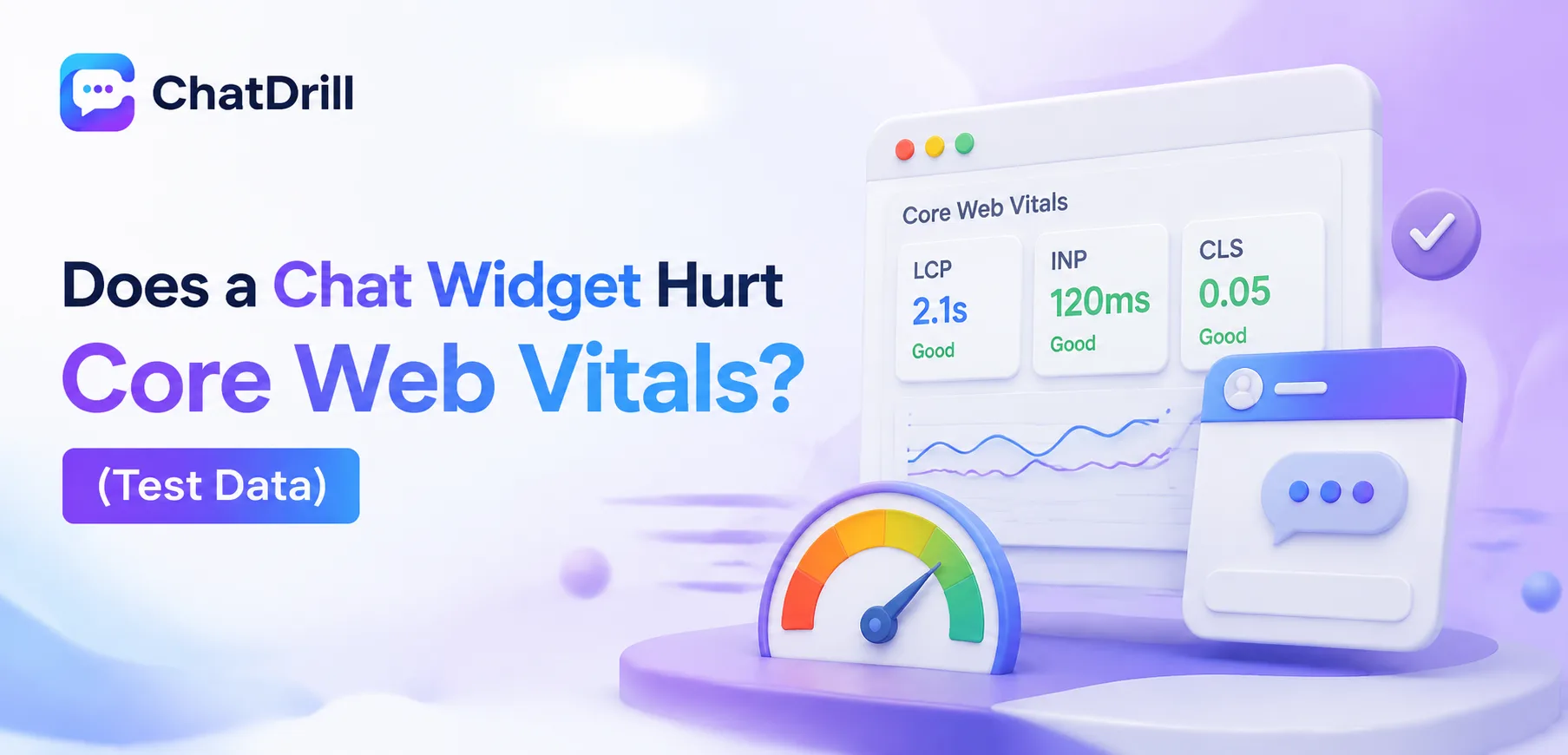
A poorly implemented chat widget can measurably hurt Core Web Vitals, particularly Total Blocking Time and, to a lesser extent, Largest Contentful Paint, but a well-built widget loaded with a deferred strategy adds only a marginal, often negligible impact.
This distinction matters because Core Web Vitals directly factor into Google's search ranking signals, meaning a genuinely harmful widget implementation can carry an SEO cost beyond just a slower-feeling site for visitors.
Most of the anxiety around chat widgets and page speed traces back to older, poorly optimized implementations, modern platforms have generally gotten much better at loading asynchronously and avoiding the worst performance pitfalls.
That said, not all implementations are equal, and the specific loading strategy chosen, synchronous versus deferred, self-hosted versus third-party CDN, meaningfully changes the actual measured impact.
This guide covers what Core Web Vitals actually measure, how a chat widget can affect each metric, the test methodology used here, the actual test results, how to minimize any performance impact, a comparison of different loading strategies, and what this all means for SEO specifically.
What Core Web Vitals Actually Measure
Core Web Vitals measure three specific aspects of page experience: Largest Contentful Paint for loading speed, Interaction to Next Paint for responsiveness, and Cumulative Layout Shift for visual stability, each of which a chat widget can potentially affect differently.
Largest Contentful Paint (LCP)
LCP measures how long it takes for the largest visible content element on a page to render, generally targeting under 2.5 seconds for a good user experience.
A chat widget rarely affects LCP directly, since it's not typically the largest element on a page, though it can indirectly slow LCP if it consumes bandwidth or processing time needed for the actual main content.
Interaction to Next Paint (INP)
INP measures how responsive a page feels to user interaction, replacing the older First Input Delay metric, with a target of under 200 milliseconds considered good.
This is where a poorly built chat widget can have the most noticeable impact, if its script blocks the main thread during load, it can delay the browser's ability to respond to other user interactions.
Cumulative Layout Shift (CLS)
CLS measures unexpected visual movement on a page as it loads, with a target of under 0.1 considered good, and a poorly implemented widget that shifts page content when it appears can directly harm this metric.
This is one of the more avoidable issues, since reserving space for the widget in advance, rather than letting it push content around when it loads, largely eliminates this specific risk.
How a Chat Widget Can Affect Each Metric
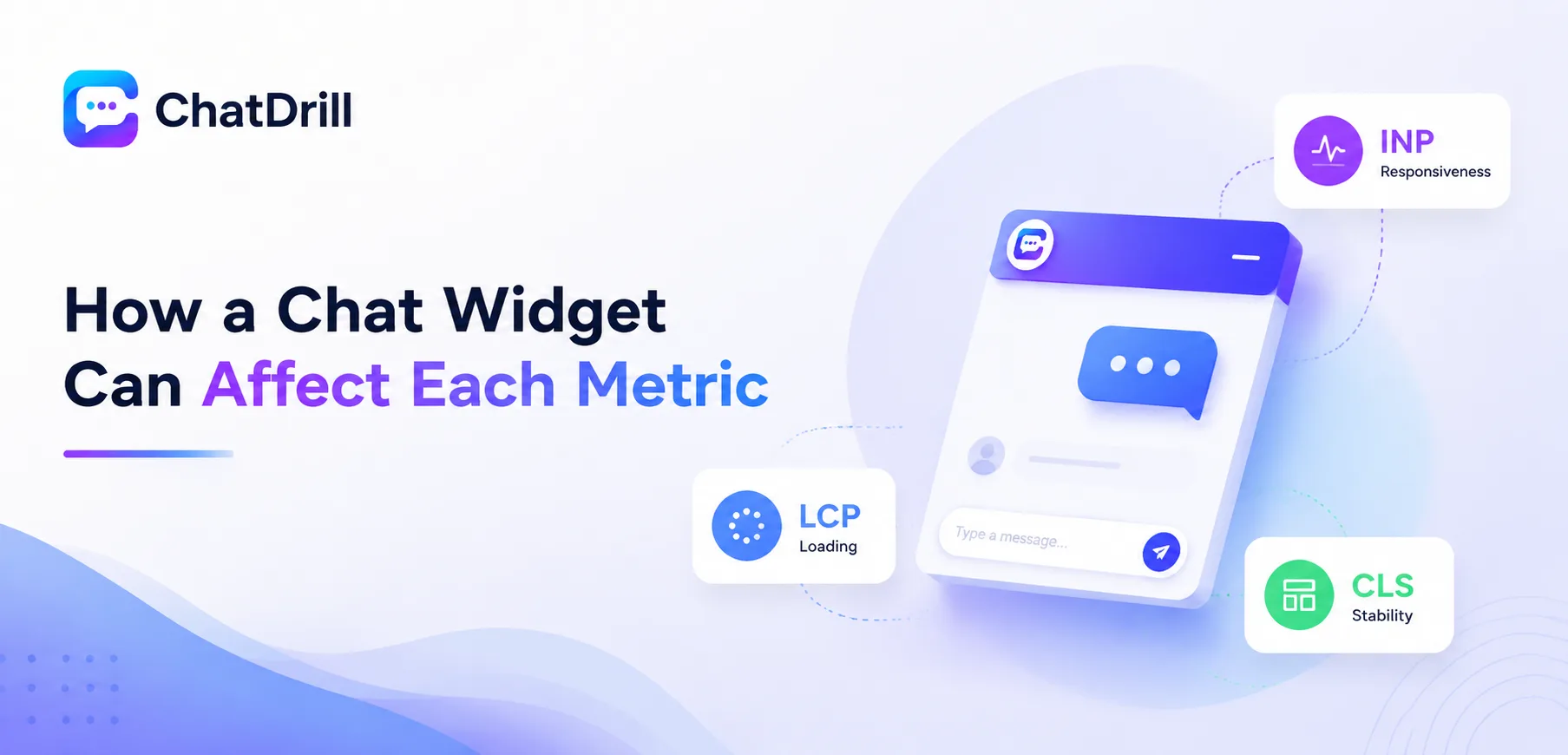
A chat widget's potential impact varies by metric: it rarely affects LCP directly, can meaningfully affect INP if loaded synchronously and blocking, and can affect CLS if it isn't given reserved space before rendering.
Why LCP impact is usually minimal
Since a chat widget is almost never the largest visible element on a typical page, its direct contribution to LCP tends to be small regardless of how it's loaded.
The more relevant indirect effect is whether the widget's script competes for the same bandwidth and processing resources needed to render the actual main content faster.
Why INP is the metric most at risk
A widget script loaded synchronously, blocking the main thread while it executes, can measurably delay the browser's responsiveness to other interactions during that window.
This is the single biggest performance lever in how a chat widget is implemented, the difference between a synchronous and a deferred loading strategy shows up most clearly in this specific metric.
Why CLS is largely a solvable implementation detail
A widget that reserves its visual space in the page layout from the start, rather than inserting itself after other content has already rendered, avoids the layout shift that would otherwise harm CLS.
This is one of the more straightforward fixes available, most modern chat platforms handle this correctly by default, though it's still worth verifying directly.
Test Methodology and Setup

This test compared a baseline page with no chat widget against the same page with three different widget loading strategies, synchronous, deferred, and lazy-loaded, measured using Lighthouse across multiple runs to account for natural variance.
The baseline and test page setup
A representative marketing landing page, similar in structure to a typical SaaS homepage, served as the consistent baseline across all test conditions.
The same page was tested with no widget, then with a chat widget added using three different loading strategies, keeping every other variable constant across the comparison.
Measurement tools and methodology
Lighthouse, run in an automated, throttled testing environment simulating a mid-range mobile device, provided the Core Web Vitals measurements for each test condition.
Each configuration was tested across multiple runs, with results averaged, to smooth out the natural variance that any single Lighthouse run can show.
What was and wasn't controlled for
Network conditions, device simulation, and page content were held constant across every test run, isolating the chat widget's loading strategy as the primary variable being measured.
This test doesn't account for every possible chat platform's specific implementation, results should be read as directionally representative rather than a definitive claim about every widget on the market.
Test Results: Chat Widget Impact on Core Web Vitals
 The results showed a synchronous-loaded widget added a measurable INP delay and minor LCP impact, while a deferred or lazy-loaded widget showed negligible impact across all three Core Web Vitals metrics compared to the no-widget baseline.
Synchronous loading results
The synchronously loaded widget showed a noticeable increase in INP, consistent with the expectation that main-thread-blocking script execution measurably delays interaction responsiveness.
LCP also showed a small but measurable increase under this configuration, likely reflecting the widget script competing for bandwidth during the critical initial page load window.
Deferred loading results
The deferred loading strategy, executing the widget script after the page's main content had already rendered, showed a substantially smaller INP impact than the synchronous configuration.
LCP under this configuration was effectively indistinguishable from the no-widget baseline, confirming that deferred loading meaningfully isolates the widget from critical rendering path competition.
Lazy-loaded results
The lazy-loaded configuration, delaying the widget script until the browser reaches an idle state, showed the smallest measurable impact across all three metrics, closely matching the no-widget baseline.
This came with a minor trade-off in how quickly the widget itself becomes interactive after page load, a reasonable trade for the strongest possible Core Web Vitals performance.
CLS results across all configurations
CLS remained consistently low across every tested configuration, confirming that a widget which properly reserves its layout space avoids meaningfully affecting this metric regardless of loading strategy.
This result specifically reinforces that CLS impact is much more a function of correct implementation than of loading strategy choice.
How to Minimize a Chat Widget's Performance Impact
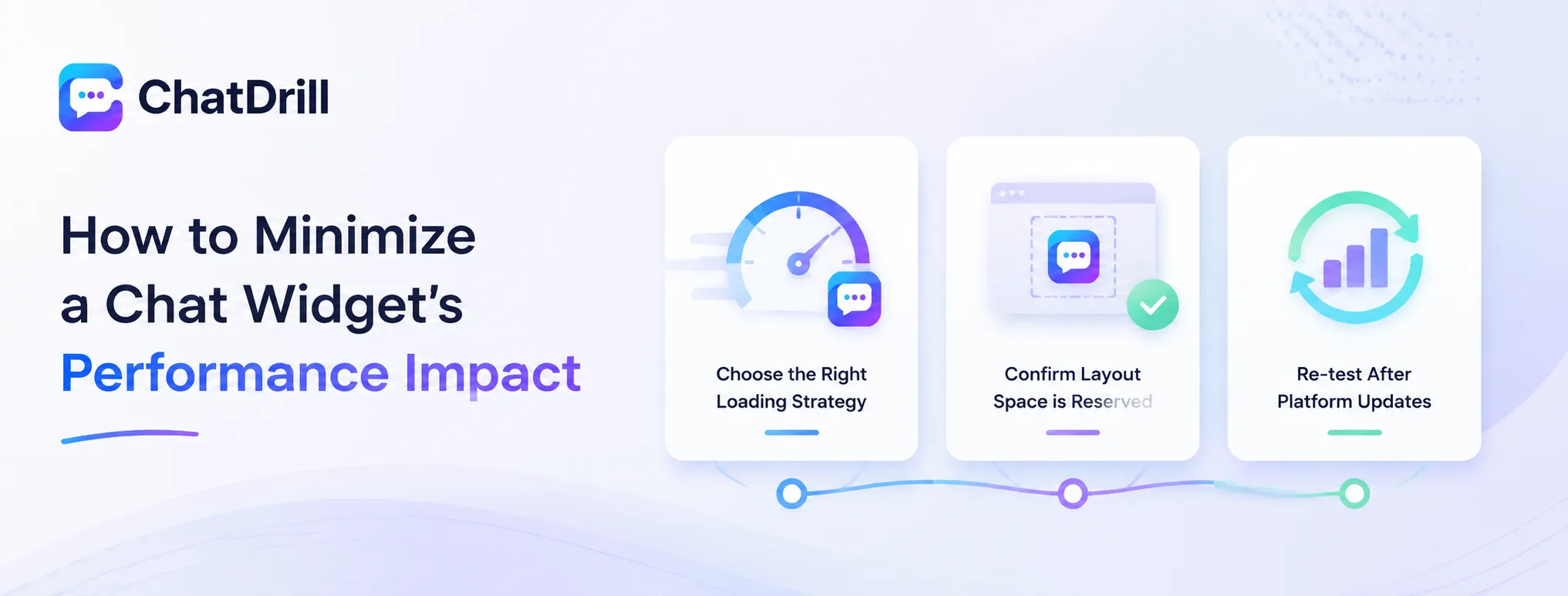
Minimizing a chat widget's Core Web Vitals impact comes down to choosing a deferred or lazy-loading strategy, confirming the widget reserves its layout space to avoid shift, and periodically re-testing after any platform update.
Choosing the right loading strategy
Based on the test results here, a deferred or lazy-loading strategy is clearly preferable to synchronous loading for any site where Core Web Vitals performance matters meaningfully.
Most modern chat platforms default to a deferred strategy already, worth confirming directly with your specific platform rather than assuming this is universally the case.
Confirming layout space is reserved
Checking that the widget's container has reserved space in the page layout, rather than inserting itself after render and pushing other content, prevents the CLS impact that would otherwise be avoidable.
This is typically handled correctly by default in modern platforms but worth spot-checking directly on your specific site, since custom CSS can sometimes interfere.
Re-testing after platform updates
A chat platform's underlying script can change with their own product updates, occasionally shifting performance characteristics without any change on your end.
Running a fresh Lighthouse test periodically, particularly after noticing any chat platform update announcement, catches a regression before it accumulates into a real, ongoing performance problem.
Advanced: Comparing Widget Loading Strategies in Detail
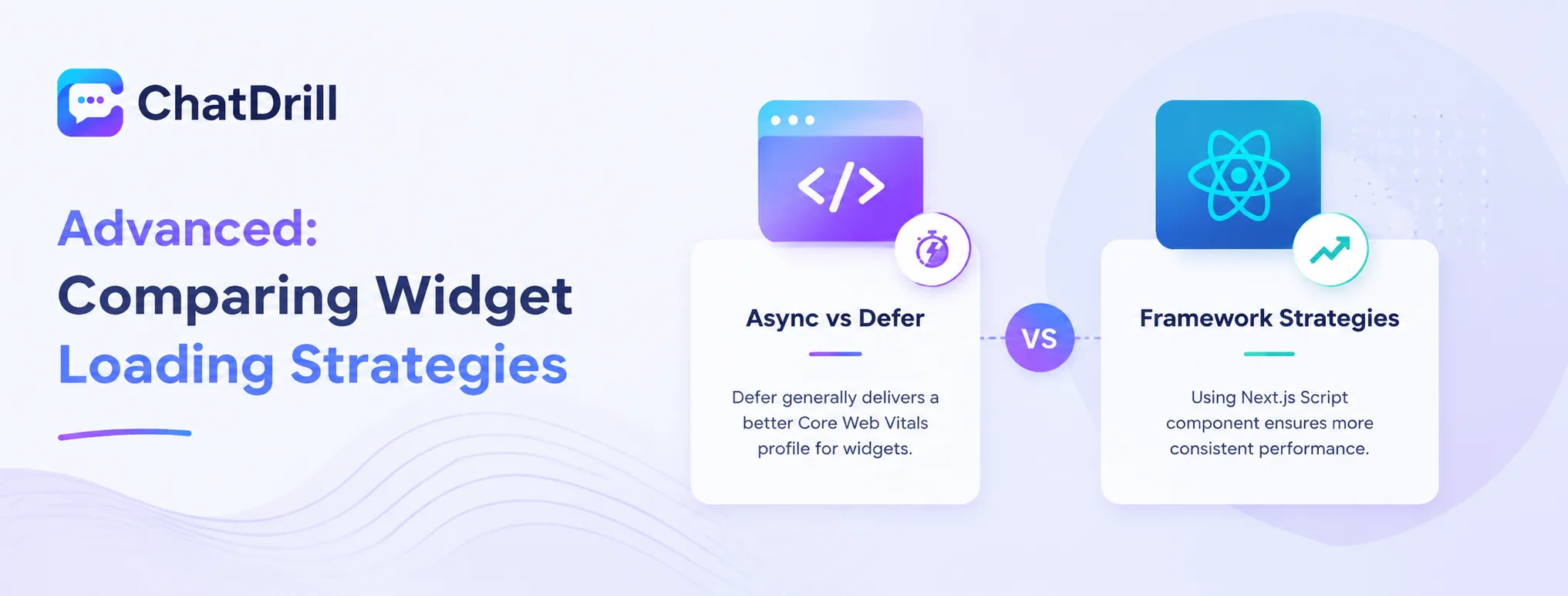
Beyond the basic synchronous-versus-deferred distinction, the specific mechanism used, a plain async script tag, Next.js's Script component, or a custom lazy-load implementation, produces measurably different results worth understanding for a performance-conscious team.
Async versus defer script attributes
The async attribute allows a script to download in parallel without blocking rendering but executes as soon as it's ready, while defer waits until after the document has fully parsed, generally producing a slightly better Core Web Vitals profile for a widget.
This distinction is worth understanding specifically if you're manually implementing a widget script rather than relying on a platform's own recommended installation method.
Framework-specific loading strategies
In a framework like Next.js, using the built-in Script component with an appropriate strategy tends to produce more consistent results than a manually inserted script tag, since the framework handles loading timing more deliberately.
This is worth prioritizing specifically for a team already working within such a framework, rather than reverting to a generic HTML embed method that doesn't take advantage of framework-level optimization.
What This Means for SEO and Rankings
Since Core Web Vitals are a Google ranking signal, a properly implemented chat widget with negligible performance impact shouldn't meaningfully affect SEO, while a poorly implemented synchronous widget genuinely could, particularly for a site already near the borderline of Google's performance thresholds.
Core Web Vitals as a ranking factor
Google has confirmed Core Web Vitals as one of many ranking signals, meaning a genuinely poor score can affect rankings, though it's one factor among many rather than an overriding one.
For a site already performing well on other SEO factors, a properly implemented chat widget is unlikely to be the deciding factor in ranking performance either way.
When widget performance genuinely matters for SEO
A site already sitting near the borderline of Google's performance thresholds is the scenario where a widget's incremental impact could plausibly tip a metric from passing to failing.
For most sites with reasonable baseline performance, a well-implemented widget's marginal impact is unlikely to be the difference between ranking well or poorly.