Content
Salesforce's flexibility as a CRM, with custom objects, fields, and workflow automation, means a chat integration needs to be configured thoughtfully to actually match how your specific sales process is structured, rather than assuming a generic mapping will work.
Done well, connecting ChatDrill to Salesforce means a qualified chat conversation creates or updates the right Salesforce object, lead or contact, with full conversation context attached, ready for your sales team's existing workflow to pick up immediately.
Given how central Salesforce often is to a B2B sales organization's entire pipeline visibility, getting this integration genuinely reliable matters more here than for a simpler, less mission-critical CRM setup.
This guide covers why thoughtful configuration matters specifically for Salesforce, what a strong setup includes, a step-by-step process, and mistakes worth avoiding.
Quick answer: Connecting ChatDrill to Salesforce syncs qualified chat conversations directly into Salesforce leads or opportunities, mapping conversation data to the correct object and fields so a sales rep sees full context the moment a chat-sourced lead reaches their pipeline.
Why Salesforce Integration Needs Thoughtful Configuration
Salesforce's flexibility means every organization's setup is genuinely different, making a one-size-fits-all chat integration approach less reliable than one configured specifically around your actual object and field structure.
The customization reality of most Salesforce setups
Many organizations run Salesforce with custom fields, custom objects, and workflow automation genuinely tailored to their specific sales process, meaning a generic integration mapping often doesn't fit without adjustment.
Recognizing this upfront, rather than assuming default settings will work correctly, sets more realistic expectations for the setup process.
This is a genuine difference from a more standardized CRM, where default mappings tend to work reasonably well out of the box for most organizations.
Why getting this right matters for pipeline visibility
For many B2B sales organizations, Salesforce is the single source of truth for pipeline visibility, meaning a chat lead that doesn't sync correctly is effectively invisible to sales leadership's forecasting and reporting.
This stakes level makes thorough testing and configuration review worth the additional upfront time investment relative to a lower-stakes integration.
What a Strong ChatDrill-Salesforce Setup Includes
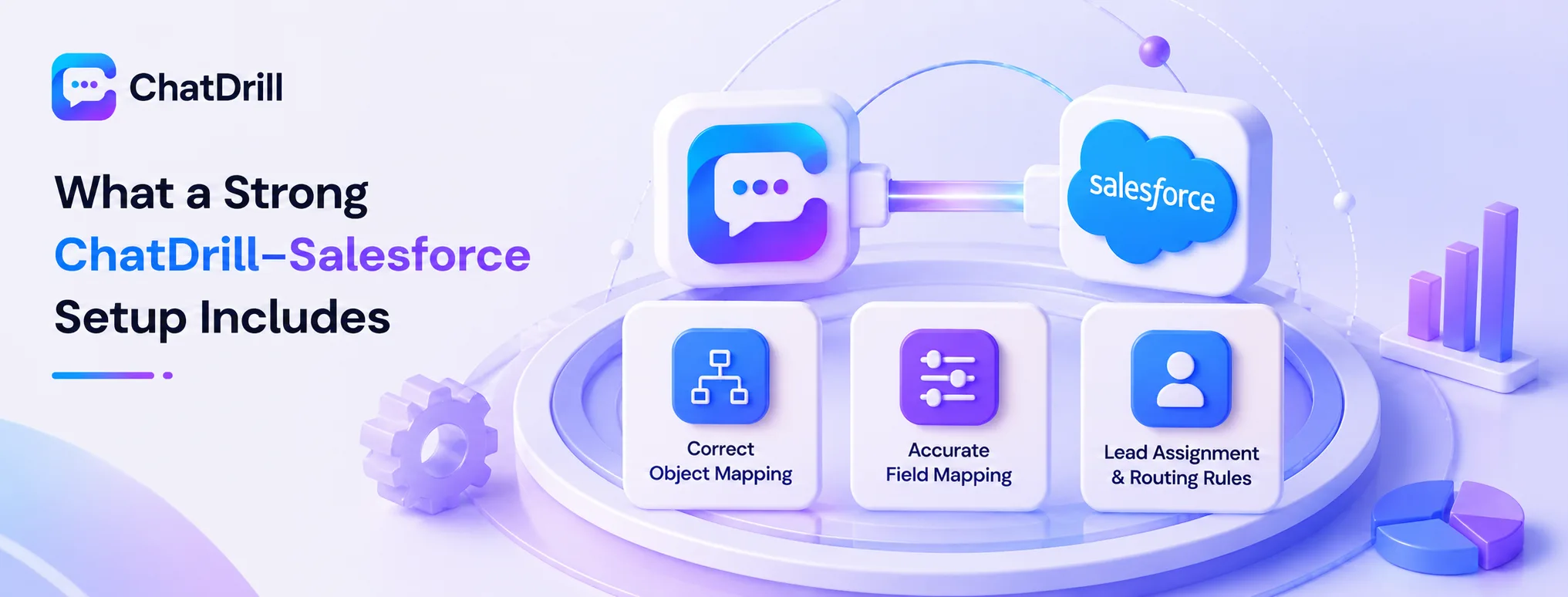
A strong setup includes correct object mapping matched to your actual sales process, accurate field-level data mapping, and lead assignment rules that route a chat-sourced lead to the right rep automatically.
Correct object mapping
Should chat leads create a Salesforce Lead or a Contact?
or feed into an existing Opportunity depends on your specific sales process, worth confirming explicitly rather than assuming a default.
This decision affects how your sales team actually encounters and works this data, making it worth involving sales operations directly in this configuration choice.
Testing this mapping against your actual process, not just a generic assumption, confirms chat-sourced data lands where your team expects to find it.
Accurate field-level mapping
Mapping chat data, contact details, conversation summary, lead score, to the correct Salesforce fields, including any custom fields your organization uses, ensures information is genuinely usable once it arrives.
This mapping deserves the same careful review as the object-level decision, since a misconfigured field mapping can mean valuable context lands somewhere your sales team never checks.
Reviewing your organization's actual field structure directly, rather than assuming standard field names apply, avoids this specific configuration gap.
Lead assignment and routing rules
Configuring how a chat-sourced lead gets assigned, to a specific rep, a queue, or based on territory rules, ensures it reaches the right person promptly rather than sitting unassigned.
This routing logic should align with whatever assignment rules your Salesforce setup already uses for other lead sources, keeping the process consistent.
Testing this routing with a real test lead confirms it reaches the intended destination before relying on it for genuine prospects.
Step-by-Step: Setting Up the Integration
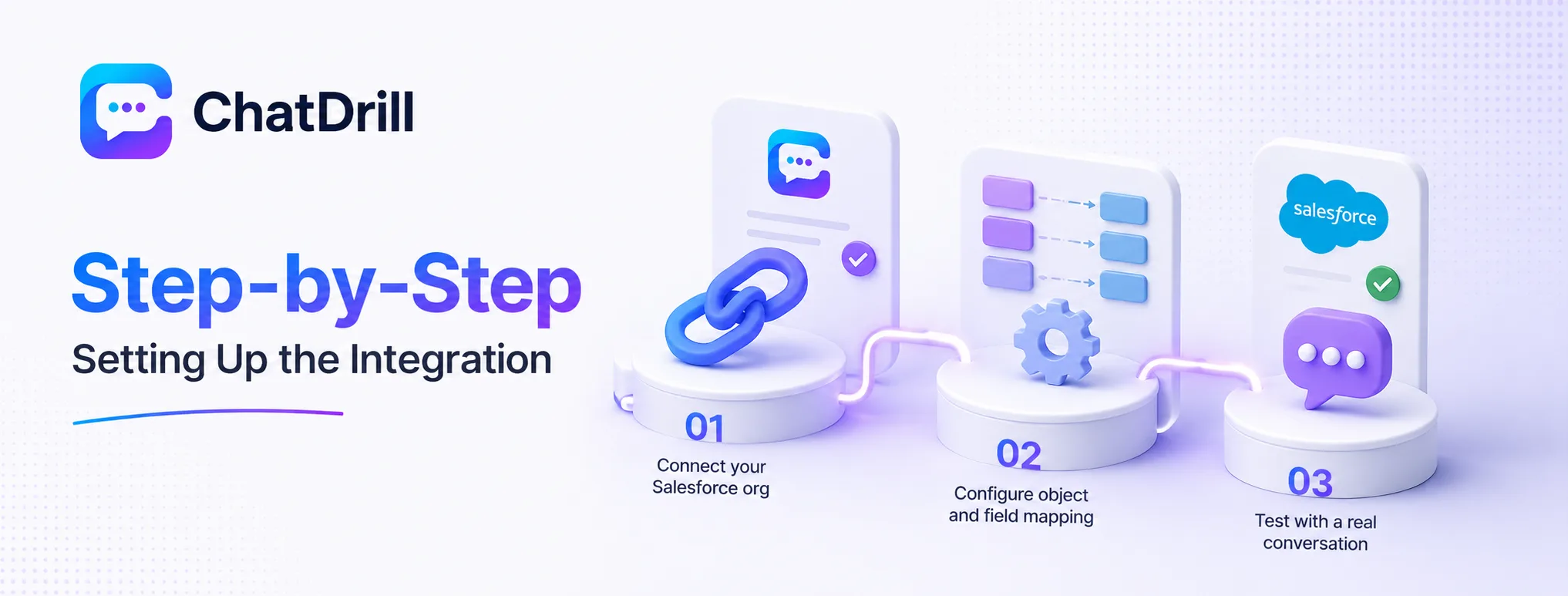
Setting up the integration involves connecting your Salesforce org through ChatDrill's settings, configuring object and field mapping to match your actual process, and testing with a real conversation before relying on it broadly.
Step 1: Connect your Salesforce org
From ChatDrill's integrations settings, authorizing the connection to your Salesforce organization establishes the basic technical link between the two systems.
This typically requires Salesforce admin permissions, so involving whoever manages your org may be necessary if you don't hold this access yourself.
Confirming the connection is genuinely active and has the correct permission scope is worth checking directly after this initial authorization step.
Step 2: Configure object and field mapping
Working with whoever manages your Salesforce configuration to map chat data to the correct objects and fields, including any custom fields specific to your organization, ensures the integration matches your actual process.
This step benefits from involving sales operations directly, given how much they understand about how your team actually works leads day to day.
Documenting this mapping configuration as you go creates a useful reference for troubleshooting or future adjustments.
Step 3: Test with a real conversation
Running a complete test chat conversation through to a qualified outcome, then verifying the resulting Salesforce record and any triggered automation, confirms the full integration works correctly end to end.
This test should specifically confirm lead assignment routing works as intended, not just that the record was created successfully.
Repeating this test after any significant Salesforce configuration change helps catch integration issues before they affect real leads.
Common Mistakes With the ChatDrill-Salesforce Integration
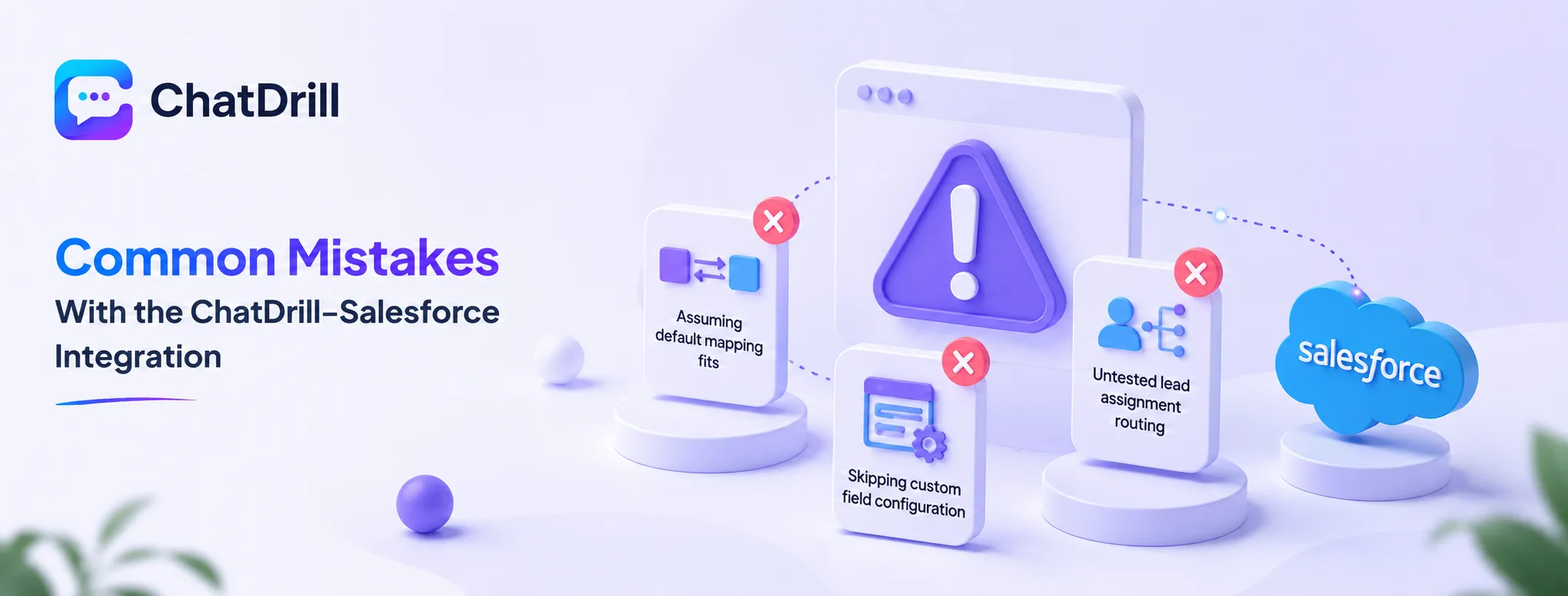
The most common mistakes are assuming default object mapping fits your process without confirming it, skipping custom field configuration, and not testing lead assignment routing specifically before launch.
Assuming default mapping fits
Accepting a generic Lead-versus-Contact mapping without confirming it matches how your specific sales process actually works can result in chat-sourced data landing somewhere your team doesn't expect.
Involving sales operations in this decision during setup, rather than after a mismatch is discovered, avoids this configuration gap.
Skipping custom field configuration
Mapping only to Salesforce's standard fields, while ignoring custom fields your organization actually relies on, means valuable chat context may not reach the places your team actually looks for it.
Reviewing your organization's real field structure directly during setup, rather than assuming standard fields are sufficient, avoids this gap.
Untested lead assignment routing
Assuming lead routing works correctly without testing it directly risks a chat-sourced lead sitting unassigned or reaching the wrong rep, delaying follow-up on a genuinely qualified prospect.
Testing this specific routing behavior with a real test lead before relying on it broadly catches this issue while it's still low-stakes to fix.
Maintaining the Integration as Salesforce Evolves
Keeping field mappings current as your Salesforce configuration changes, and periodically reviewing synced data quality, ensures the integration continues delivering reliable value as your organization grows.
Keeping mappings current with configuration changes
As your Salesforce admin adds new custom fields or adjusts existing workflow automation, revisiting your ChatDrill field mapping keeps the integration aligned rather than silently drifting out of sync.
Building this review into your regular Salesforce change-management process, rather than treating it as a separate afterthought, keeps this maintenance from being forgotten.
Periodic data quality checks
Reviewing a sample of chat-sourced Salesforce records periodically confirms the integration continues working correctly as both platforms receive ongoing updates over time.
This review is a relatively small time investment relative to the cost of a silently broken integration going unnoticed for an extended period.