
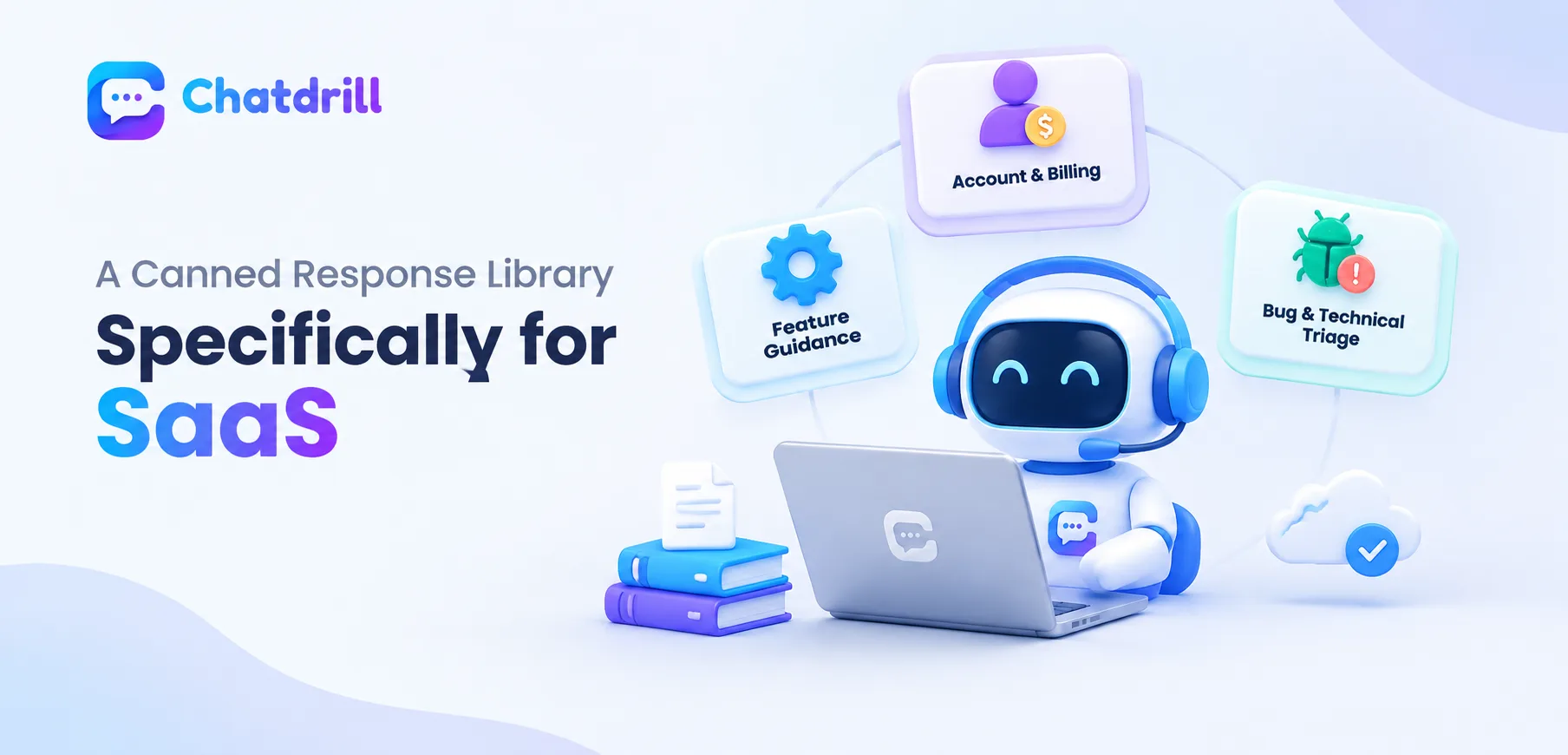
SaaS support conversations concentrate around a genuinely distinct set of categories compared to ecommerce, account and billing management, feature usage guidance, and technical issue triage, each deserving a tailored canned response approach reflecting software support's particular patterns.
Quick answer: An effective SaaS canned response library covers account and billing questions, feature how-to guidance, and bug or technical issue triage, since these represent the highest-volume, most predictable categories in software support, structured to resolve routine questions quickly while clearly distinguishing what a canned response can fully resolve from what genuinely needs deeper, individualized investigation.
The genuine challenge for SaaS specifically lies in distinguishing which questions a canned response can fully resolve from those requiring deeper, individualized technical investigation, since applying a canned response to a genuinely complex issue can create false reassurance.
This guide provides adaptable canned responses for SaaS's most common categories, along with the reasoning behind their structure and the important distinction between routine and complex issues.
This guide covers account and billing responses, feature guidance and bug triage responses, common mistakes, maintaining the library over time, and how ChatDrill supports SaaS canned responses.
Account and Billing Responses
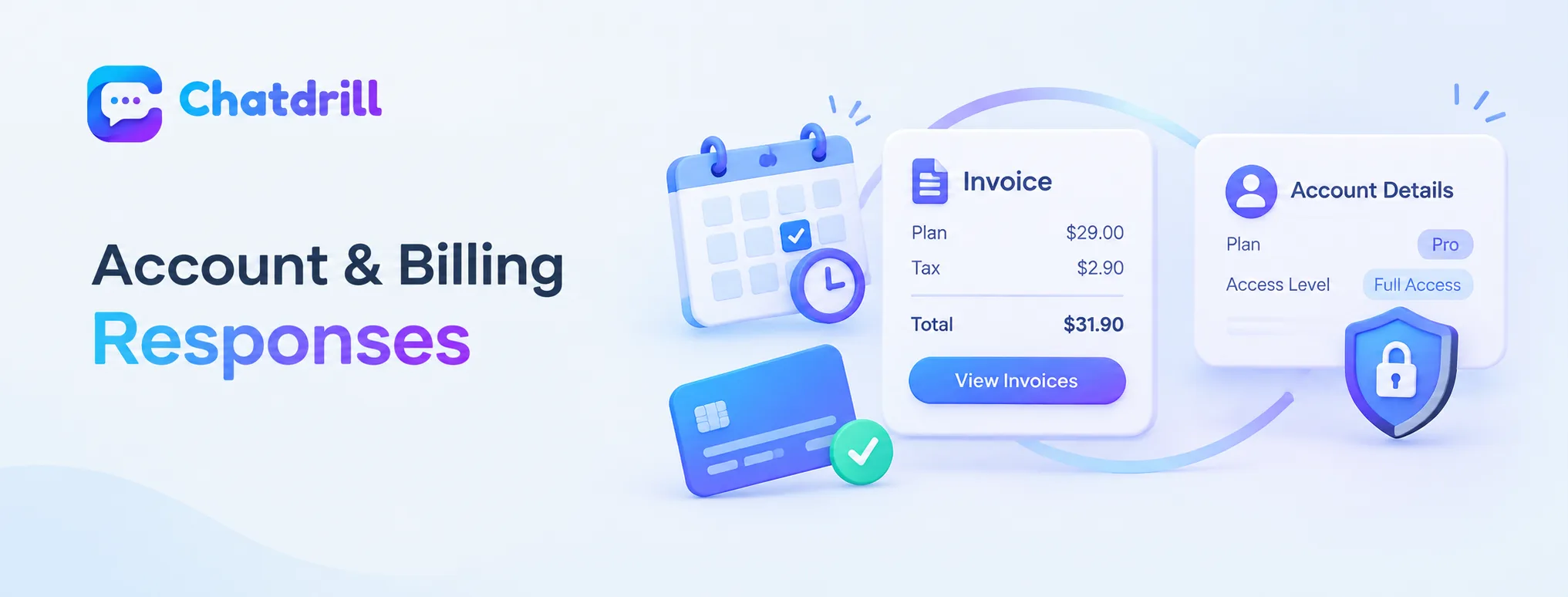
Account and billing responses should provide specific, actionable steps while clearly flagging anything requiring individualized account review.
Common billing question response
"Your next billing date is [date] for [plan/amount]. You can update your payment method or view past invoices here: [link]." provides complete, self-service-enabling information in one response.
This completeness respects that a billing question, often somewhat sensitive, benefits from a clear, complete answer that doesn't require additional back-and-forth to fully resolve.
Account access or permission response
"I can see your account is on the [plan] tier, which includes [specific access level]. If you need [additional access], here's how to upgrade: [link]." clarifies the specific, current account status before addressing the underlying request.
This specificity avoids a generic response that might not reflect the customer's actual, current account configuration accurately.
Feature Guidance and Bug Triage Responses
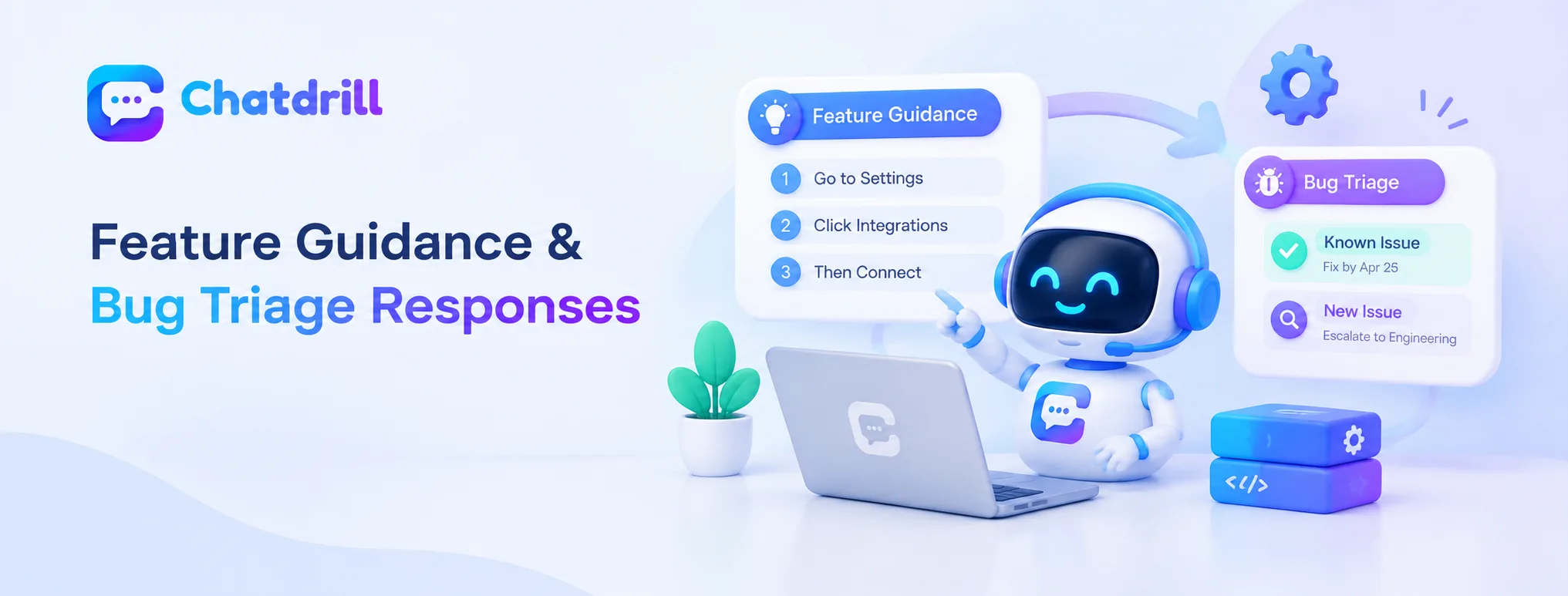
Clear, step-by-step feature guidance and honest bug-triage language that distinguishes known issues from novel ones both serve SaaS support well.
Feature how-to guidance
"To do that, go to [specific location], click [specific button], then [next step]. Let me know if you get stuck at any point!" provides genuinely actionable, step-by-step guidance rather than a vague pointer to general documentation.
This step-by-step specificity respects that a customer asking a how-to question usually wants immediate, actionable direction rather than being redirected elsewhere to search independently.
Bug triage and escalation response
"Thanks for flagging that, this is a known issue we're actively working on, expected fix by [timeframe]."
or, for something novel, "That's not something we've seen before, let me get this to our engineering team to investigate properly." honestly distinguishes known from novel issues.
This honest distinction, rather than a generic "we'll look into it" for every technical report, sets more accurate expectations and builds genuine trust in the support process.
Common Mistakes in SaaS Canned Responses
Applying a canned response to a genuinely complex, individualized issue, and failing to update responses as the product evolves, are common mistakes.
Applying canned responses to complex issues
Using a generic canned response for a genuinely complex, account-specific technical issue creates a false impression of resolution while the underlying problem remains genuinely unaddressed, eventually frustrating the customer further.
Recognizing when a question genuinely exceeds what a canned response can appropriately address, and escalating accordingly, protects against this specific, trust-damaging mistake.
Outdated responses after product changes
A canned response referencing an old feature location, superseded pricing tier, or outdated interface element creates genuine confusion once the actual product has moved on from what the response describes.
Establishing a regular review habit specifically tied to product release cycles keeps feature-guidance responses genuinely current.
Maintaining Your Library Over Time
Tying response reviews to product release cycles and tracking which responses correlate with genuine resolution keep the library effective as the product evolves.
Tying reviews to product release cycles
Reviewing feature-guidance responses specifically whenever a related product update ships ensures this maintenance happens at exactly the moment it's most needed, rather than on an arbitrary, disconnected schedule.
This release-tied review habit reflects the genuine, ongoing nature of SaaS product evolution more accurately than a generic, periodic review alone.
Tracking genuine resolution correlation
Reviewing whether conversations using a specific canned response tend to resolve successfully, or tend to generate follow-up frustration, reveals which responses in your library are genuinely working versus which need refinement.
This resolution-focused tracking produces more actionable maintenance priorities than simply tracking raw usage frequency alone.